Confirming RSVPs and Activities
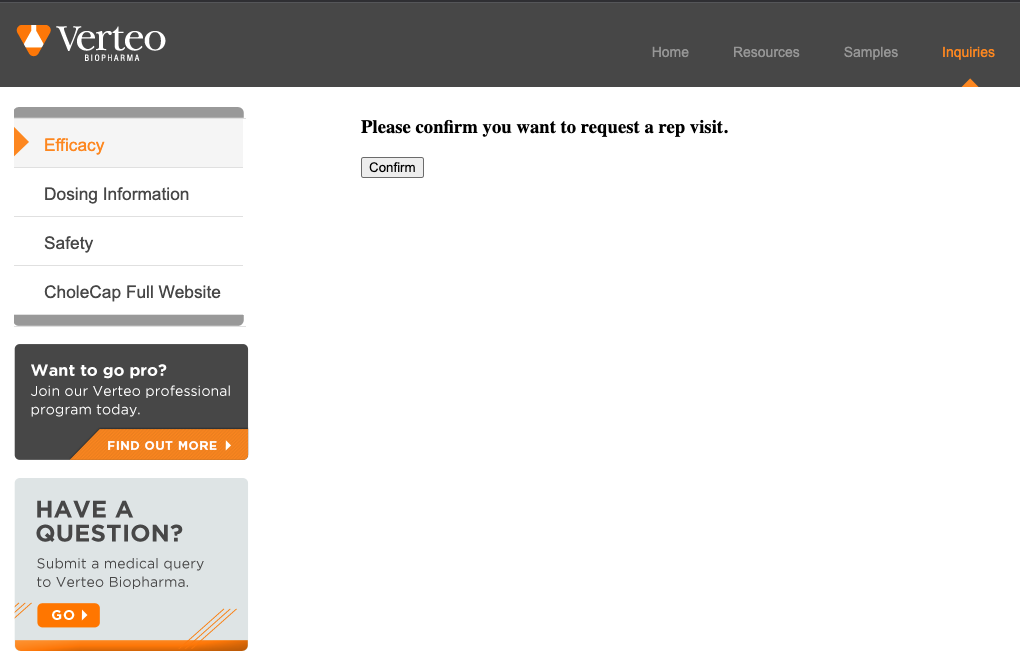
To prevent systems, for example, bots or firewalls, from confirming Events Management RSVPs or multichannel activities, admins can configure a customized confirmation step for email recipients. This is similar to the confirmation step used for consent confirmation emails.
Who can use this feature?
- Browser, iPad, iPhone Users
- Users require an Approved Email license
- Content Admin Users
Configuring Confirmation for RSVPs and Activities
 Content Admin Users
To configure a confirmation step:
- Ensure that Tracking Multichannel Activities from Approved Emails and Approved Email for Events Management are configured.
- Grant Edit field permission to the consent_confirmation_html__v and html_message__v fields on the multichannel_message__v object.
- Create a multichannel_message__v record with the Approved Email Action object type to define the confirmation message. An existing Multichannel Message record can be used if the Consent Confirmation HTML field is updated. This record should contain information for at least the following fields:
- name__v
- message_identifier__v
- consent_confirm_html__v - Defines the HTML for a confirmation step before confirming a link action. This prevents the recipient's systems from unintentionally confirming an RSVP or activity. Include the confirmConsent token.
Copy
Confirmation button example
<form method="post">
    <input type="submit" name="{{confirmConsent}}" value="Confirm">
</form> - html_message__v - Defines the HTML for the Thank You message

