Viewing Campaigns and Journeys
Marketing users can search for and view campaign and journeys in either the Home tab, or in the Campaigns tab.
Who can use this feature?
- Marketing Users - Browser
- Viewing a Campaign from the Home Tab
- Viewing a Campaign from the Campaigns Tab
- Searching for Campaigns
- Users require a Campaign Manager license
Configuring Viewing Campaigns and Journeys for
 Marketing Users
To configure this feature, ensure Configuring Campaign Manager is complete.
Viewing a Campaign from the Home Tab as
Marketing Users
To quickly view a recently-created campaign or journey, select the Home tab.
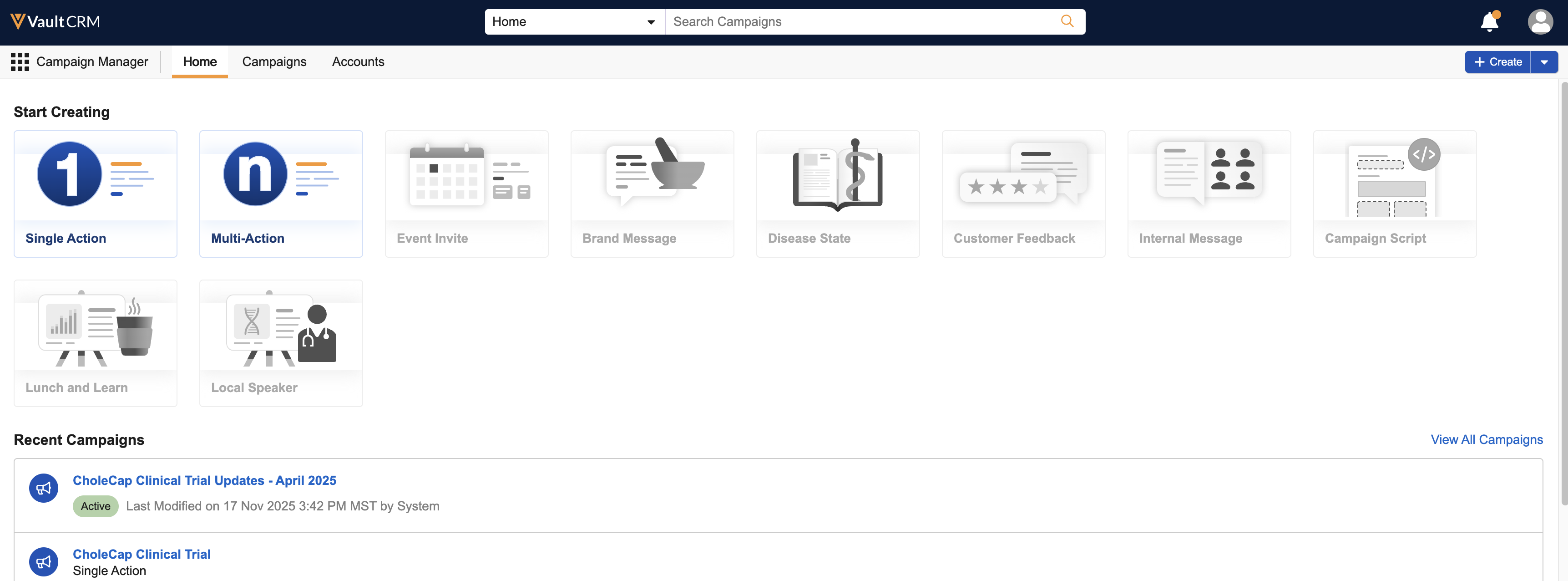
The following details display for each campaign or journey:
- Name
- Description
- A pill icon indicating the status
- Date and time of the most recent edit, along with the name of the user who made the edit
To view one of these campaigns or journeys, select the appropriate row from the Recent Campaigns list.
Select the View All Campaigns link to display the Viewing a Campaign or Journey from the Campaigns Tab if you do not see the campaign you are looking for in this list.
A No Campaigns Available message displays if there are not suite_campaign__v type campaign__v records accessible to the user.
Viewing a Campaign or Journey from the Campaigns Tab as
Marketing Users
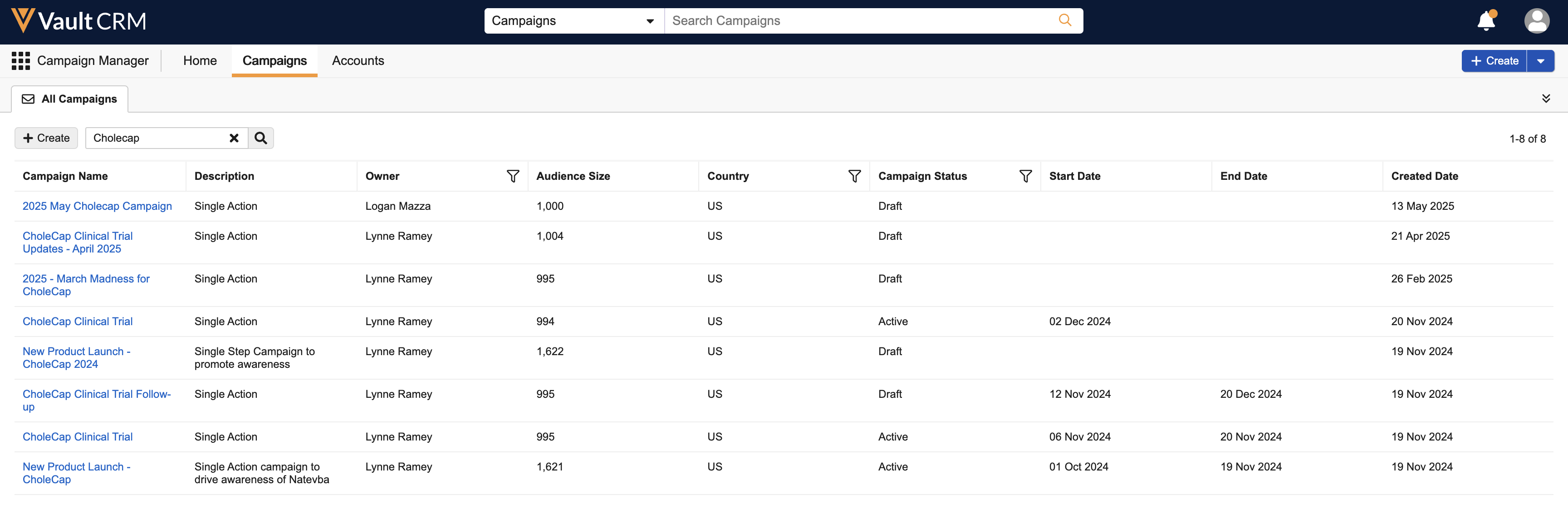
If the campaign or journey you are looking for is not one of the most recently created, select Campaigns > All Campaigns to view a list of all suite_campaign__v type campaign__v records.
Twenty-five campaigns display per page of results. You can also use the following tools alone or in combination to help refine your search:
- Search – The following columns can be searched on:
- Name
- Description
- Owner
- Country
- Select a column header to sort the list of results based on that column
- Filter the following columns:
- Owner
- Country
- Status
Select the appropriate link in the Name column to open the corresponding campaign.
Searching for Campaigns and Journeys as
Marketing Users
Marketing users can search for a specific campaign or journey anywhere in Campaign Manager using the search bar at the top of the screen. Search results display in the All Campaigns tab.