Consent Capture on iPhone
- Document Model
Users can access Consent Capture features through a dedicated experience on the iPhone platform, allowing users to use their iPhone to capture required HCP consent to receive communication through various channels and for storing personal information. See Consent Capture as Document Overview for more information.
Who can use this feature?
- End Users (iPhone)
- Use Consent Capture on iPhone
- Users do not require an additional license
Configuring Consent Capture on iPad for
 End Users
- Ensure Configuring Consent Capture as Document is complete.
- Navigate to Business Admin > Objects > VMobile Object Configurations.
- Create or activate iPhone VMOCs for the following objects:
- consent_header__v
- consent_type__v
- consent_line__v
- content_type__v
- country__v
- email_activity__v
- multichannel_consent__v
- vcountry__v
Using Consent Capture on iPhone as
End Users
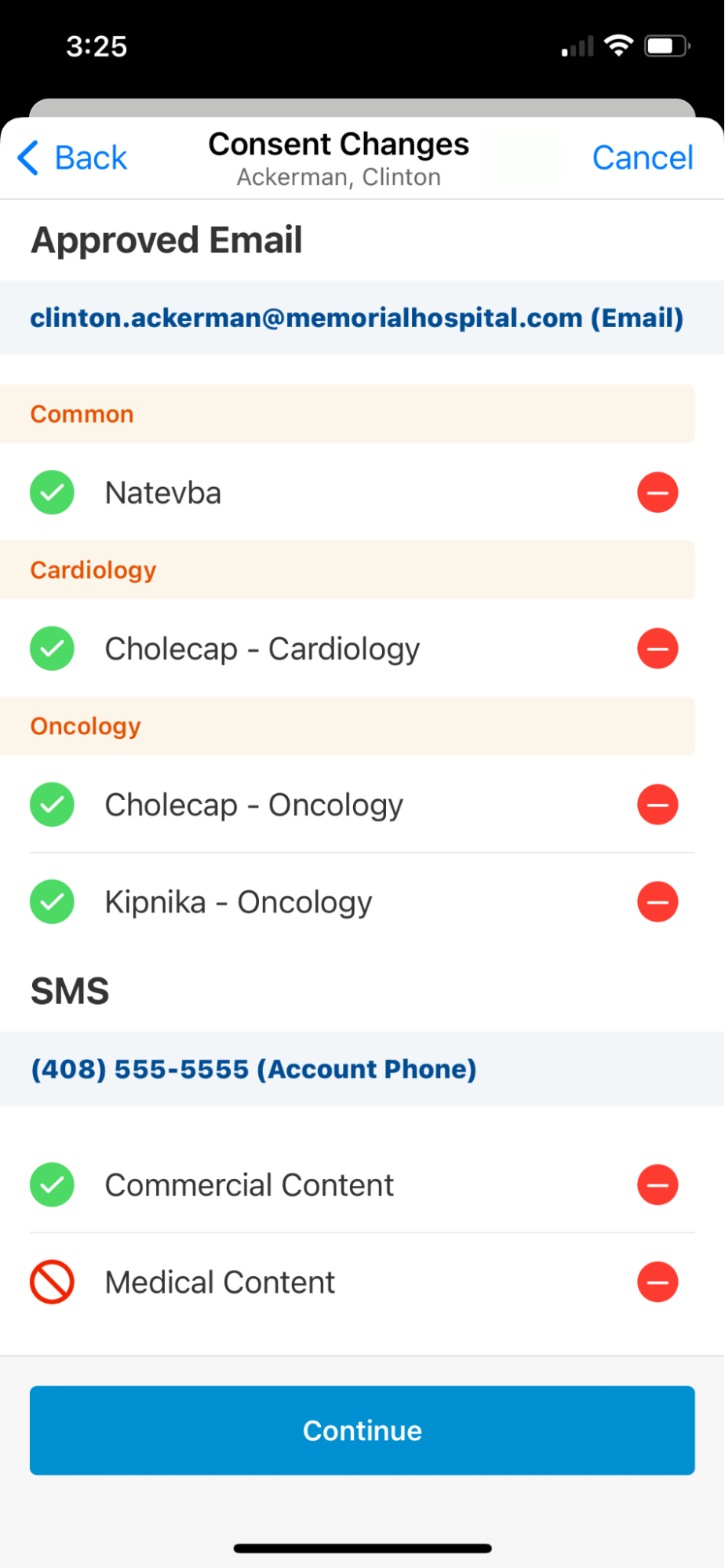
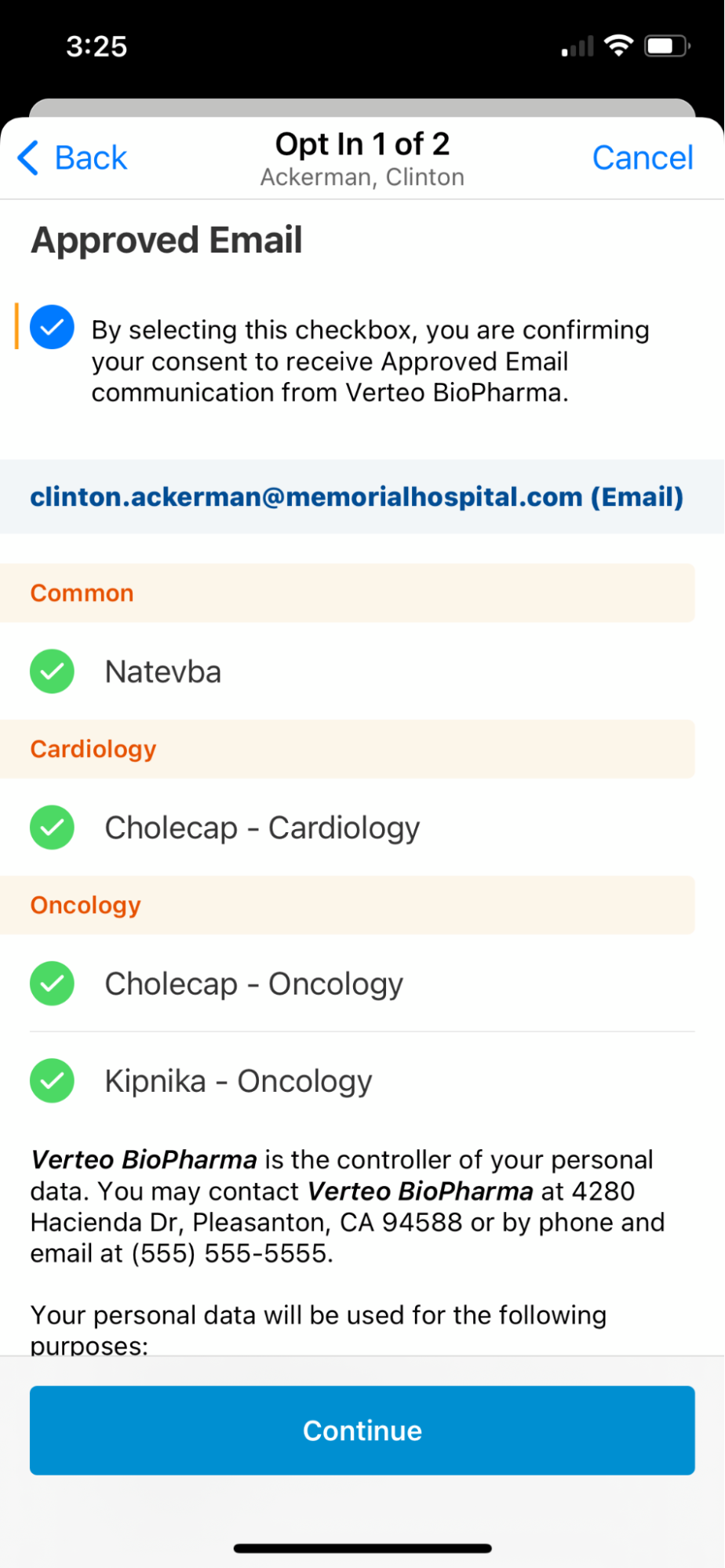
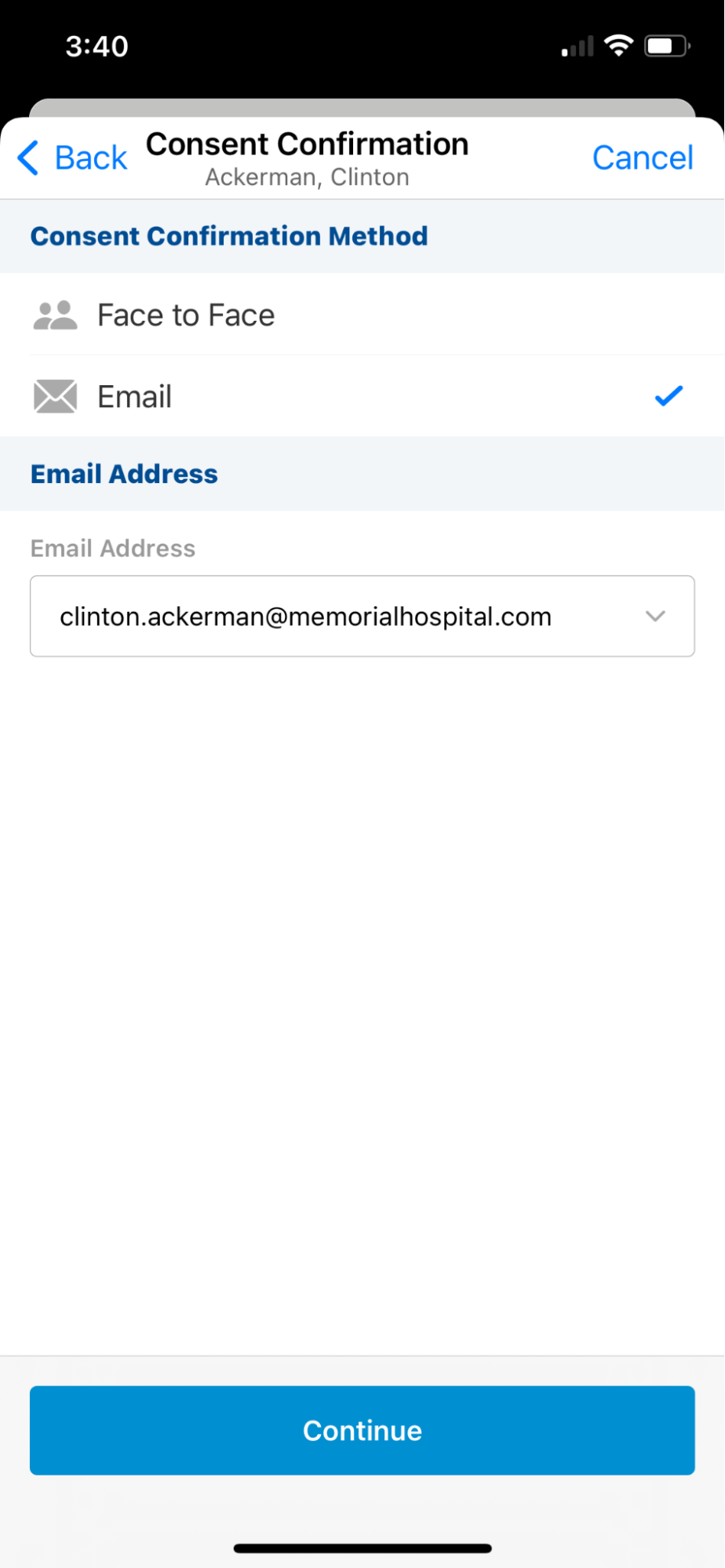
On the iPhone, the consent capture process is divided among sequential pages. Users can select Continue at the bottom of the screen to proceed to the next step. Editing channel sources is not supported when using Consent Capture on the iPhone.