Agentic Media Overview
Agentic Media uses AI to help users quickly find information about products and access relevant media for HCP interactions. Through
Not all features are available on all platforms. For a list of available platforms for each feature, see Platform Functionality.
An internet connection is required to access Agentic Media.
Token Estimates
Token consumption may vary based on a number of factors, including the length and complexity of the user’s request and the volume of relevant content. Based on testing during the product development process and early adopter usage, a reasonable estimate may be 10,000-20,000 tokens per user request sent to the agent.
When vectorizing CLM content, a reasonable estimate may be 1,000 tokens per slide; this is due to LLM ingestion of CLM visuals and graphics, which allows users to ask questions and get information based on visuals within the slide.
Accessing Agentic Media
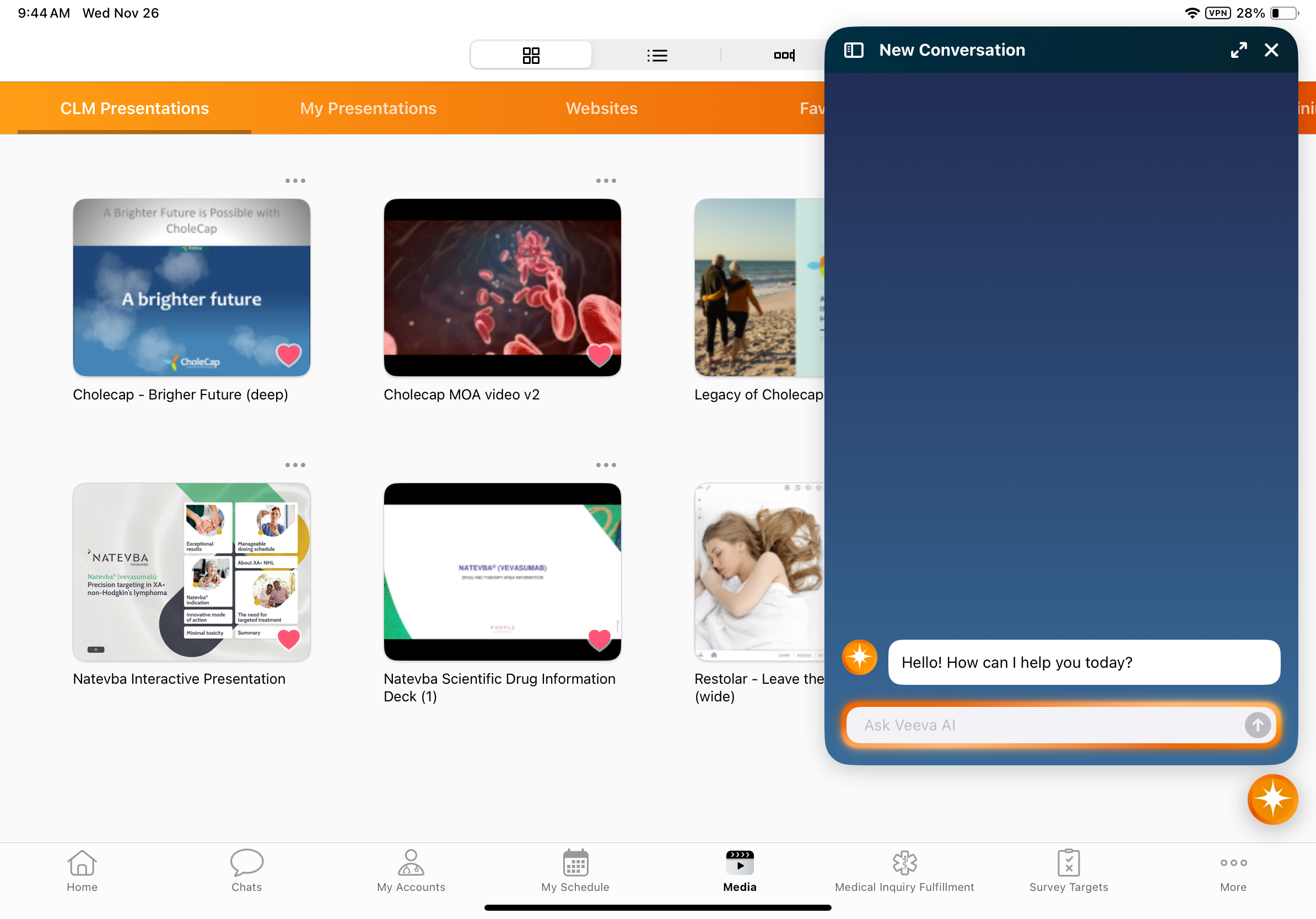
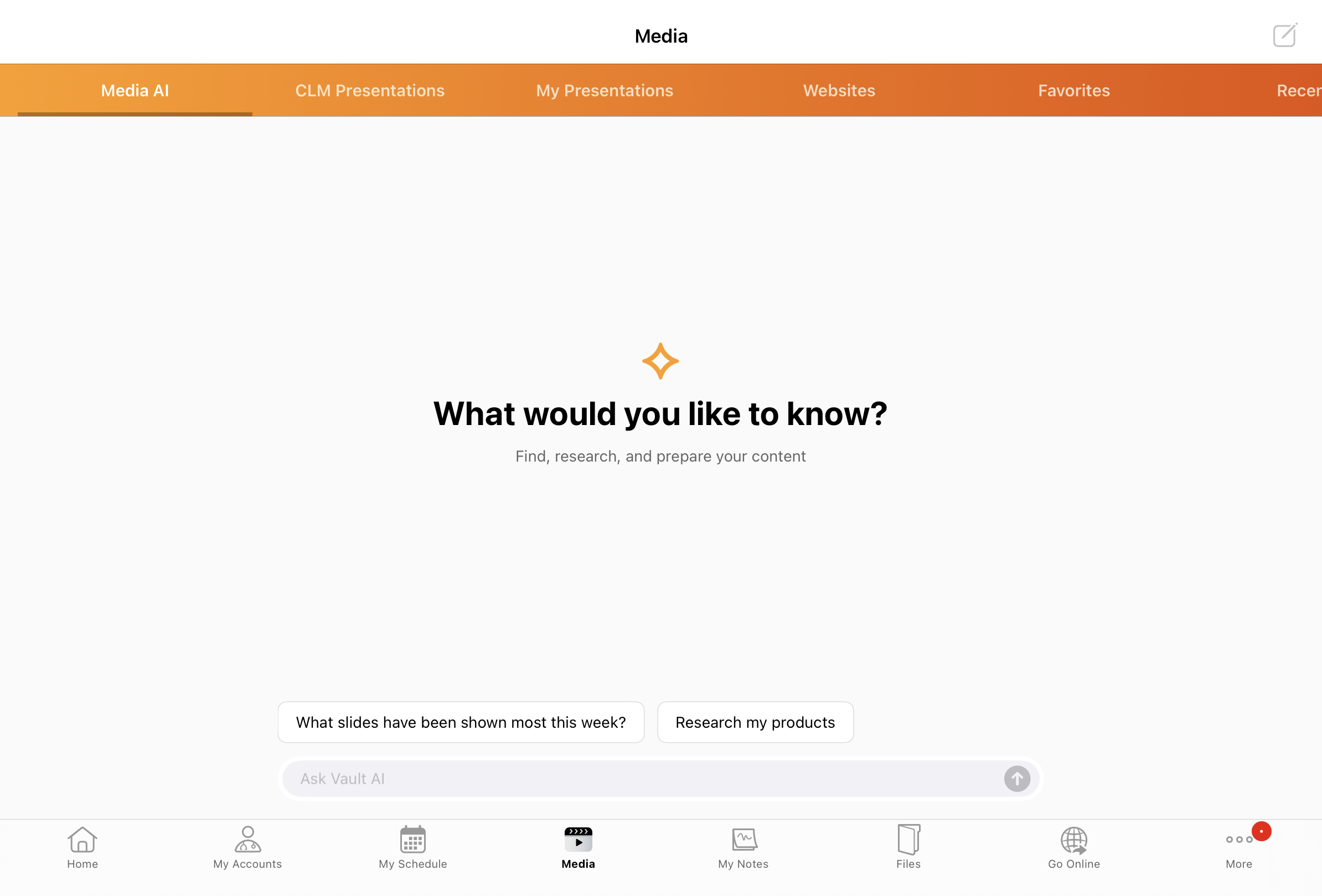
To access Agentic Media, select the Media AI tab in the CLM Media Library.
Alternatively, select the AI icon. The AI icon displays on screens where an AI agent can assist the user, based on the user’s permissions and data access:
- Vault CRM Home Page
- Media Tab
If only Agentic Media is enabled for the user and no other agents are enabled, the AI icon does not display when viewing the Media AI tab.
- Account Detail
- Call Reports