Managing Calls in Scheduler View
For users who prefer to schedule calls by the day, or who capture the call date instead of call datetime, Scheduler View enables users to view or delete calls by day and account.
Who can use this feature?
- End Users — iPad, Windows
- Viewing and Deleting Calls in Scheduler View
- Users do not require an additional license
Configuring Scheduler View for
 End Users
To configure this feature, ensure Configuring Call Planning is complete.
Viewing and Deleting Calls in Scheduler View as
End Users
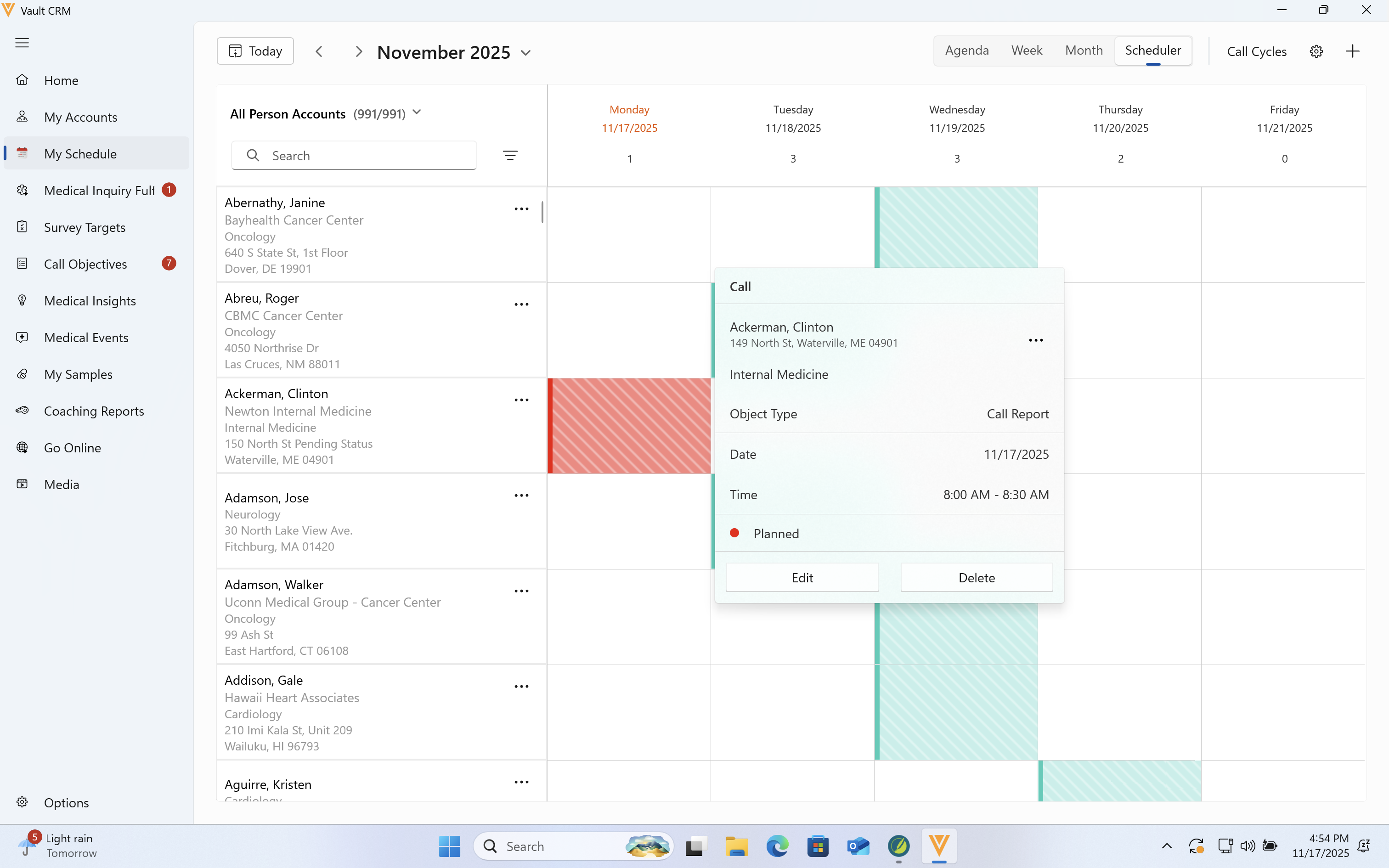
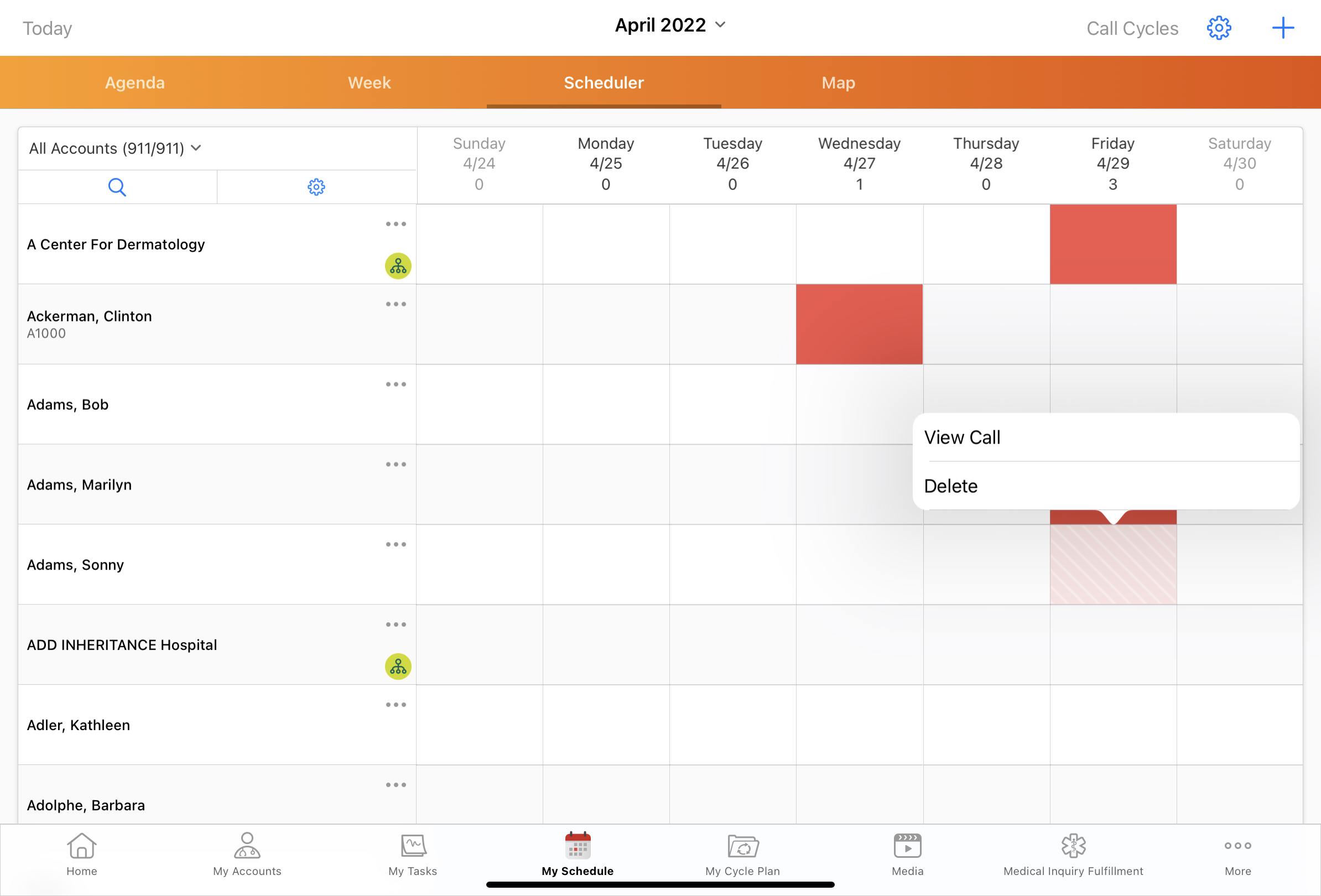
In Scheduler View, calls display as a colored block per day and account.
To view or edit calls on the iPad platform, select and hold the call, then select View Call. To delete the call, select and hold the call, then select Delete from the menu.
To view or edit calls on the Windows platform, select the entry. A popover with additional context and options displays. Select Edit to open the call report, or Delete to delete the call.