Deleting Submitted Calls
Admins can grant a single user the ability to delete calls after they are submitted and locked. By default, submitted calls are locked to prevent inadvertent deletions. However, some customers need to delete large numbers of calls for archiving purposes.
Who can use this feature?
- Call Archive Users — Browser
- Deleting Submitted Calls
- Users do not require an additional license
Configuring Call Deletion for
 Call Archive Users
To configure this feature:
- Ensure Configuring Call Reporting is complete.
- Navigate to Admin > Users & Groups > Permission Sets.
- Select the appropriate permission set.
- Ensure the user has delete object permission to the call2__v object.
- Navigate to Business Admin > Objects > Veeva Settings.
- Populate the call_archive_user__v global Veeva Setting with the username of the user who has permission to delete calls.
Only one user is supported in the call_archive_user__v Veeva Setting. This value must be entered in the global Veeva Setting, not a profile-specific setting.
Veeva recommends designating this functionality to a user who has administrative permissions. This ensures the user has the necessary access to delete call2__v object records without requiring a dedicated permission set.
Deleting Submitted Calls as
Call Archive Users
Submitted calls are locked to prevent users from arbitrarily deleting them. However, some customers need to delete large numbers of calls for archiving purposes. The designated user can delete submitted calls without unlocking the record.
To delete a submitted call:
Users can only delete call reports they have access to.
- Navigate to the submitted call.
- Select Delete from the All Actions menu. A confirmation dialog displays.
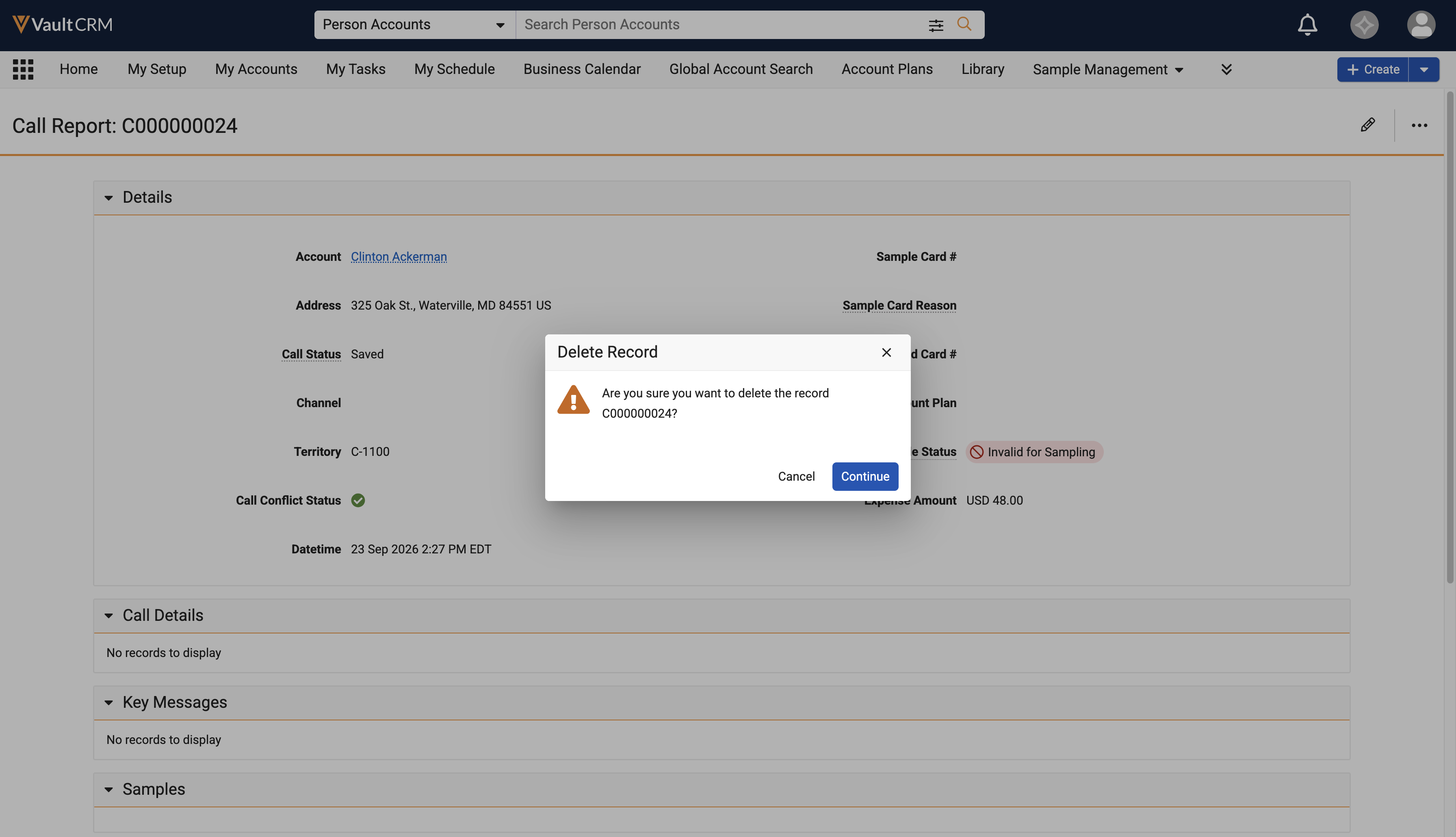
- Select Continue to confirm the deletion.
Upon deletion, any fields on related object records that referenced the deleted call are cleared.
The designated user can also delete submitted calls in bulk using the Vault Loader.

