Managing Favorite Presentations
- Document Model
Users can indicate their favorite or most commonly used presentations by selecting the heart icon displayed over each presentation thumbnail in the media library. Presentations marked as favorites display in the Favorites tab of the media library. Users can deselect the heart icon to remove presentations from their favorites.
Who can use this feature?
- End Users - iPad, iPhone
- Use favorite presentations
- Users do not require an additional license
Configuring Favorite Presentations
 End Users
To configure this feature, ensure Configuring CLM as Document Model is complete.
Using Favorite Presentations
End Users
Select the heart icon for a presentation to add it to the list of favorites.
Users can access all favorite presentations by selecting the Favorites tab.
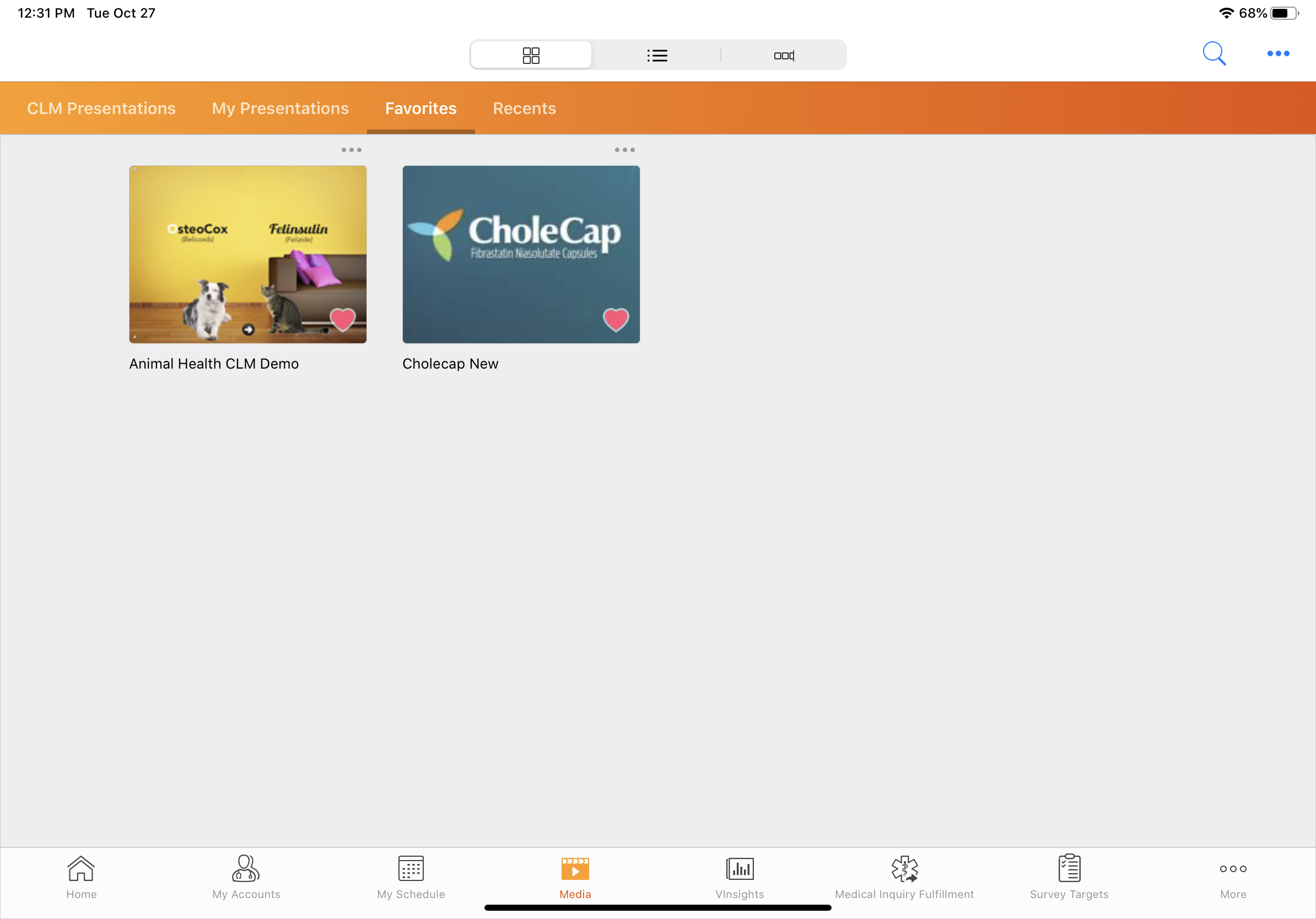
To remove a presentation from the Favorites tab, select the heart icon on a presentation that was previously marked as a favorite.
When a user favorites a presentation, a Content Preference record with the CLM Presentation Favorite object type is created, and the Preference Document field on the record references the appropriate Presentation binder.
When the favorite is removed, the corresponding Content Preference record is deleted.
All Content Preference records related to a presentation are deleted when the presentation is deleted.

