What's New in Patient CRM 26R2.0
This topic provides information about the Patient CRM 26R2.0 release, including important dates and release announcements.
All dates listed are subject to change.
Release Dates
- July 30, 2026 – Release Notes available
- August 6, 2026 – Sandbox Release
- August 20, 2026 – Production Release
New Fields and New Objects are also included.
Patient CRM
Patient CRM continues to expand its consolidated case experience for patient-facing teams, all built with a HIPAA-compliant foundation. Users can reply to and manage patient emails within a centralized messaging view; start new email threads directly from active cases; monitor, sort, and redistribute cases across owners from the All Active Cases view; and view custom X-Pages visualizations, all without leaving the case console.
Starting Emails from Cases - Available on Browser
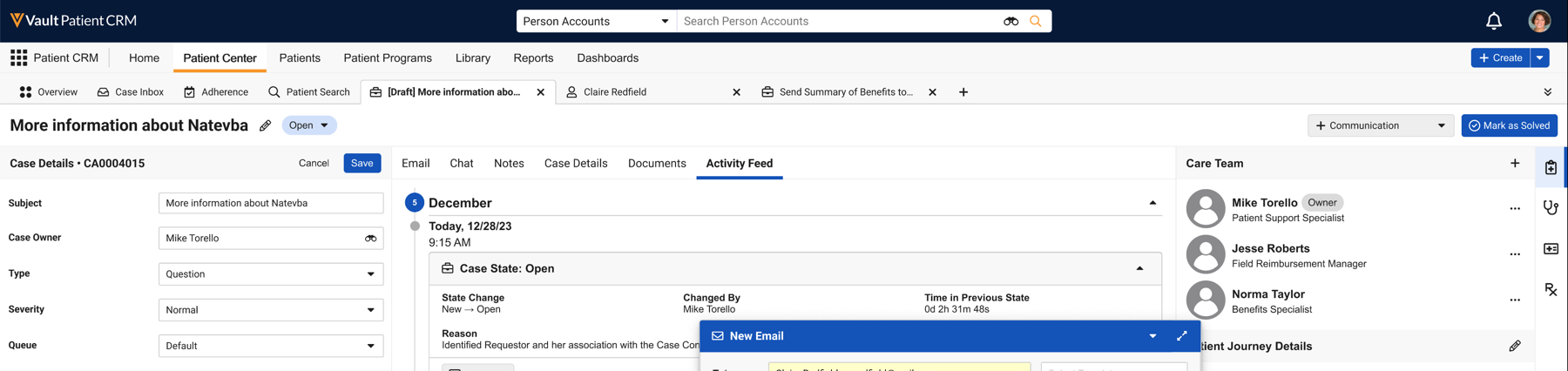
To quickly communicate with patients directly from active cases, end users can start new email threads and send emails without leaving the case context.
Replying to Emails - Available on Browser
Patient CRM provides a secure, HIPAA-compliant solution to allow Patient CRM users to reply to and manage email communications associated with a case. By centralizing email communication within the Messaging tab in the Patient Center console, users can organize patient-related email communication to streamline workflows and help patients with their care.
Managing All Active Cases - Available on Browser
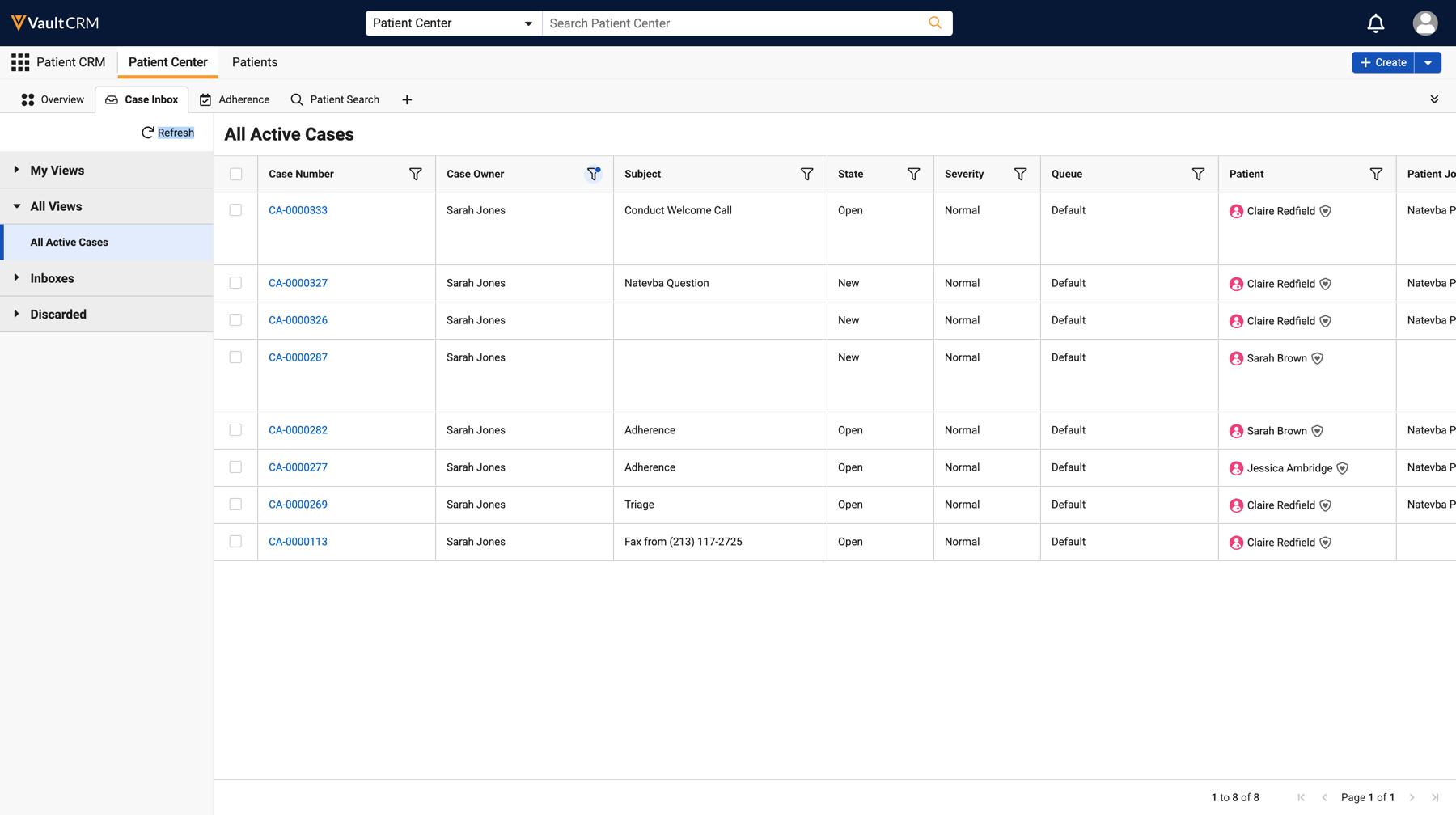
The All Active Cases view in Patient Center allows users to easily monitor workloads, triage incoming cases, redistribute ownership, and ensure operational coverage across a team. Users can view, sort, and filter active cases across multiple owners directly in the All Active Cases view, rather than navigating away to individual queues or personal dashboards.
Patient Center Case Tab Page Type for X-Pages - Available on Browser
A new Patient Center Case Tab page type is available in X-Pages Studio. Content creators can use the Patient Center Case Tab page type to create and display custom data visualizations as a case tab when viewing Cases in the Patient Center console. By integrating custom data visualizations, Patient Center users can view contextual or static data alongside case records, reducing context switching and streamlining case support.
Patient Attribute Objects Moving to Core Vault CRM
Users can create and manage Patient records within core Vault CRM with synchronized parent (Account) and child (Patient Attribute) records. This allows organizations to view and manage their patient schemas directly within core Vault CRM, without requiring a configured Patient CRM application.
User Visible and Behavior Changes (UVCs)
Most new functionality requires some configuration, however users are able to use the following functionality immediately. Select the thumbnail to view a larger image.
|
Platform |
Description |
Before |
After |
|---|---|---|---|
|
Browser |
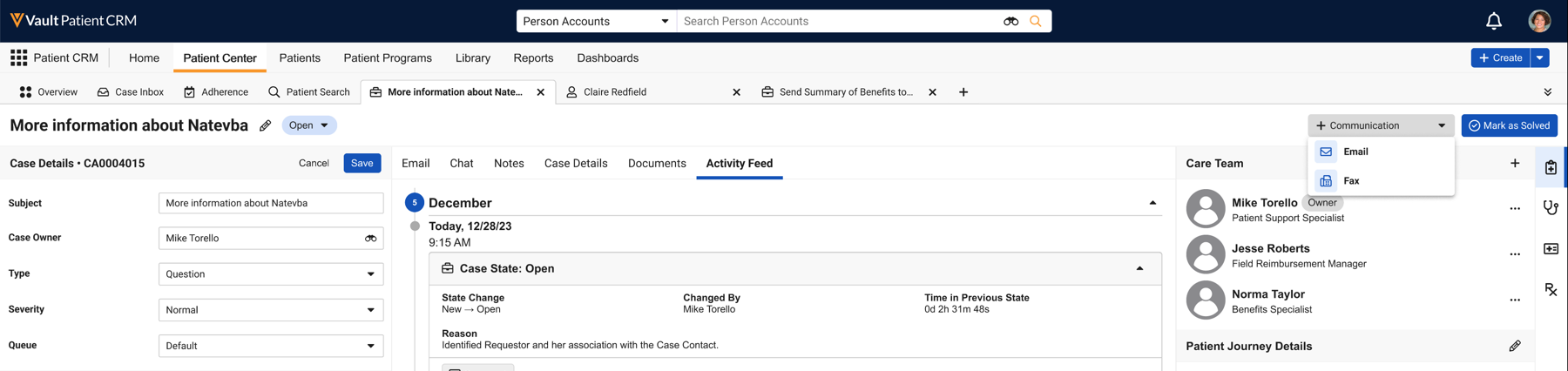
For easy visibility to case communications, draft email activity displays in My Cases and the case header is appended with Draft when a draft email is created for the case. |
|
|
|
Browser |
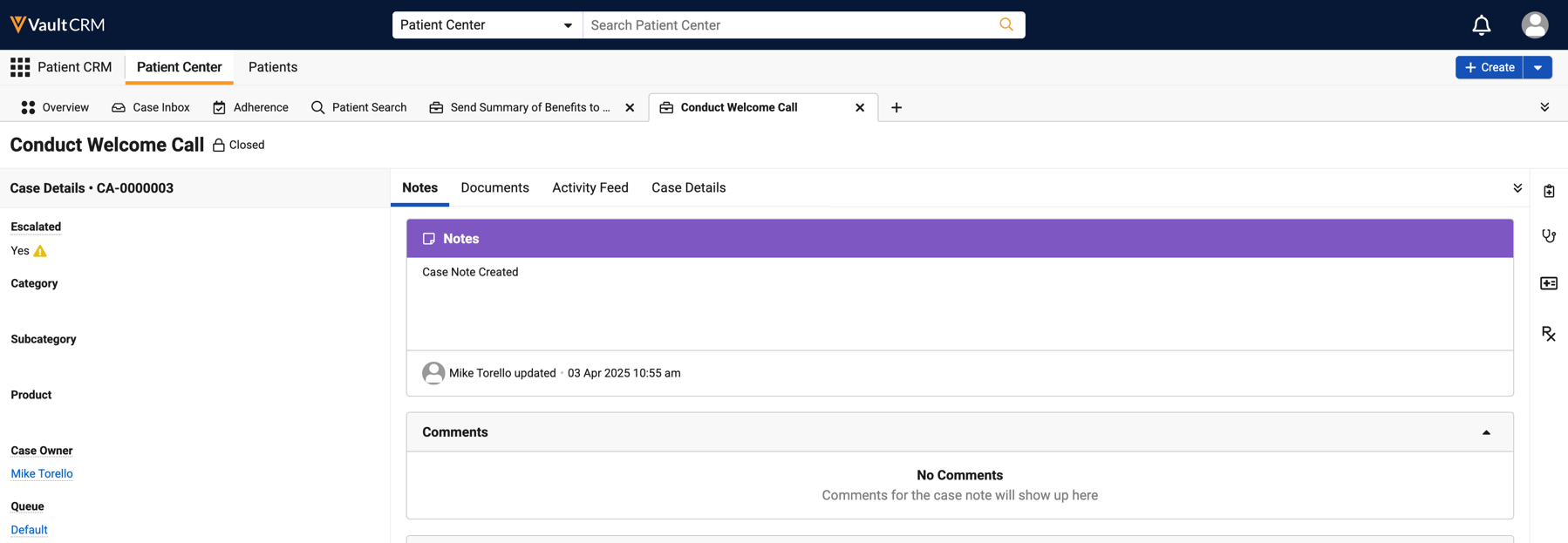
Business admin users with Patient CRM configured can now navigate to the Patient Center Console when selecting a Case record via Business Admin. |
n/a |
n/a |
|
Browser |
The Case Inbox tab now includes an All Active Cases view under All Views. |
n/a |
|
|
Browser |
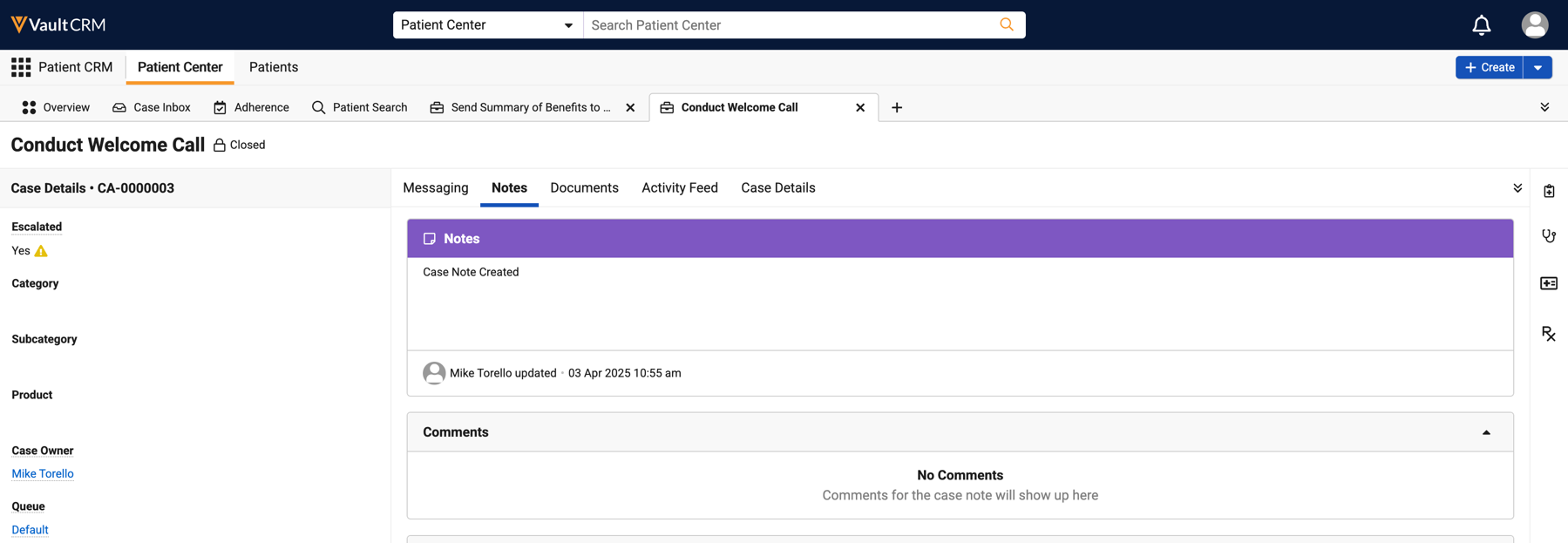
The Case Messaging tab displays within the center pane when viewing a case. |
|
|
26R2.0 Feature Enablement and Availability
The following table provides an explanation of feature enablement and user impact.
|
Patient CRM Feature Availability and Enablement |
|||||||
|---|---|---|---|---|---|---|---|
|
Feature |
User |
Configuration |
Browser |
CRM Desktop |
iPad |
iPhone |
Windows |
| No | Yes |

|

|
|
|
|
|
| Replying to Emails - Available on Browser | No | Yes |
|
|
|
|
|
|
Creating and Managing Patients in Vault CRM - Available on Browser |
No |
Yes |
|
|
|
|
|
|
Managing All Active Cases in Patient CRM - Available on Browser |
Yes |
No |
|
|
|
|
|
|
Patient Center Case Tab Page Type for X-Pages - Available on Browser |
No |
Yes |
|
|
|
|
|

