Agentic Insight Capture Overview
Agentic Insight Capture uses AI to transform spoken Voice Notes into structured Vault CRM records. It operates on individual records or alongside Agentic Call Report™, where it evaluates dictated Call Voice Notes against Insight Definition Rules to automatically identify and extract relevant insights.
By reducing manual data entry, Agentic Insight Capture empowers field teams to effortlessly capture rich, real-time intelligence that informs commercial strategy across the organization.
Not all features are available on all platforms. For a list of available platforms for each feature, see Platform Functionality.
Token Estimates
Token consumption may vary based on a number of factors, including the length of user inputs and number of accounts and products available to the user. Based on testing during the product development process and early adopter usage, a reasonable estimate may be 7,500-10,000 tokens when starting from an account-specific entry point, and 15,000-30,000 tokens when starting from other entry points.
Accessing Agentic Insight Capture
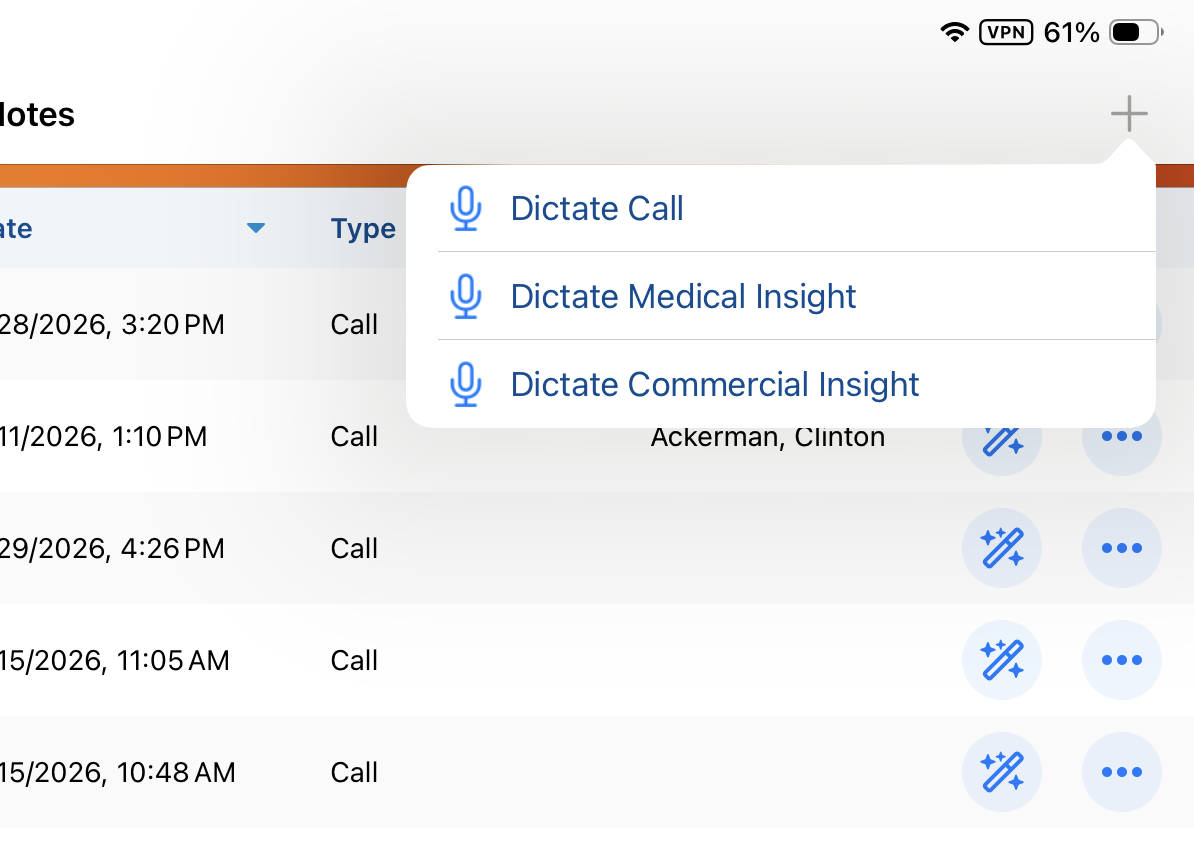
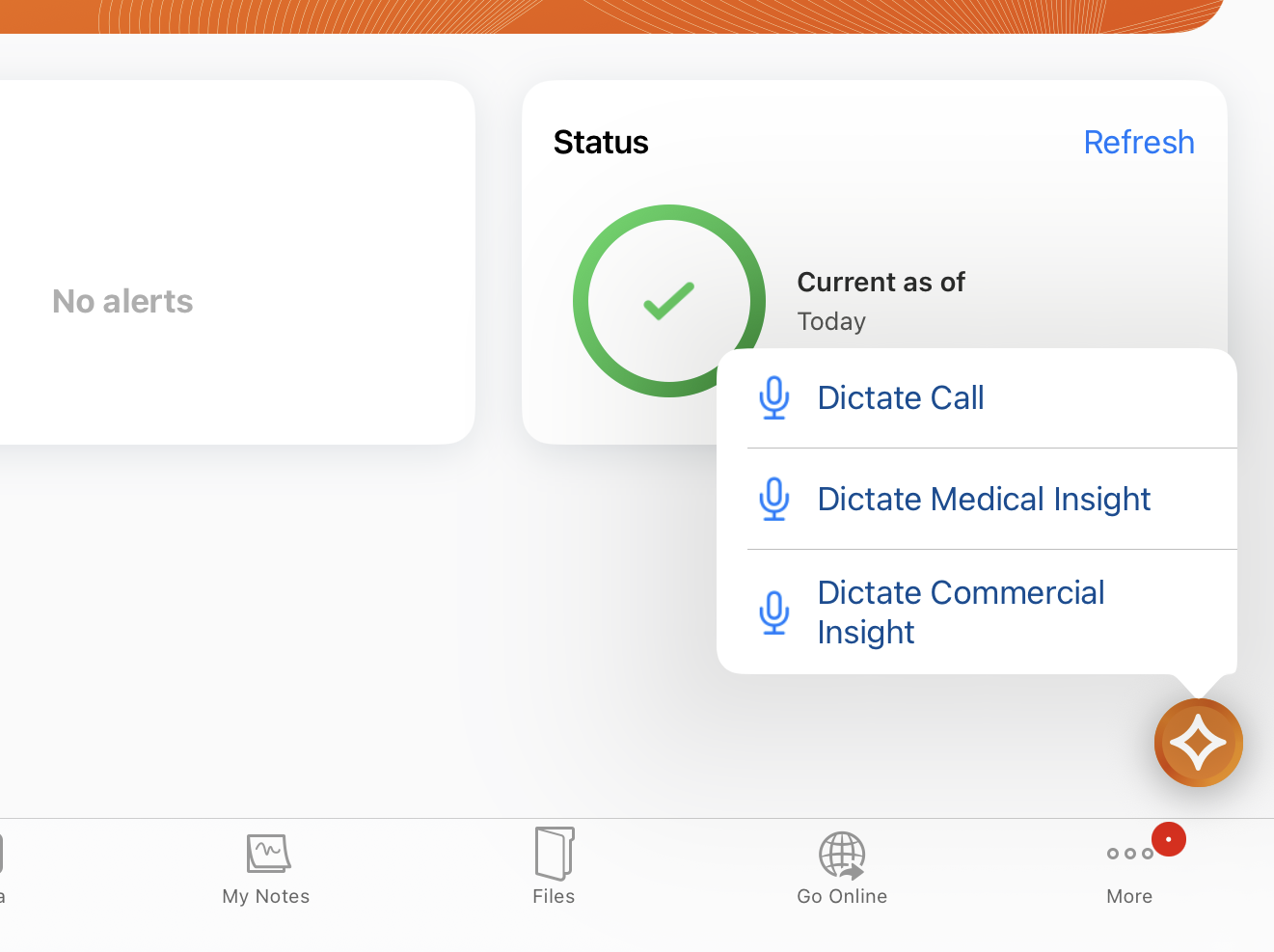
Users can access Agentic Insight Capture using multiple methods: hands-free access with Siri®, long-pressing the AI icon in Vault CRM, or selecting a dictation option in My Notes.
Accessing Agentic Insight Capture with Siri
Accessing Agentic Insight Capture with Siri is supported across Vault CRM. For more details on supported pages and commands, see Agentic Insight Capture for Commercial Insights.
Accessing Agentic Insight Capture with Siri is not supported when the user has unsaved changes—for example, when creating or editing a record, or when collecting a signature.
Accessing Agentic Insight Capture via the AI Icon
Accessing Agentic Insight Capture by long-pressing the AI icon is supported on the following pages:
- Vault CRM Home Page
- Account Detail
- Address Detail
- Call Reports, when viewing a submitted call
- CLM Media tab
- Commercial Insights Detail
- Commercial Insight tab
- Medical Insights Detail
- Medical Insights tab
- My Notes tab
Accessing Agentic Insight Capture from My Notes
To access Agentic Insight Capture from My Notes:
- Select the My Notes tab.
- Select the Plus (+) icon. Alternatively, long-press the AI button.