Agentic Voice Overview
Agentic Voice uses AI to convert your words into text, then intelligently maps that text to fields and records in Vault CRM. This AI capability allows users to create Vault CRM records directly from their Voice Notes, pre-populated with the information they provided. This reduces manual data entry time for end users, streamlining their workflows and helping to capture accurate, timely information while it is fresh in the users’ memory.
Not all features are available on all platforms. For a list of available platforms for each feature, see Platform Functionality.
Token Estimates
Token consumption may vary based on a number of factors, including the length of user inputs, complexity of the call, and the number of products and key messages. Based on testing during the product development process and early adopter usage, a reasonable estimate may be 30,000-50,000 tokens per user request sent to the agent.
Accessing Agentic Voice
Users can access Agentic Voice using multiple methods: hands-free access with Siri®, long-pressing the AI icon in Vault CRM, or selecting a dictation option in My Notes.
Accessing Agentic Voice with Siri
Accessing Agentic Voice with Siri is supported across Vault CRM. For more details on supported pages and commands, see Agentic Call Report™
Accessing Agentic Voice with Siri is not supported when the user has unsaved changes—for example, when creating or editing a record, or when collecting a signature.
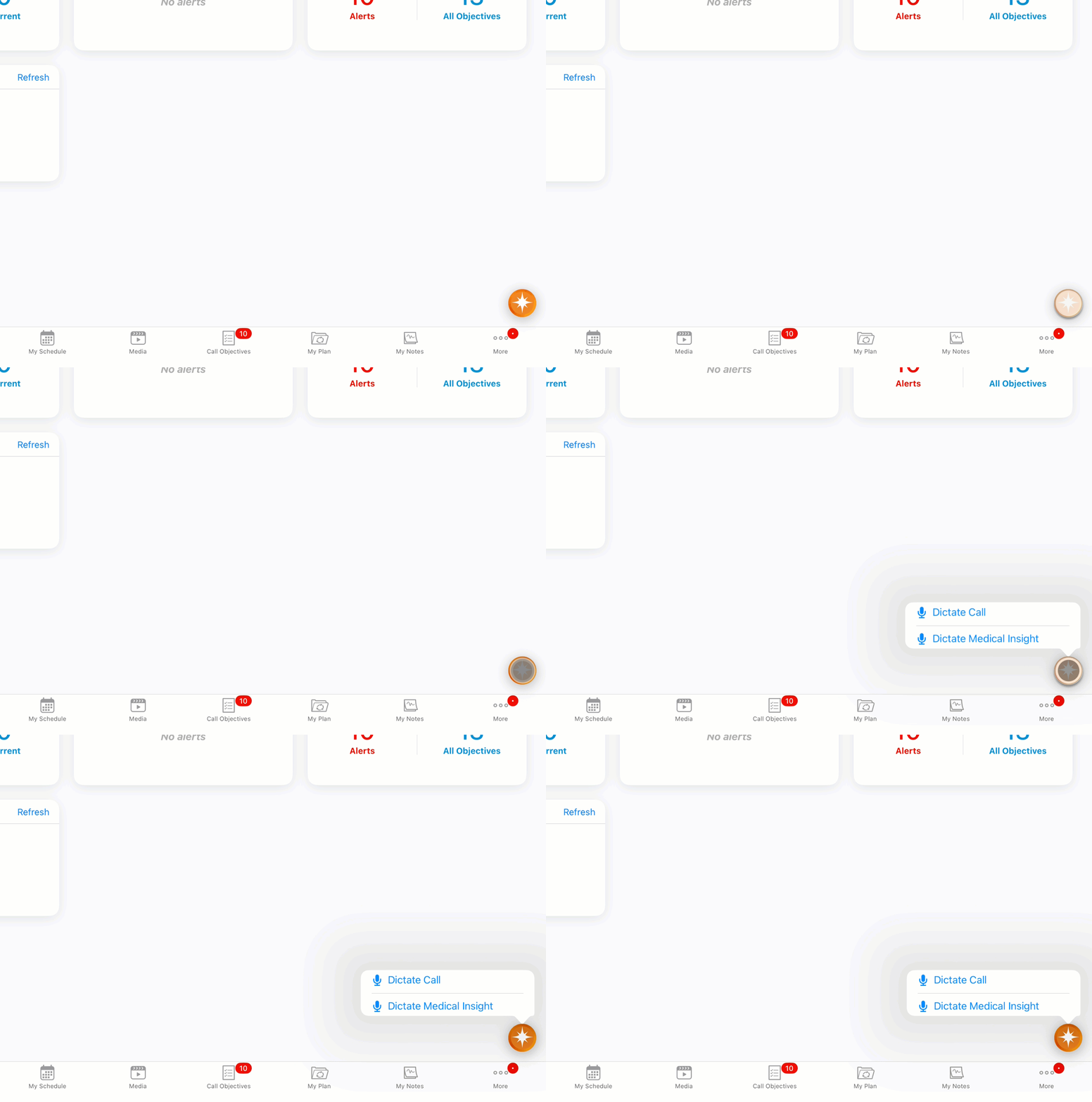
Accessing Agentic Voice via the AI Icon
Accessing Agentic Voice by long-pressing the AI icon is supported on the following pages:
- Vault CRM Home Page
- Account Detail
- Address Detail
- Call Reports, when viewing a submitted call
- CLM Media tab
- Medical Insights Detail
- Medical Insights tab
- My Notes tab
Accessing Agentic Voice from My Notes
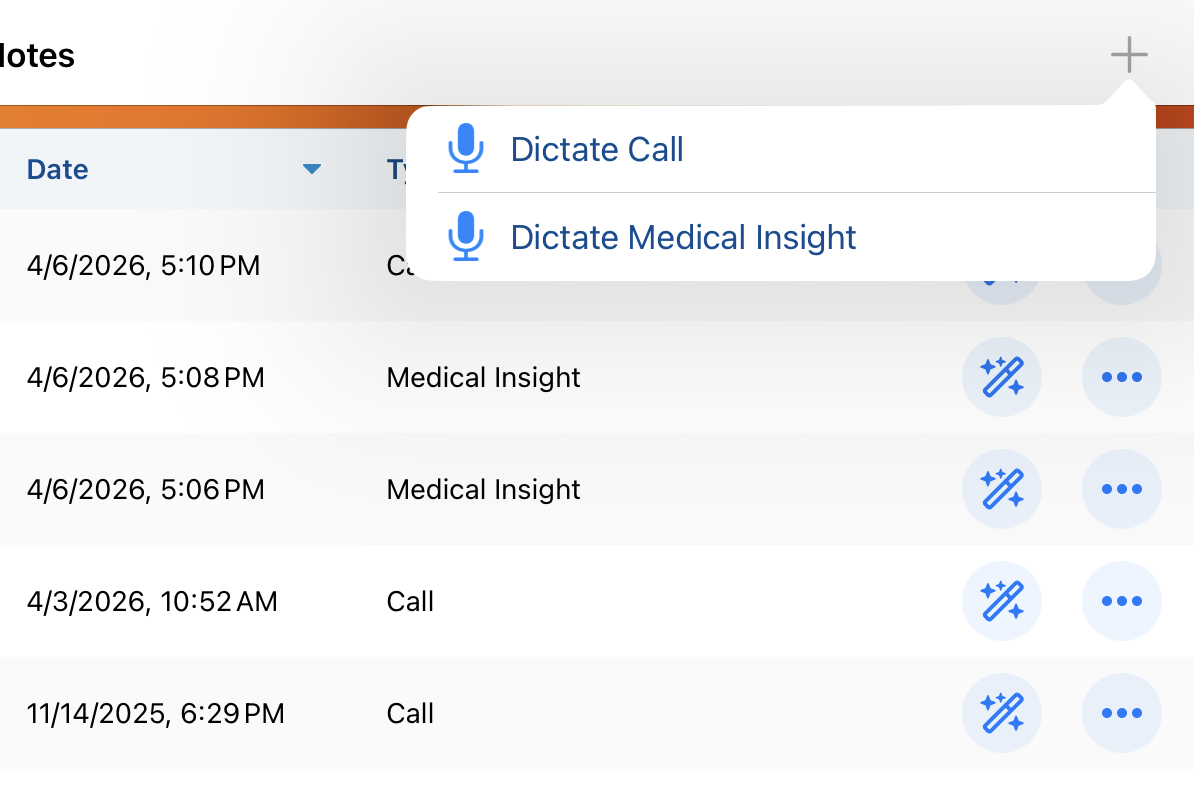
To access Agentic Voice from My Notes:
- Select the My Notes tab.
-
Select the Plus (+) icon. Alternatively, long-press the AI button.
Using Agentic Voice with AI Chat Disabled
If AI Chat is disabled, but Agentic Voice is enabled, the AI button only displays on pages where Agentic Voice is supported. Users can still long-press the AI button to access Agentic Voice, but short-pressing the button does not display the AI Chat window.

