Using X-Pages Studio Template Library
Content creators can use the X-Pages Studio Template Library to browse, filter, preview, and deploy productized templates that can be used to create X-Pages. The Studio Template Library streamlines the creation of X-Pages and template management, ensuring users always have the latest approved template versions.
The following X-Pages Studio templates are available:
- Account Business Portal
- Account Plan
- Account Plan Business Portal
- Call Report
- Closed Cases
- Commercial HCO
- Commercial HCP
- Commercial Territory
- Diagnosed Patient
- Market Trend
- MCCP
- Medical HCP
- Medical Territory
- My Cases
- Opportunity Overview
- Patient Center Overview
- Prescriber Data
- Territory Feedback
Who can use this feature?
- Content Creators - Browser
- Viewing and Previewing Studio Templates
- Deploying Studio Templates
- Users do not require an additional license
Configuring Studio Templates for
 All Users
To configure this feature, ensure Configuring X-Pages Studio is complete and the user has deployment permissions if the template will be deployed to Vault CRM.
Using the Studio Template Library as
Content Creators
Content creators can use the Studio Template Library to quickly browse and preview approved templates before creating and deploying a page. Content creators can use X-Pages Studio templates with or without further customization.
To view and preview available X-Page templates:
- Log into X-Pages Studio.
- Select the Studio Templates tab.
- Use Search to locate templates by name or use filters to narrow results by Content Type (for example, Account, Call, or Territory) or by Product Area (for example, Account Management, MCCP, or Service Center).
- Hover over a template and select Preview (Grid view), or select the More Options icon (Table view).
- Select the available platform icons (iPad, Online, or Browser) to view a screenshot of the template on the supported platform. The available images do not correspond to which platforms are supported.
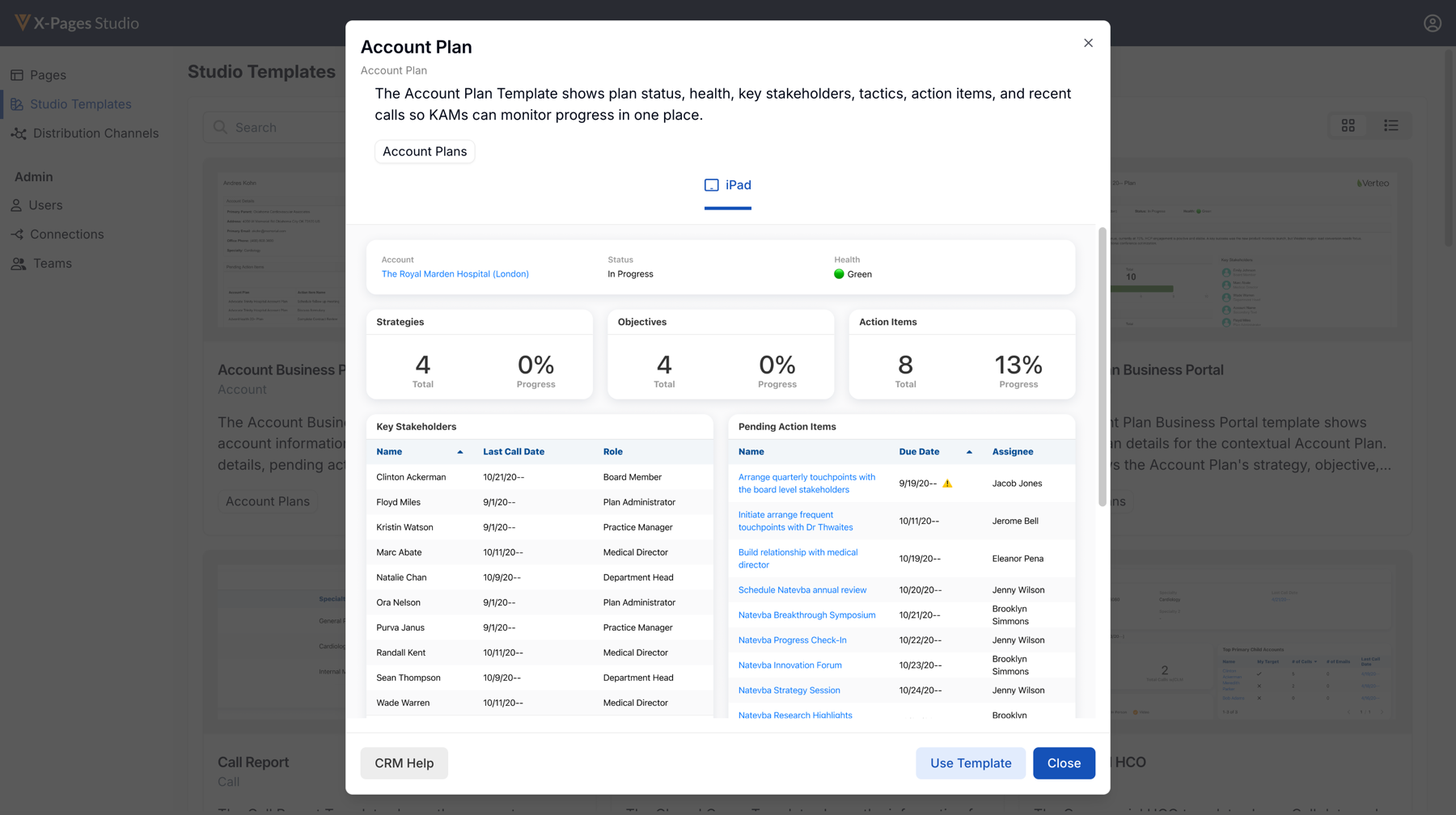
- Log into X-Pages Studio.
- Select the Studio Templates tab.
- Select a template.
- Select Use Template.
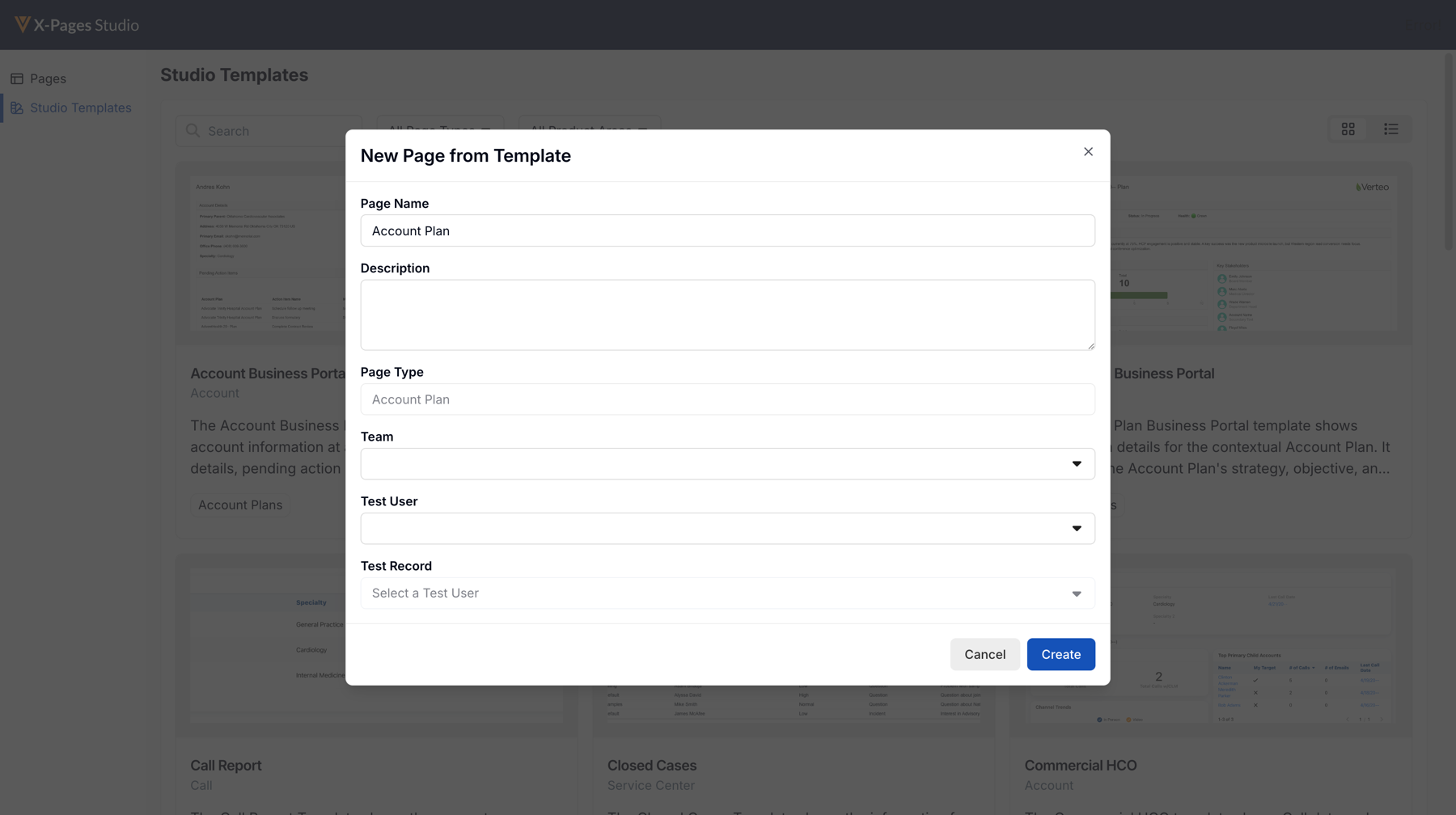
- Complete the New Page input form. The Template Name and Page Type fields are dynamically populated based on the selected template.
- Select a Team and Test User.
- Select a Test Record if applicable.
- Select Create to create a X-Page from the template within your Studio domain and optionally, edit the page further.
- Use the Deploy tab to publish the Studio template to your end users.
See Deploying Pages to Vault CRM Using X-Pages Studio for more information.

