What's New in Vault CRM 25R3.5
The 25R3.5 release includes features for:
Release Dates
- Sandbox Release - March 19, 2026
- Production Release - March 26, 2026
New Fields, New Objects, and Removed Fields are also included.
Announcements
X-Pages Studio Page Templates
The concept of Page Templates will be deprecated as of the 26R1.0 release. All Page Templates in your Studio domain will be converted to Pages. When migrating from Veeva CRM to Vault CRM, existing Page Templates will be converted to Pages. The description will be appended with “Page Template converted to Page.”
All previous Page Template functionality remains available, with several new features to be introduced in the 26R1.0 release:
- Users will be able to import and export Pages
- Users will be able to duplicate Pages. This replaces the Convert Page to Page Template and Create Page from Page Template functions.
- A new X-Pages Studio Template Library will introduce a centralized, in-app repository for viewing and deploying productized Studio Templates directly within X-Pages Studio. This eliminates the need to manually download template files from the Developer Portal and import them into X-Pages Studio.
25R3.5 Release Notes Podcast
We’ve added an AI-generated podcast that walks you through the highlights of the 25R3.5 release.
Give it a listen and let us know what you think using the feedback button.
Core
Account Management
Account Details Pane in My Accounts - Available on Browser
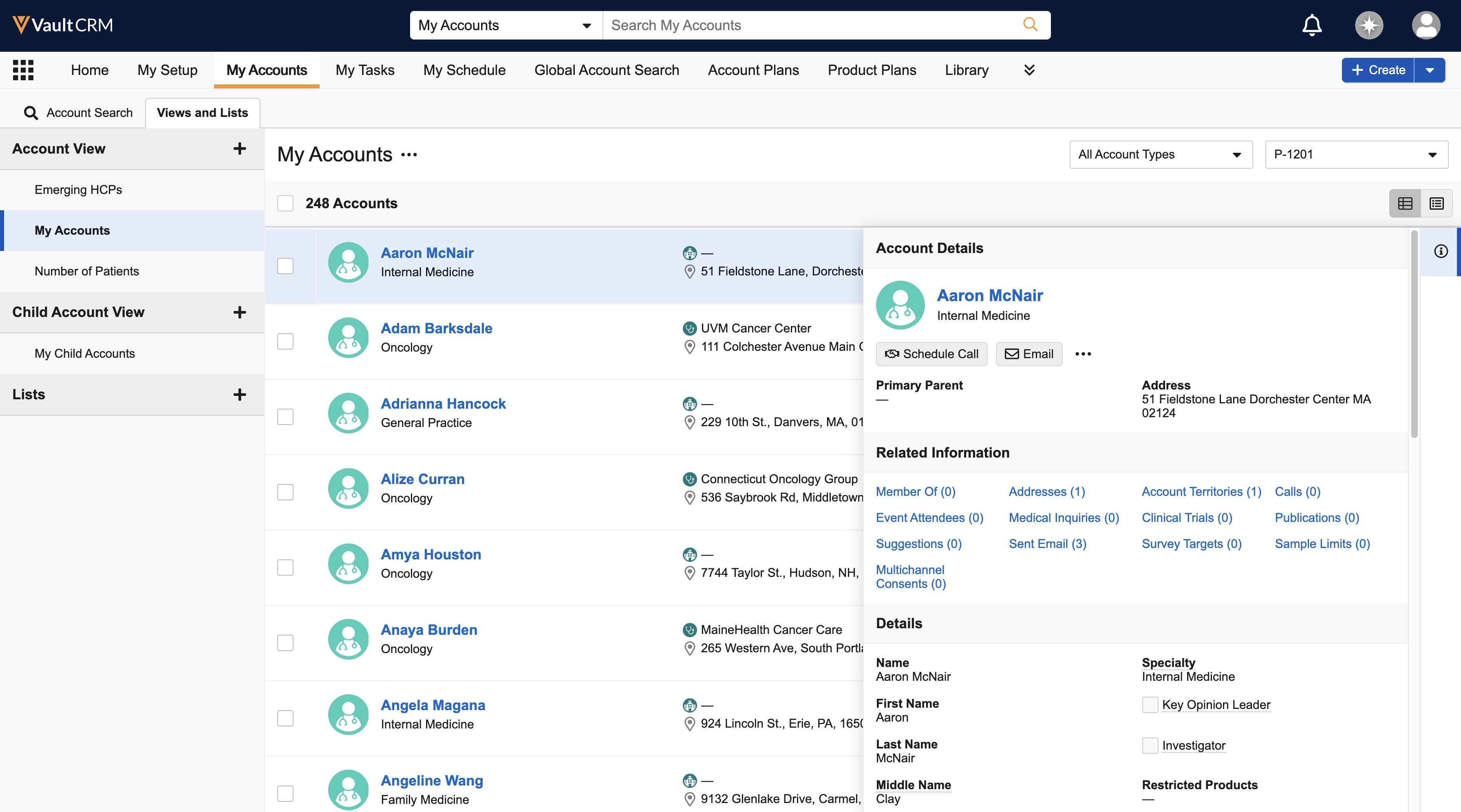
A dedicated Account Details pane now displays in My Accounts. This side-by-side view enables users to review data and execute actions—for example, scheduling calls or sending emails—without navigating away from the account list.
Decoupled Unverified Records in Offline Mode (DCR Mode 3) - Available on Browser and iPad
Users can create and use new accounts, addresses, and child accounts without a connection to the internet, ensuring activities including calls and medical inquiries can be recorded at the point of care. Data Change Request (DCR) Mode 3 bypasses the previous requirement for a mini-sync during record creation. These records are synced to the Vault CRM database when an internet connection is established.
CLM
Querying Documents and Records from CLM – Available on iPad
Content creators can query documents and records from CLM content using the Document Model, enabling users to display CLM content personalized to the HCP. By displaying personalized content, users can improve HCP engagement and achieve greater impact with target accounts.
Backwards Compatibility for HTML Content – Available on iPad
CLM as Document Model supports backwards compatibility for existing HTML content, whether the content was built for Veeva CRM or for CLM as Object Model in Vault CRM. This ensures content remains accurate and available to end users without requiring content redevelopment. Content developed for Veeva CRM is automatically translated for compatibility with Vault CRM, and any queries pointing to the Object Model retrieve the correct data from the Document Model instead.
Adding Watermarks to Training Presentations - Now available on Windows
Customers can add and customize watermarks on CLM Key Messages to help Windows users distinguish between training and published presentations. This prevents users from accidentally displaying training content to HCPs.
Tracking CLM Preview Activity - Now available on Windows
Customers can report on CLM activity in the media player on Windows even if an account is not selected or an account that opted out of tracking is selected, allowing CLM activity to be saved and analyzed anonymously.
Training Presentations - Now available on CRM Desktop (Windows) and Windows
Training presentations include content still in development or used specifically for instructional purposes. This allows customers to test how content displays in the CLM media player on CRM Desktop (Windows) and Windows before publishing it to all users.
General
Field Calculations - Now available on Windows
Formula and lookup fields are calculated and displayed on the Windows platform, even when there is no internet connection. This allows users to view the values of these fields faster, without waiting until their next sync.
Prevent Record Creation on Related Object Sections - Now available on Windows
Admins can prevent users from creating related objects from related object sections of an object record, ensuring end users only create records from specific and supported entry points.
Object Fields in the Data Grid Loader - Available on CRM Desktop (Windows)
Admins can add Object type fields to the field_list__v field of Data Grid Loader Configurations, improving flexibility when loading records via the Data Grid Loader.
Data Lakehouse Snapshot Management and Refresh Behavior
Admins can access snapshots of the Data Lakehouse to recover recent data. Additionally, Veeva performs periodic Full Loads of the Data Lakehouse, helping to maintain consistency and data accuracy.
Multichannel Cycle Plans
Multichannel Cycle Plans - Now available on Windows
The following features are now available on Windows:
- Defining Over Reached and Under Reached Thresholds
- Adding Team-Based Goals
- Supporting Pull-In Fields for MCCP
- Using the MCCP Interface
- Using Detail Group Goals in MCCP
- Detailing Priority for MCCP Targets
- Indicating MCCP Goals by Priority in a Single Call Channel
- Supporting Child Accounts for Multichannel Cycle Plans
- Scheduling Calls for MCCP Targets
- Viewing Active MCCP Target Accounts
My Schedule
If end users delete a Vault CRM calendar from Microsoft Outlook, the calendar and all events after the current date are recreated the next time My Schedule entries are pushed to Microsoft Outlook, preventing integration issues.
Service Center
Use Any Phone with Service Center - Available on Browser
Service Center provides flexibility for teams to use their preferred external phone systems, while benefiting from Service Center’s structured workflow for tracking outbound contact attempts.
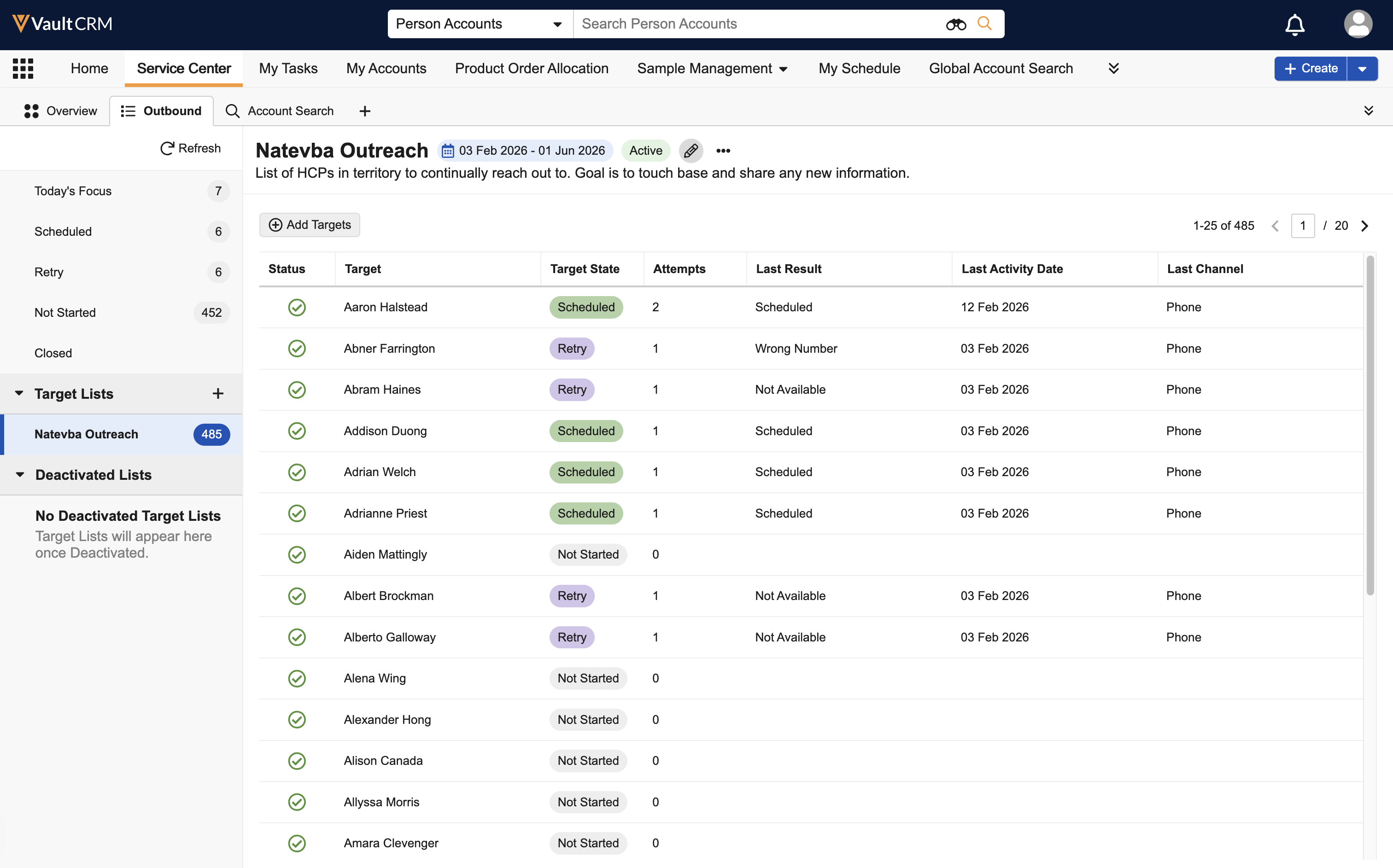
Adding and Removing Targets from Target Lists - Available on Browser
Service Center reps can now add and remove targets from Draft, Active, and Scheduled Target Lists. By allowing reps to update lists as territories and target priorities change, this enhancement ensures outreach remains focused on the most relevant targets for maximum impact.
Suggestions
Suggestions - Now available on Windows
The following features are now available on Windows:
- Using Suggestions
- Creating a Call Objective from a Suggestion
- Using Approved Email for Suggestions
- Viewing Suggestions via the Home Page Tile
- Scheduling a Call from a Suggestion
- Priority Score and Sort Order
- Viewing Suggestion Insights
X-Pages Studio
Enhancements to Table Display Elements - Available on Browser and iPad
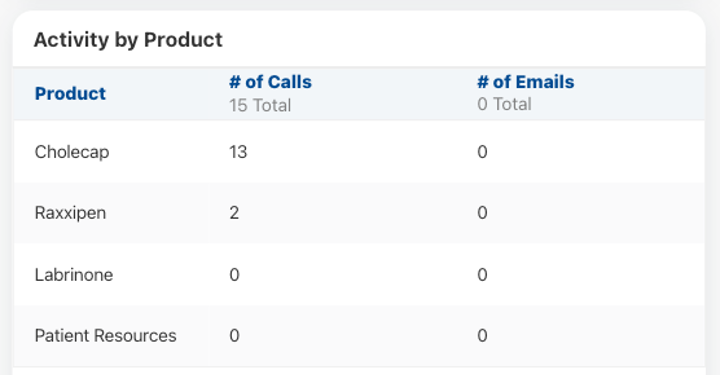
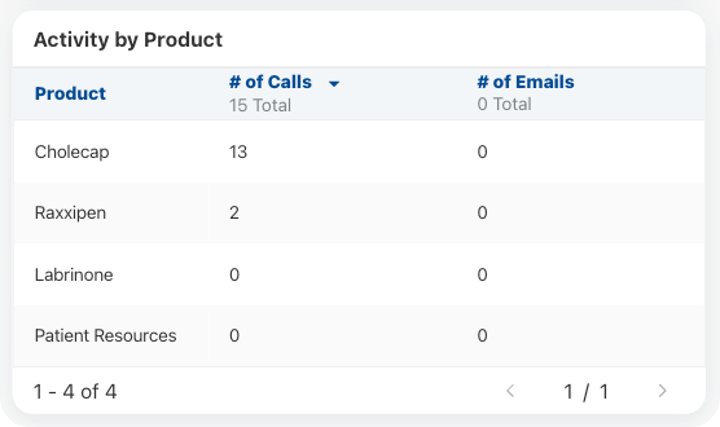
To ensure key insights are immediately visible and organized, large numbers of records can be displayed in tables using pagination, keeping layouts compact and easy to navigate. Tables also now support automatic sorting upon loading and total aggregations for numeric columns.
Approved Email
Activity Tracking Excludes Bot Activity - Available on Browser, iPad, iPhone, and Windows
To improve the reliability of email analytics, interactions flagged as bot activity are not included in activity counts for Opened, Last Opened, Total Opens, Clicked, Last Clicked, and Total Clicks on the Sent Email record.
Approved Email Sync: Continue on Error - Available on Browser
To improve email processing and prevent downtime, an error processing a single document does not prevent the successful synchronization of other documents. If an error occurs during the sync process (Incremental or Force Full Refresh), for example, if the External ID assigned to the product on the document does not match between Vault CRM and Veeva PromoMats / MedComms for a particular document, the error is logged, and the sync continues to process the remaining documents. Error messages for all of the documents that could not be synced can be found in the downloadable log from the Approved Email Admin page.
Events Management
Enforcing Speaker Caps for Future Events - Available on Browser and iPad
To prevent speakers from exceeding annual caps, users can generate expense estimates for future scheduled events based on defined rate assignments.
Vault AI in CRM
Enhancements to the Vector Database – Available on Browser
Custom presentations are included in the Vector Database, enabling Agentic Media to answer questions with links to custom presentations.
Agent Monitoring - Available on Browser (Available on March 26, 2026)
Agent Monitoring provides visibility into AI performance and adoption, enabling organizations to measure and maximize the value of Vault AI. Business admins can track usage trends and analyze agent performance directly within the platform. By leveraging these insights, organizations can make informed decisions to improve the user experience, ensure accuracy, and demonstrate the return on AI investment.
Flightpath
Flightpath is an educational tool where you'll find overviews and examples to walk you through how to leverage Vault CRM features and functionality. The following Flightpaths are available with the 25R3.5 release:
- Completing Outbound Target Outreach in Service Center
- Veeva's AI Agents (updates to existing Flightpath)
Videos
The following videos will be available with the 25R3.5 release:
User Visible and Behavior Changes (UVCs)
Most new functionality requires some configuration, however users are able to use the following functionality immediately. Select the thumbnail to view a larger image.
Account Management
|
Platform |
Description |
Before |
After |
|---|---|---|---|
|
iPad |
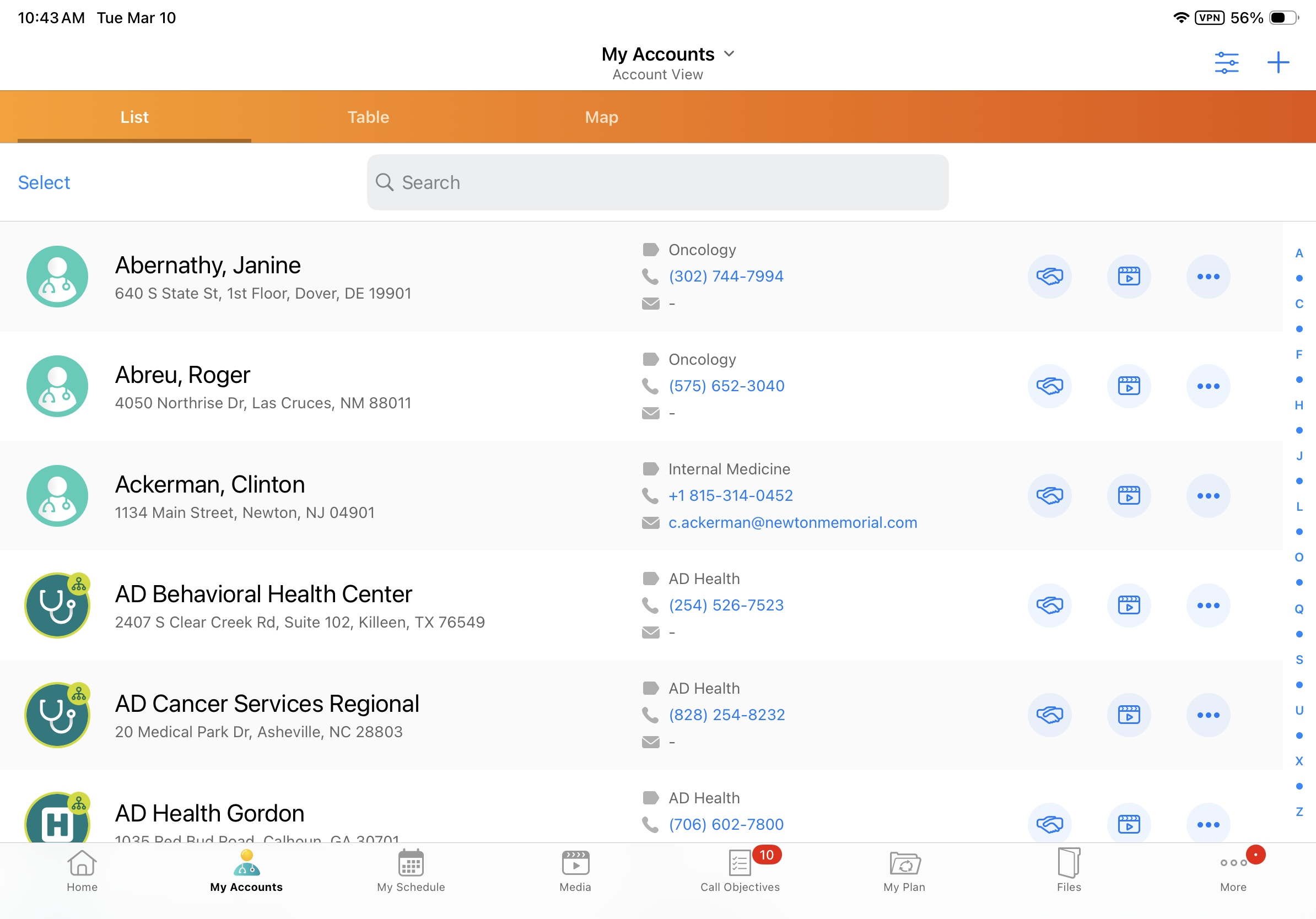
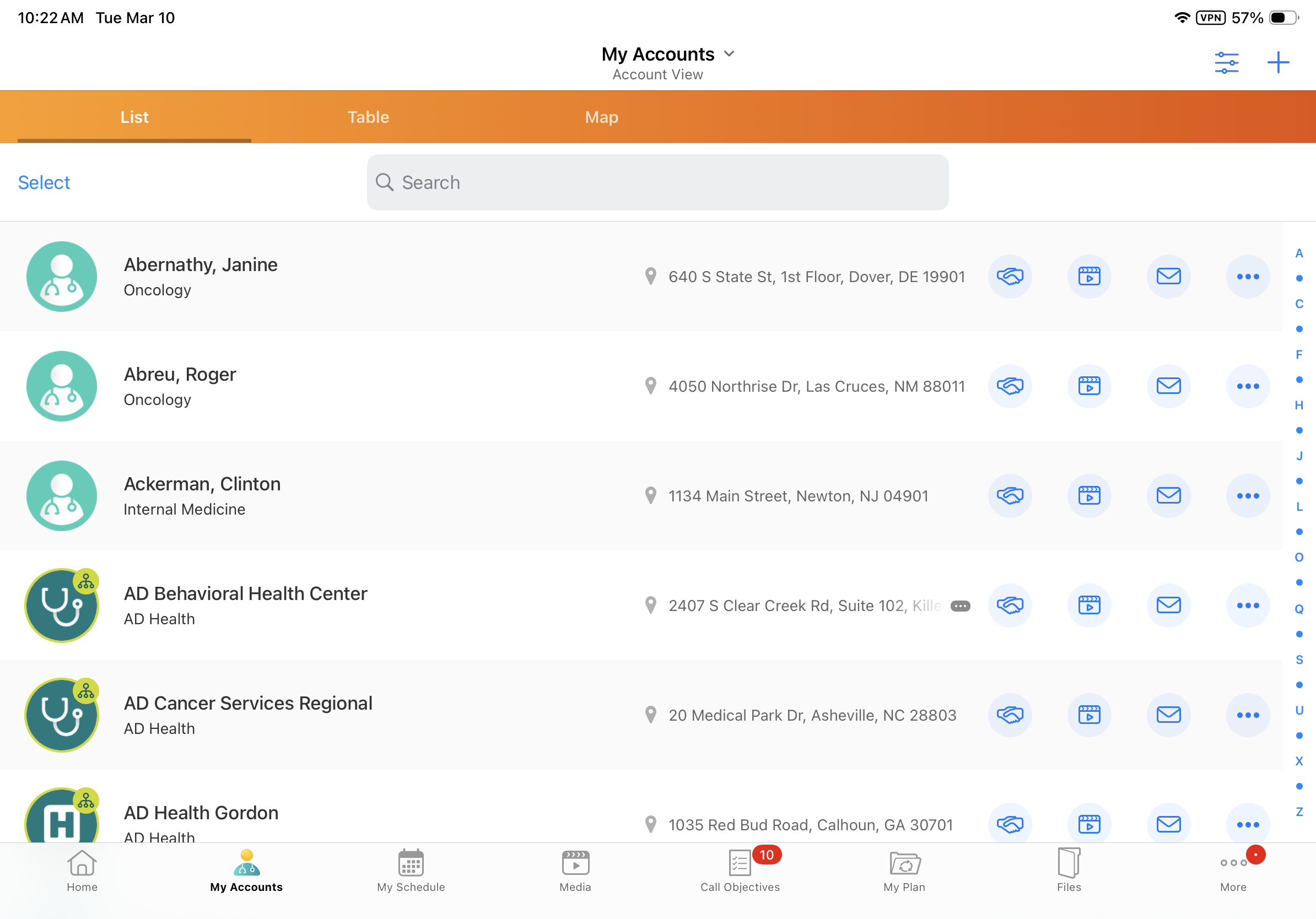
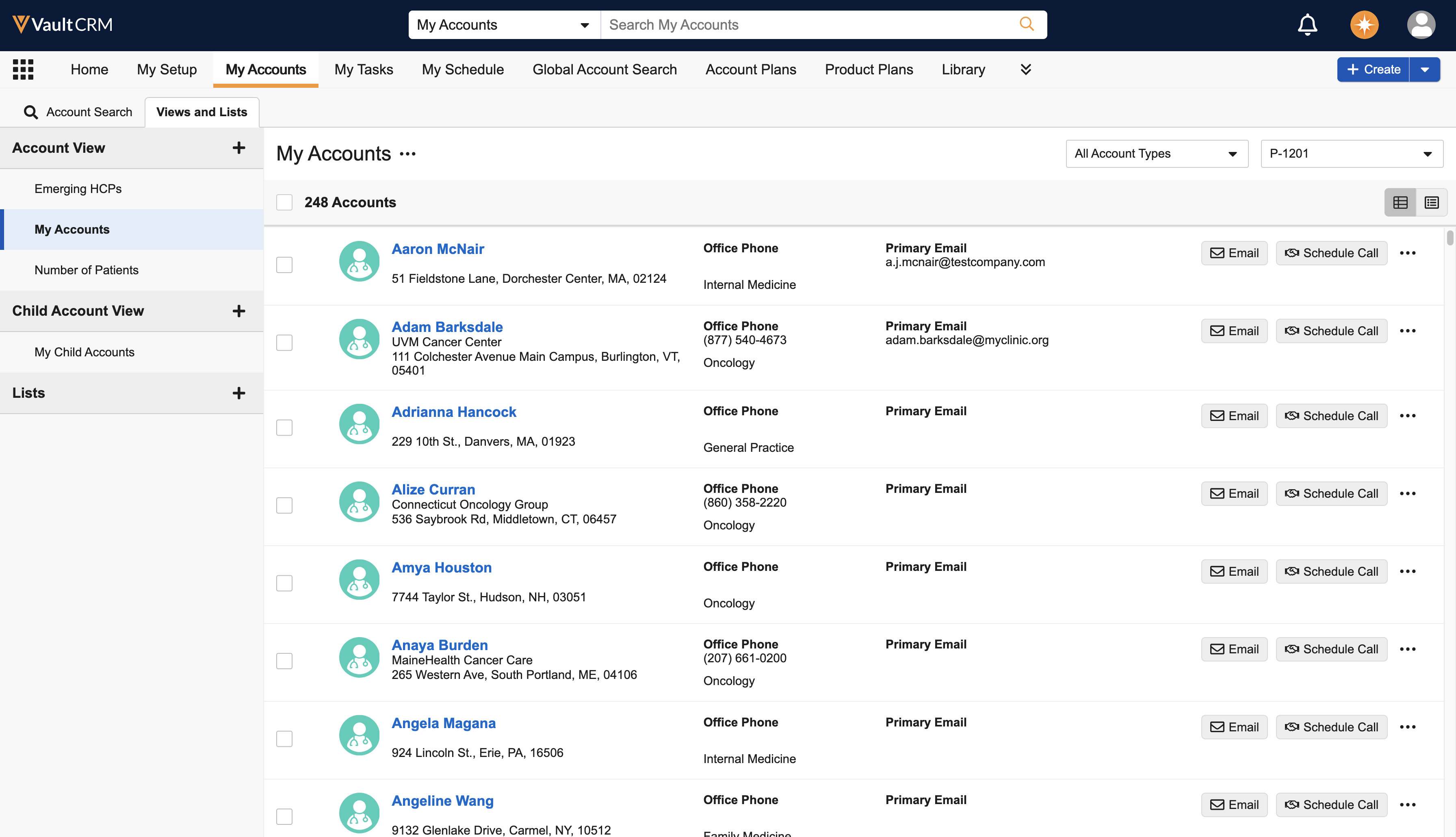
Information in account rows in My Accounts Lists is reorganized. The left column displays the Account Name and Account Identifier. The middle column displays the Parent Account Name and Address. A Send Email action icon now displays along with other available actions in the right column. |
|
|
|
iPad |
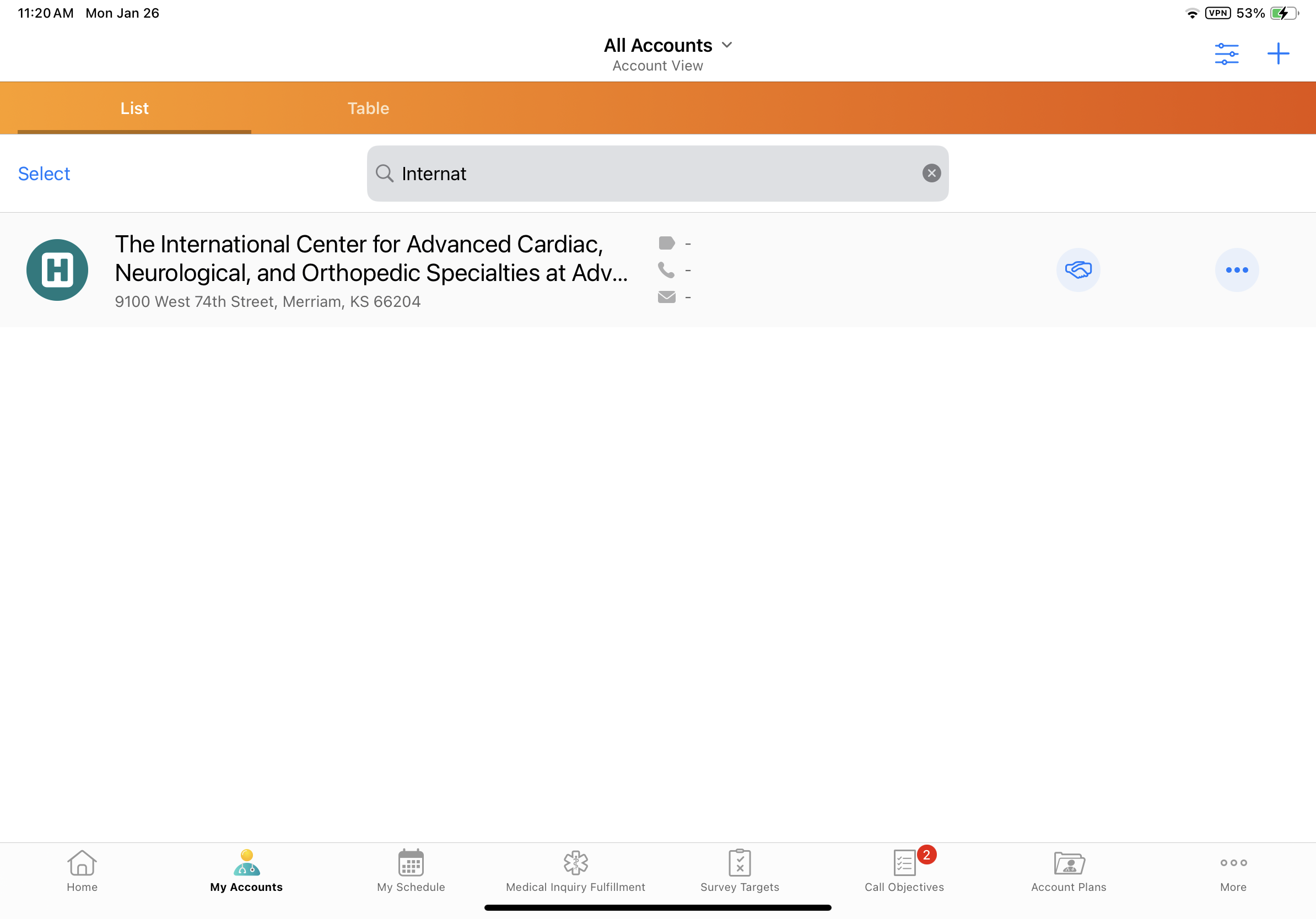
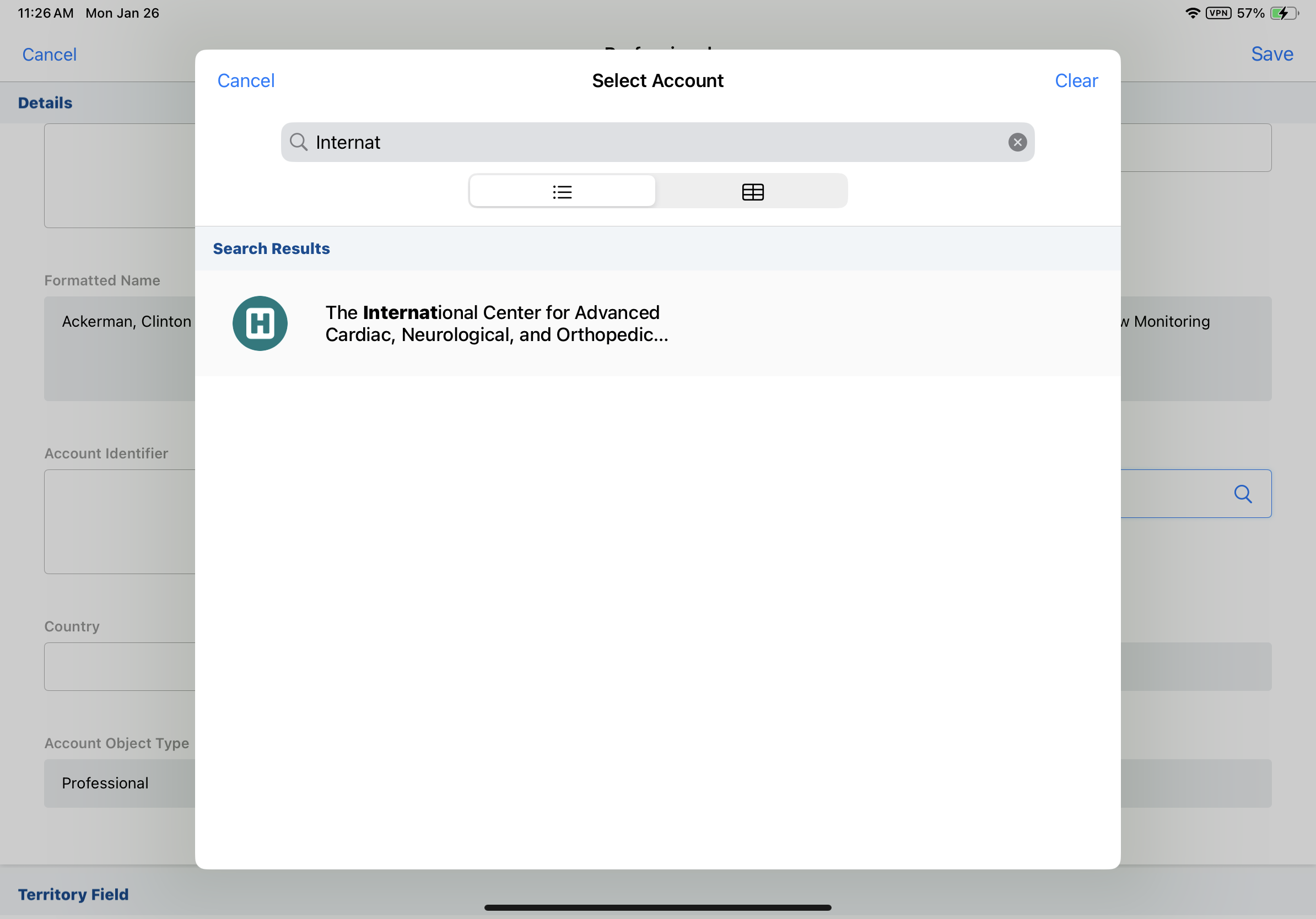
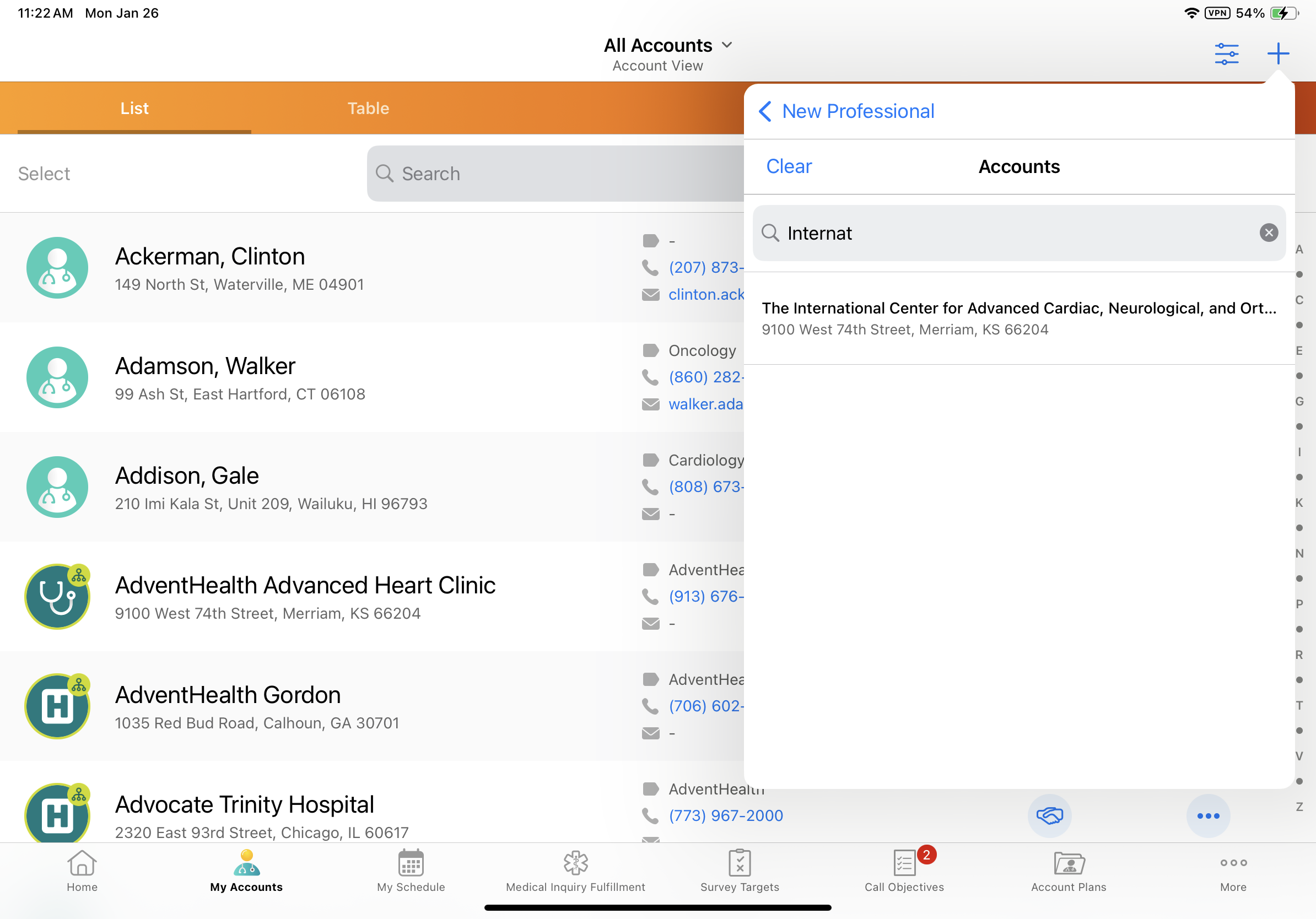
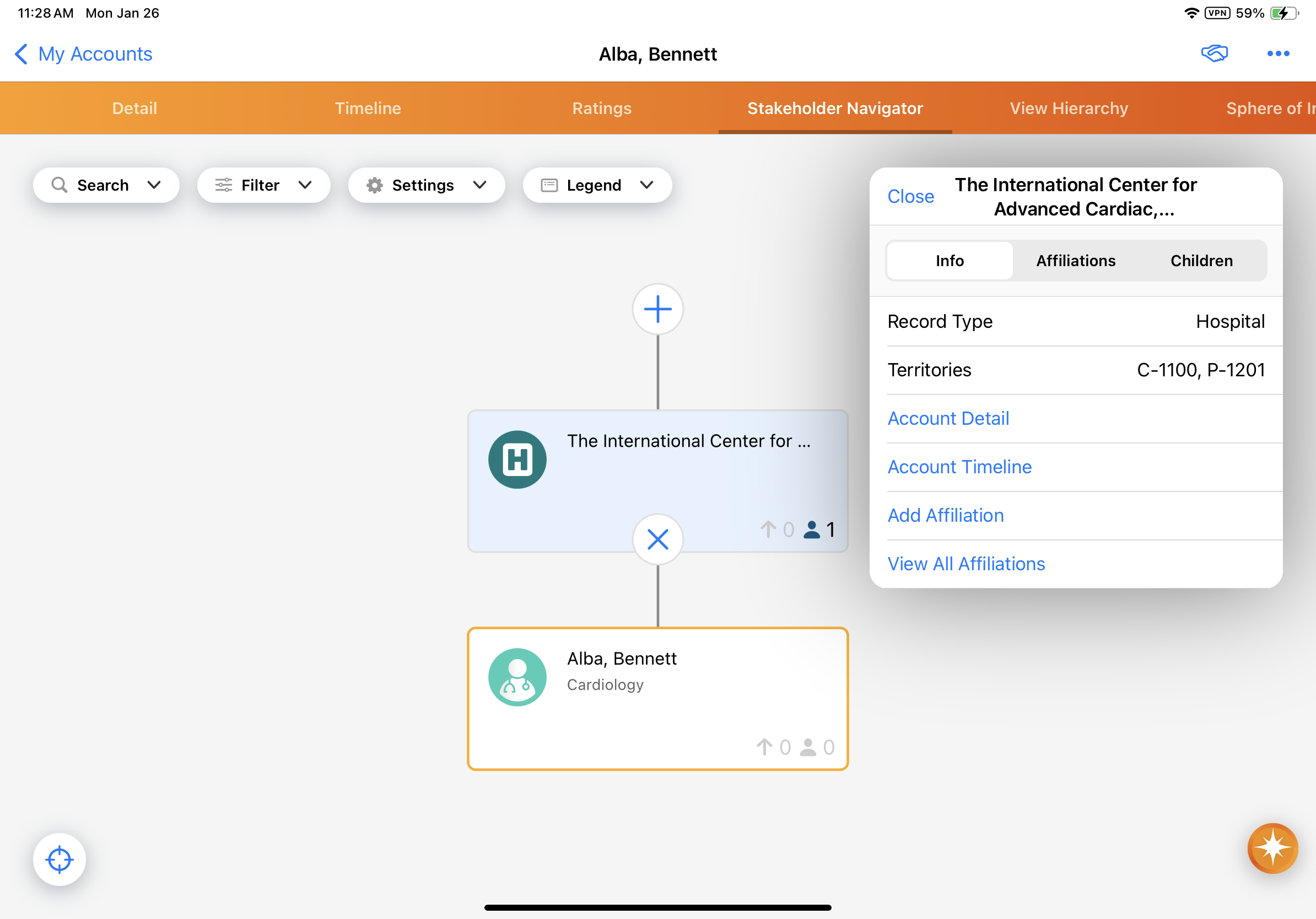
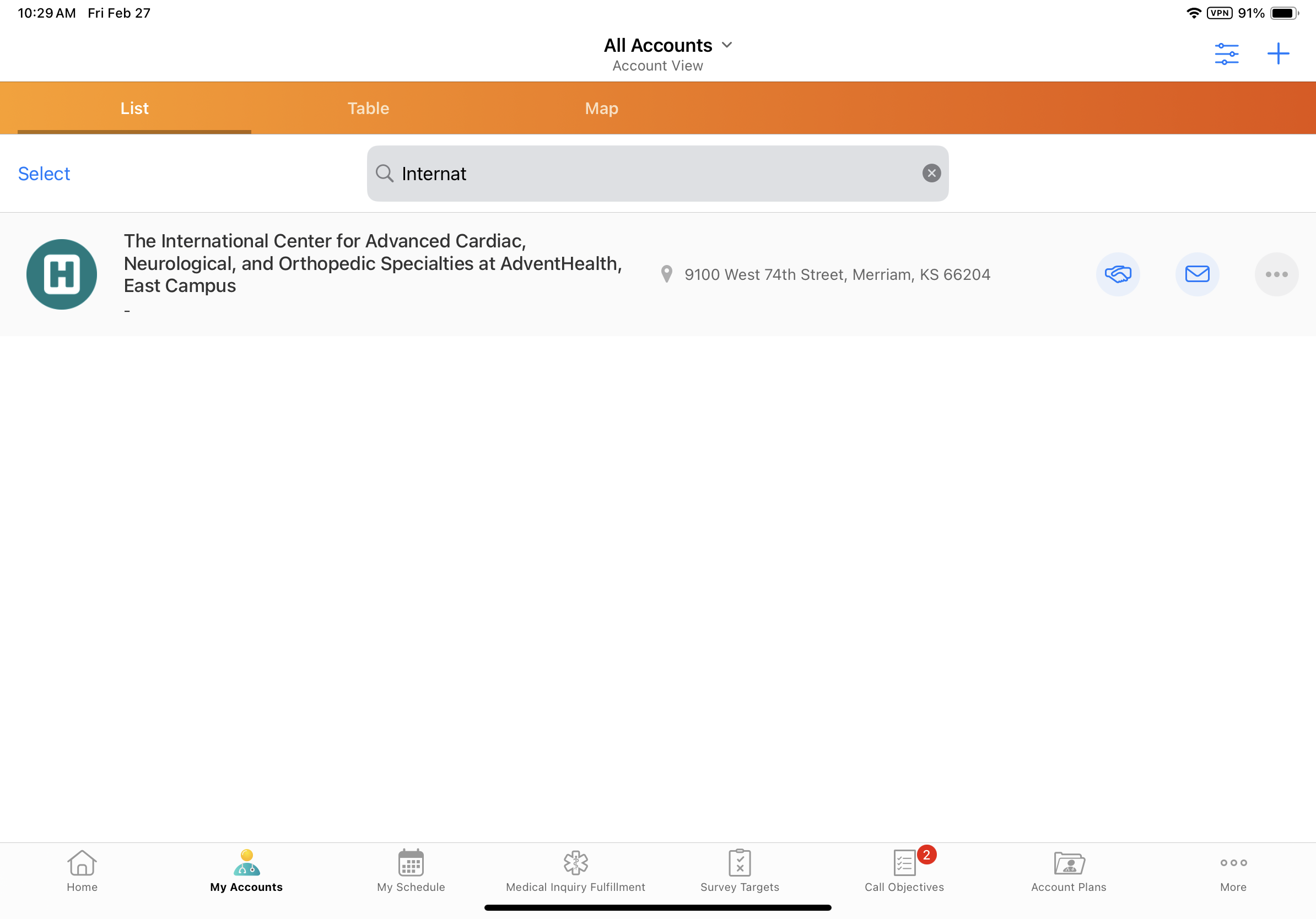
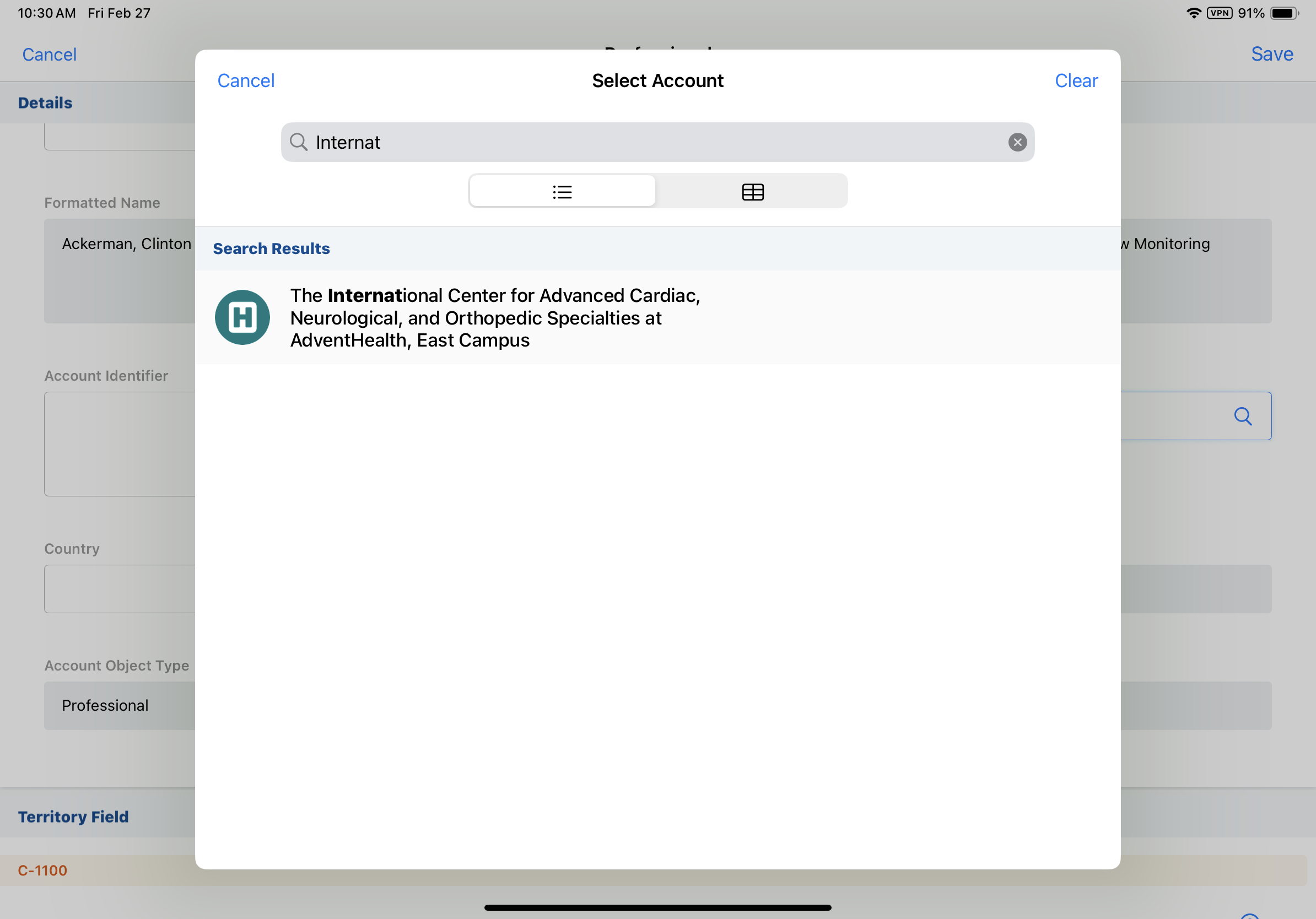
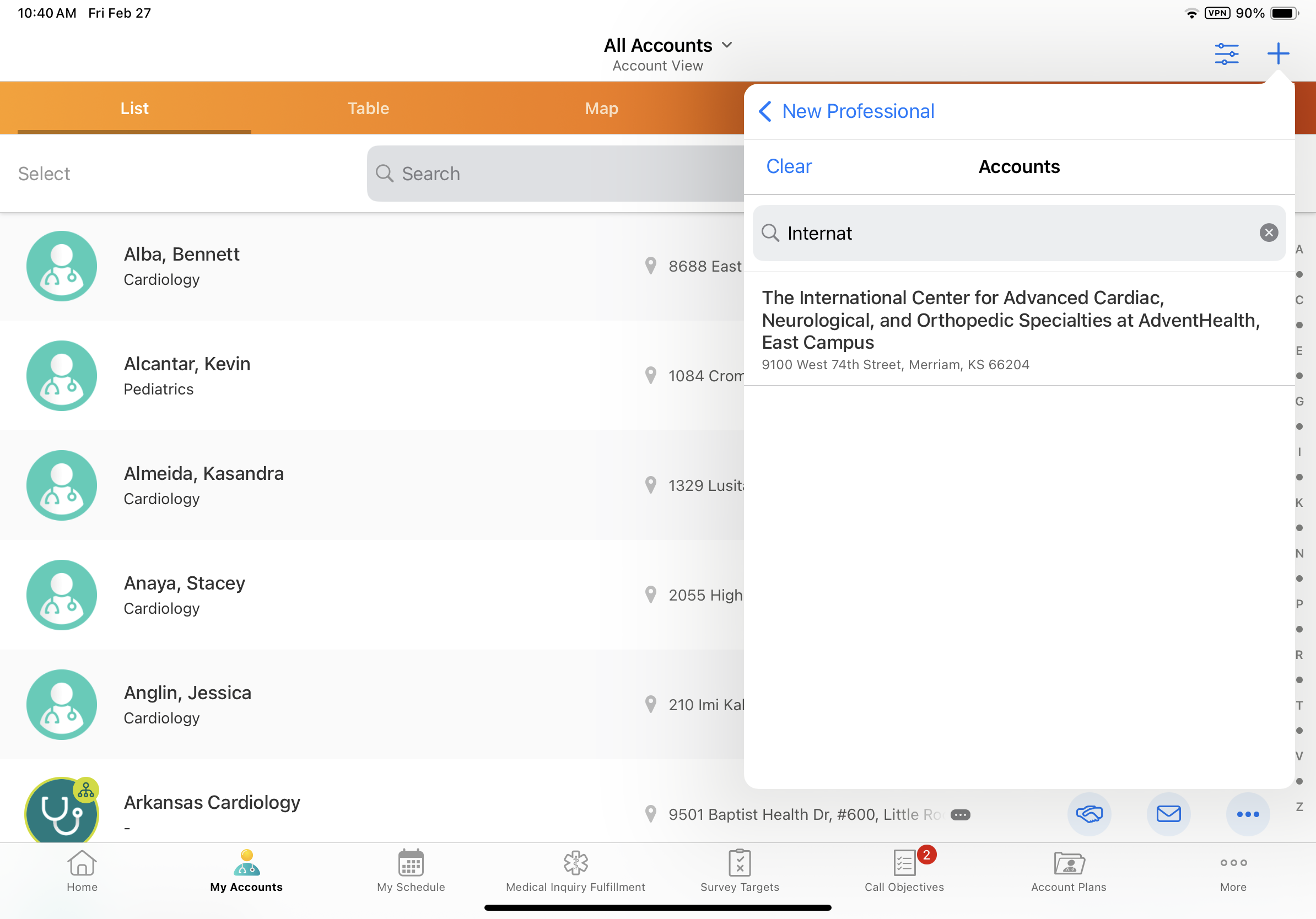
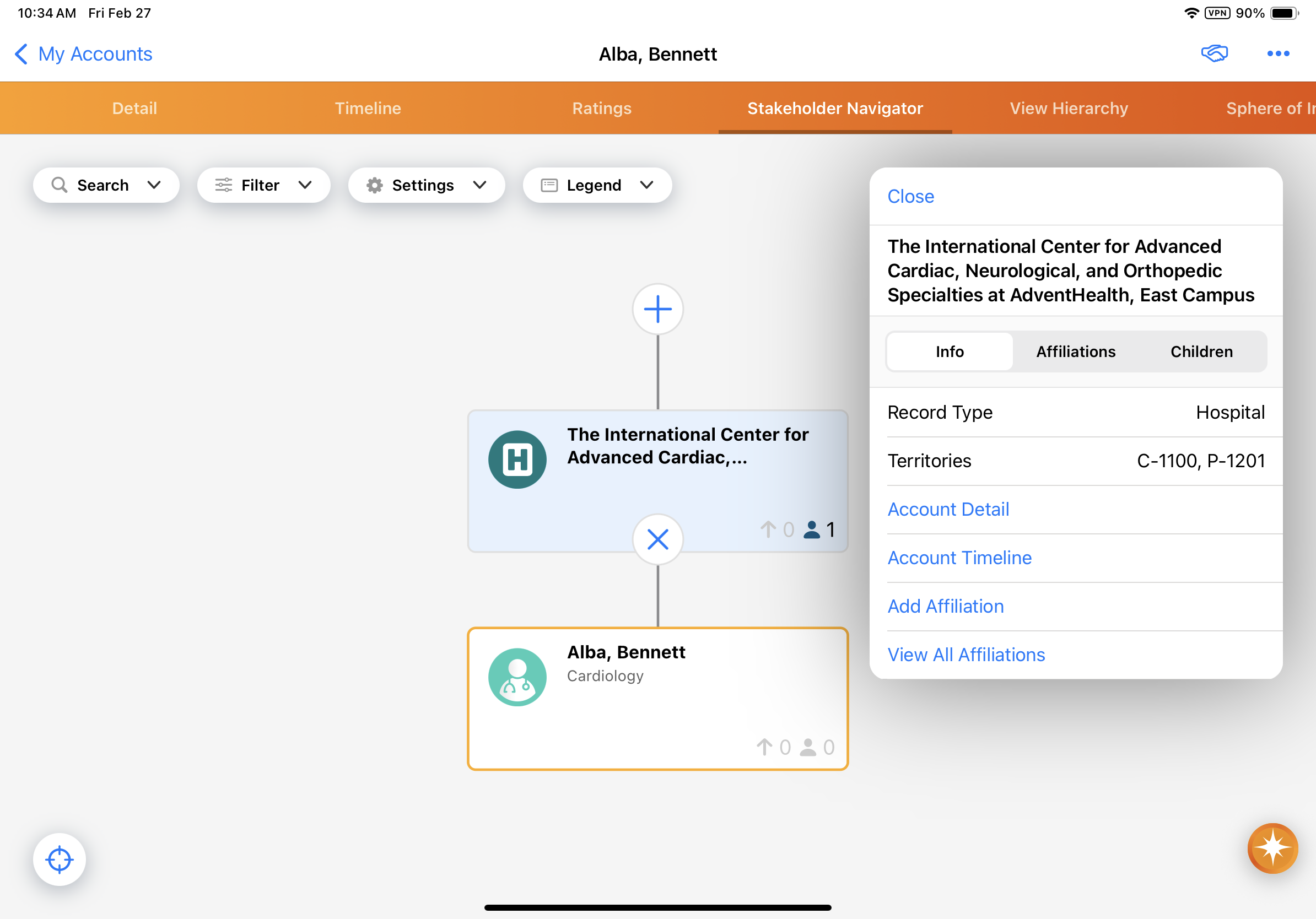
Character display limits and row sizing for account names are increased to help field users accurately identify and differentiate between accounts with similar names. This change impacts the Account Picker, Stakeholder Navigator, and various screens for viewing, creating, and editing records in My Accounts. |
|
|
|
Browser |
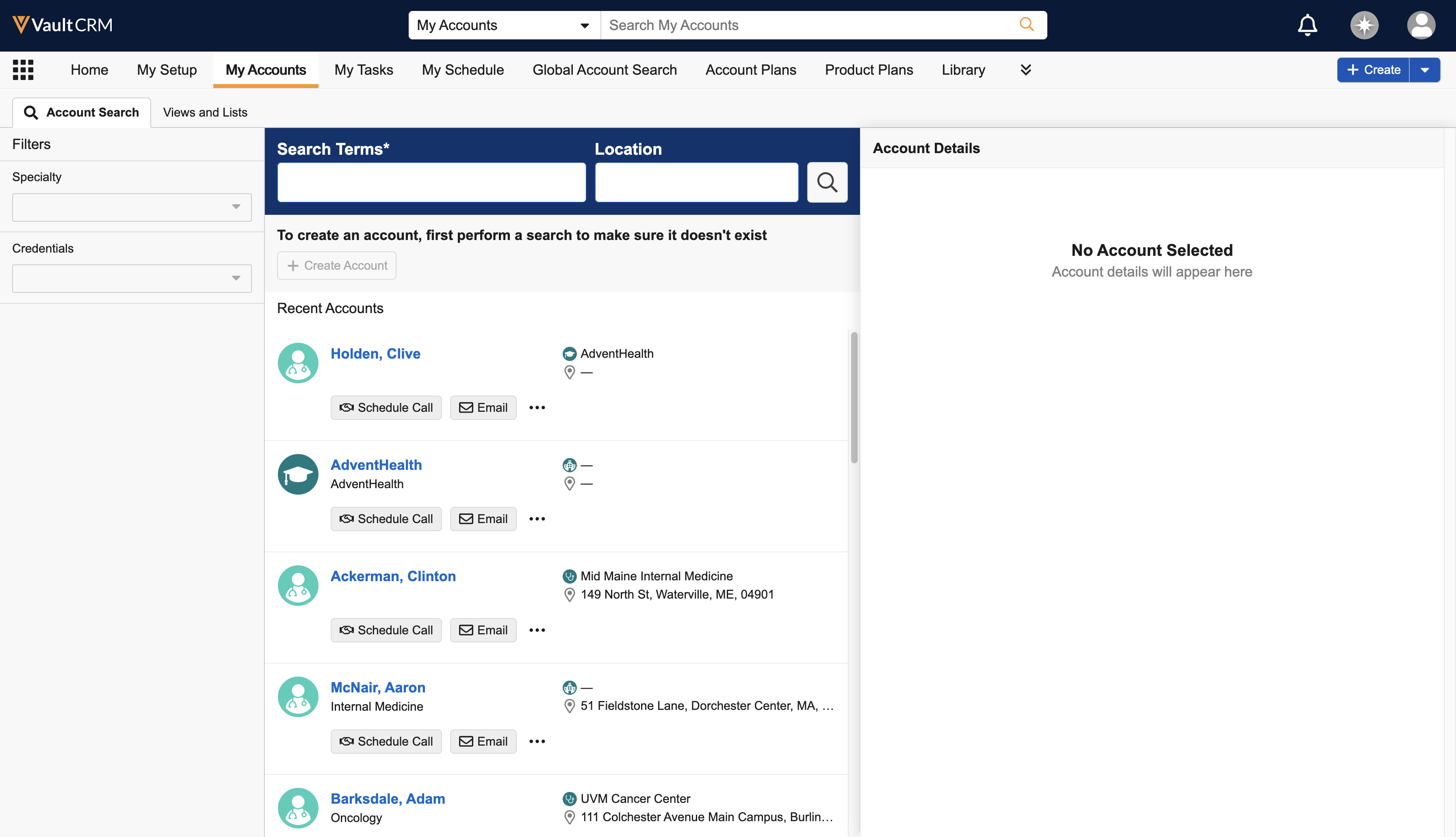
The My Accounts screen displays a dedicated Account Details pane next to the list of accounts. |
|
|
|
Browser |
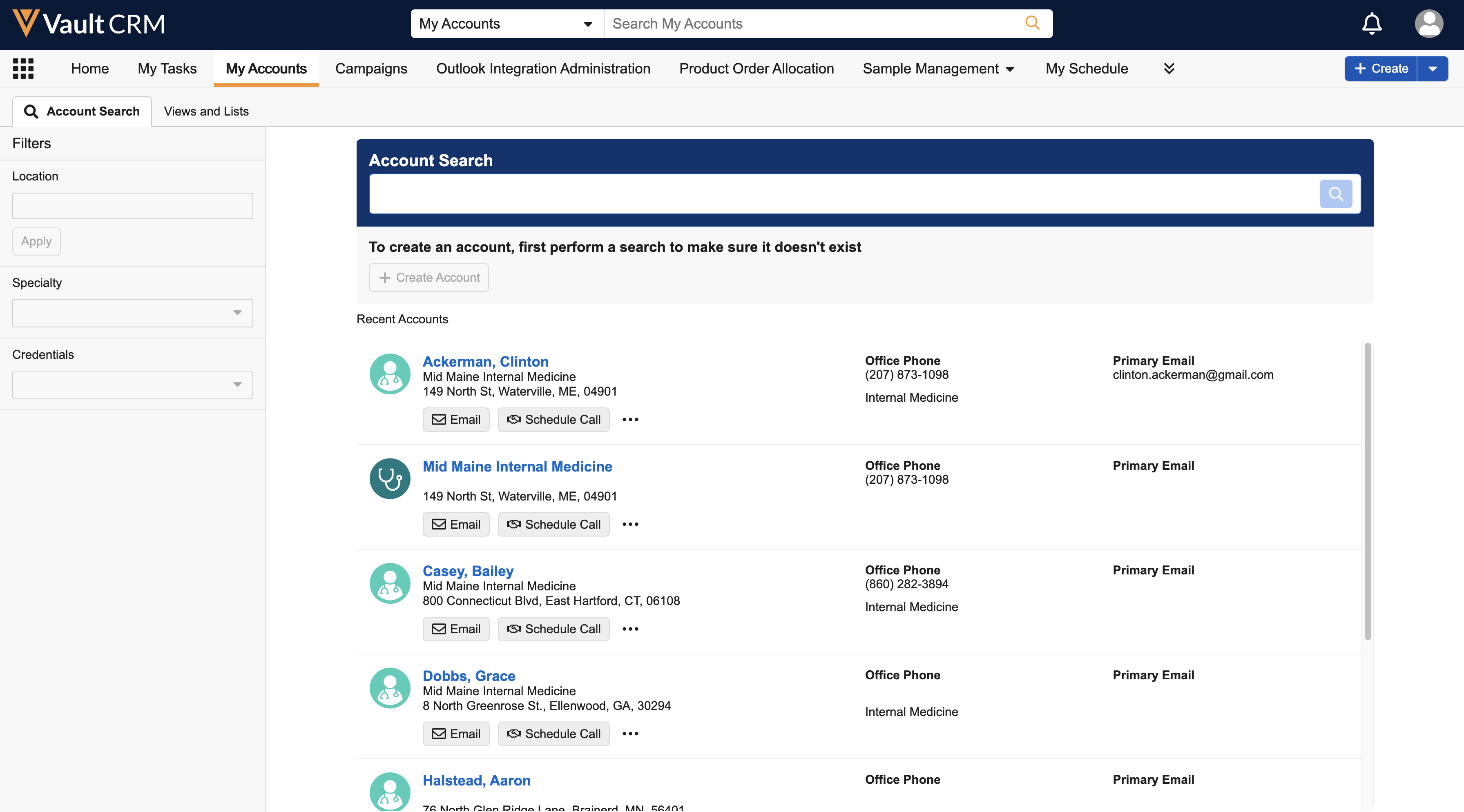
The Location filter now displays next to the Search Terms field in the Accounts Search subtab of My Accounts. |
|
|
Call Reporting
|
Platform |
Description |
Before |
After |
|---|---|---|---|
|
Browser, iPad, iPhone |
When users submit a call report, the datetime at which the call report is first submitted is stamped to the first_submitted_datetime__v field on the call2__v object, as long as users have Edit permission for the field. |
n/a |
n/a |
Campaign Manager
|
Platform |
Description |
Before |
After |
|---|---|---|---|
|
Browser |
If the Bot field is populated on an Email Activity record, the activity no longer counts toward the Open Rate, Unique Opens, Click Rate, or Unique Click metrics or in the Sankey chart on the Campaign Performance tab. Activity from suspected bots can still be reviewed by exporting the campaign's performance details. |
n/a |
n/a |
Events Management
|
Platform |
Description |
Before |
After |
|---|---|---|---|
|
Browser, iPad |
The Expense Type picklist now displays on Expense Estimate records with all Expense Types that do not have a parent Expense Type, even if the Expense Type is already in use for the event. |
n/a |
n/a |
|
Browser, iPad |
When deleting an event speaker from an event, all expense estimate records with a matching event speaker are deleted. |
n/a |
n/a |
|
iPad |
Expense estimates are now matched when the record is saved, rather than when the expense type is selected. |
n/a |
n/a |
Inventory Monitoring
|
Platform |
Description |
Before |
After |
|---|---|---|---|
|
Browser |
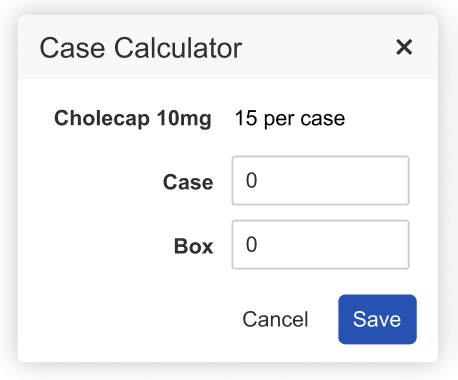
If the quantity_per_case__v field on the product__v object has a value greater than 0, the Case Calculator icon displays in the input box for that Inventory Monitoring line item. Selecting the Case Calculator icon opens the Case Calculator pop-up window. |
n/a |
|
My Schedule
|
Platform |
Description |
Before |
After |
|---|---|---|---|
|
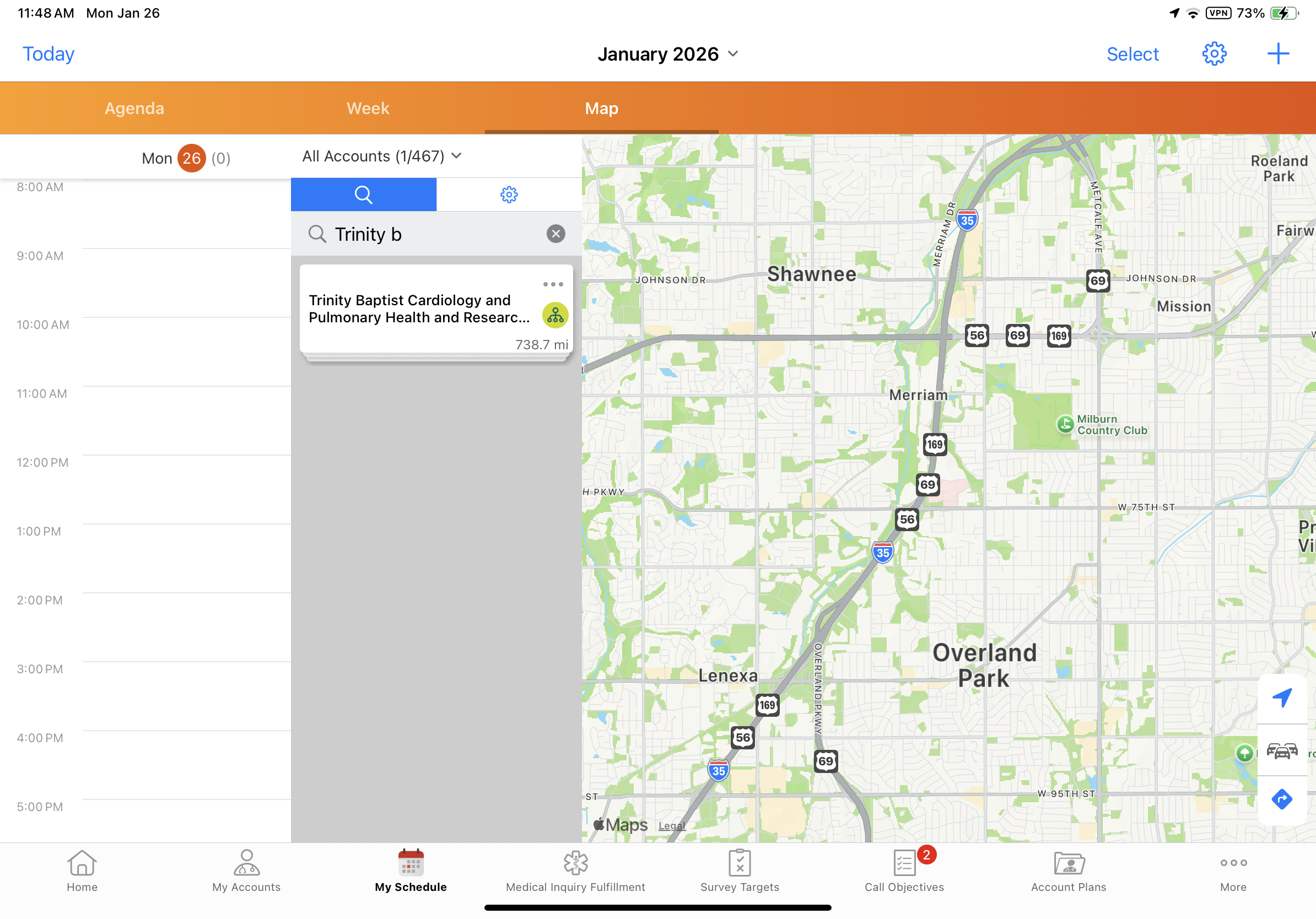
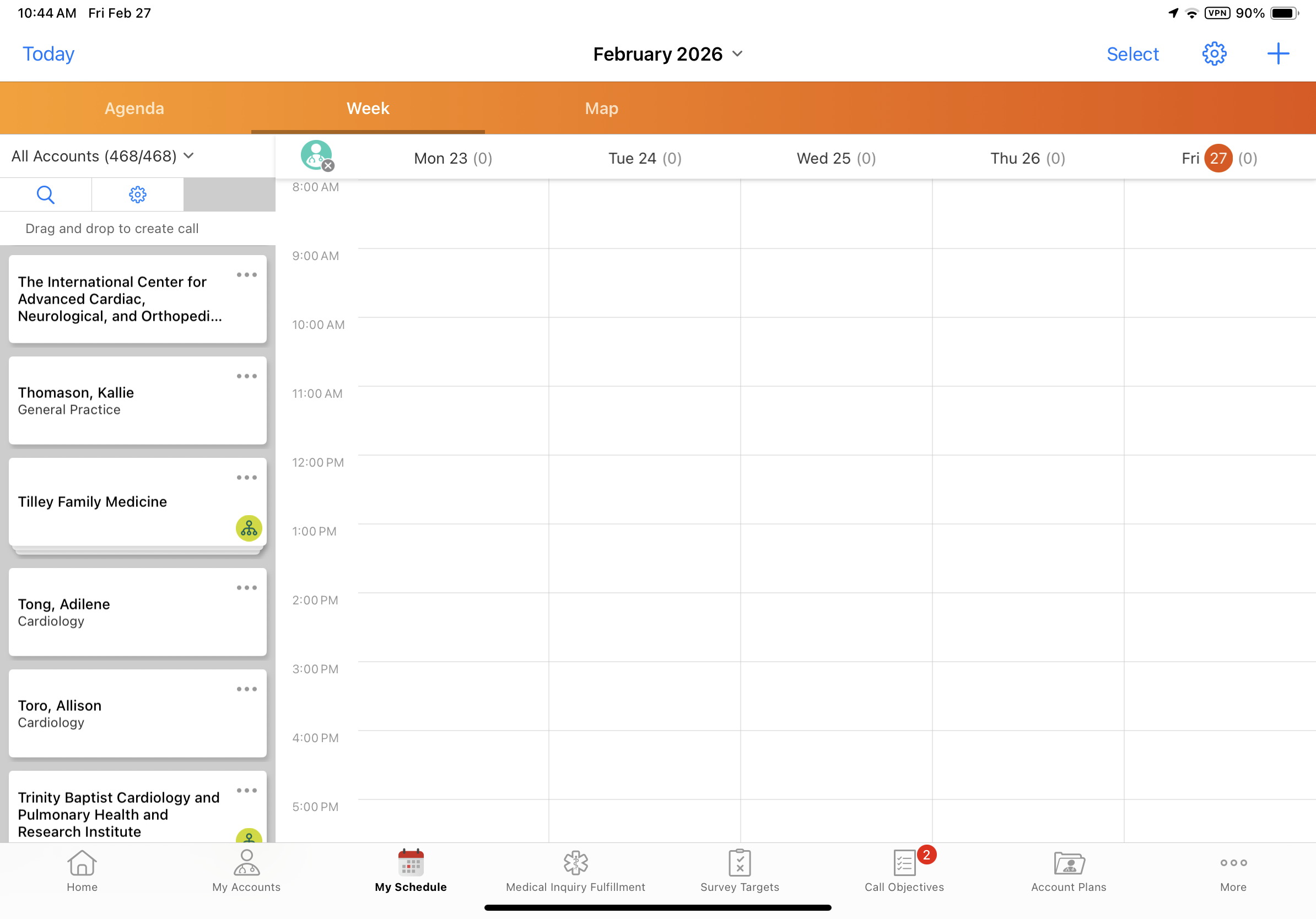
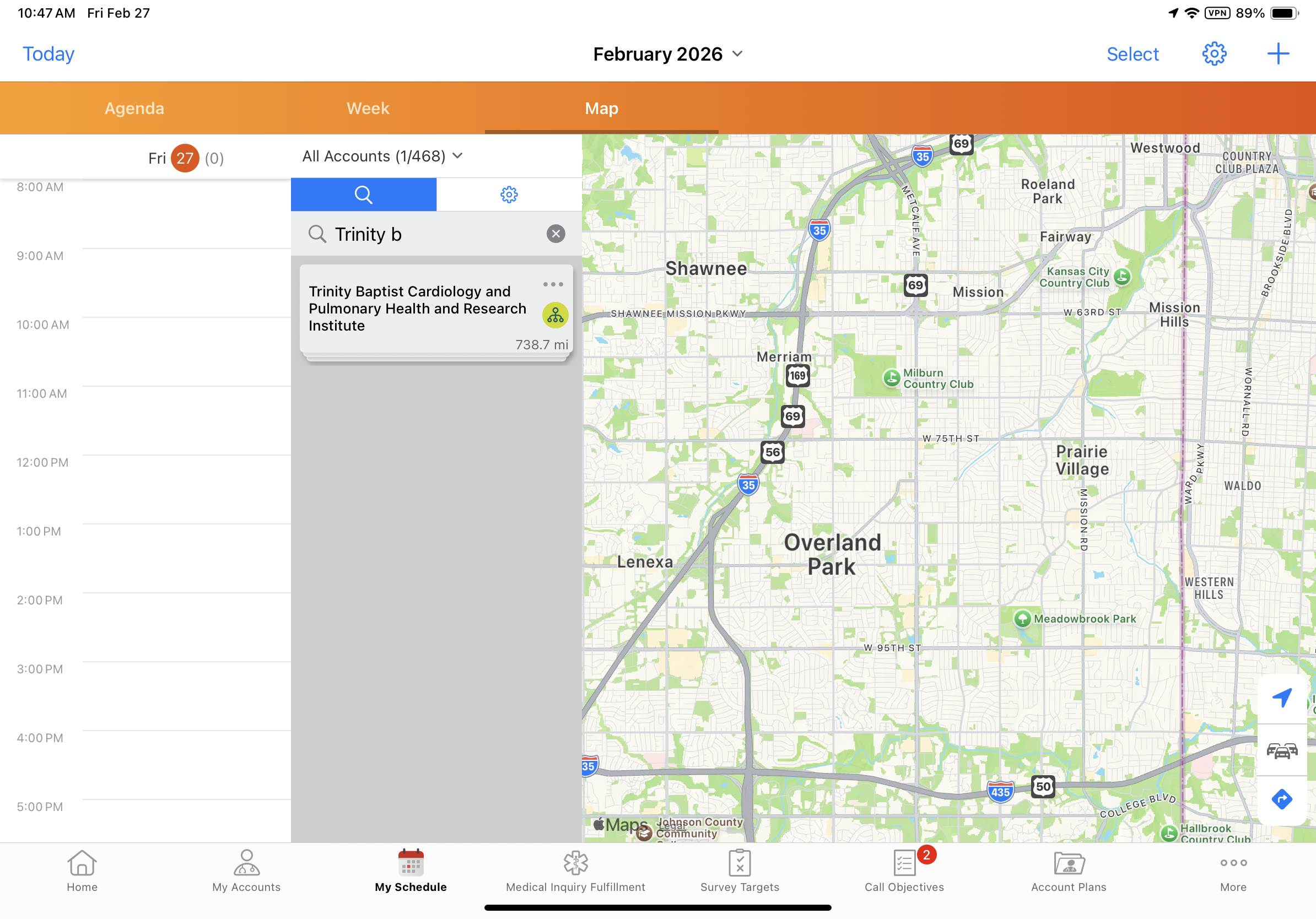
iPad |
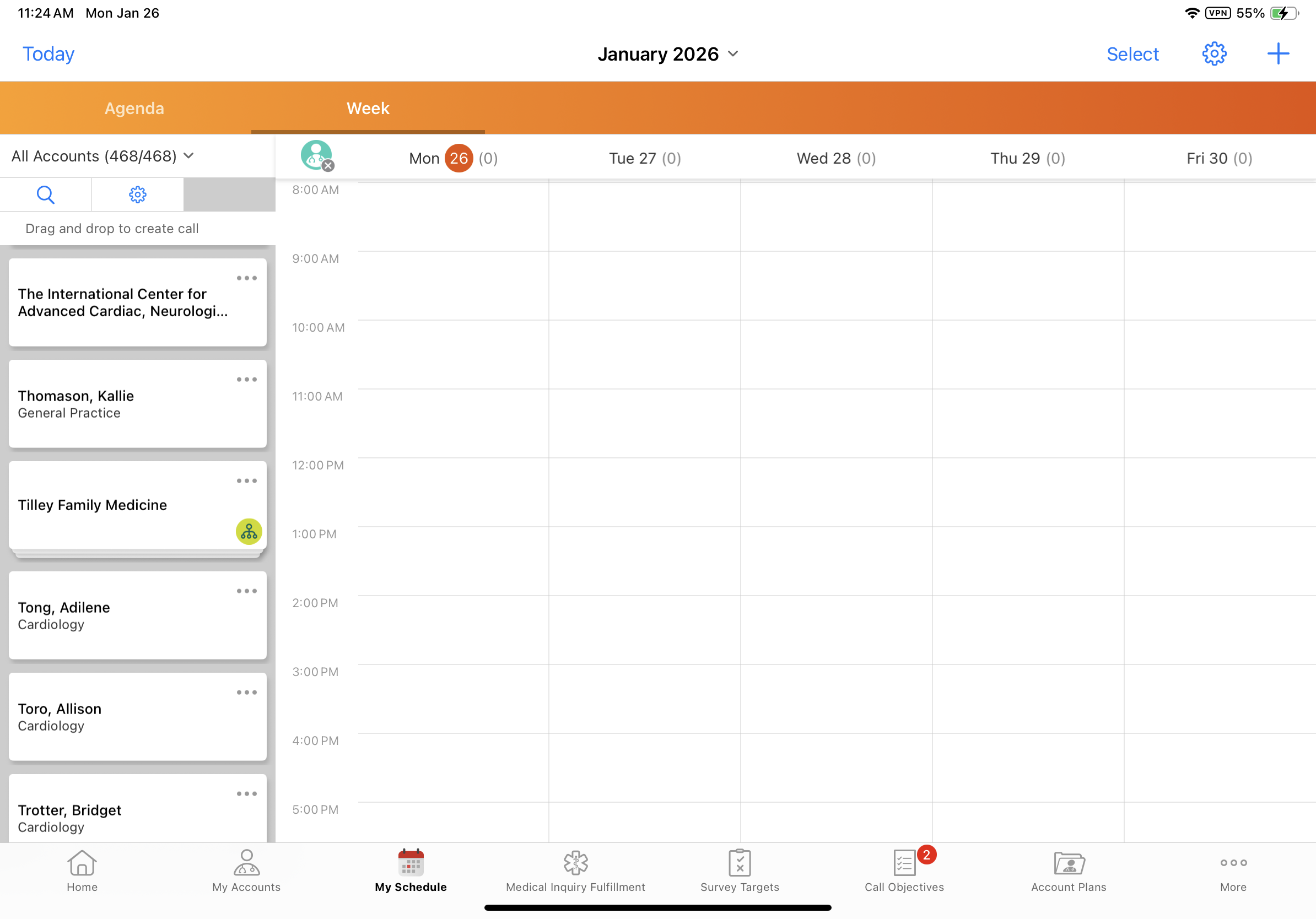
Character display limits for account names are increased on Week and Map views to help field users accurately identify and differentiate between accounts with similar names. |
|
|
Product Metrics
|
Platform |
Description |
Before |
After |
|---|---|---|---|
|
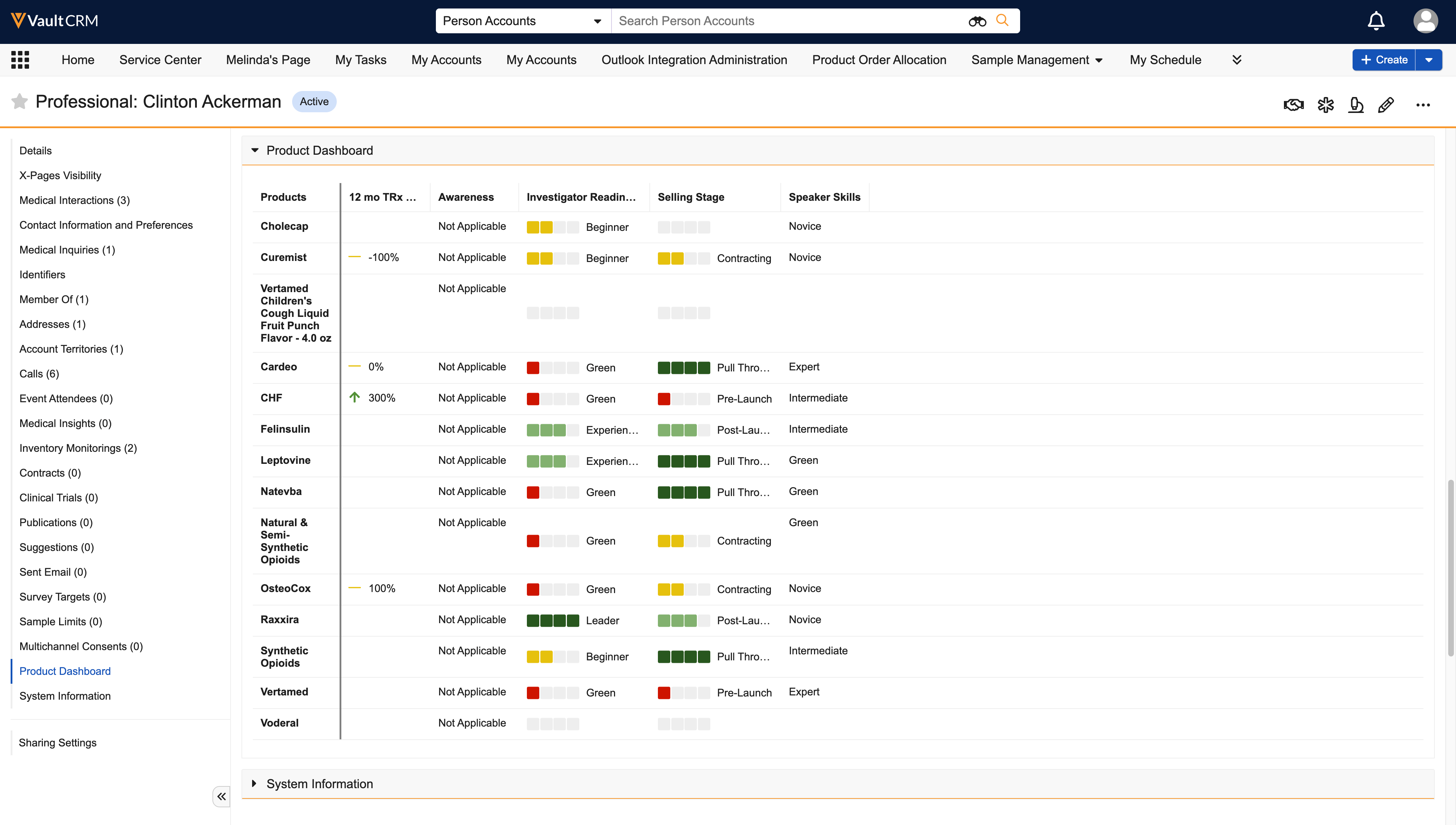
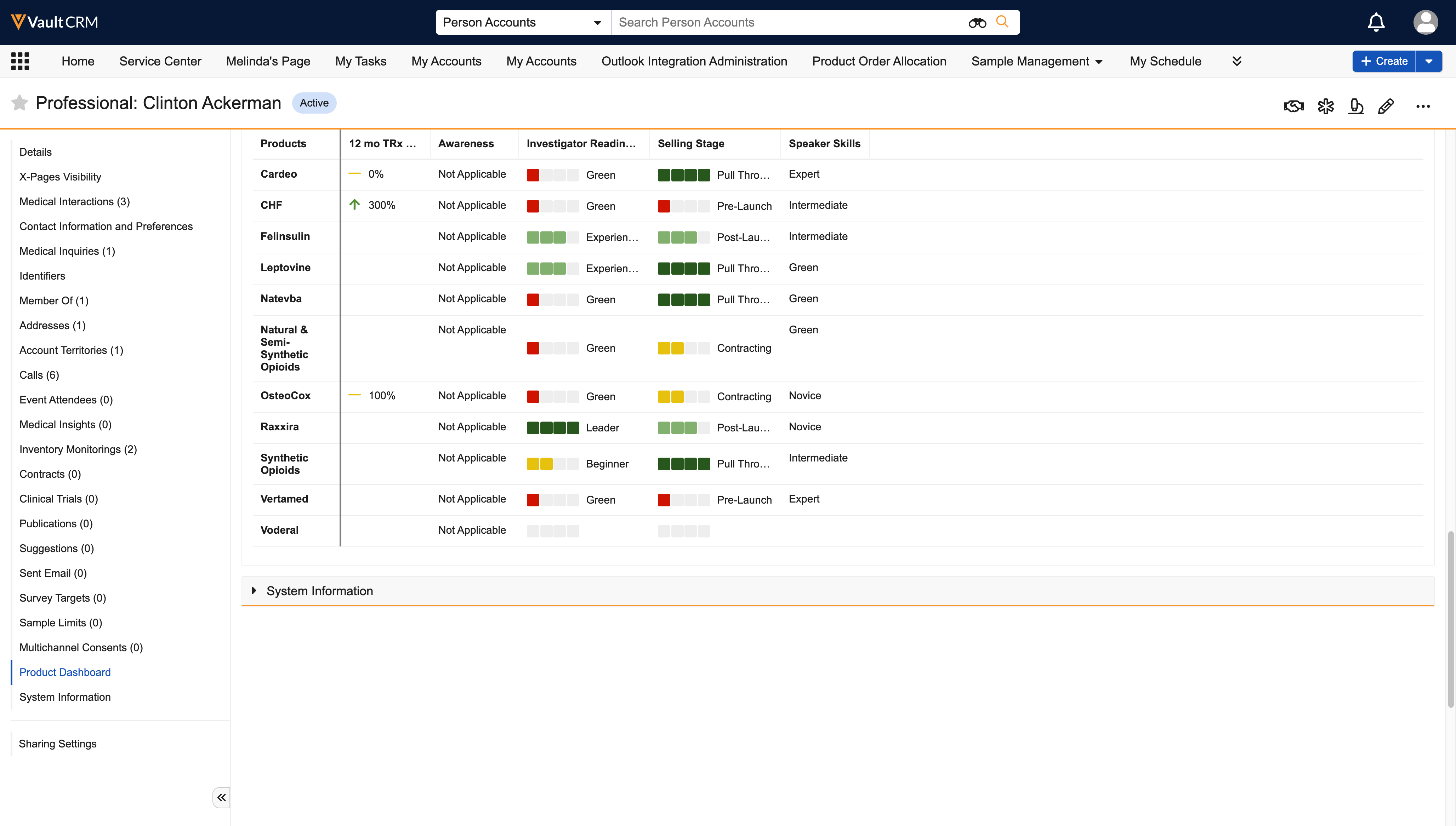
Browser |
Column headers for Product Metrics are persistent and remain visible when scrolling. |
|
|
Sample Management
|
Platform |
Description |
Before |
After |
|---|---|---|---|
|
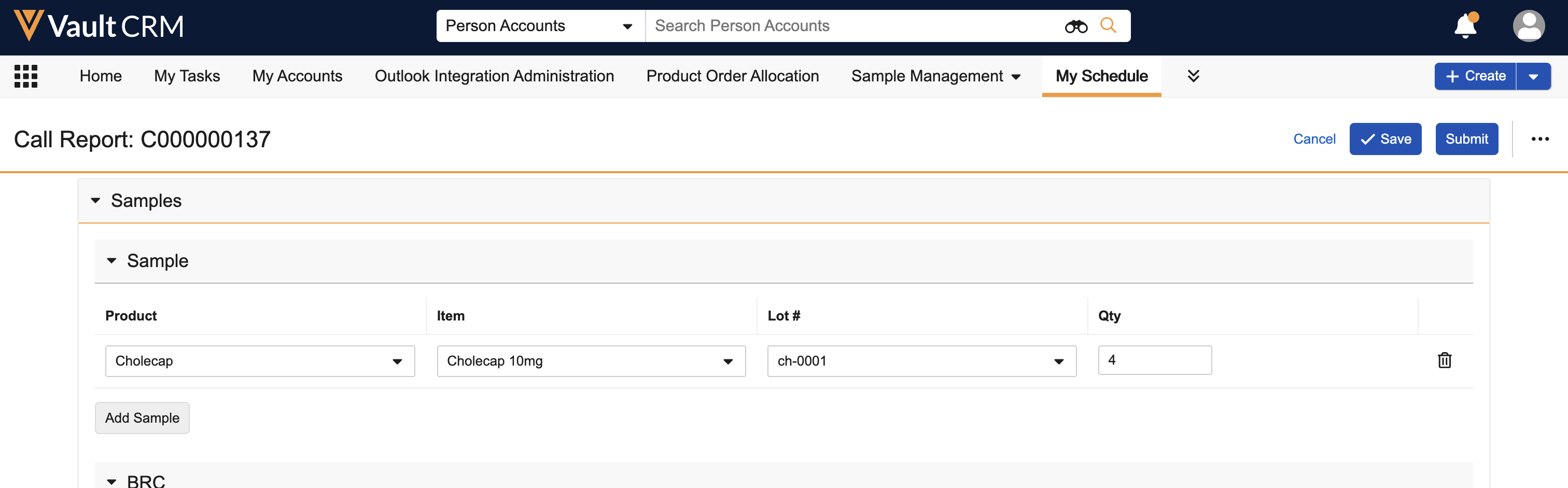
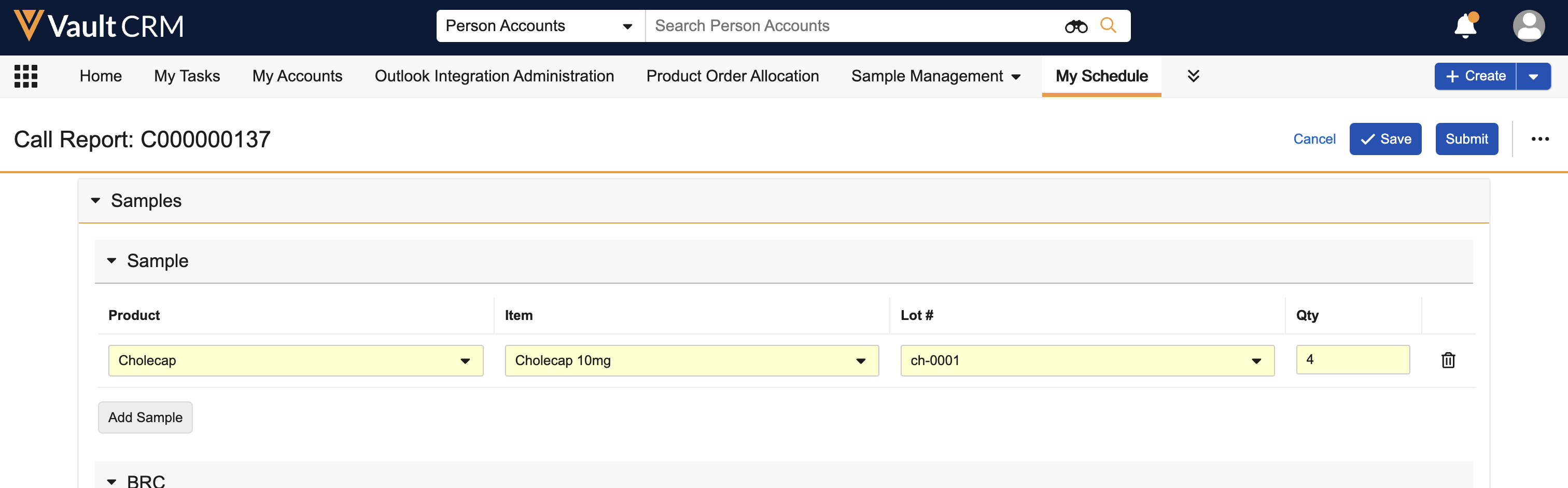
Browser, iPad, iPhone |
The following fields display as required in the Samples section on the call report:
|
|
|
Service Center
|
Platform |
Description |
Before |
After |
|---|---|---|---|
|
Browser |
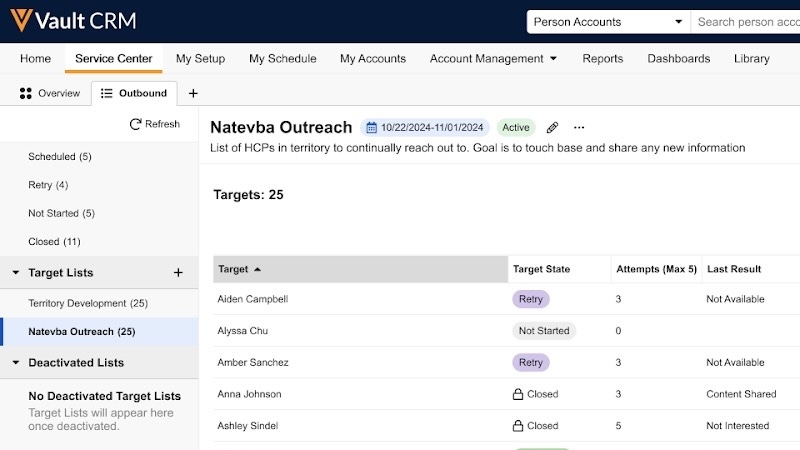
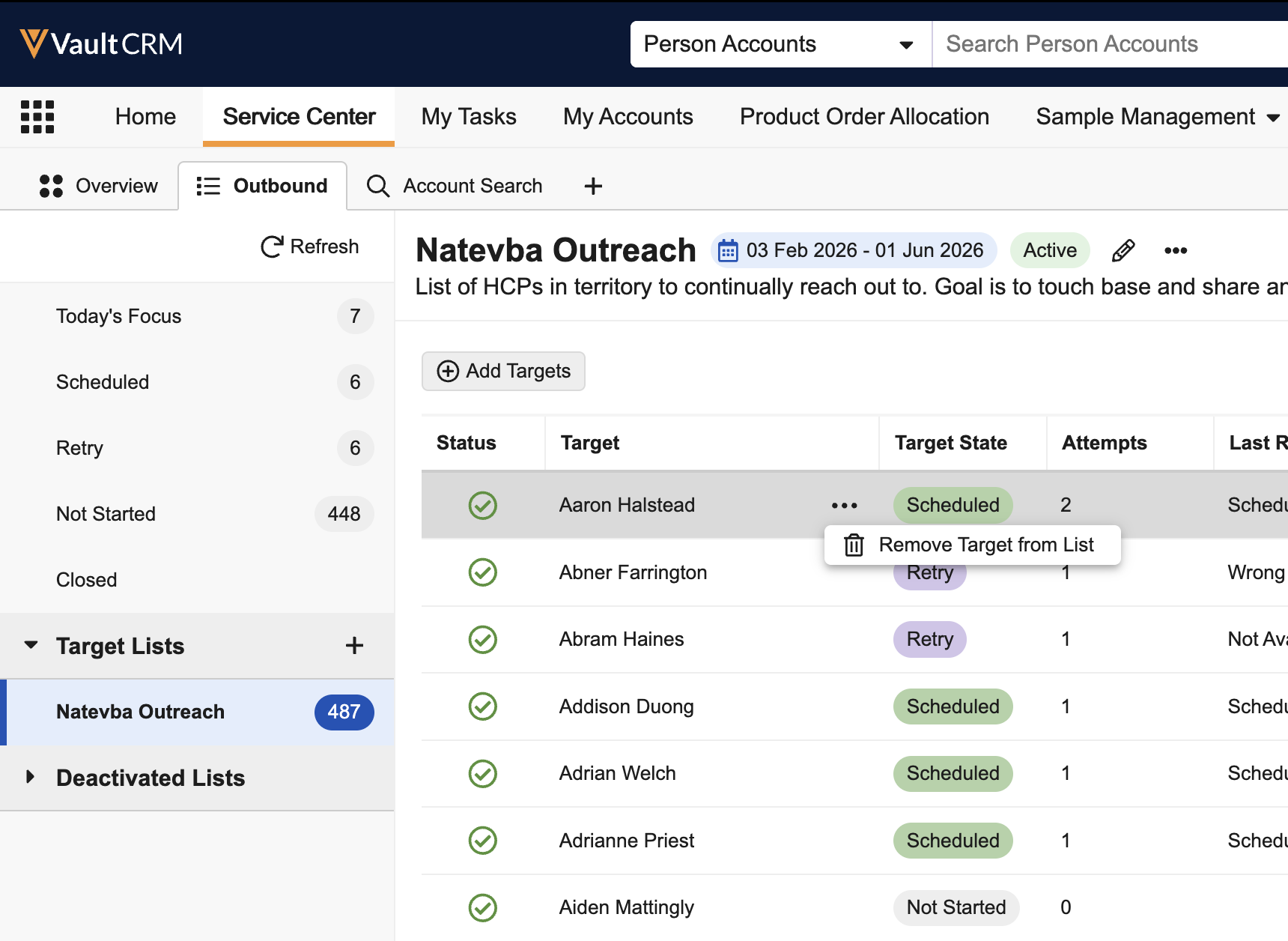
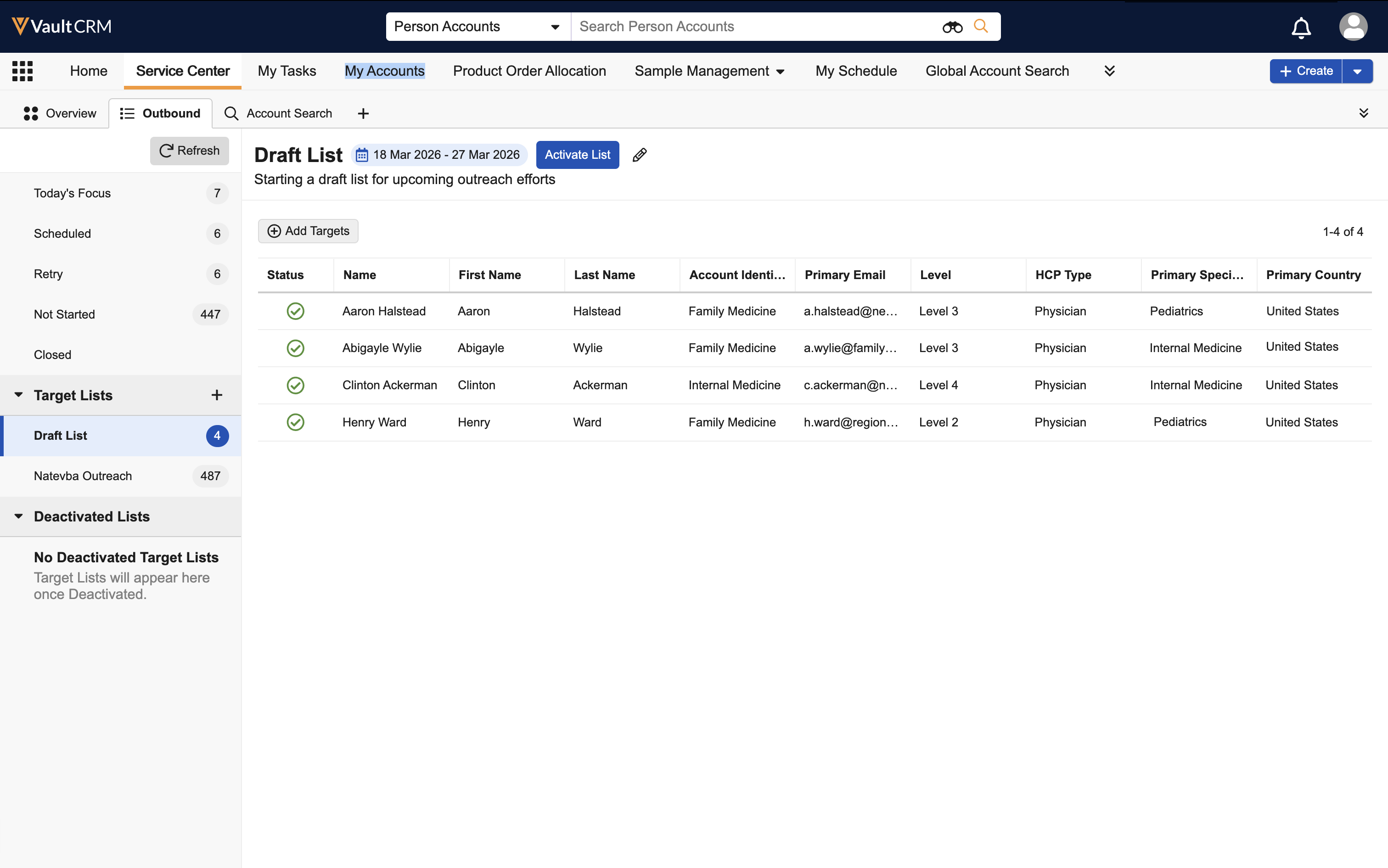
An Add Targets button now displays at the top of Target Lists. A Remove option is accessible under the All Actions menu for each target. |
|
|
|
Browser |
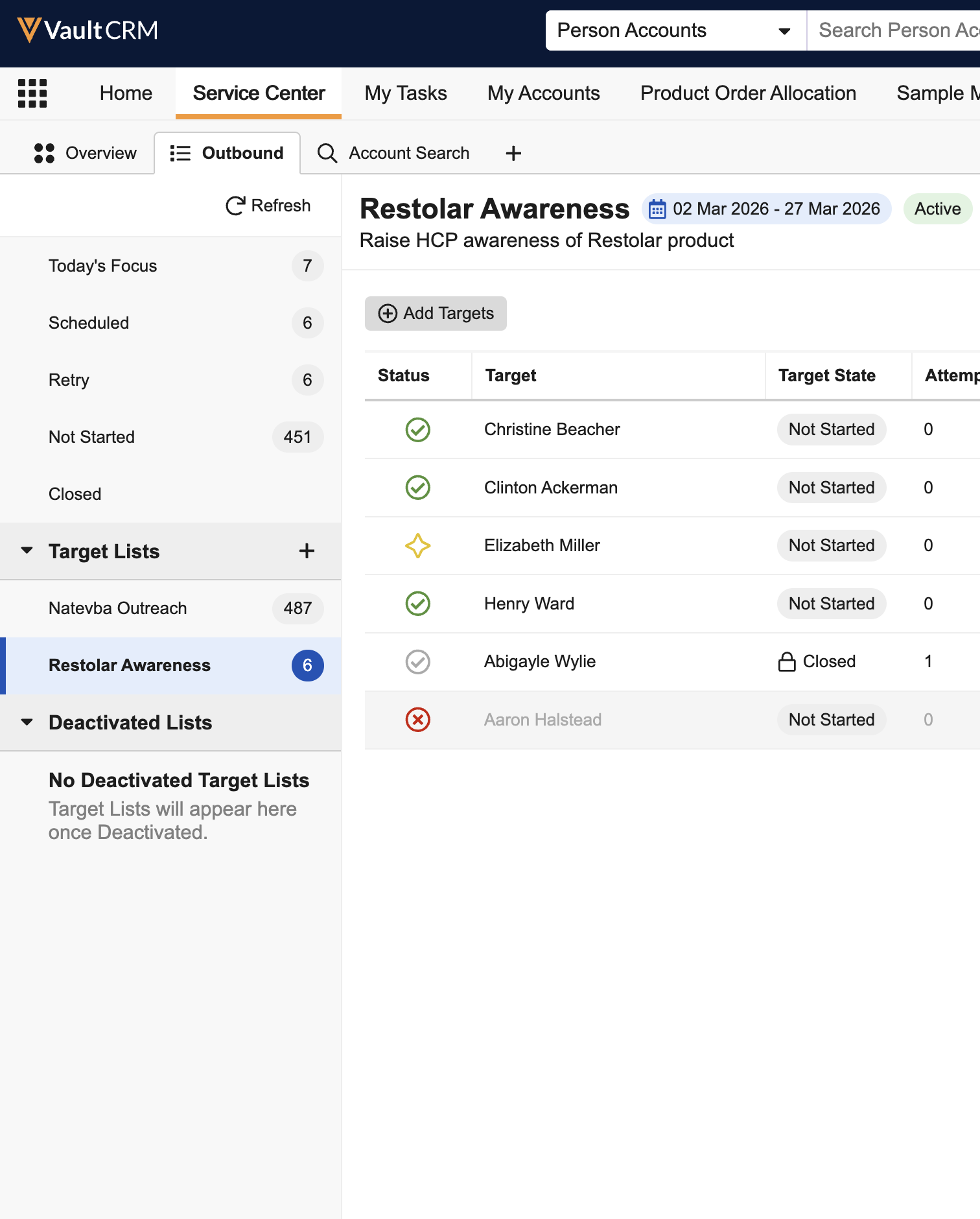
In Target Lists, a Status column now displays New, Active, Closed, or Removed icons corresponding to the target’s status. |
|
|
|
Browser |
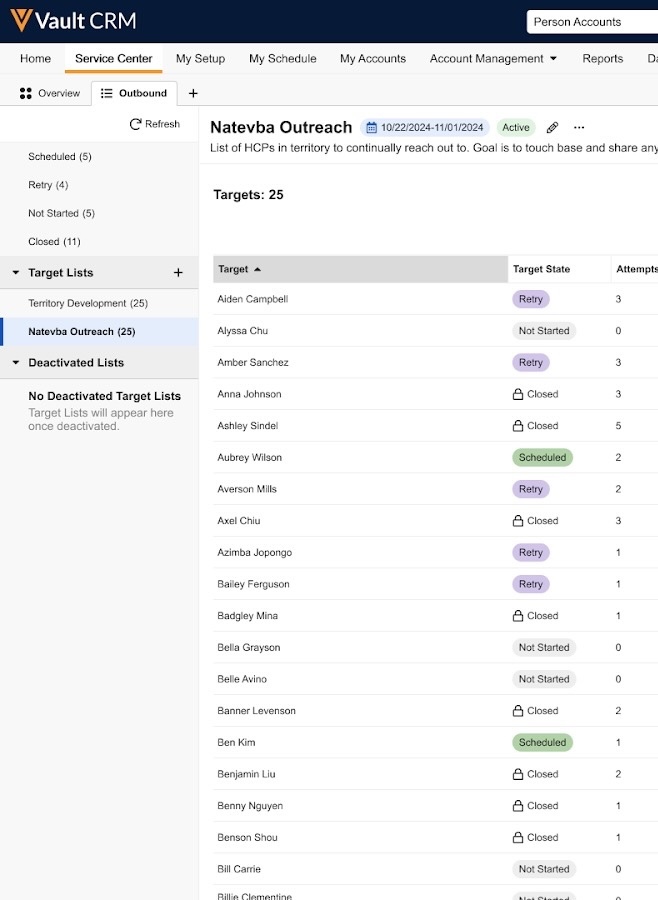
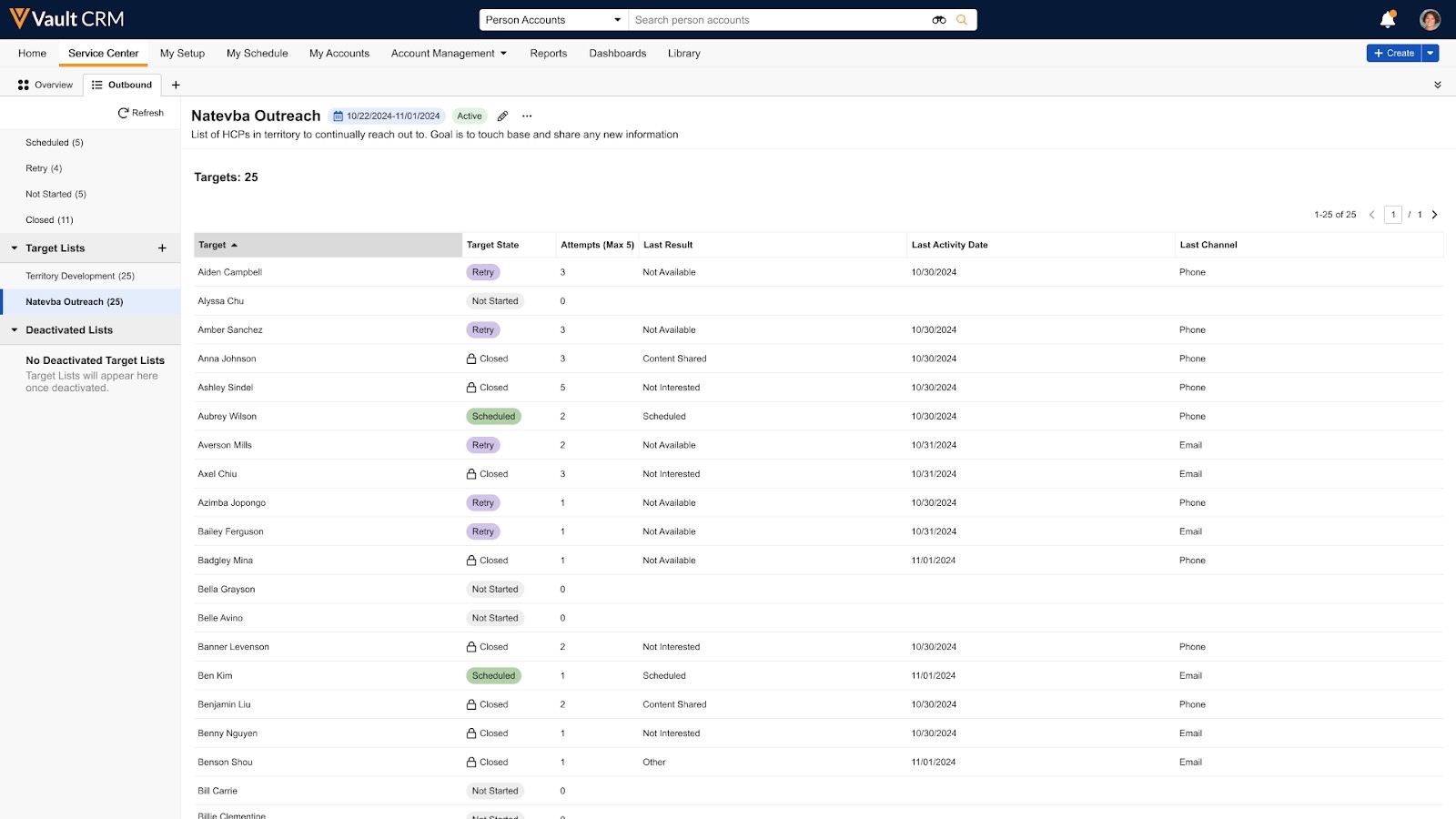
To improve access to target information, Target Lists columns vary by list state, ensuring the appropriate information is included for Draft state lists versus Active or Inactive state lists. |
|
|
Surveys
|
Platform |
Description |
Before |
After |
|---|---|---|---|
|
Browser |
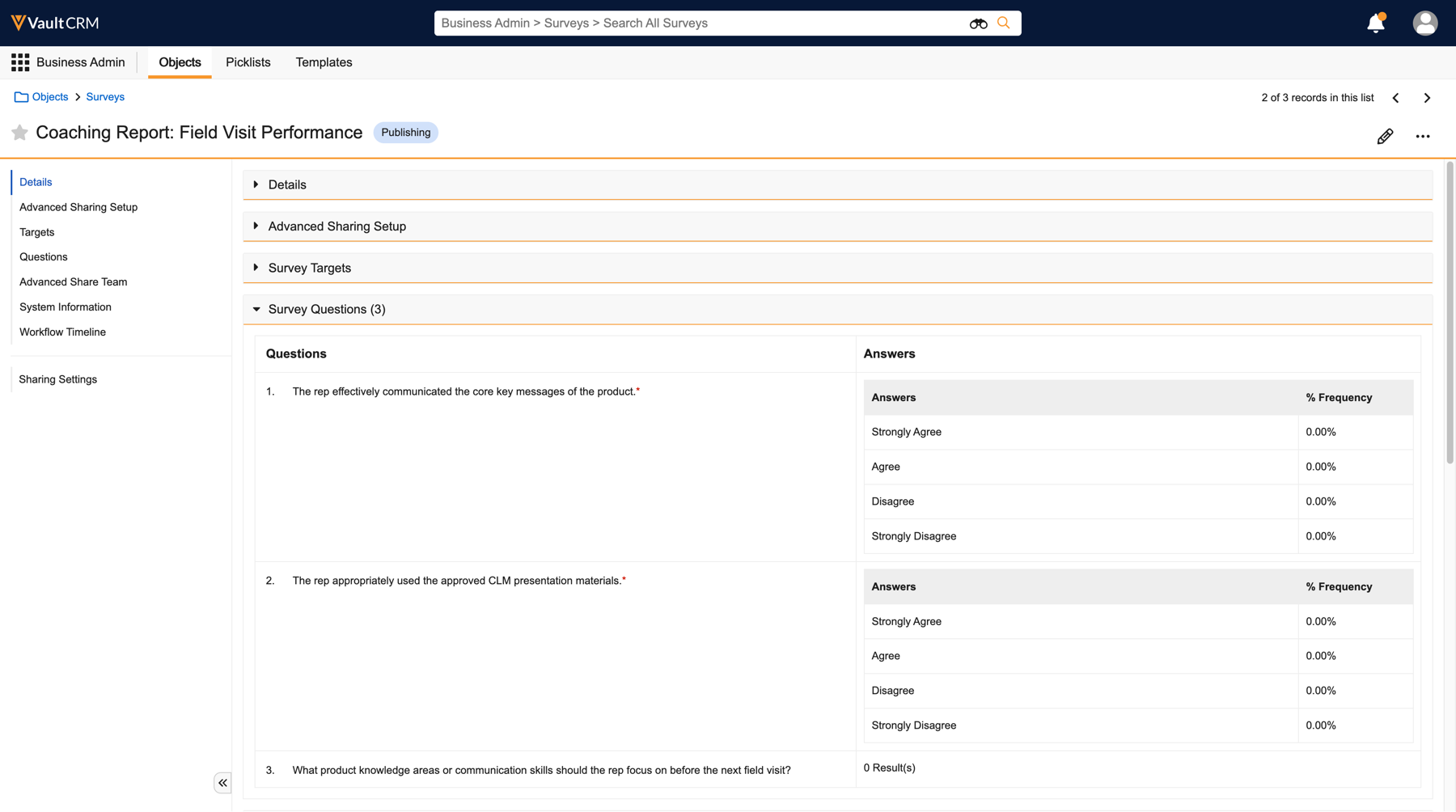
For Coaching Report Survey Targets, the question section now displays according to its configured position on the page layout. |
n/a |
|
X-Pages Studio
|
Platform |
Description |
Before |
After |
|---|---|---|---|
|
Browser, iPad |
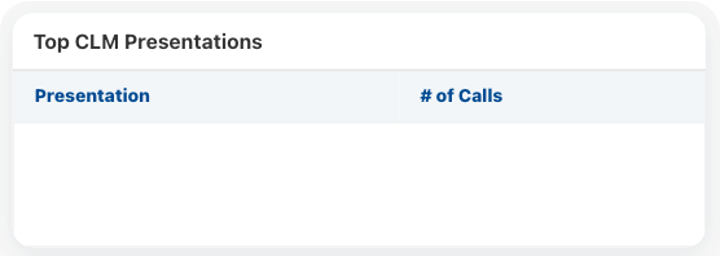
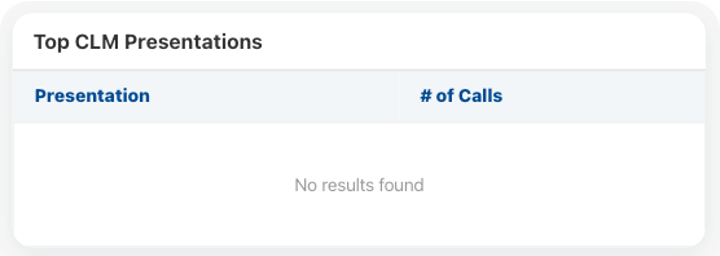
If no data is available to display in a table, a No Results Found message displays. Content creators must deploy a new version of the X-Page before this change is visible to end users. |
|
|
|
Browser, iPad |
All table columns are sortable. Content creators must deploy a new version of the X-Page before this change is visible to end users. |
|
|
Vault AI in CRM
|
Platform |
Description |
Before |
After |
|---|---|---|---|
|
iPad, iPhone |
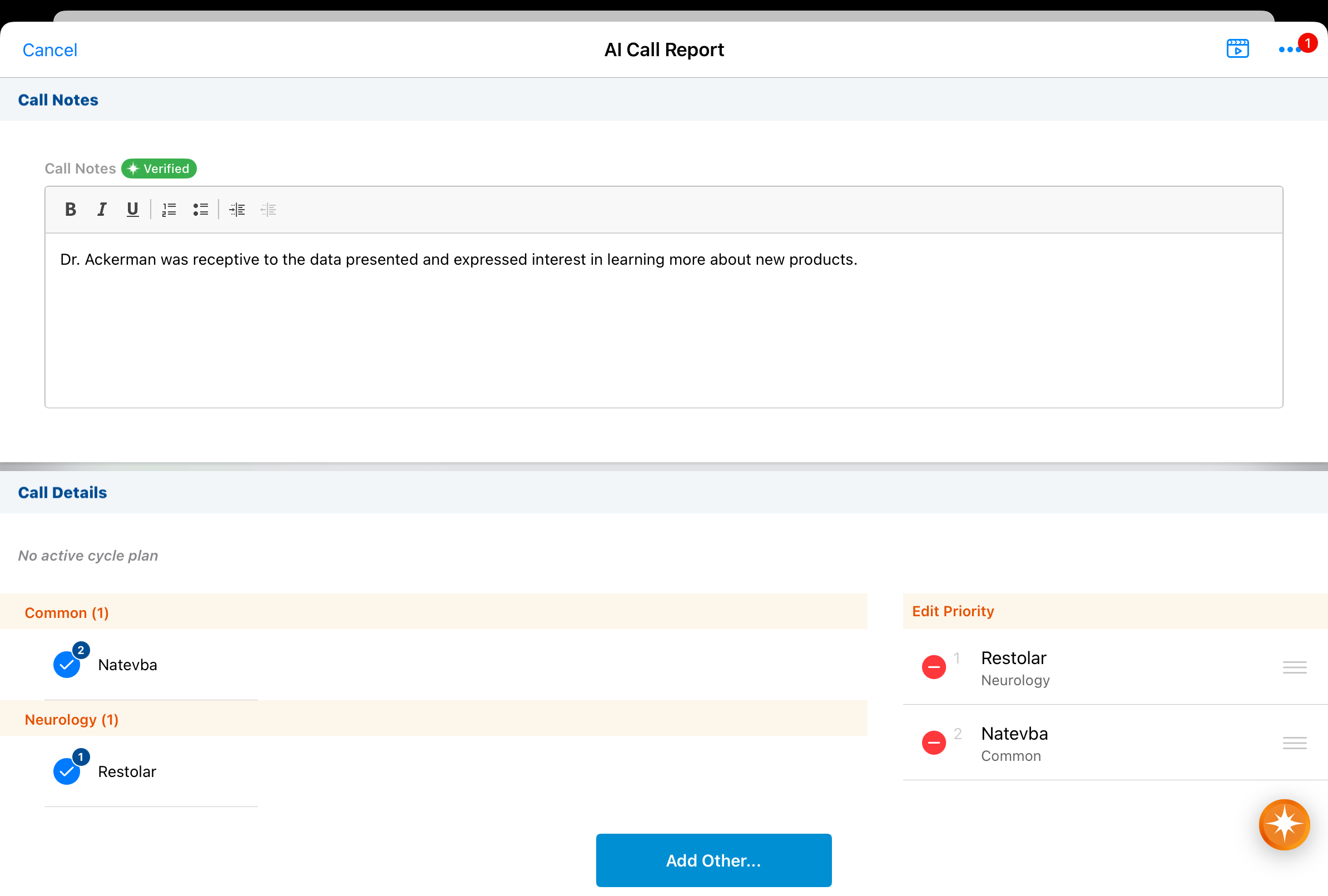
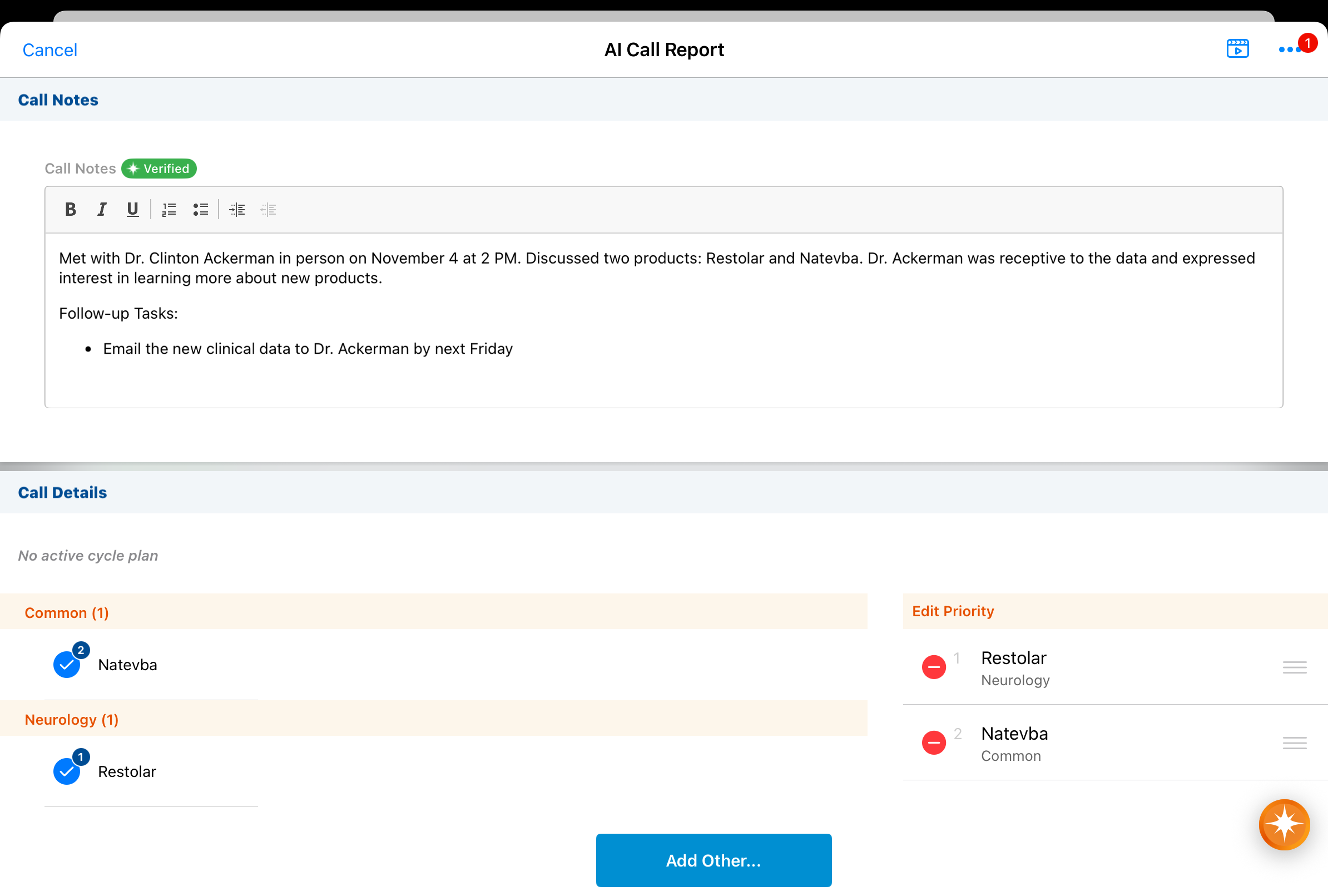
When users create a call from a Call Voice Note, the Call Text field displays the full Call Voice Note text instead of only displaying text not captured in other sections of the call report. |
|
|
25R3.5 Feature Enablement and Availability
The following table provides an explanation of feature enablement and user impact.


*Parity items do not typically require configuration if you are using this functionality on another platform. In some cases, VMOCs must be enabled for the added platform.
New Objects
The table below contains all new objects added in Vault CRM 25R3.5.
|
Object Name |
Object Label |
Description |
|---|---|---|
| campaign_segment__v* | Campaign Segment | Defines campaign segments. |
| vault_clinical_study_country__v* | Clinical Study Country | A country within which a clinical study is executed. |
*Support for future functionality
New Fields
The table below contains all fields added in Vault CRM 25R3.5. The fields are organized by object.
|
Object |
Field Name |
Field Label |
Description |
Type |
|---|---|---|---|---|
| ai_settings__v | clm_product_vector_scope__v | CLM Product Vector Scope |
Defines the products that drive the CLM Presentation filtering that sync to the Vector Database. |
Text |
| ai_settings__v | clm_vector_scope__v | CLM Vector Scope | Defines the filter for which CLM Presentations are synced to the Vector Database. | Picklist |
| call2_discussion__v* | study_country__v | Study Country | n/a | Object |
| call2_discussion__v* | vault_clinical_site__v | Clinical Site | n/a | Object |
| campaign__v* | segmentation_field__v | Segmentation Field | n/a | String |
| campaign_segment__v* | campaign__v | Campaign | n/a | Object |
| campaign_segment__v* | color__v | Color | n/a | String |
| campaign_segment__v* | created_by__v | Created By | The user who created the record. | Object |
| campaign_segment__v* | created_date__v | Created Date | The record creation date. | Date |
| campaign_segment__v* | criteria__v | Criteria | n/a | Text |
| campaign_segment__v* | description__v | Description | n/a | String |
| campaign_segment__v* | flow__v | Flow | n/a | Object |
| campaign_segment__v* | global_id__sys | Global ID | The record's Global ID. | String |
| campaign_segment__v* | group_id_level__v | Group ID Level | n/a | String |
| campaign_segment__v* | id | ID | The ID of the record. | String |
| campaign_segment__v* | link__sys | Link | The record's link. | String |
| campaign_segment__v* | modified_by__v | Last Modified By | The user who last modified the record. | Object |
| campaign_segment__v* | modified_date__v | Last Modified Date | The date the record was last modified. | Date |
| campaign_segment__v* | name__v | Name | The record's name. | String |
| campaign_segment__v* | order__v | Order | n/a | Number |
| campaign_segment__v* | status__v | Status | The record's status. | Picklist |
| em_event_history__v | estimate__v | Estimate | Calculated estimate | Number |
| em_event_history__v | estimate_corpv__sys | Estimate Corp | n/a | Number |
| em_event_history__v | local_currency__sys | Local Currency | n/a | Object |
| em_event_history__v | rate_assignment_id__v | Rate Assignment | Rate Assignment ID used to calculate the estimate. | String |
| em_event_history__v | rate_type__v | Rate Type | Rate type used to calculate the estimate. | String |
| em_event_speaker__v | country__v | Country | Event Speaker Country. | Picklist |
| em_event_speaker__v | local_currency__sys | Local Currency | n/a | Object |
| em_event_speaker__v | total_estimates__v | Total Estimates | Sum total of all estimates associated with the event speaker. | Number |
| em_event_speaker__v | total_estimates_corpv__sys | Total Estimates Corp | n/a | Number |
| em_expense_estimate__v | event_speaker__v | Event Speaker | This field is stamped with the Event Speaker that Expense Estimate is associated with. | Object |
| em_speaker__v | upcoming_estimated_costs__v | Upcoming Estimated Costs | Displays the total upcoming estimated speaker costs that count toward the current year's cap. | Number |
| em_speaker__v | upcoming_estimated_costs_corpv__sys | Upcoming Estimated Costs Corp | n/a | Number |
| html_report__v* | logo__v | Logo | The logo to show for this X-Page. | Attachment |
| html_report__v* | prompt_context__v | Prompt Context | The context(s) in which this X-Page should be available. | Picklist |
| medical_discussion__v* | study_country__v | Study Country | n/a | Object |
| medical_discussion__v* | vault_clinical_site__v | Clinical Site | n/a | Object |
| user_role_setup__v* | content_group__v | Content Group | n/a | Object |
| user_role_setup__v* | detail_group__v | Detail Group | n/a | Object |
| user_role_setup__v* | detail_product__v | Detail Product | n/a | Object |
| user_role_setup__v* | doc_type_group__v | Document Type Group | n/a | Object |
| vault_clinical_site__v* | site_recruitment_status__v | Site Recruitment Status | n/a | Text |
| vault_clinical_site__v* | site_status__v | Site Status | n/a | Text |
| vault_clinical_site__v* | study_country__v | Study Country | n/a | Object |
| vault_clinical_site__v* | study_name__v | Study Name | n/a | Text |
| vault_clinical_site__v* | vault_clinical_study__v | Study Number | n/a | Object |
| vault_clinical_study__v* | study_recruitment_status__v | Study Recruitment Status | Status of Overall Study's recruitment, across all sites. | Text |
| vault_clinical_study_country__v* | country__v | Country | n/a | Object |
| vault_clinical_study_country__v* | created_by__v | Created By | The user who created the record. | Object |
| vault_clinical_study_country__v* | created_date__v | Created Date | The record creation date. | Date |
| vault_clinical_study_country__v* | global_id__sys | Global ID | The record's Global ID. | String |
| vault_clinical_study_country__v* | id | ID | The ID of the record. | String |
| vault_clinical_study_country__v* | lifecycle_state__v | Lifecycle State | The lifecycle state of the record. | Text |
| vault_clinical_study_country__v* | link__sys | Link | The record's link. | String |
| vault_clinical_study_country__v* | modified_by__v | Last Modified By | The user who last modified the record. | Object |
| vault_clinical_study_country__v* | modified_date__v | Last Modified Date | The date the record was last modified. | Date |
| vault_clinical_study_country__v* | name__v | Study Country Name | The record's name. | Text |
| vault_clinical_study_country__v* | status__v | Status | The record's status. | Picklist |
| vault_clinical_study_country__v* | study__v | Study Number | n/a | Object |
*Support for future functionality

