What's New in Vault CRM 26R2.2
This topic provides information about the Vault CRM 26R2.2 release, including important dates and release announcements.
All dates listed are subject to change.
Dates to Remember
- September 3, 2026 – Release Notes available
- September 10, 2026 – Sandbox Release
- September 17, 2026 – Production Release
Release Notes
The following items are now available:
- What's New in Vault CRM 26R2.2
- Announcements
- Core
- Vault AI in CRM
- Align
- Approved Email
- Campaign Manager
- Engage
- Events Management
- User Visible and Behavior Changes (UVCs)
- Additional Resources
- What's New in Patient CRM 26R2.2
- 26R2.2 Maintenance Notes
Items from the 262.0.30 weekly release are also included.
Announcements
Microsoft Outlook Integration: Transition to Core System User by 26R2.2
All new Vault CRM instances provisioned after 26R1.0 automatically use the Core System User for Microsoft Outlook integrations. If your Vault already has a Microsoft Outlook integration enabled with a customer-managed Integration User, here’s what you need to know before switching to the Core System User:
- System users have limited field access by default. Your current configuration may need to be updated to maintain full data sync between Microsoft Outlook and My Schedule.
- Review what will be synced. Before switching, check what is synced from Microsoft Outlook to My Schedule when using the Core System User and update your configuration as needed.
Data Migration for Documented Interest
With the 26R2.2 release, historical Documented Interest call report data is automatically migrated into the new data model for call2_documented_interest__v via background logic in preparation for future support for multiple Documented Interest records within a single call report. No action is required by customers. For more information, see Capturing Standing Requests for Medical Using Documented Interest.
Performance Improvements for Agentic Text Monitoring
Following performance improvements for Agentic Text Monitoring in the 26R2.2 release, customers are encouraged to retest performance for compliance documents if in use. For more information on compliance documents for Agentic Text Monitoring, see Configuring Agentic Text Monitoring.
Token Efficiency for Conversational AI (Early Adopter)
With the 26R2.2 release, Conversational AI (Early Adopter) token efficiency is improved by an average of 25 percent. For more information, see Conversational AI (Early Adopter).
Core
Core CRM strengthens its foundation in this release, pairing more connected workflows with cleaner data behind them. Account Planning consolidates into a single workspace, with inline Stakeholder and SWOT management making it easier to manage account strategy in one place, and CLM extends its reach to CRM Desktop (Mac) and the Windows platform. Alongside these workflow gains, a set of safeguards, including negative-inventory prevention, Best Pricing Logic, and improvements to consent and audit logging, help keep the data underneath it all clean and compliant as the platform continues to grow.
Account Management
Account Profiling - Now available on Windows
Account Profiling offers organizations a streamlined way to collect account profile data from the field. End users can mass update account profile information using a spreadsheet-like interface. This ensures organizations have up-to-date data when performing customer segmentation.
Account Planning
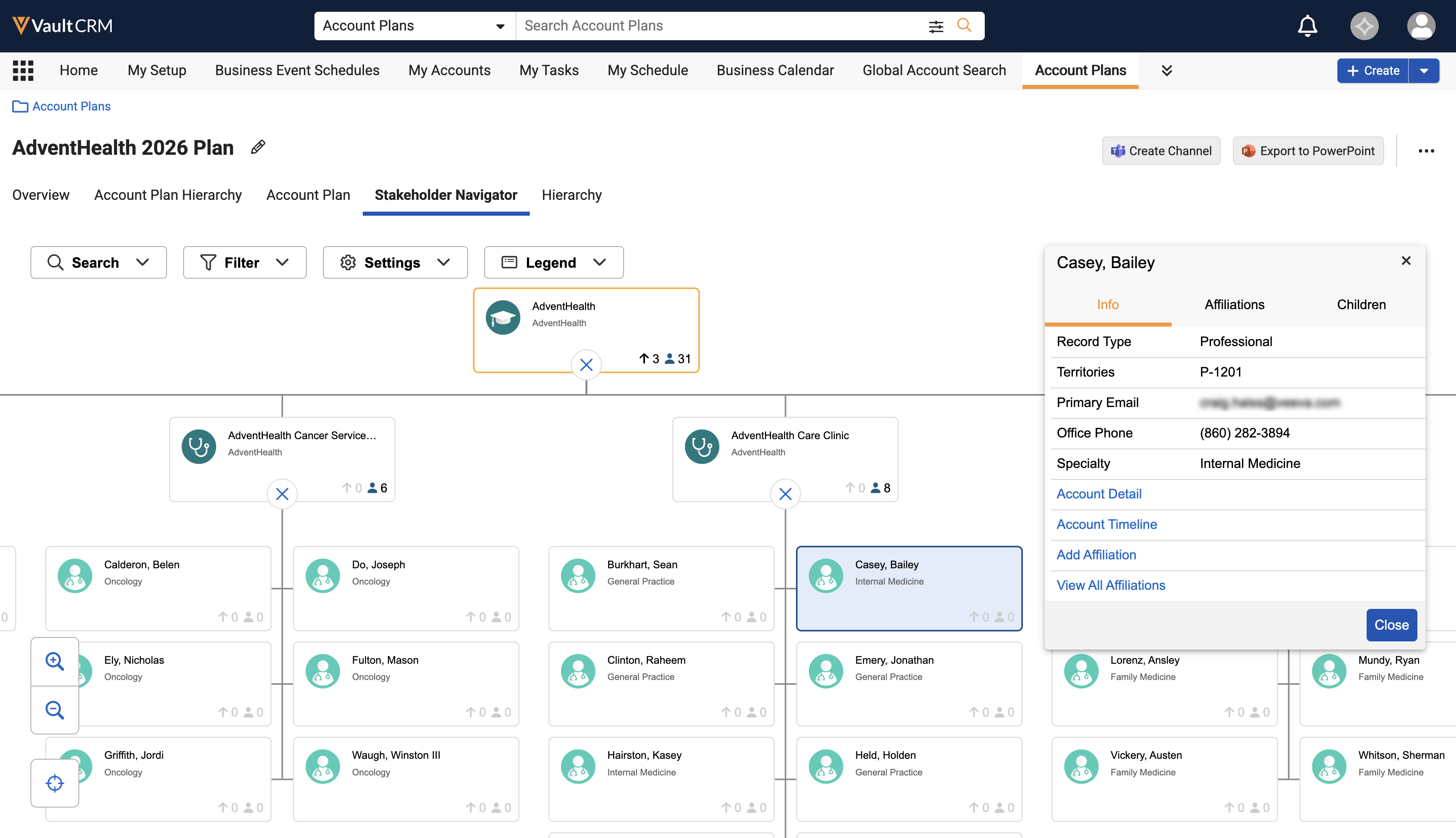
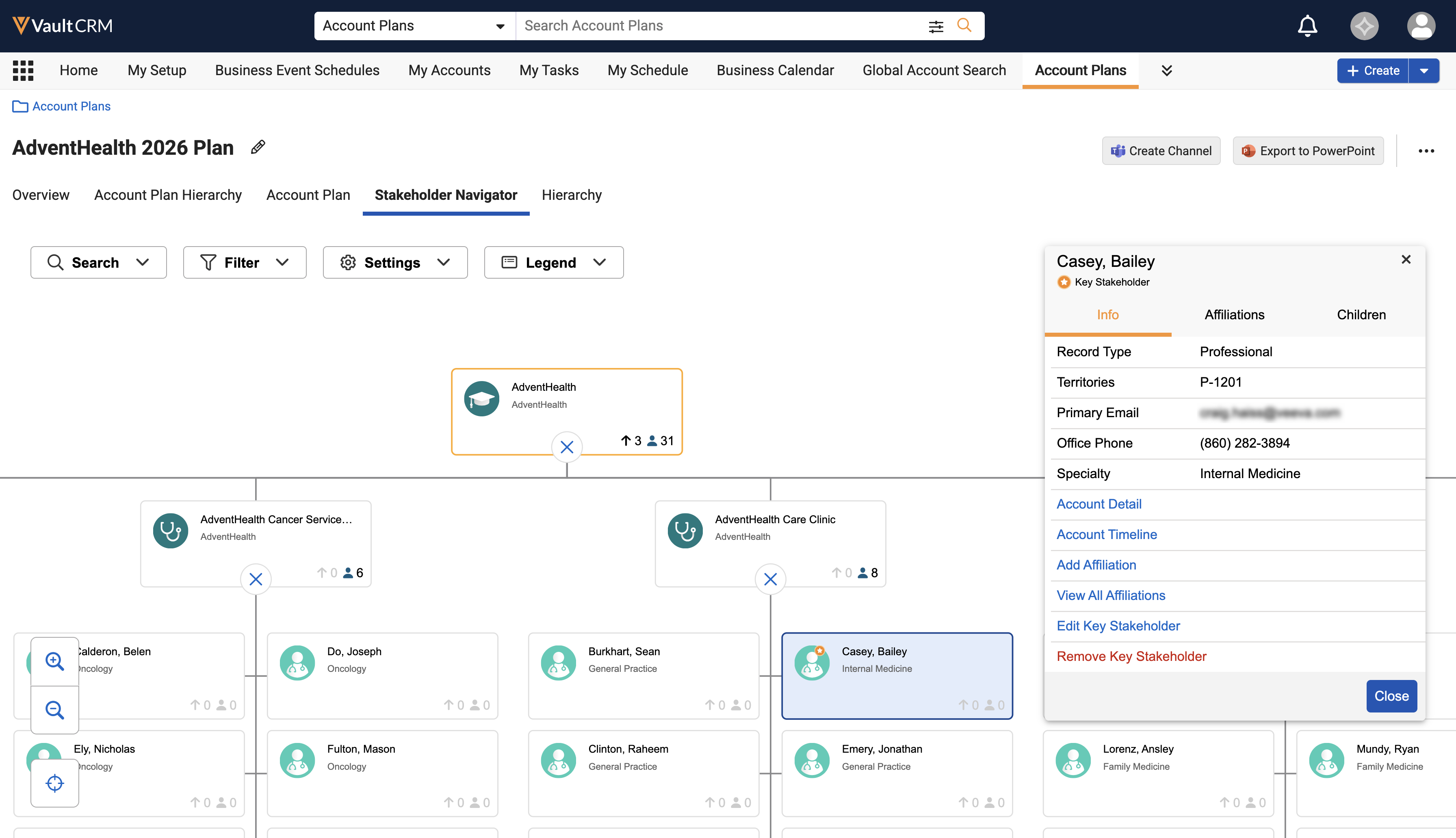
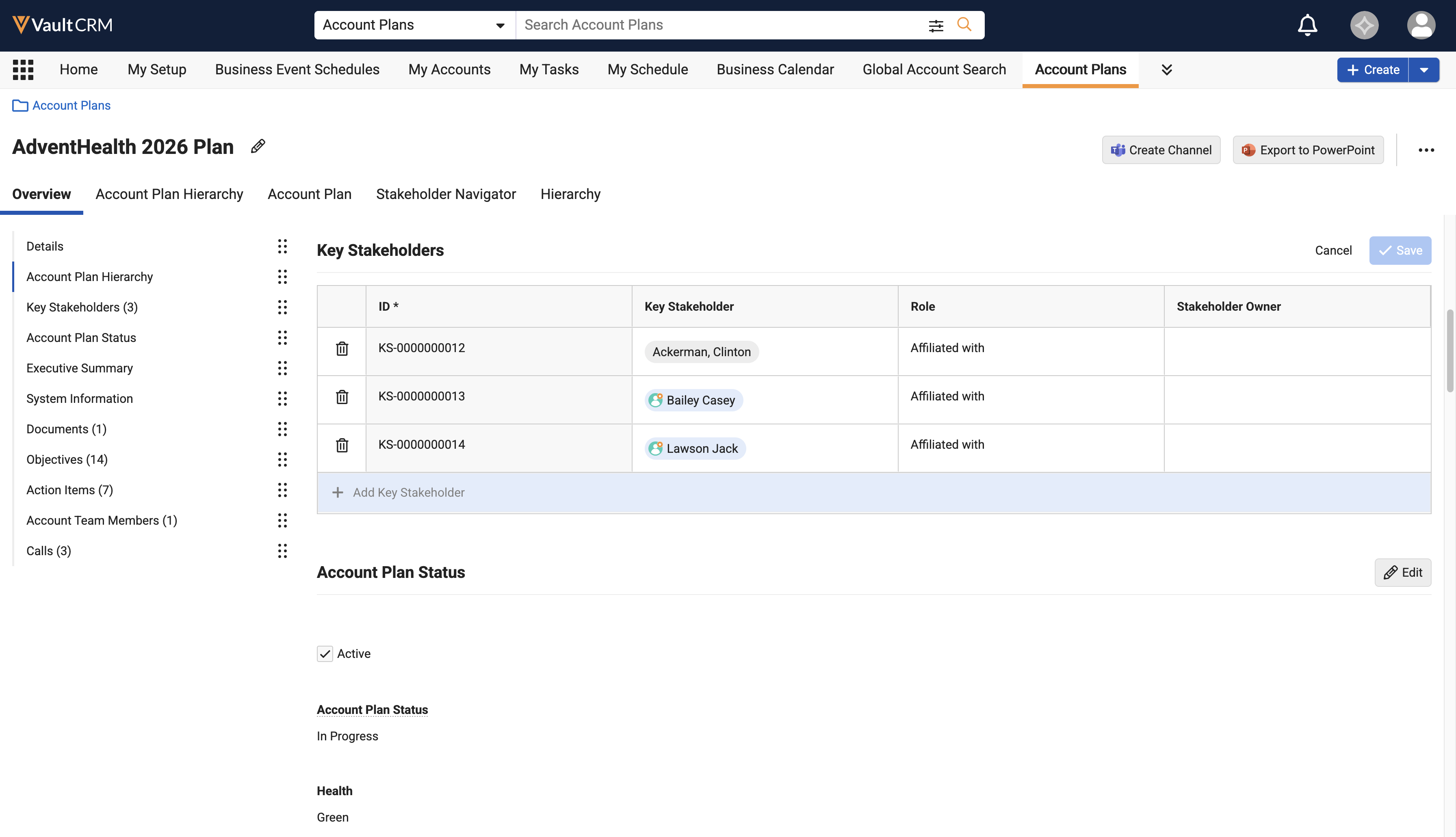
Add Key Stakeholders from Stakeholder Navigator - Available on Browser, iPad, Windows
Key Account Managers (KAMs) can add, edit, or remove key stakeholders using Stakeholder Navigator directly within the account plan, resulting in a streamlined workflow that reduces navigation and ensures account plan stakeholder lists remain accurate and up to date.
Account Plans Interface Enhancements - Available on Browser
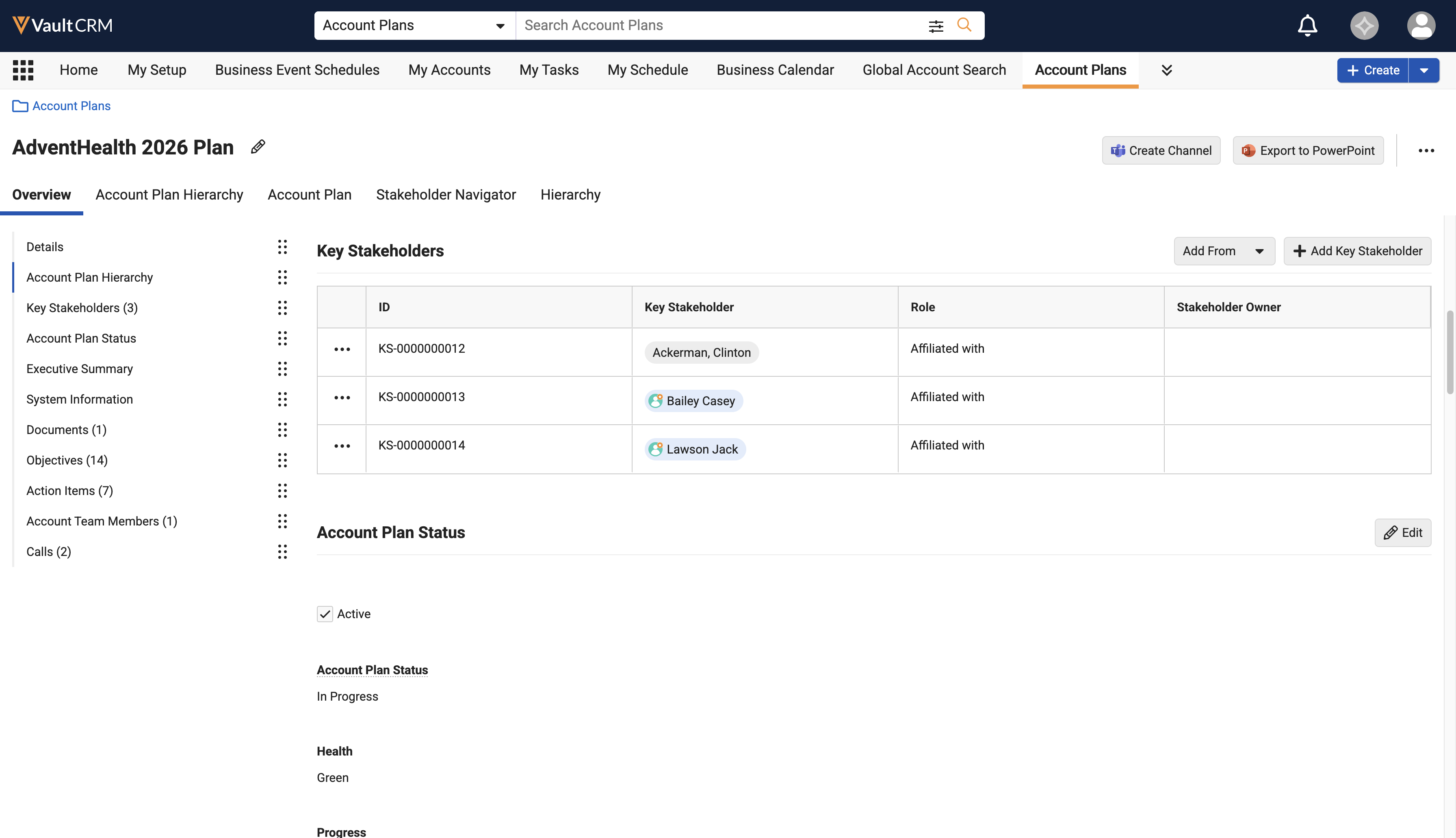
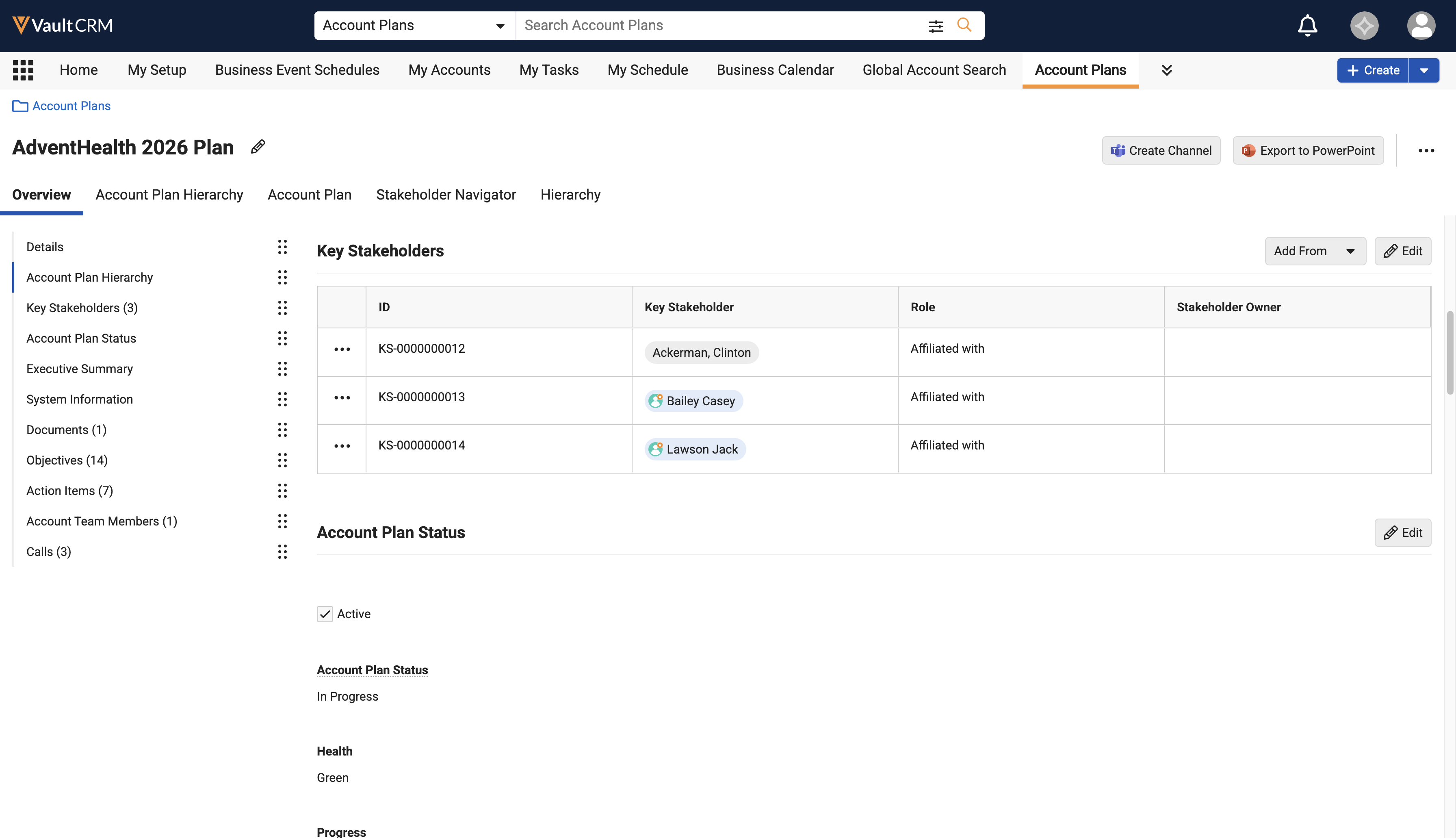
The Account Plans interface now allows Key Account Managers (KAMs) to view, create, and edit records for SWOT Analyses, Account Team Members, and Key Stakeholders directly within interactive grid sections, resulting in faster record management and a more streamlined workspace for executing account strategies.
Account Formulary Page Type for X-Pages - Available on Browser
A new Account Formulary page type is available in X-Pages Studio. Content creators can use this page type to create an accessible, centralized way of viewing complex coverage and benefit design for their accounts.
Business Events
EPPV Repurchase Target and Task Completion Updates - Available on Browser, iPad, and iPhone
Business Event Task and Target updates allow end users to add comments, select call channels, and record skip reasons when completing or managing business event tasks, while enabling admins to track target progress and handle repurchased targets. This results in contextual visibility for task execution across all entry points, accurate channel attribution, and administrative oversight of completed, skipped, and canceled tasks.
Call Planning
Persisting Calendar View Preferences - Available on Browser, iPad, and Windows
Persisting My Schedule calendar view preferences across sessions streamlines call planning for end users who would like their calendar preferences to be retained across sessions and synced from offline devices to the Browser. View selections (Day, Week, Month, or Scheduler) and the weekend display toggle are saved from one session to the next, ensuring a consistent experience during subsequent logins.
Call Sampling
CDS Status Indicator and Address Filtering - Now available on iPad, iPhone, and Windows
A status indicator in the Samples section of the call report displays whether the address is valid for sampling, and the Ship to Address picklist is filtered to include only valid addresses.
Displaying the Negative Sample Warning Indicator - Now available on Browser
Displaying a negative sample warning indicator on call reports and sample transaction records helps users avoid disbursing or transferring more samples than are in their inventory for a given sample lot.
Preventing Negative Sample Inventory - Now available on Browser
To reduce discrepancies in inventory counts, users can be prevented from recording product disbursements exceeding their on-hand inventory for the product sample lot.
CLM
CLM as Object Model - Now available on CRM Desktop (Mac)
The Vault CRM Desktop app for Mac is a companion app to the Browser platform, enabling users to access their CLM media libraries and present content to HCPs whenever they need to, knowing all activity, including content previewing and Save for Later calls, is tracked. CLM on CRM Desktop (Mac) is currently available for CLM as Object Model only. For a full list of supported functionality, see Supported CLM Functionality on CRM Desktop (Mac).
CLM as Document Model - Now available on Windows
CLM as Document Model leverages the built-in content capabilities of the Vault Platform for CLM content within Vault CRM. This transitions from the legacy object model to a standard Vault document and binder architecture, aligning with PromoMats and MedComms. By storing CLM presentations, slides, and shared resources as documents, customers can leverage core Vault platform capabilities, including lifecycles and robust security controls.
CLM as Document Model supports the following functionality for end users on the Windows platform:
- Creating Content:
- Sharing Documents with Users via My Setup Products and Content Groups
- Using HTML Content with Shared Resources
- Customizing Slide Navigation for HTML Content
- Querying Documents and Records from CLM
- Creating and Updating Records from CLM Content
- Supporting Backwards Compatibility for HTML Content
- Managing Content:
- Using Sub-Presentation Slides
- Navigating the Media Library:
- Managing Favorite Presentations
- Labeling CLM Presentations
- Using Presentation Attributes to Filter Presentations
- Grouping Presentations in the Media Library
- Using Directories in the Media Library
- Searching the Media Library
- Displaying Presentations:
- Navigating Slides and Presentations
- Creating Calls from the Media Player
- Displaying CLM Content Using Different Views
- Displaying Website Content in the Media Library
- Using the Highlighter Pen and Laser Pointer
- Tracking CLM Activity:
- Tracking Call Key Messages for CLM Content
- Tracking CLM Activity Anonymously
- Tracking CLM Activity as Unassigned Presentations
Consent Capture
Consent Capture as Document Model – Available on Browser, iPad, iPhone, and Windows
Consent Capture as Document Model leverages the native content capabilities of the Vault Platform for Approved Email content within Vault CRM and enables integration with Approved Email as Document Model.
Consent Capture as Document Model supports the following functionality for content admin users on Browser and end users on Browser, iPad, iPhone, and Windows:
- Creating and Managing Consent:
- Creating Consent Headers
- Creating Consent Types
- Defining the Display Order of Consent Channels and Lines
- Creating Custom Channels
- Managing Consent Durations
- Managing In-Person Consent Confirmation Methods
- Creating Consent Lines
- Defining Detail Groups on Consent Lines
- Using Approved Email for Consent Confirmation
- Displaying Externally Managed Consent in Vault CRM
- Capturing Consent:
- Selecting the Preferred Language
- Managing Channel Values
- Using Double Opt-In
- Capturing Consent Using Confirmation Emails for All Channels
- Requiring Signatures on Opt-Out
- Displaying Opt-Out Disclaimer Text
- Requiring Consent Capture for Channel Source Changes
- Locking the Consent Screen
- Tracking Activity in Consent Capture
- Granting Consent:
- Granting Consent
- Confirming Consent Changes with Signatures and Paper Consent IDs
- Integrating Consent Capture with Other Functionality
- Capturing Consent for Approved Email
- Sending Consent Capture Receipts with Approved Email
Data Lakehouse
Viewing Audit Logs in the Data Lakehouse - Available on Browser
Customers can view and query Direct Data API (DDA) audit logs as read-only tables, enabling them to conduct operational investigations without leaving their primary data environment. This provides for seamless security monitoring and compliance review.
Order Management
Post-Negotiation Order Delivery Splitting - Now available on iPad
Post-Negotiation Order Delivery Splitting enables users to split large orders into several deliveries. This makes stock management easier for the pharmacy and allows them to secure high-volume discounts and rebates, while retaining control over when the products are delivered and in which quantities.
Delivery Limit Pricing and Delivery Period Rules - Available on iPad and Browser
Admins can configure Delivery Limit Rules and Delivery Period Rules to determine how order quantities are allocated across deliveries when using Post-Negotiation Delivery Splitting. Delivery Limit Rules set minimum and maximum quantity, list value, or net value thresholds for a delivery. Delivery Period Rules restrict which dates are available for a delivery, scoped to the total order, a product, a brand, or a product group.
Best Pricing Logic - Available on Browser, iPad, Windows
Best Pricing Logic in Order Management evaluates pricing rules at every level of the Pricing Rule Hierarchy to determine the most favorable rule instead of following the Pricing Rule Hierarchy from top to bottom. This allows users to apply the pricing rule with the largest discount or most free goods available to the customer regardless of where the rule falls within the Pricing Rule Hierarchy.
Surveys
Exporting Survey Results - Available on Browser
Survey designers can export the results of a published survey as a CSV file to easily conduct additional analysis via external business intelligence tools.
Creating Anonymous Surveys - Available on Browser
Anonymous survey responses allow organizations to collect survey data from HCPs or other individuals without associating their responses with a specific Vault CRM Account record. Anonymous responses are supported with One Time and Recurring surveys.
Completing Anonymous Surveys - Available on Browser, iPad, iPhone, and Windows
End users can complete and collect survey responses for One Time and Recurring surveys without associating them with a specific Vault CRM Account record.
X-Pages Studio
Adding Vault Documents to X-Pages in X-Pages Studio - Available on Browser
Content developers can add documents from the Vault library to X-Pages as selectable data elements for quick access to important information. This allows users to reference critical supporting documentation, for example, regulatory guidelines, process guidelines, or checklists, as elements on X-Pages without switching interfaces.
Accessing Vault Documents via New API Methods - Available on Browser
Content developers can use new API methods to search, query, and retrieve Vault documents and binders from custom X-Pages. This enables a richer document-driven experience without leaving the X-Page.
Vault AI in CRM
AI continues to move deeper into the everyday tasks of field work. Agentic Voice now recognizes when a Call Voice Note should update an existing call rather than start a new one, making call reporting even more seamless, while Agentic Media puts common requests one tap away for a faster, guided start to AI interactions. Behind the scenes, expanded Vector Database controls give admins clearer visibility into how documents are vectorized and synced, making the AI pipeline easier to manage as it scales.
Agentic Media Actions - Available on iPad and iPhone
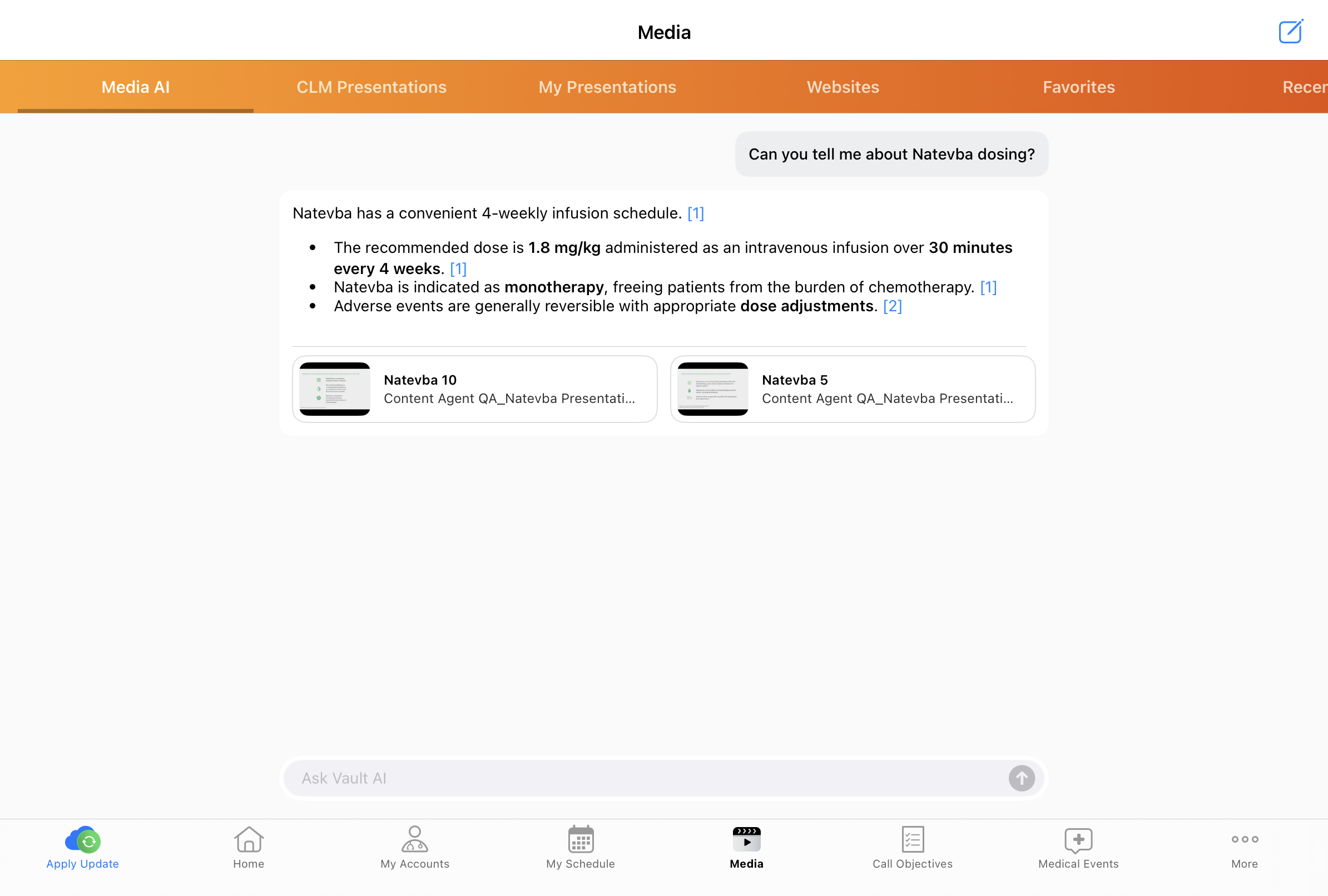
Agentic Media actions provide users with one-tap prompts to quickly access commonly requested information, offering a guided and efficient starting point for AI interactions in the Media AI tab. These actions guide users toward compliant, high-value agent requests, helping them get the most value out of Agentic Media. Standard actions are available by default. Custom actions can also be configured to present a curated set of prompts tailored to organizational requirements.
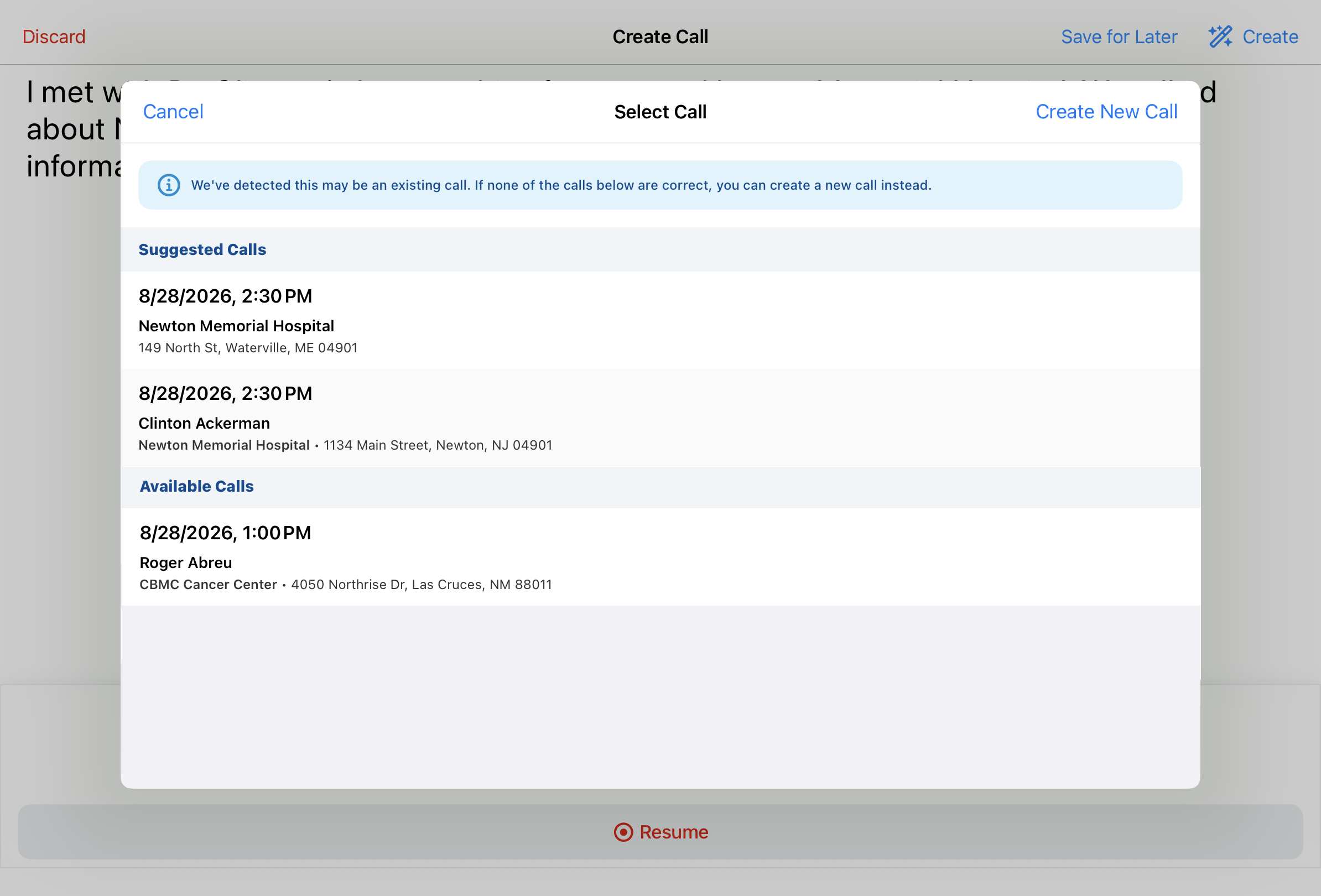
Select from Existing Calls with Agentic Voice - Available on iPad and iPhone
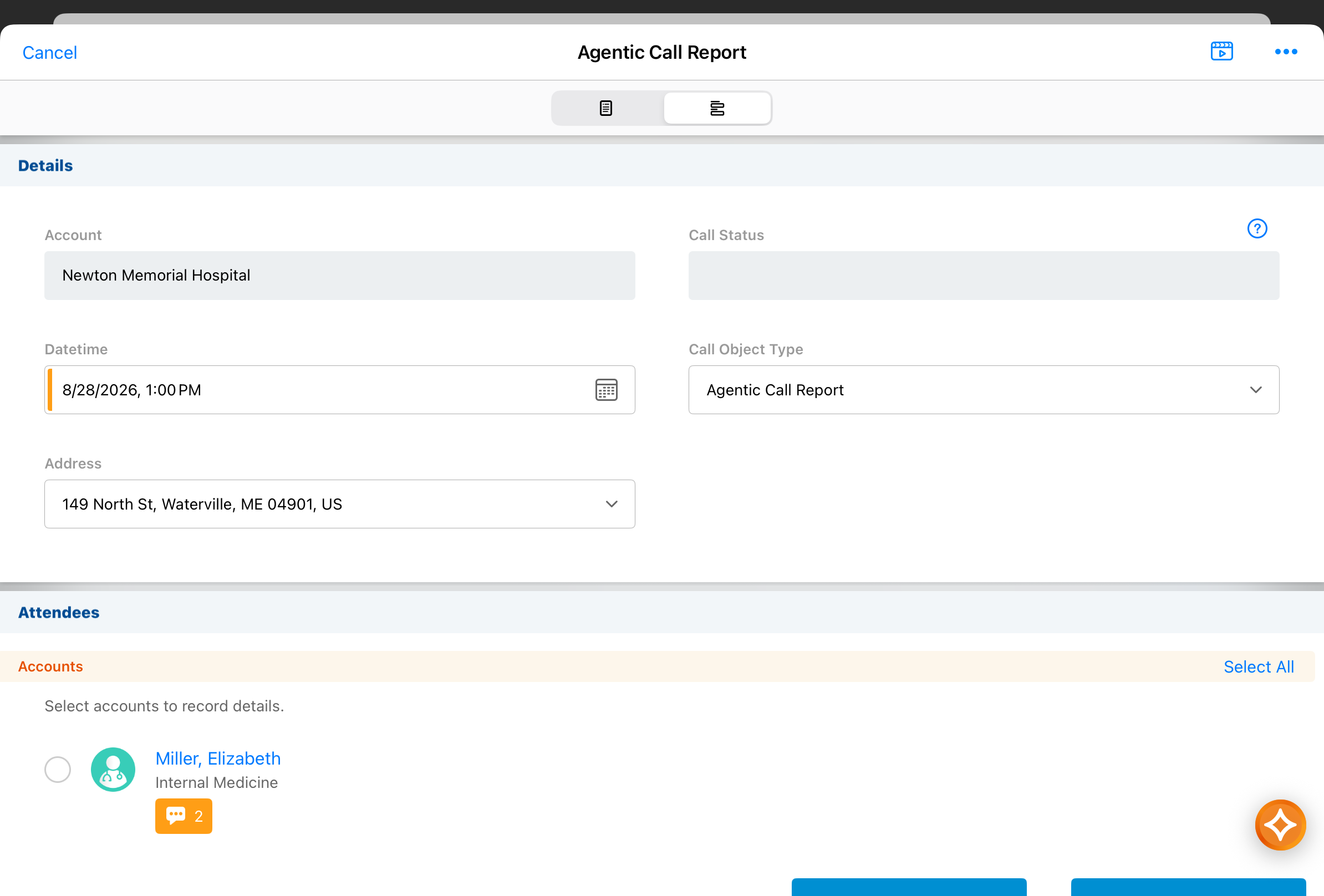
Updating existing calls with Agentic Voice is streamlined further, saving users time and effort in call reporting. When users convert a Call Voice Note into an Agentic Call Report™, they are presented with options to add the information to an existing call instead of creating a new call, if there are potential matches. When there is a single existing call matching the information captured, the existing call report is automatically updated according to the Call Voice Note contents.
Agentic View for Create and Edit Modes - Now available on Browser
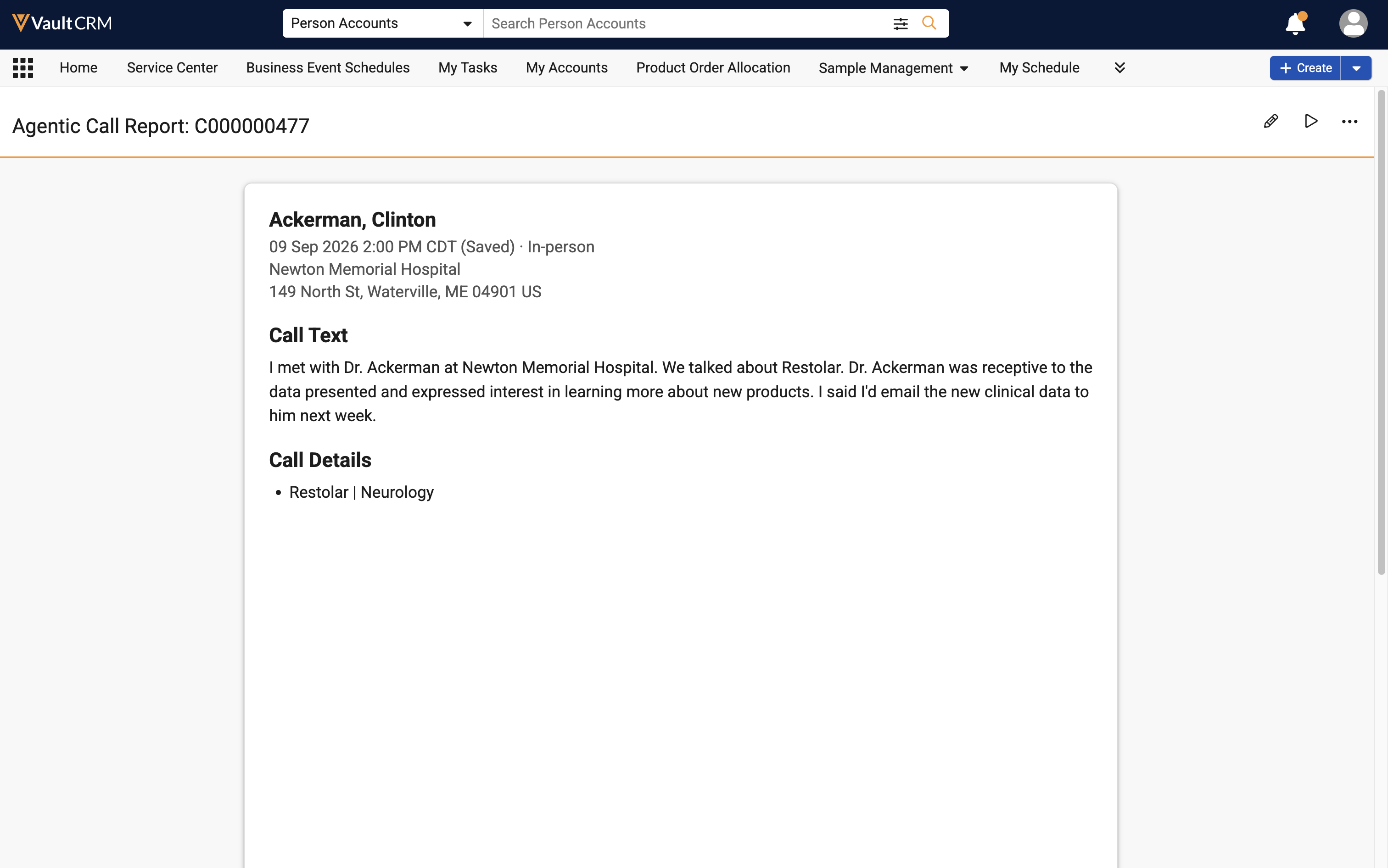
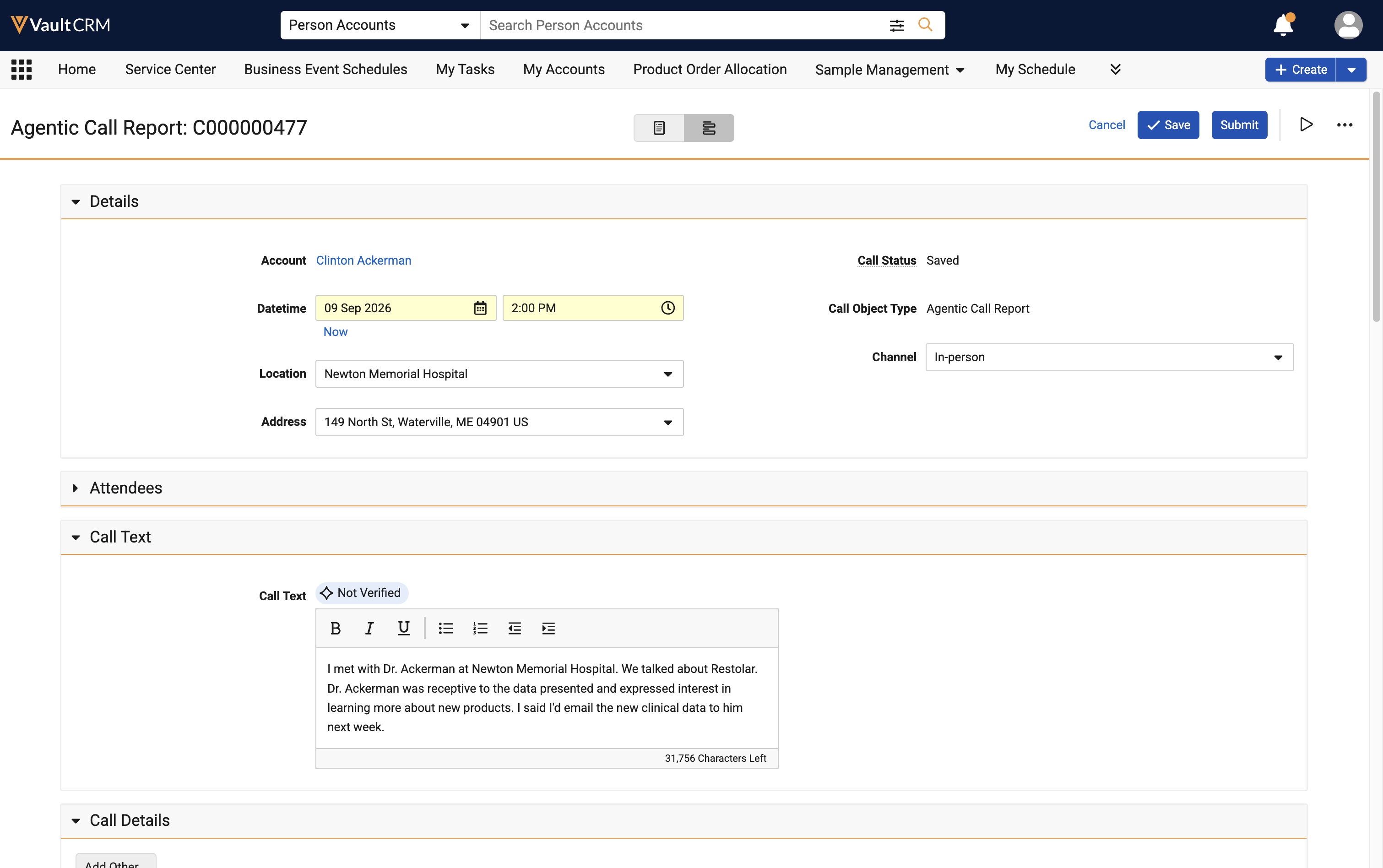
On the Browser platform, users can now access Agentic View when creating or editing a call report, in addition to accessing Agentic View when viewing a read-only version of the call report.
Custom Fields for LLM Call - Available on Browser
Admins can define a set of custom fields to be included in LLM Call’s Markdown output, customizing the data to their organization’s specific business needs.
Additional Support for LLM Call - Available on Browser
Additional call report sections are now supported for LLM Call, including Commercial Insights, Samples, Action Items, and Other Attendees. In addition, Call Objective and Call Discussion data are updated when the associated call report or data from related objects change, so the Markdown output reflects the most current data.
Vector Database Enhancements - Available on Browser
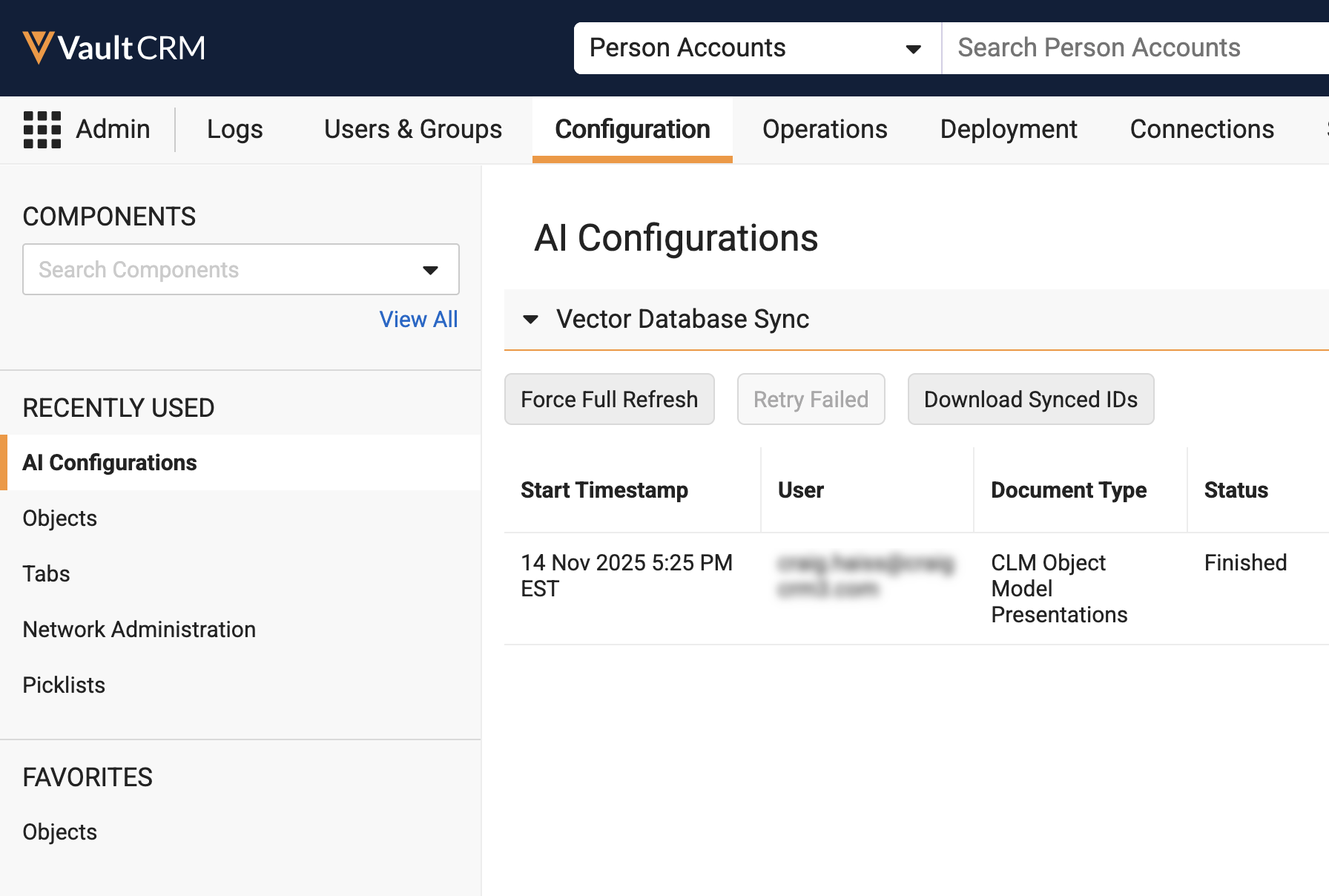
Enhancements to the Vector Database ensure fast and efficient processing. With this release, administrators can selectively vectorize net-new documents while updating metadata for existing content, manage vectorization jobs dynamically, and download CSV reports of synced document IDs. These enhancements reduce token usage, speed up database synchronization, and improve visibility into Vault CRM's AI vector database.
Align
Align introduces a targeted improvement for territory flexibility. With Share Target Requests, end users can hand off responsibility for specific products to teammates who have more capacity, allowing workload to shift within a team without transferring the account away entirely.
Share Target Requests – Available on Browser and iPad
End users can request to share target responsibility for specific products with other end users when they do not have capacity to fully own the target themselves, allowing sales teams to share workload without transferring accounts away entirely.
Approved Email
Approved Email is now available on the same document architecture already used by PromoMats and MedComms, a shift that brings lifecycle management and stronger security controls to template creation, sending, and consent tracking across the board. Organizations can choose whether to remain on the classic Object model, or transition to the Document model. This comes paired with smaller but welcome improvements: Windows users gain favorite templates and disclaimer language selection, bringing that platform in line with the rest, and users gain clearer, more specific insight into why an email bounced, helping them plan their next outreach with confidence.
Approved Email as Document Model – Available on Browser, iPad, iPhone, and Windows
Approved Email as Document Model leverages the native content capabilities of the Vault Platform for Approved Email content within Vault CRM. This feature transitions from the legacy object model to a standard Vault Document and Binder architecture, aligning with PromoMats and MedComms. By storing Approved Email templates, fragments, and template fragments as documents, customers can leverage core Vault platform capabilities, including lifecycles and robust security controls.
Approved Email as Document Model supports the following functionality for content admin users on Browser and end users on Browser, iPad, iPhone, and Windows:
- Creating Content:
- Creating Approved Email Templates
- Creating Approved Email Fragments
- Email Builder
- Creating Content for Email Builder
- Multi-Product Approved Email Content
- Previewing Rendered Approved Email Content
- Labeling Links in Approved Email
- Embedding the Vault Viewer in Approved Email Content
- Approved Email Configuration Tokens
- Formatting Tokens to Display Date and Time
- Inserting Queried Data into an Approved Email
- Adding Footnotes and Citations to Approved Email Content
- Personalizing User Profiles
- Tracking Approved Email Activity Using Tokens
- Adding and Customizing Unsubscribe Links
- Customizing Products or Content Types on the Unsubscribe Page
- Embedding the Unsubscribe Page
- Managing Content:
- Testing Staged Approved Email Content
- Previewing Rendered Approved Email Content
- Matching Products for Approved Email Content
- Using Detail Groups in PromoMats / MedComms
- Aligning Approved Email Content to Users
- Defining the Language of Approved Email Content
- Customizing Email Header Behavior
- Filtering Approved Email Fragments
- Hiding Approved Email Content
- Setting Consent at the Email Template Level
- Restricted Words in Approved Email
- One-Click Unsubscribe
- Managing Approved Email Recipients:
- Managing Approved Email Recipients
- Sending Approved Emails to BCC Recipients
- Associating Business Accounts to Approved Emails
- Sending Approved Emails:
- Approved Email Entry Points
- Composing Approved Emails
- Favorite Email Templates and Fragments
- Bounced Email Management
- Email Tab
- Saving Emails as Drafts
- Sending Secure Messages via Approved Email
- Reschedule Emails
- Recommended Emails
- Tracking Approved Email Activity:
- Tracking Approved Email Activity
- Tracking Multichannel Activities from Approved Emails
- Publishing Method for Email Fragments
- Using Key Messages in Approved Email Content
- Detecting Automated Email Interactions from Bots
- Consent in Approved Email:
- Classic Consent in Approved Email
- Capturing Approved Email Opt-In Consent
Viewing Bounced Email Reasons – Available on Browser, iPad, iPhone, and Windows
End users can see the specific reason an Approved Email did not reach an HCP, enabling them to plan the right next step to re-establish contact.
Favorite Email Templates and Fragments - Now available on Windows
To quickly find templates and fragments used on a regular basis, Windows users can select the star icon to favorite these items.
Accounts can use the Windows platform to view and select the appropriate language for opt-in disclaimers.
Campaign Manager
This release makes personalization easier to scale. Field Value Splits let a single journey branch by audience, so marketers can tailor content to different segments without building and maintaining a separate journey for each one. That same concept carries through to target list filtering and bounce-reason visibility, giving marketing teams a sharper picture of both who they’re reaching and how well it’s working.
Field Value Splits - Available on Browser
With Field Value Splits, Journey Builder gives marketing users a powerful new way to segment targets within a single journey without creating separate journeys for every segment. Marketing users can now branch a journey based on CRM Data, defining a different name, set of criteria, and series of downstream actions for each group of targets according to the chosen field value. This ensures every target in a journey receives the most relevant content.
Cycle Plans in Target List Builder - Available on Browser
Marketing users can create more precise and efficient target lists for their campaigns based on the field activities by leveraging cycle_plan__v, cycle_plan_target__v, and cycle_plan_detail__v fields in their target list filters.
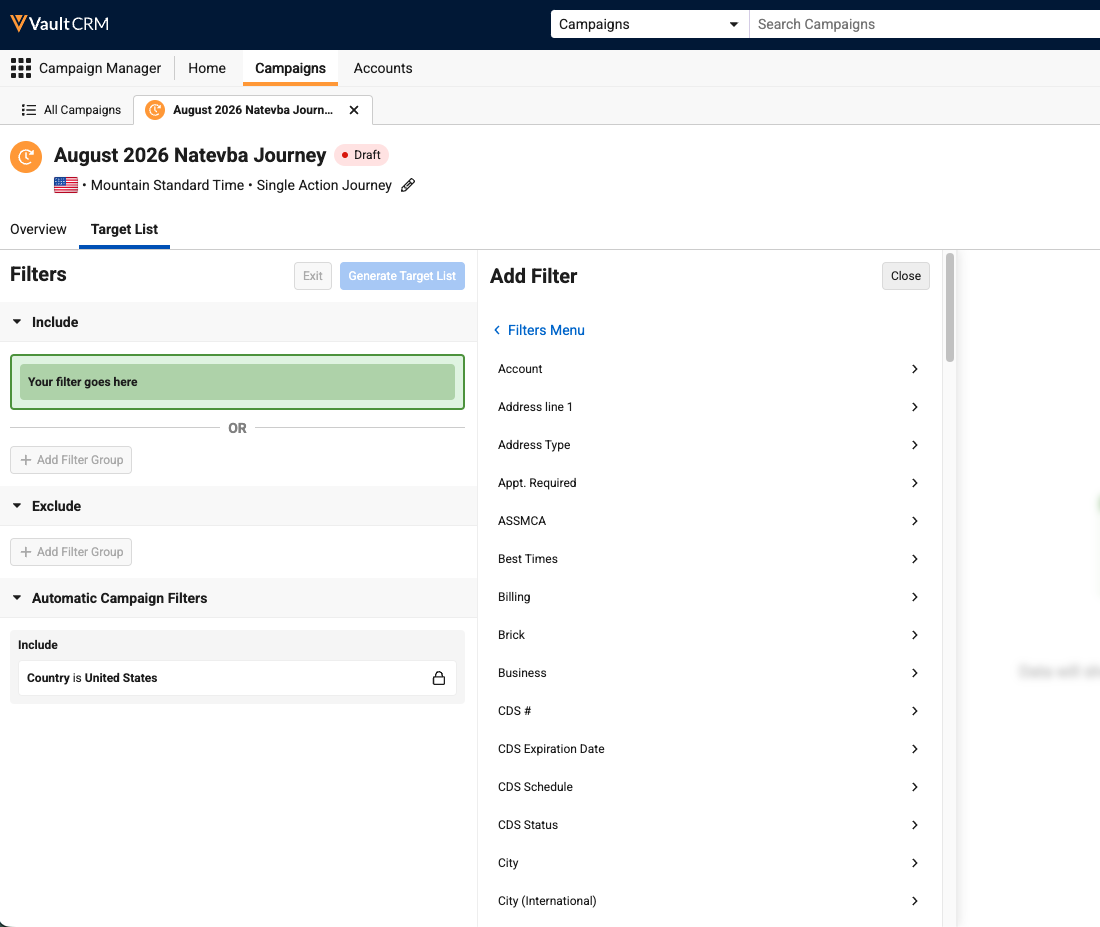
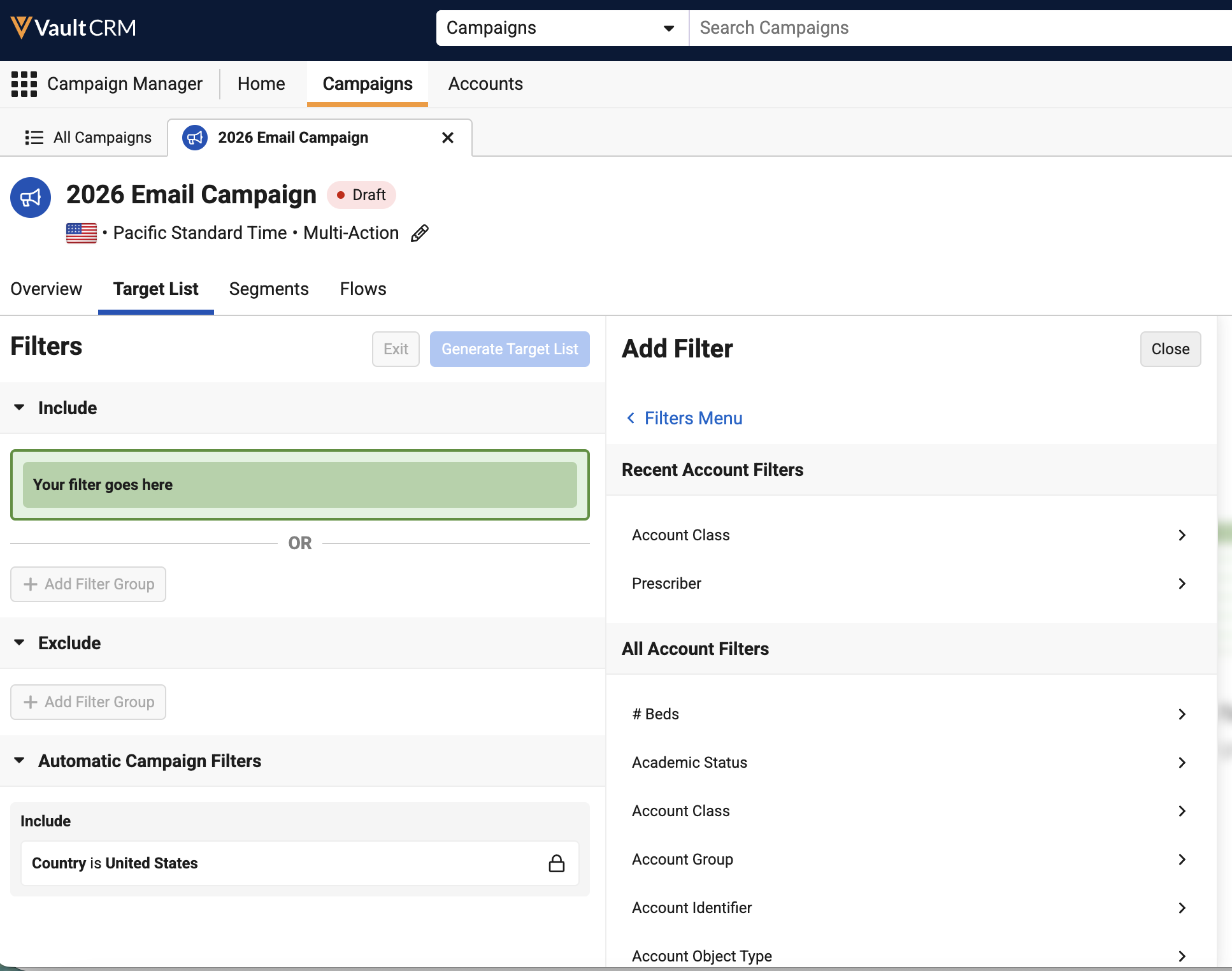
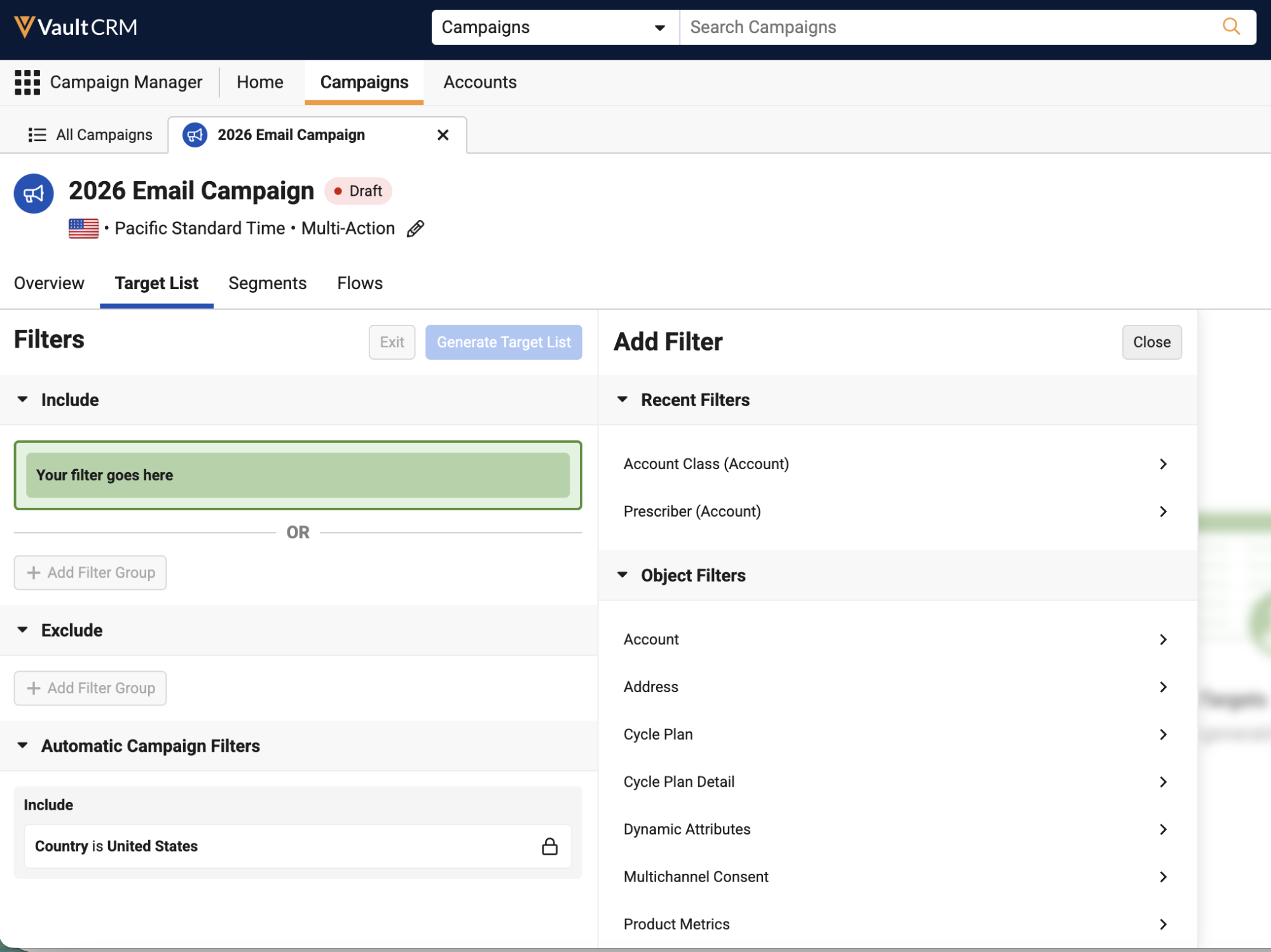
Using Recent Filters in the Target List Builder – Available on Browser
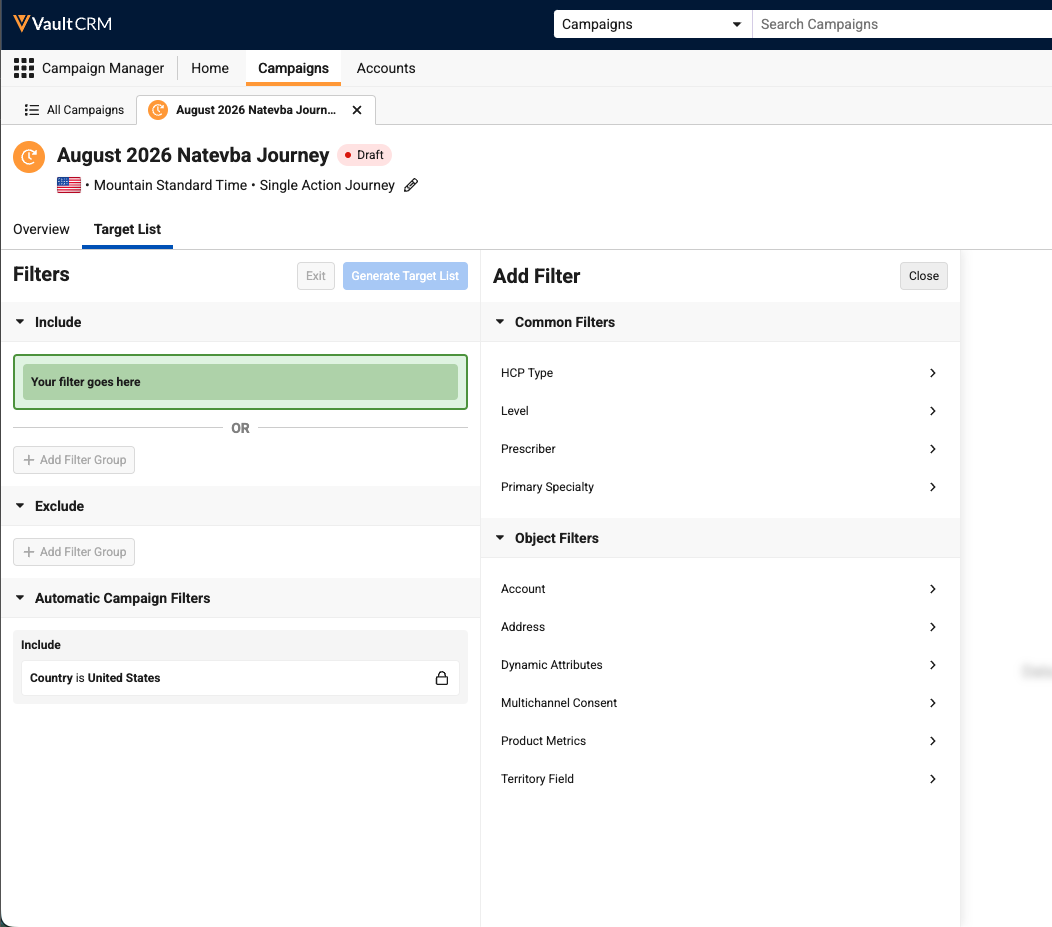
Marketing users can now quickly reuse recently used filters in the Target List Builder using the Recent Filters section. This enables faster query creation and helps users quickly identify filters that they’ve previously used for other campaigns or journeys. The recent Filters section displays in the following places:
- In the initial Add Filter menu - Displays up to 10 of the most recently used filters for the current user across all objects
- In the Add Object Filter menu - Displays up to 5 of the most recently used filters for the selected object
Viewing Bounced Email Reasons – Available on Browser
Marketing users can view bounced emails broken down by reason across a campaign or journey when exporting performance, giving them the detail needed to improve email deliverability.
Engage
Engage adds a new way to stay in touch with HCPs: text messaging built right into the Vault CRM app. With Text Messaging for Vault CRM, users can text HCPs directly from the Chats tab. This expands the range of channels where users can connect with HCPs without sacrificing the structure or compliance controls provided by Vault CRM.
Text Messaging for Vault CRM - Available on iPad
Text Messaging for Vault CRM provides end users with an interface to communicate with healthcare professionals (HCPs) via SMS from the Vault CRM Chats tab. It bridges the gap between structured commercial activities and conversational text messaging by enabling users to author free text, select pre-approved message templates, and share interactive CLM presentations directly within the Vault CRM Chats tab.
Events Management
Event materials and outreach both become more robust in this release. Custom event materials are now retained consistently across object types, giving teams added confidence that their materials stay intact throughout the event lifecycle. WhatsApp Business also joins the mix as a compliant messaging channel, giving event teams a way to send invitations and collect RSVPs on a channel HCPs are already comfortable using, complete with tracking on the back end.
Retaining Custom Event Materials - Available on Browser and iPad
Event materials now generate for all relevant object types, including custom object types. A new Generated By EM Rule field identifies which rule created each event material, and event materials added manually by users are no longer deleted in absence of a matching rule. This ensures that custom invitations, agendas, and other specialized materials remain attached to the event throughout its lifecycle.
WhatsApp Business for Events Management - Available on Browser and iPad
Event team members can send compliant, event-related WhatsApp messages to HCPs, providing an alternative to paper or email invitations. This allows event team members to use HCPs’ preferred channel of choice, potentially increasing registration response rates and improving overall event attendance. In addition, event team members can access automated real-time tracking, while HCPs can use self-registration dynamic links and send instant RSVPs using predefined quick reply buttons.
User Visible and Behavior Changes (UVCs)
Most new functionality requires some configuration, however users are able to use the following functionality immediately. Select the thumbnail to view a larger image.
Account Management
|
Platform |
Description |
Before |
After |
|---|---|---|---|
| Windows | Addresses shown in the My Accounts tab (list view and account cards) now display the Country value appended to the address text. |
n/a |
n/a |
Account Planning
|
Platform |
Description |
Before |
After |
|---|---|---|---|
| Browser, iPad, Windows | A star displays to the right of the account icon for key stakeholders when viewing Stakeholder Navigator from an account plan. |
|
|
|
Browser, iPad, Windows |
Add Key Stakeholder, Edit Key Stakeholder, and Remove Key Stakeholder actions now display on account cards when viewing Stakeholder Navigator from an account plan. |
|
|
|
Browser |
Users can edit Key Stakeholder information inline in the grid in the Key Stakeholders section. The Add Key Stakeholders button is removed, and now users can add new Key Stakeholders inline in the section. |
|
|
|
Browser |
The grid in the Hierarchy section now supports Criteria VQL and Controlling fields. |
n/a |
n/a |
|
Browser, iPad, Windows |
When users are unable to add an Affiliation from Stakeholder Navigator due to insufficient permissions or because the Affiliation already exists, an error message displays the appropriate details. |
n/a |
n/a |
Business Events
|
Platform |
Description |
Before |
After |
|---|---|---|---|
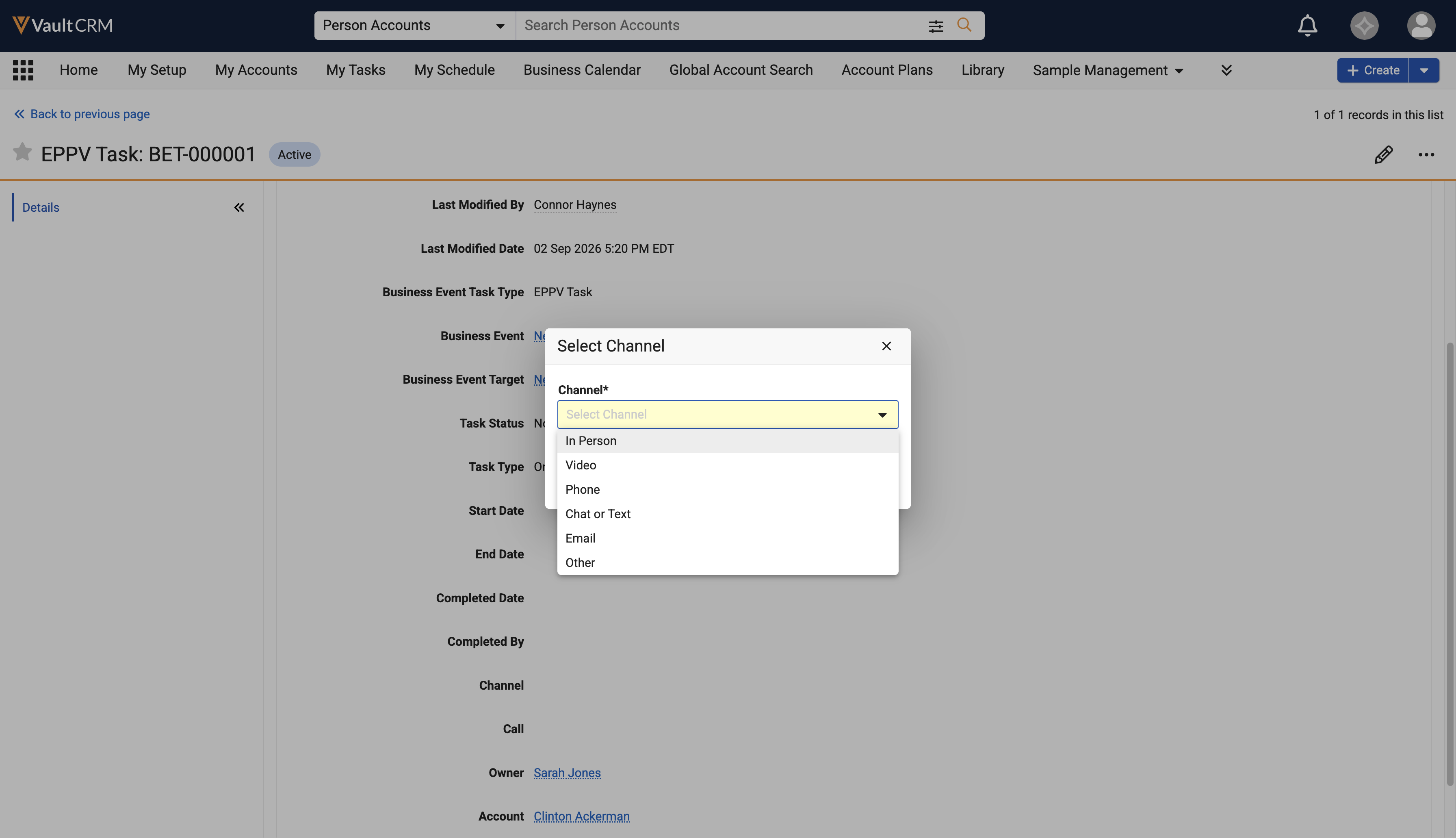
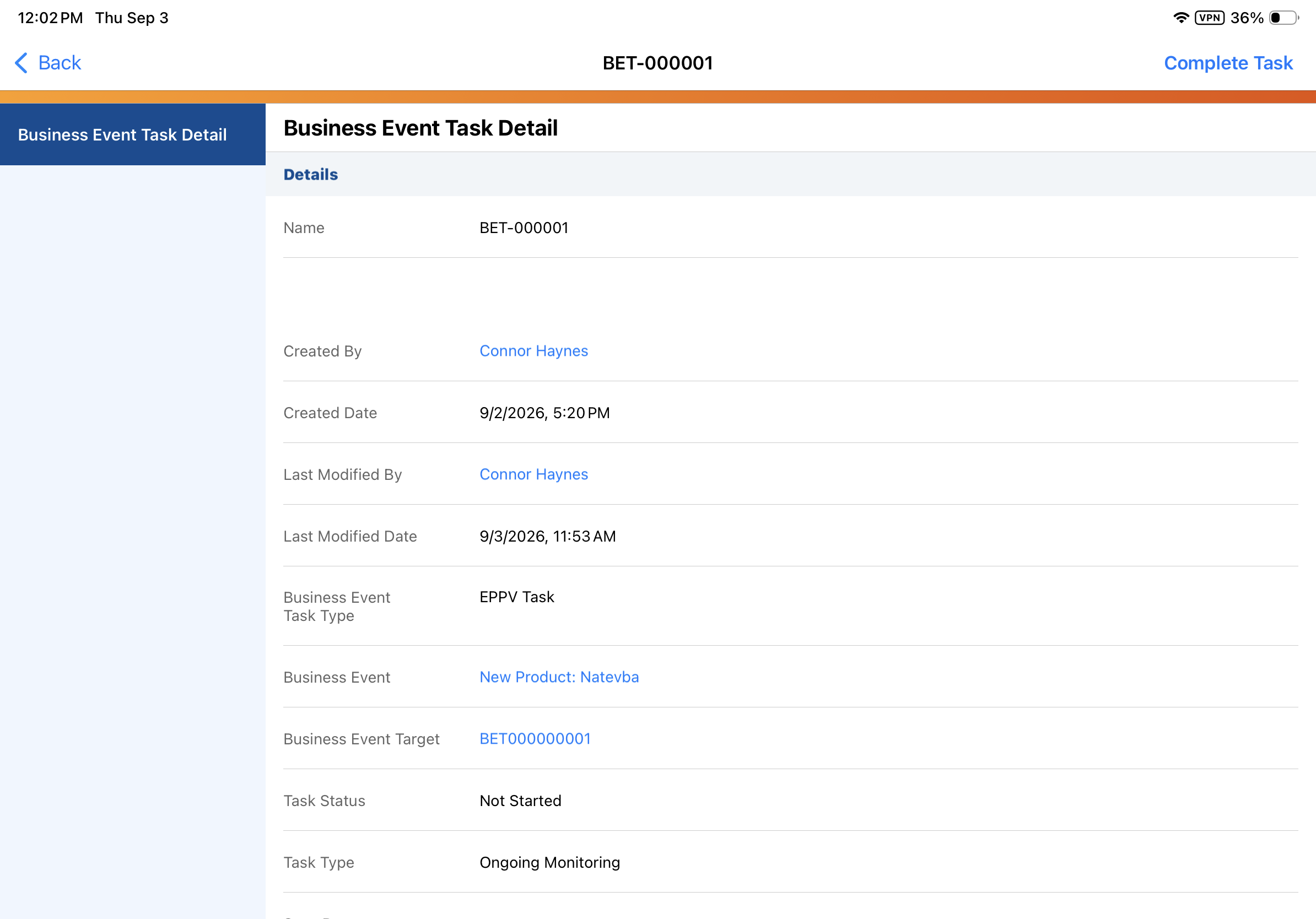
| Browser, iPad, iPhone | The Complete Task modal now displays the ability to select a channel instead of just asking for a confirmation. |
n/a |
|
|
Browser, iPad, iPhone |
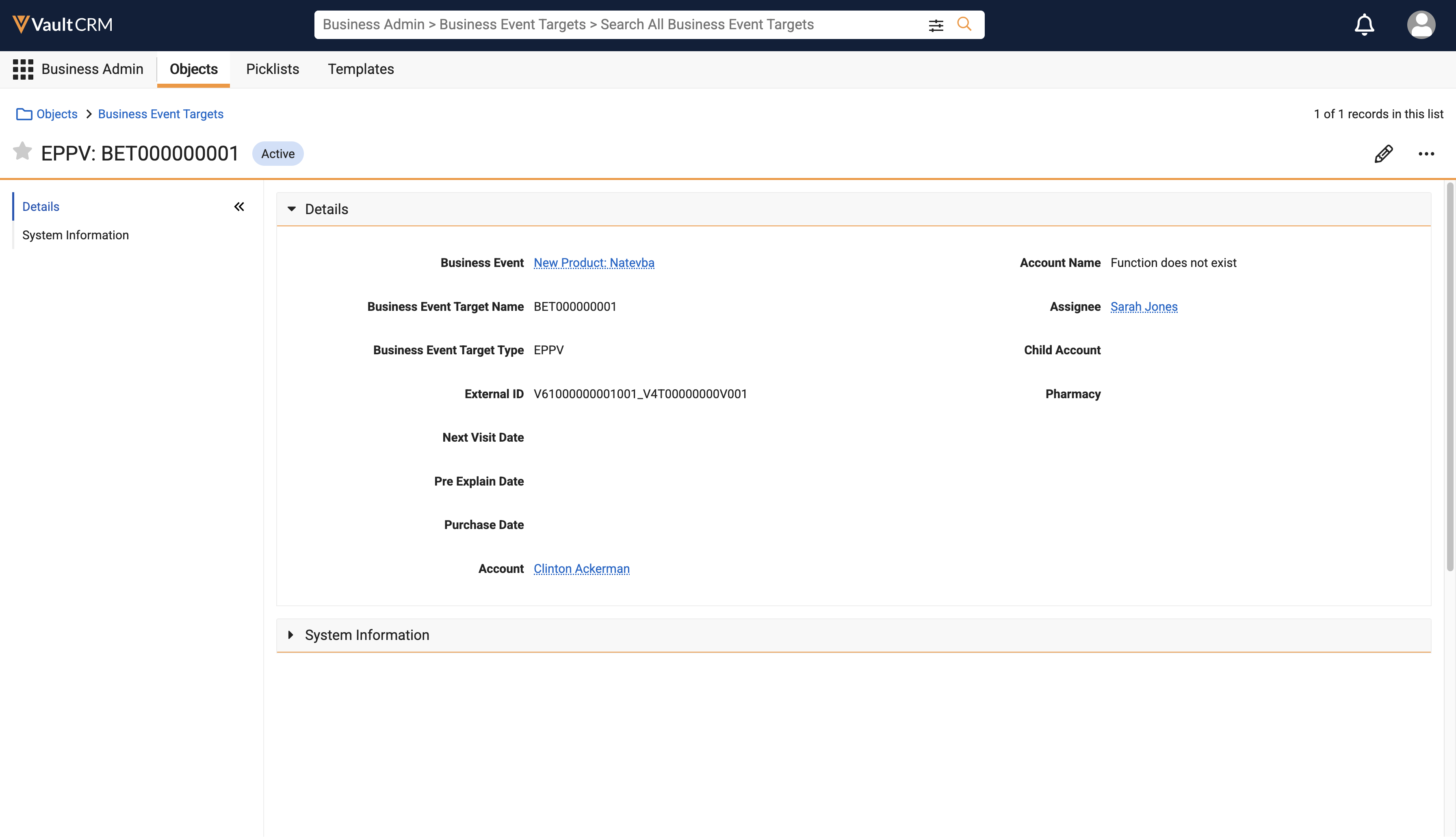
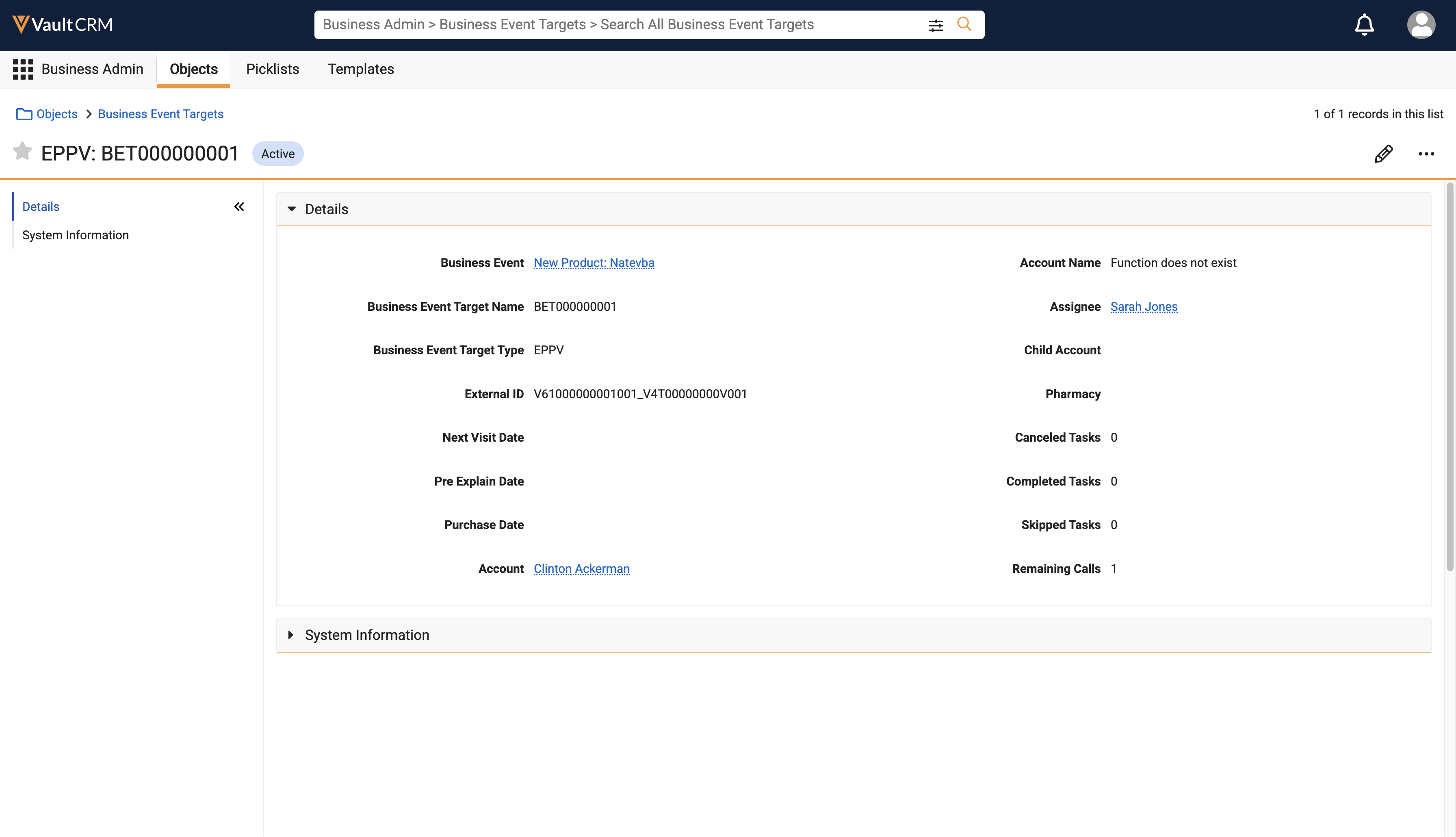
Completed Tasks, Skipped Tasks, and Canceled Tasks are now calculated and populated on the Business Event Target record. |
|
|
|
iPad, iPhone |
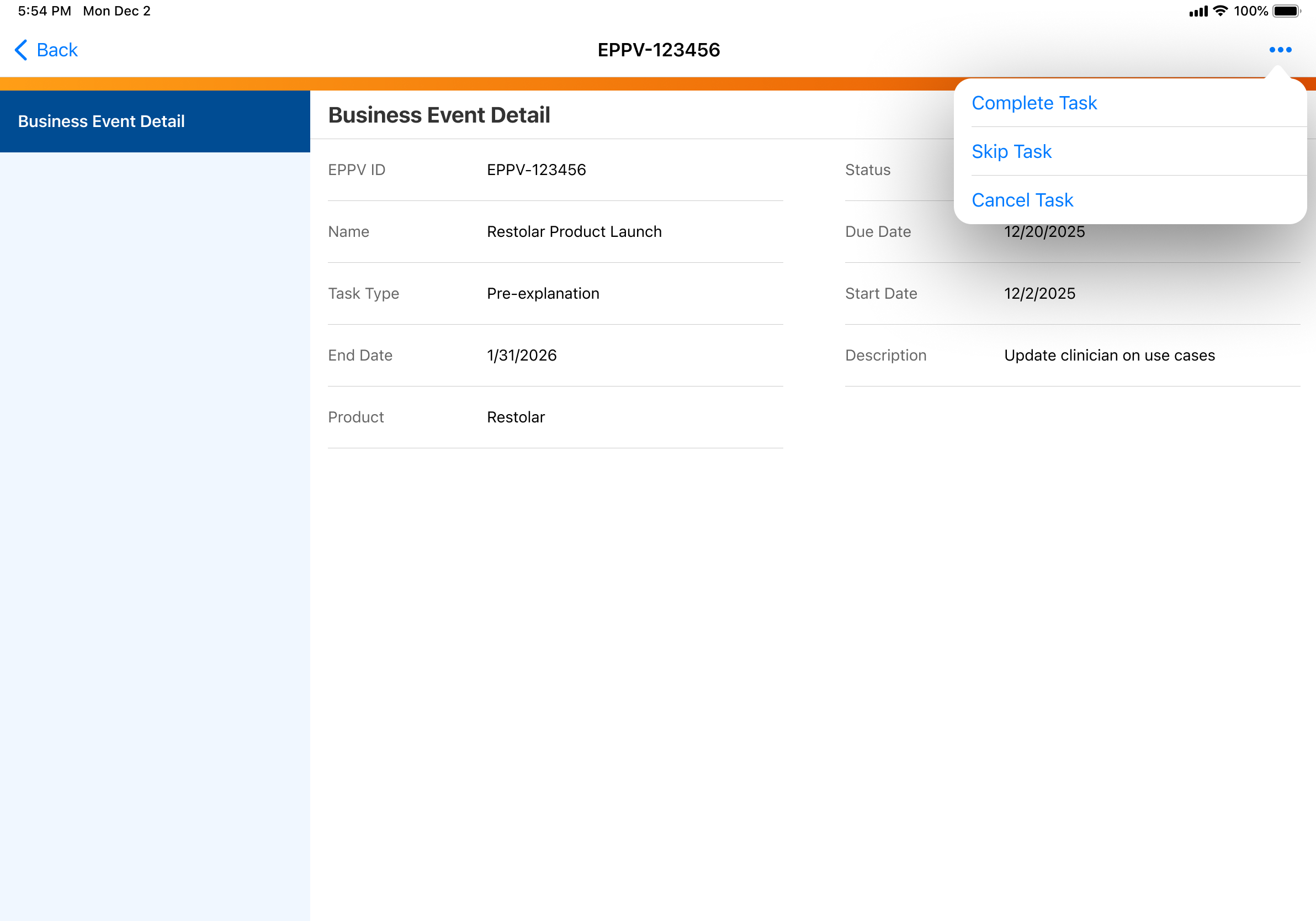
The Complete Task and Cancel Task actions now display on the All Actions menu. Previously, these actions displayed on the toolbar. |
|
|
Call Reporting
|
Platform |
Description |
Before |
After |
|---|---|---|---|
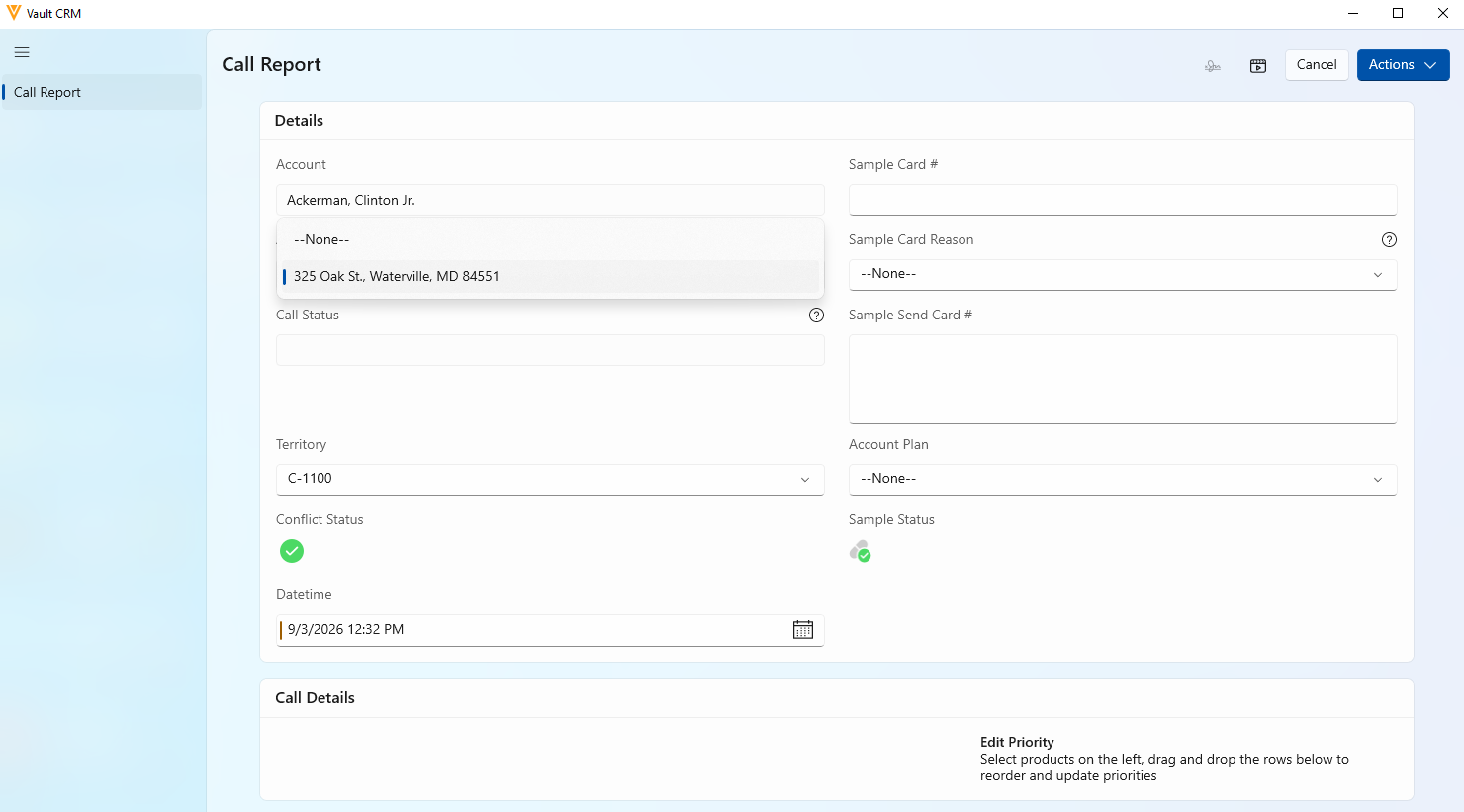
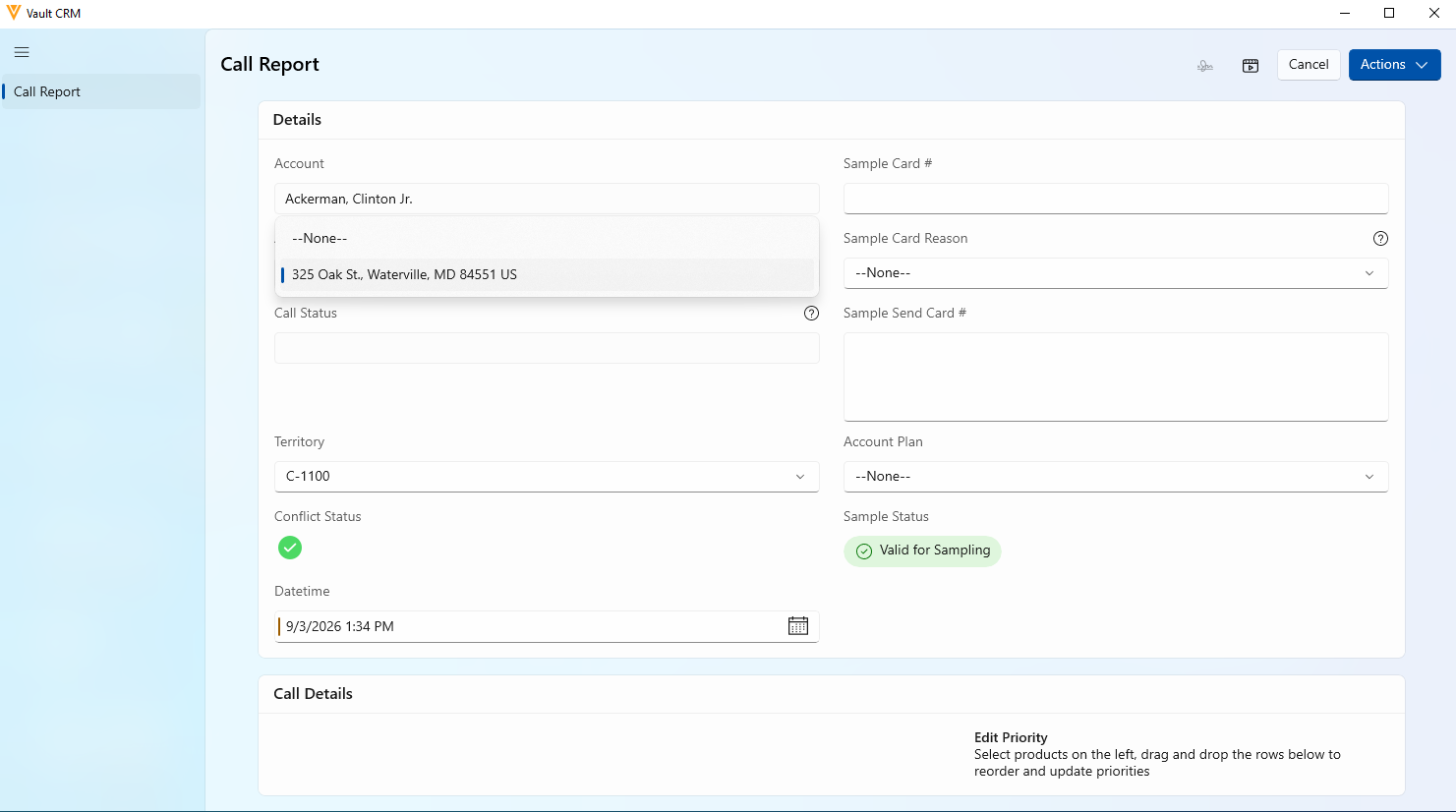
| Windows | Selecting an address from the Call Address dropdown now displays the Country value alongside the rest of the address details. |
|
|
|
Browser |
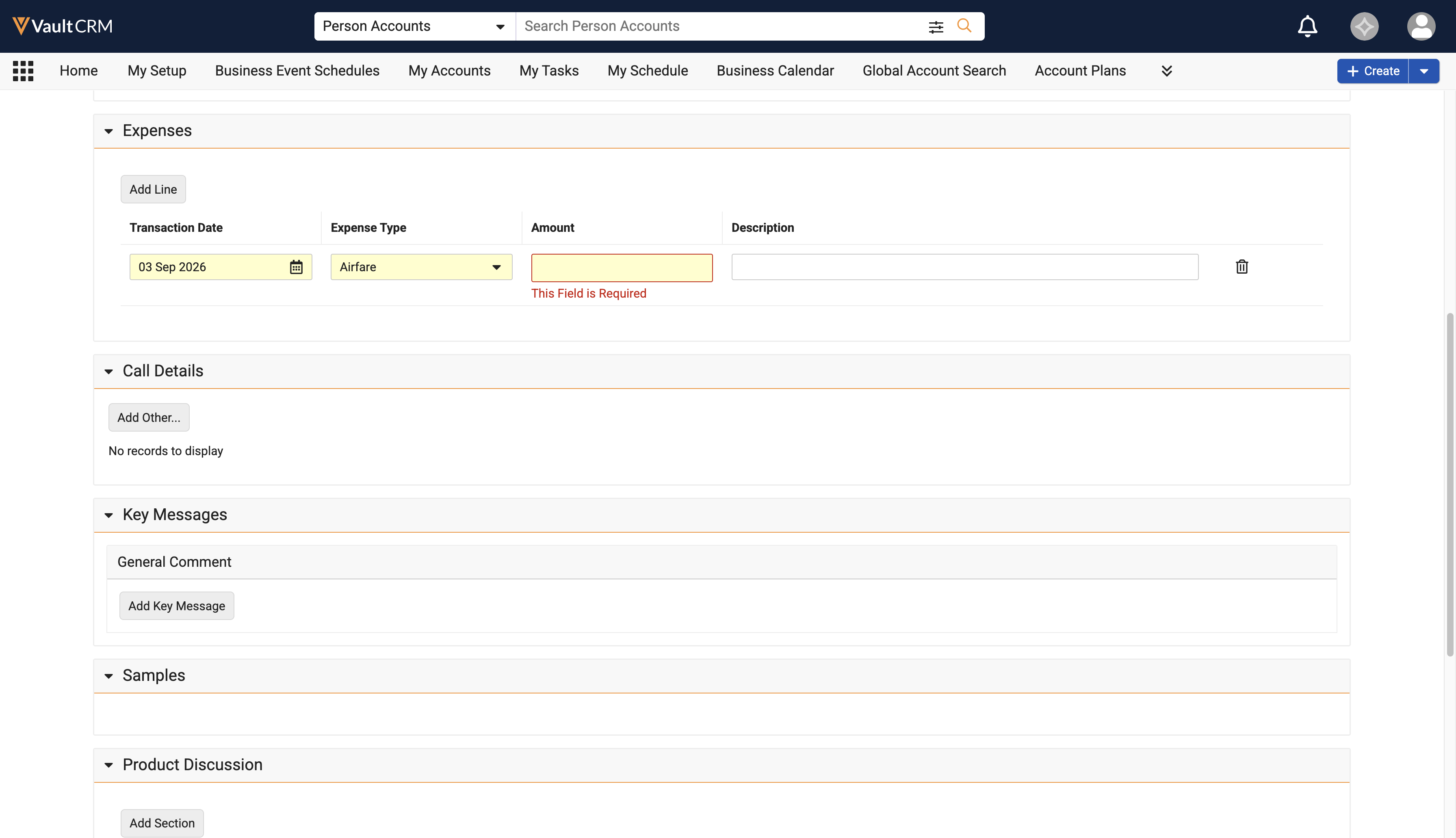
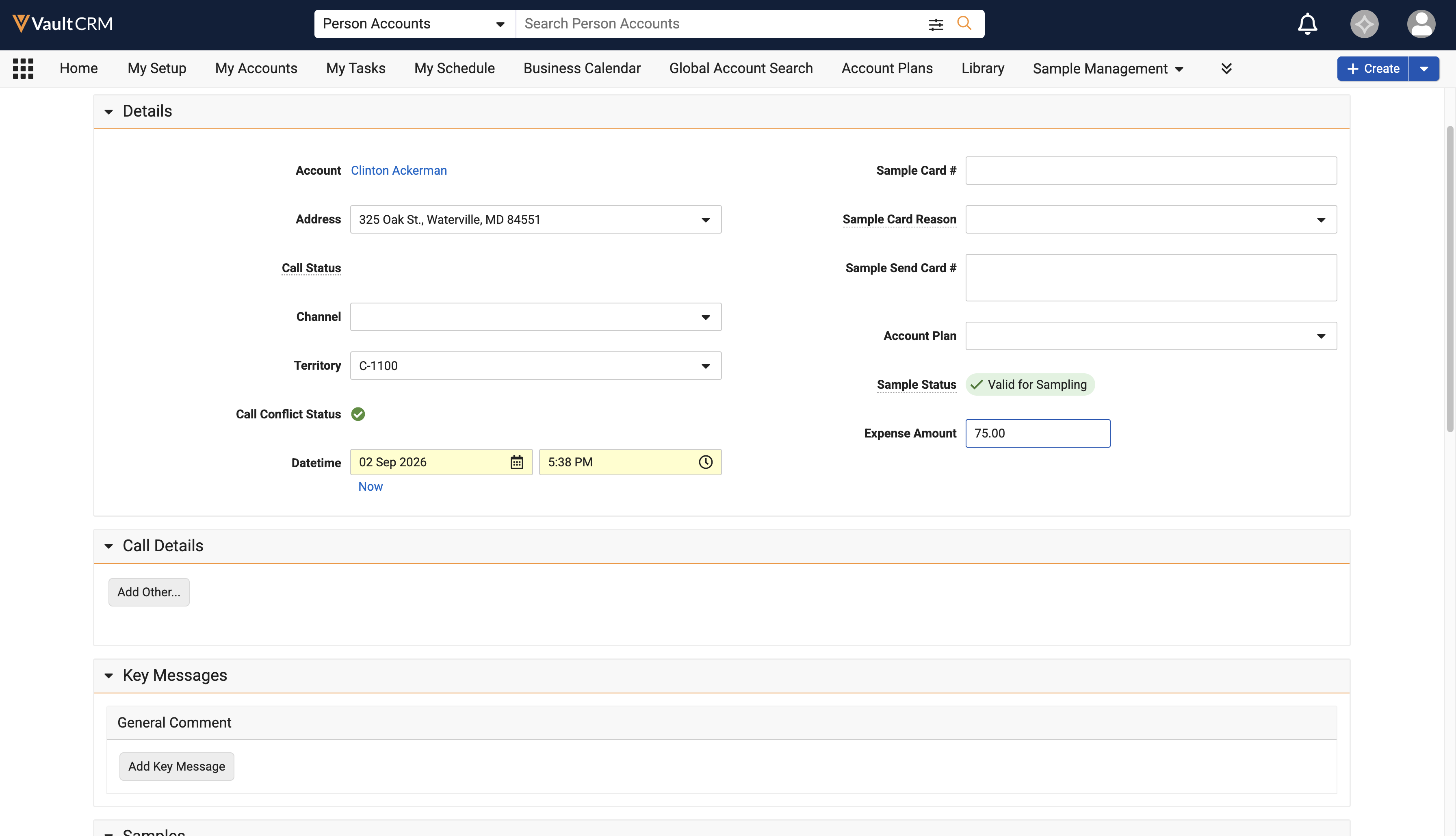
Users can now view and edit single expenses for individual Unique Activity group calls when the expense_amount__v field is used instead of the expense__v section control on call2__v layouts. |
|
|
Call Sampling
|
Platform |
Description |
Before |
After |
|---|---|---|---|
| iPad, iPhone, Windows | When a user creates a call in a state that requires a CDS license, the system ensures compliance by either automatically stamping validation data upon a successful check or displaying an error message if the HCP's CDS license does not meet the requirements for the selected products. |
n/a |
n/a |
General
|
Platform |
Description |
Before |
After |
|---|---|---|---|
| Browser |
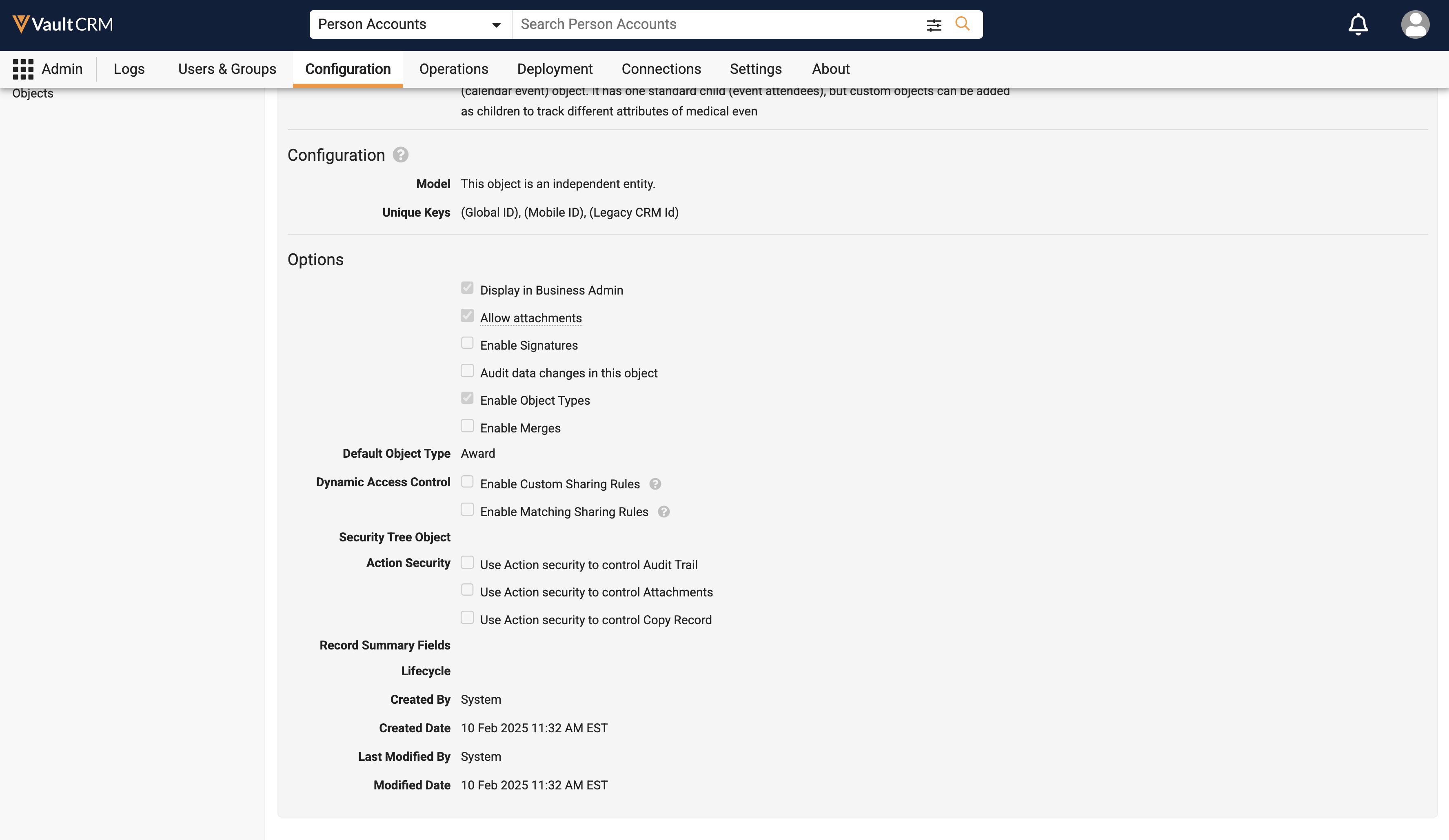
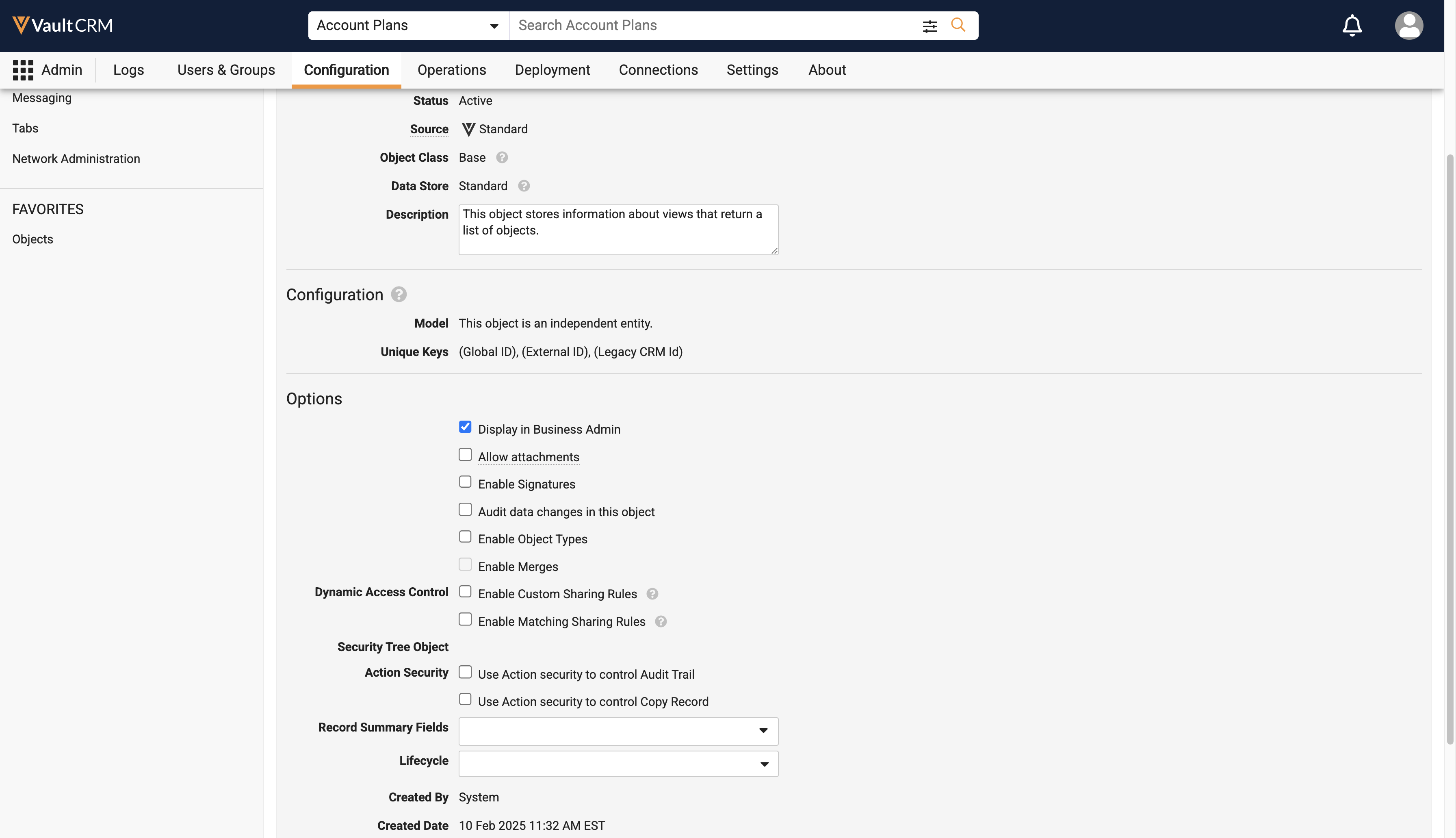
Admins can now edit the Lifecycle field on the following objects:
See Configuring Object Lifecycles for more information. |
|
|
Medical
|
Platform |
Description |
Before |
After |
|---|---|---|---|
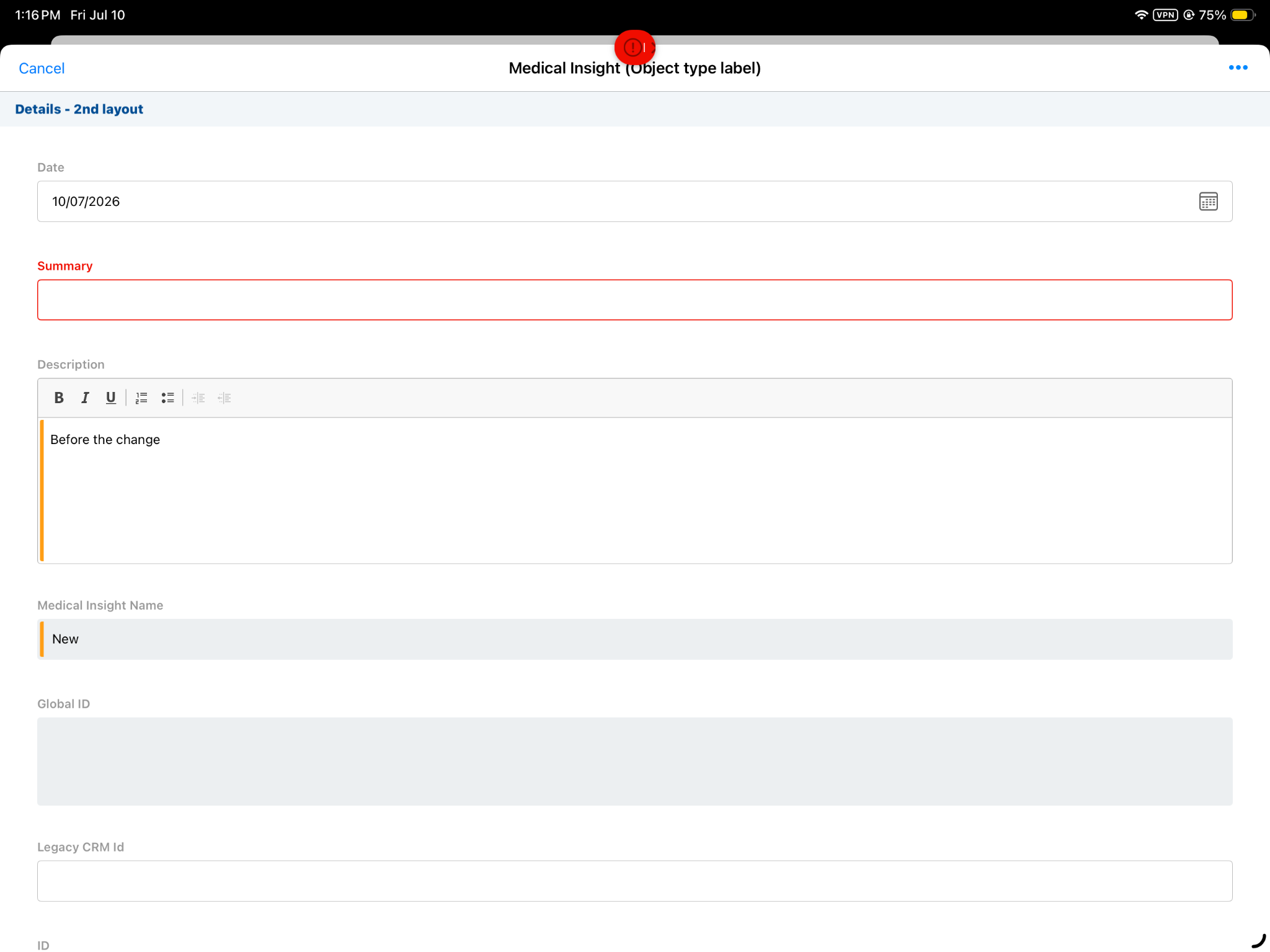
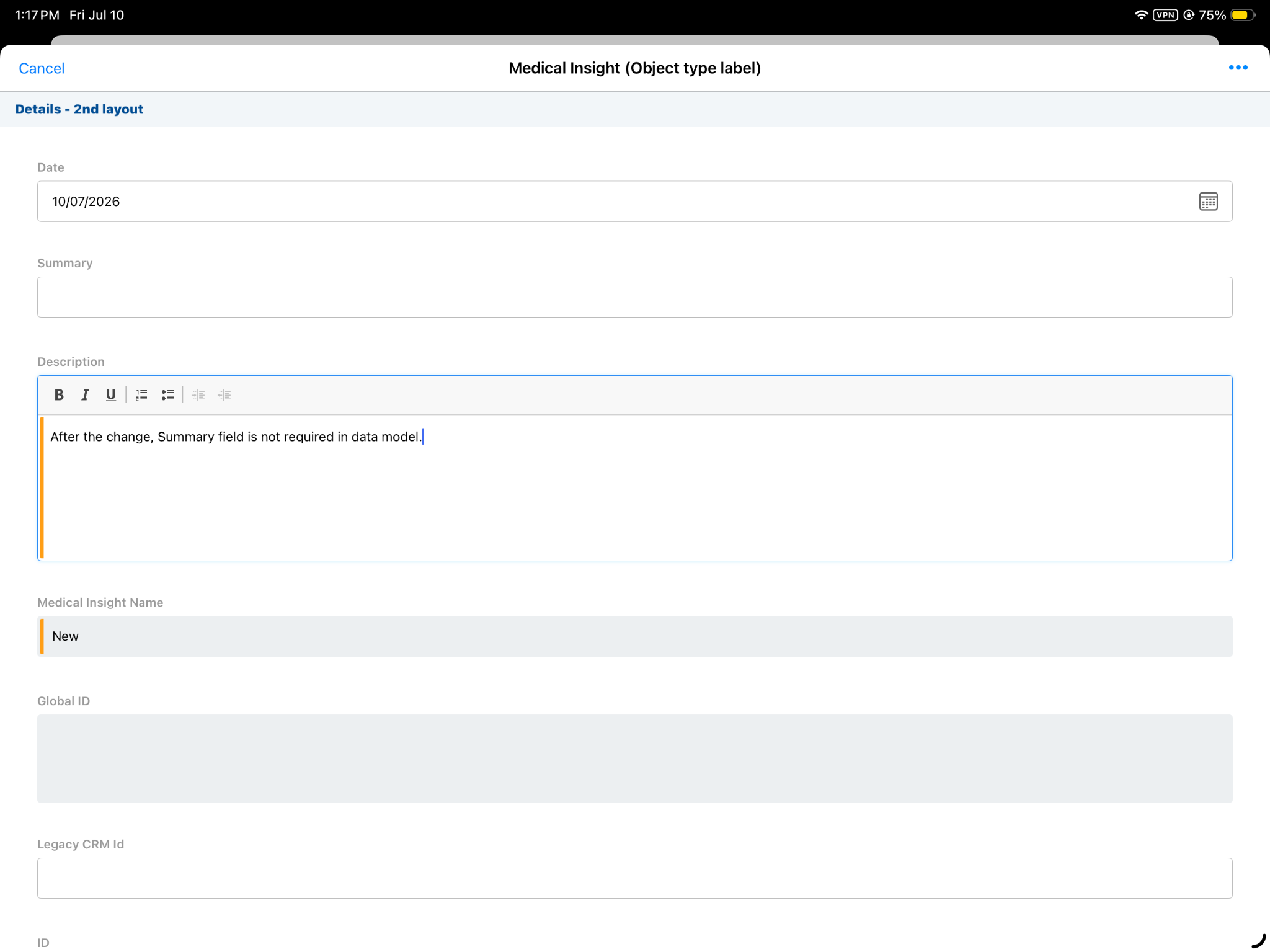
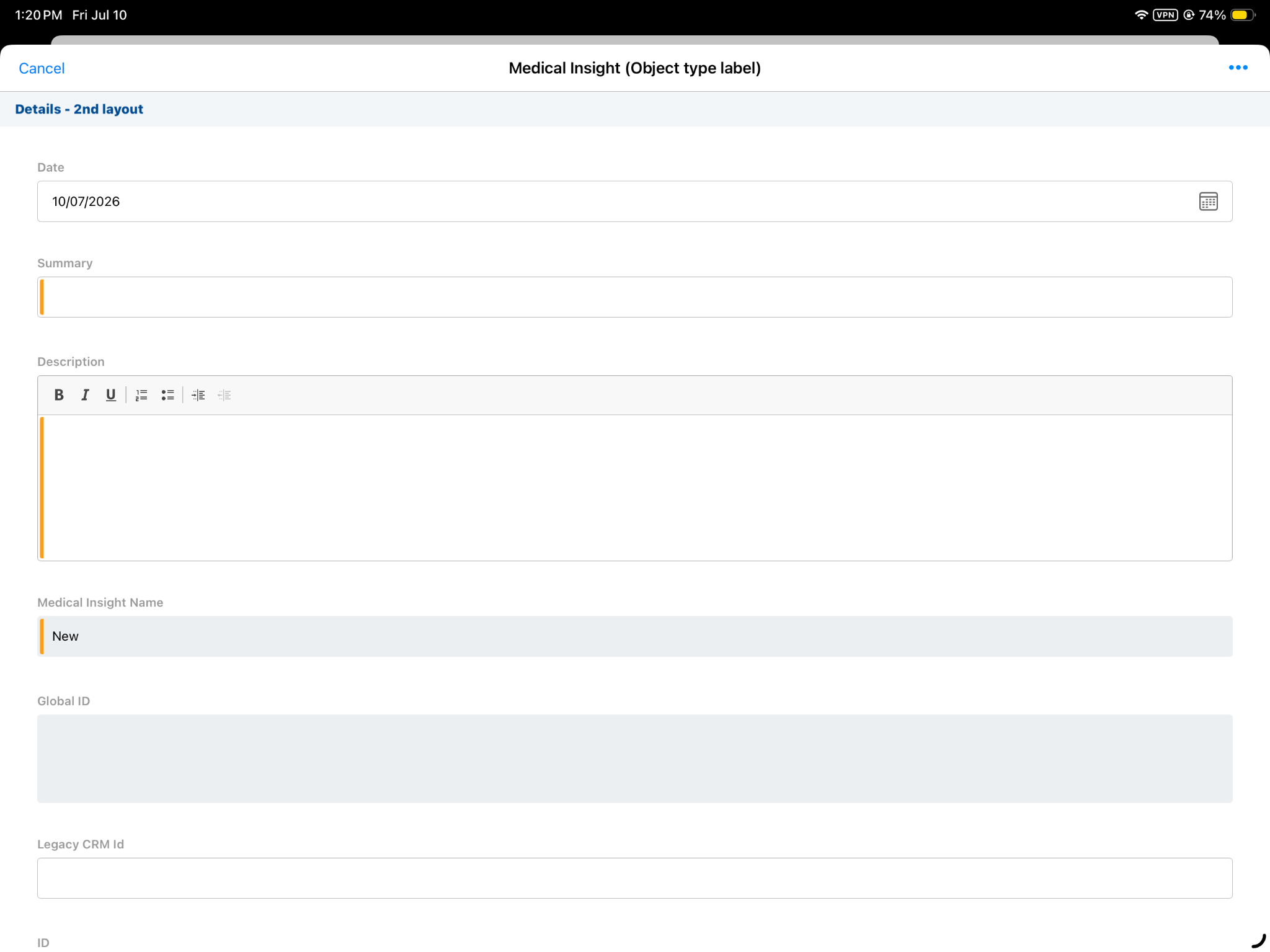
| iPad, iPhone, Windows | Whether the summary__v field on the medical_insight__v object is required when saving or submitting a Key Medical Insights is now controlled by the “User must always enter a value (required)” field option, or the Display as Required check box on the page layout, instead of being hard-coded as required. |
|
|
Surveys
|
Platform |
Description |
Before |
After |
|---|---|---|---|
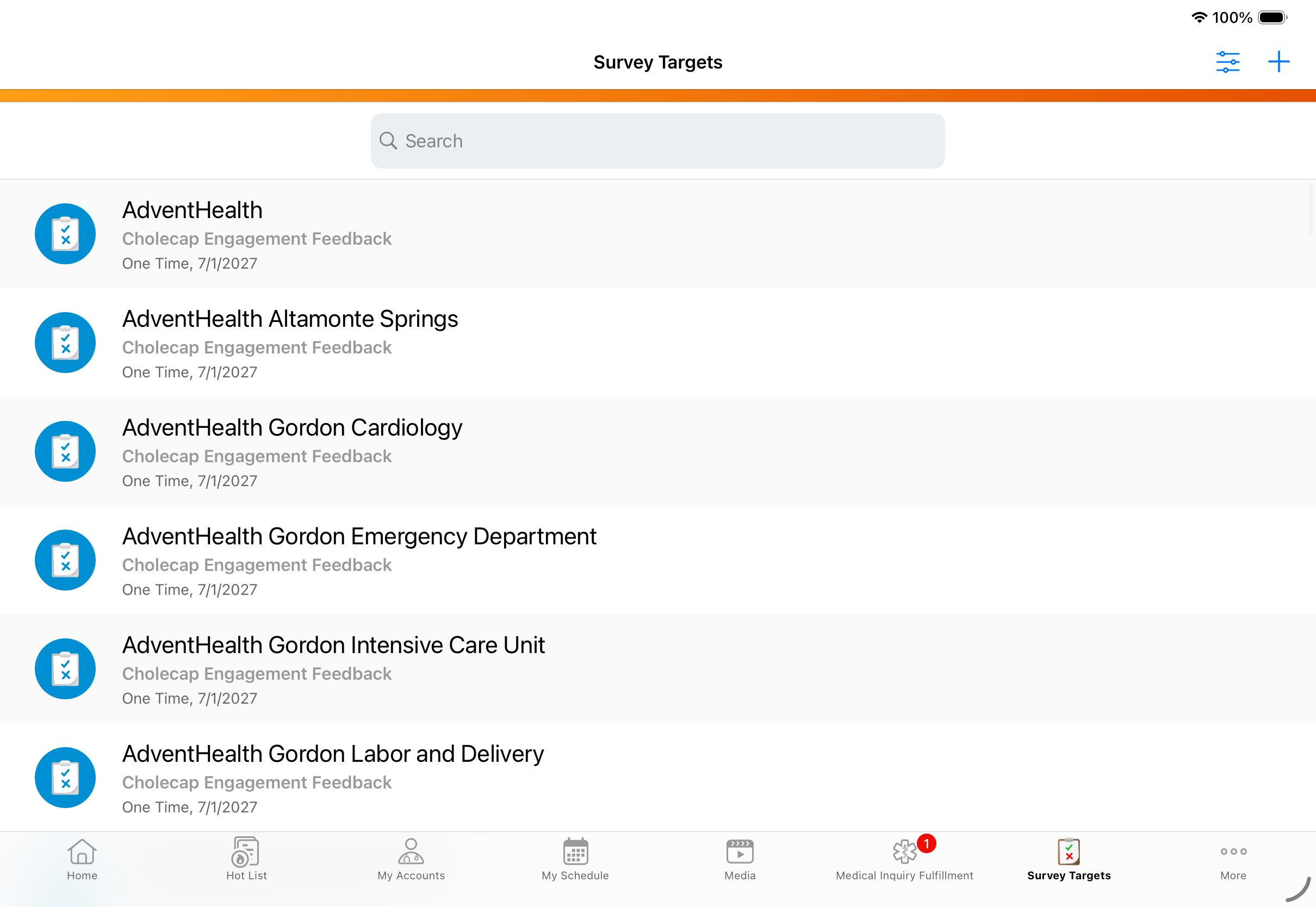
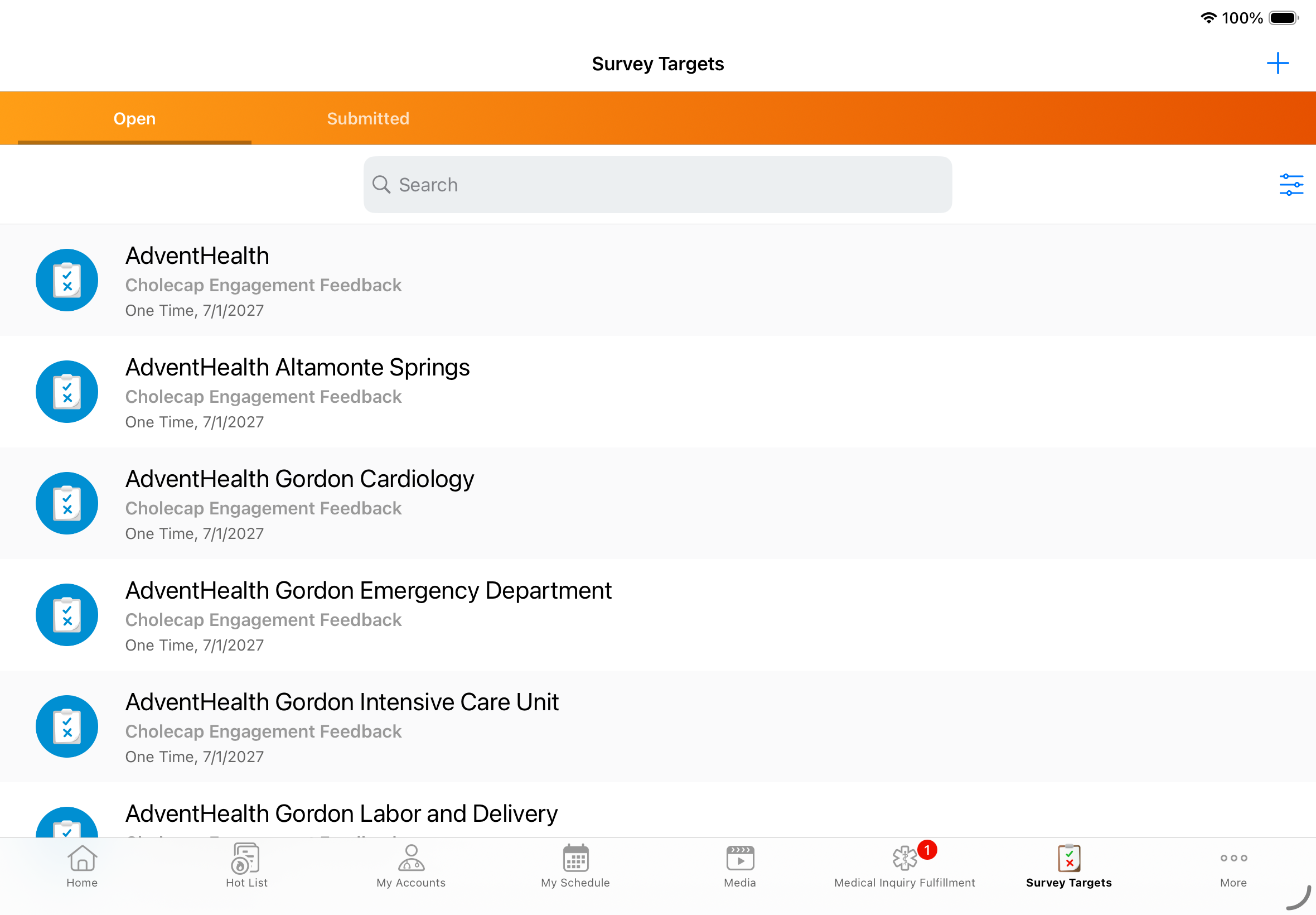
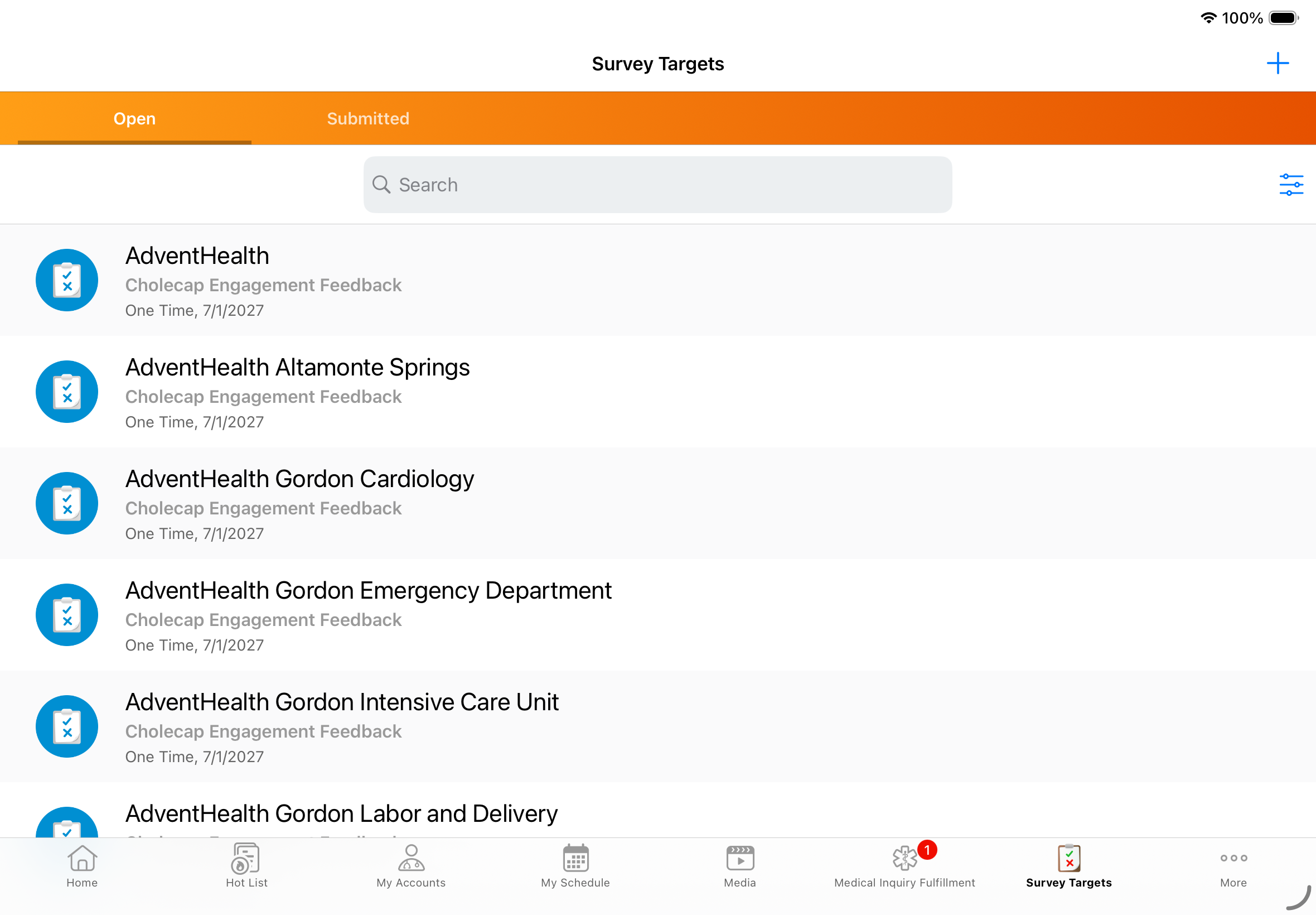
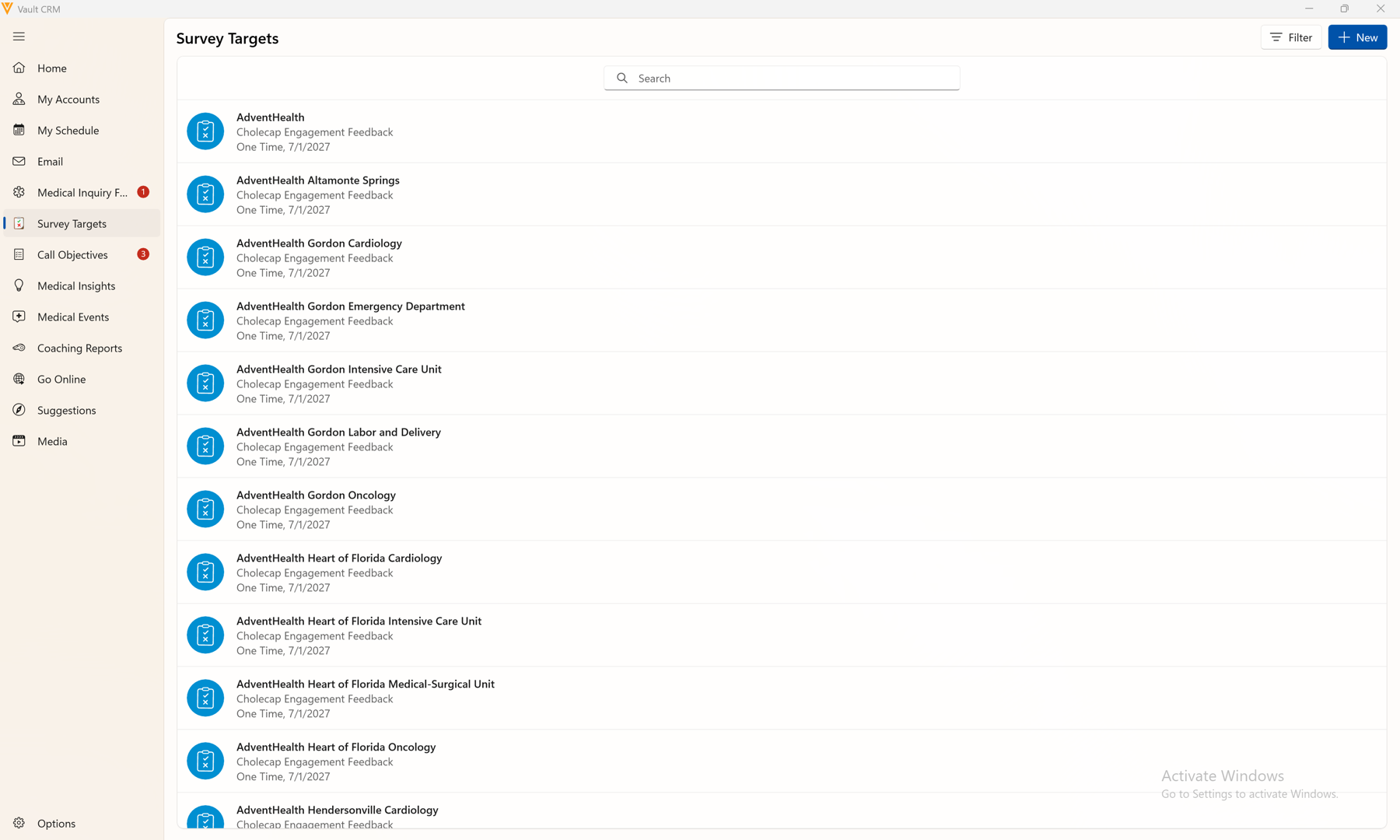
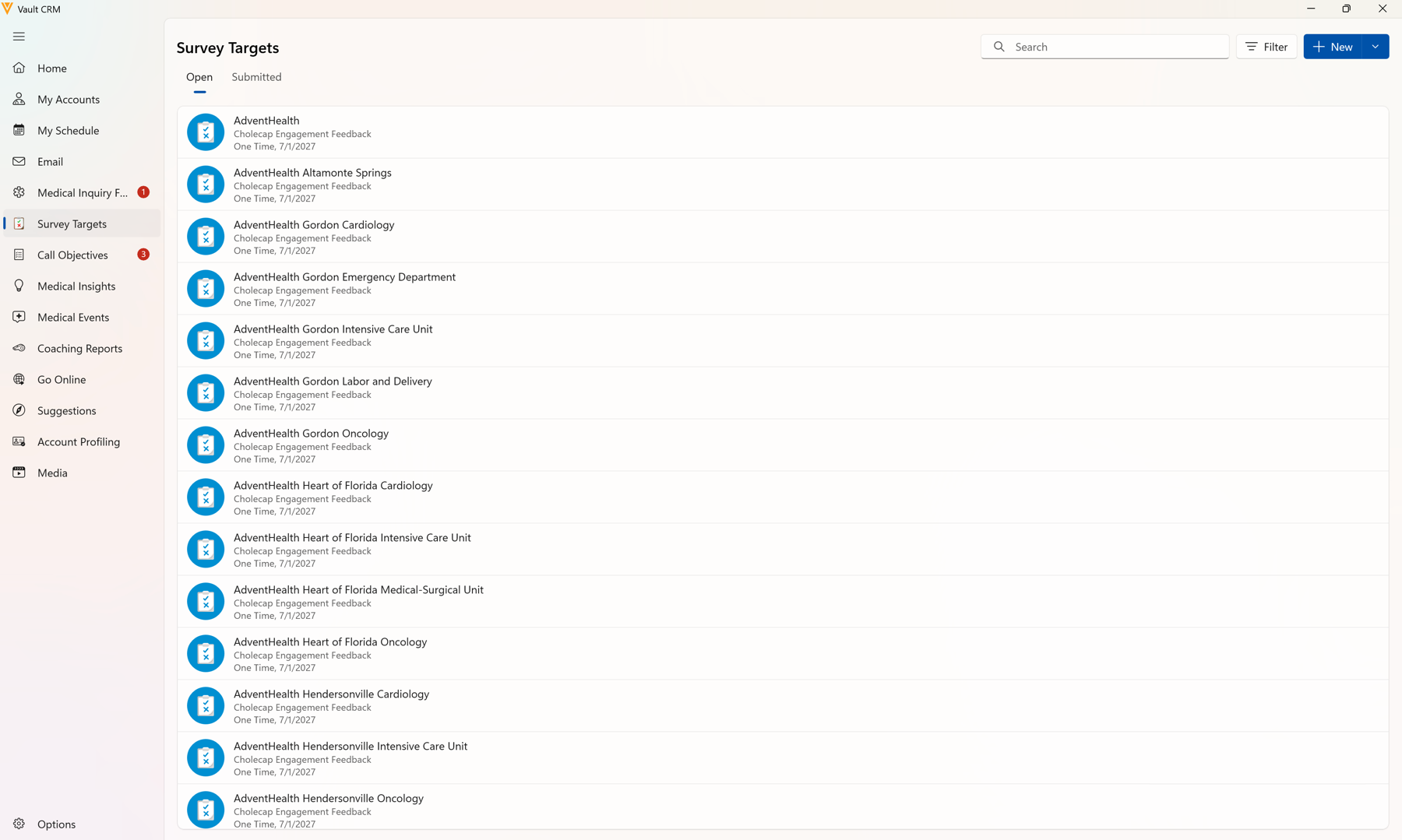
| iPad, iPhone, Windows | The Survey Targets tab now displays two new sub-tabs, Open and Submitted. |
|
|
|
iPad, iPhone, Windows |
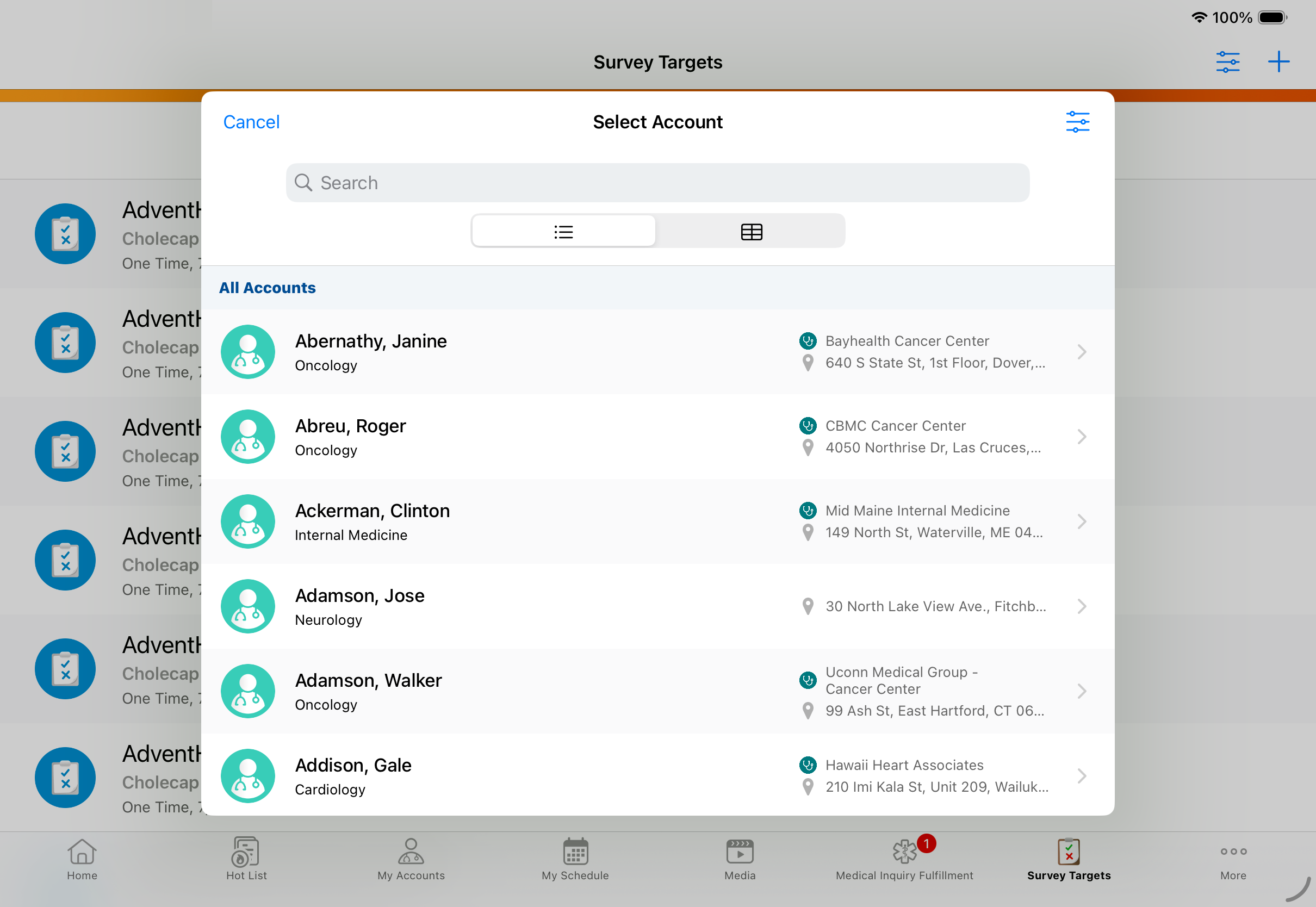
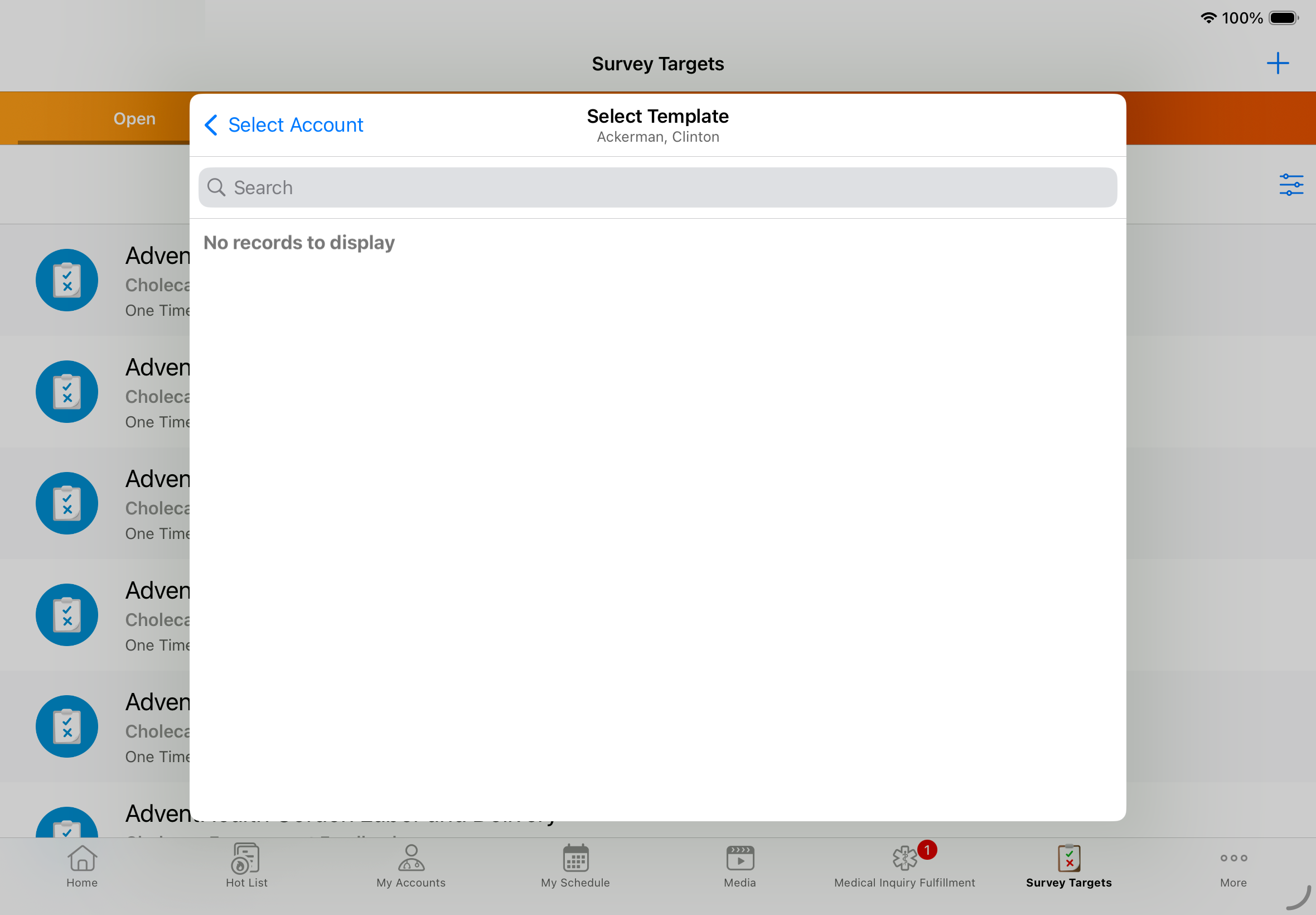
The account selected in the Select Template modal is displayed when creating a new survey target. |
|
|
|
iPad, iPhone |
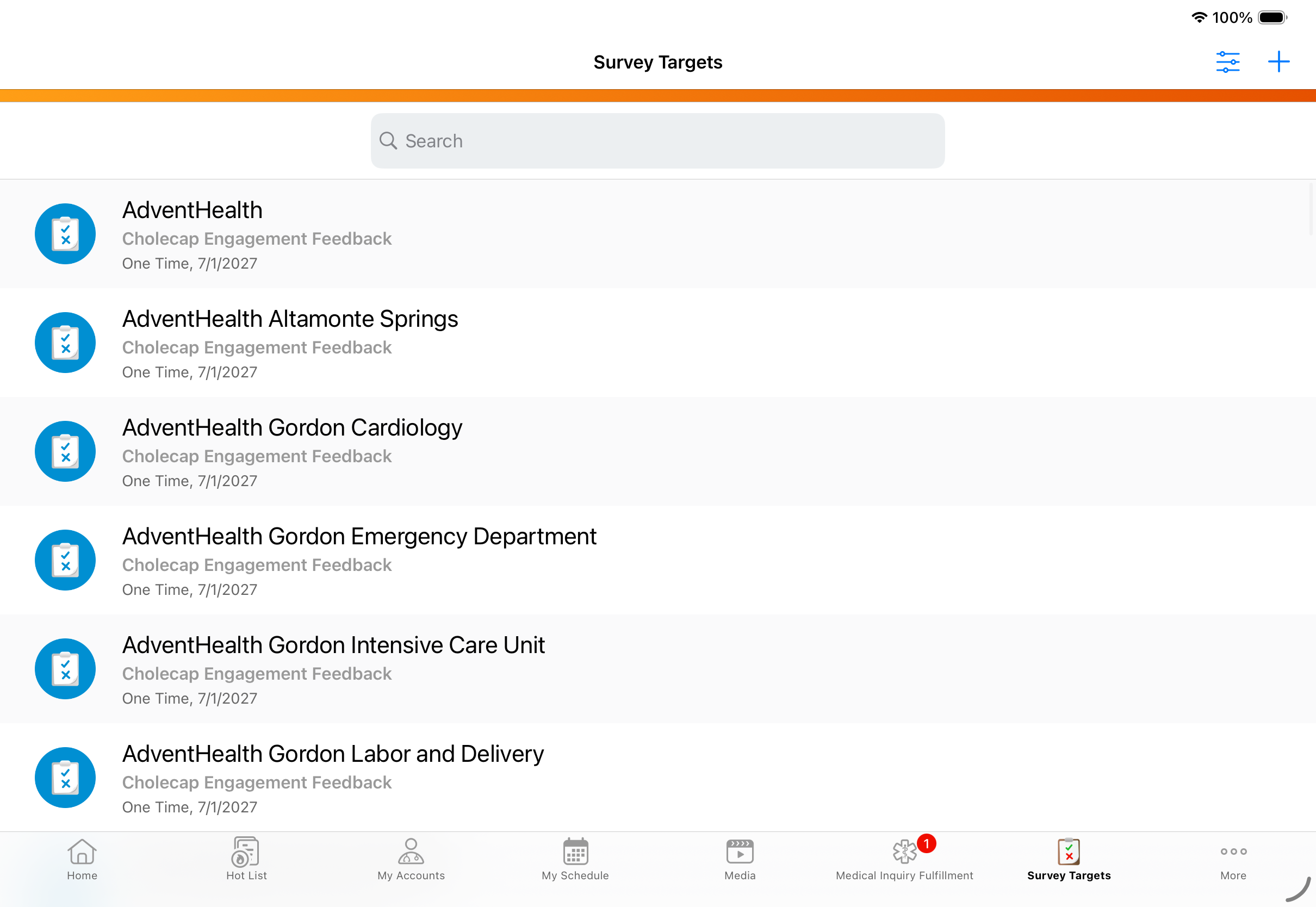
In the Survey Targets tab, the Filter button displays next to the search bar rather than next to the + icon. |
|
|
|
Windows |
In the Survey Targets tab, the search bar displays in the top-right of the screen. |
|
|
Vault AI in CRM
|
Platform |
Description |
Before |
After |
|---|---|---|---|
|
iPad, iPhone |
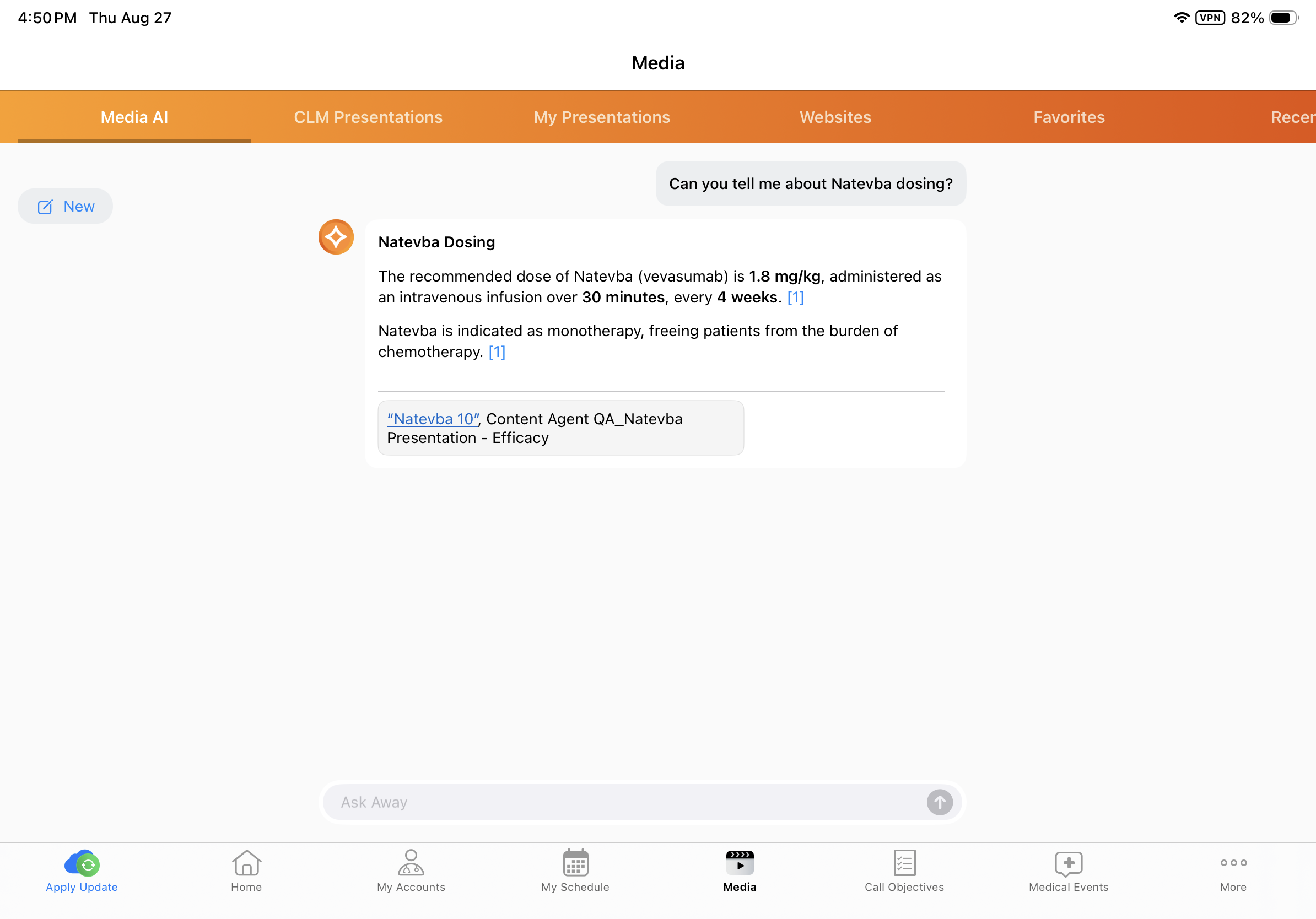
Agentic Media is updated with the following enhancements:
Previews only display if there is a full image or poster image available for the selected citation or Media block. |
|
|
|
iPad, iPhone |
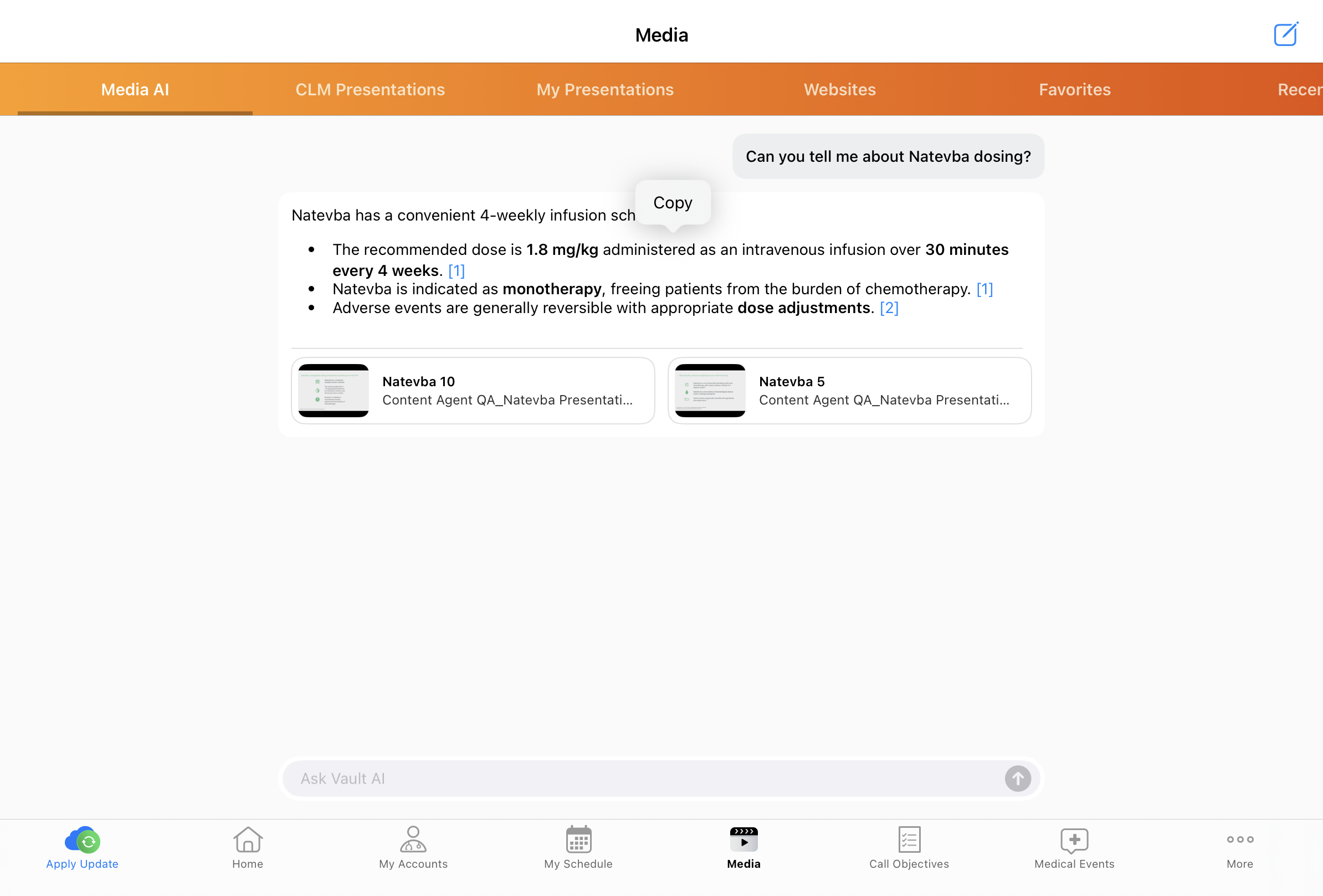
Users can long-press to copy paragraphs within the Agentic Media response. |
n/a |
|
|
iPad, iPhone |
When users convert a Call Voice Note into an Agentic Call Report™ and there are multiple potential existing calls matching the information recorded, they are presented with options to add the information to an existing call. |
n/a |
|
|
iPad, iPhone |
When users convert a Call Voice Note into an Agentic Call Report™ and there is a single existing call matching the information they recorded, the information is automatically added to the existing call report. |
n/a |
|
|
iPad, iPhone |
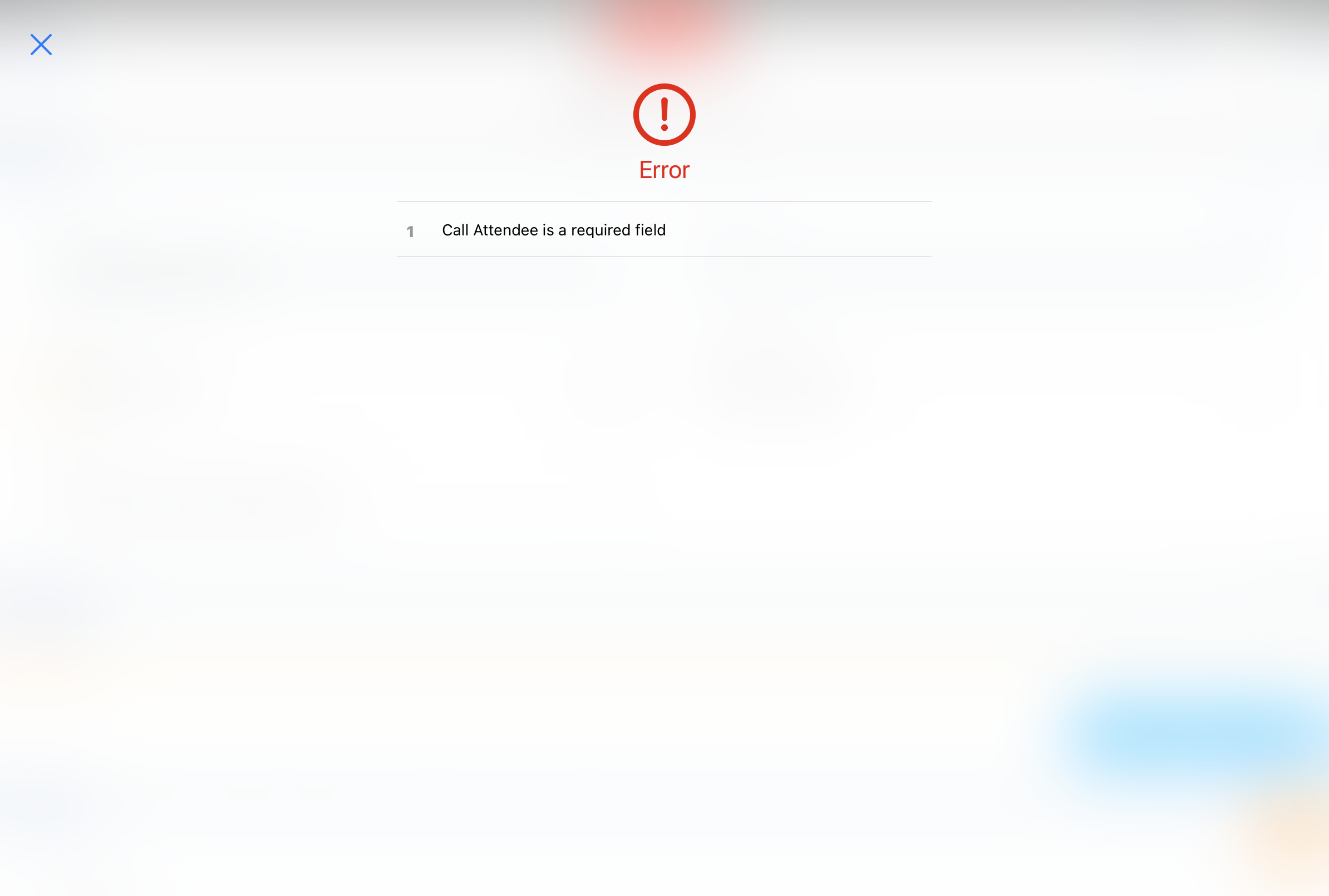
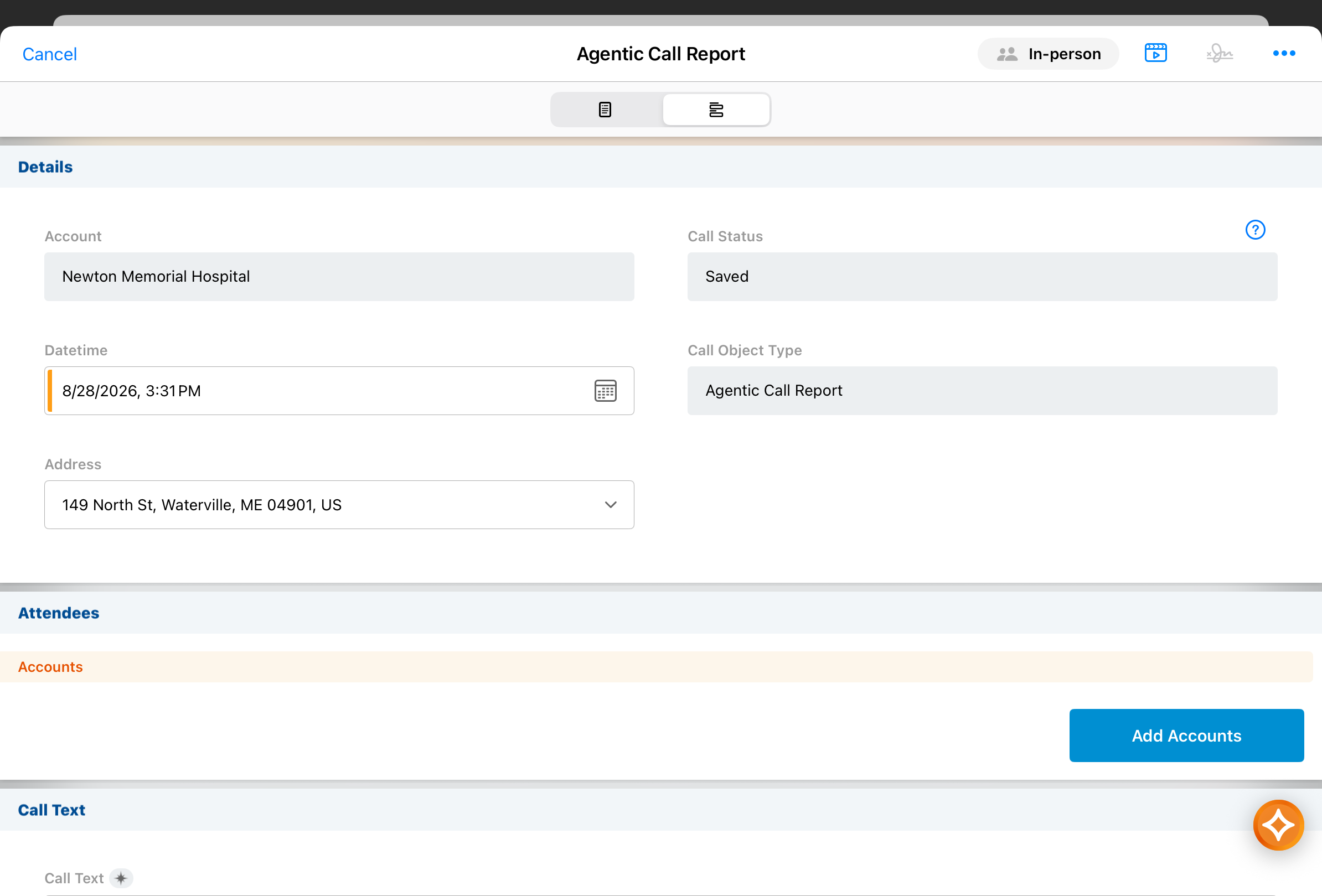
When users add to an existing call report with Agentic Voice, the call report is automatically saved without validation for the following:
This prevents errors from showing before the call report is complete. Validations for Allowed Products, Restricted Products, and Call Backdate Limit still run, and all validations run when users save or submit the call report. |
|
|
|
Browser, iPad, iPhone, Windows |
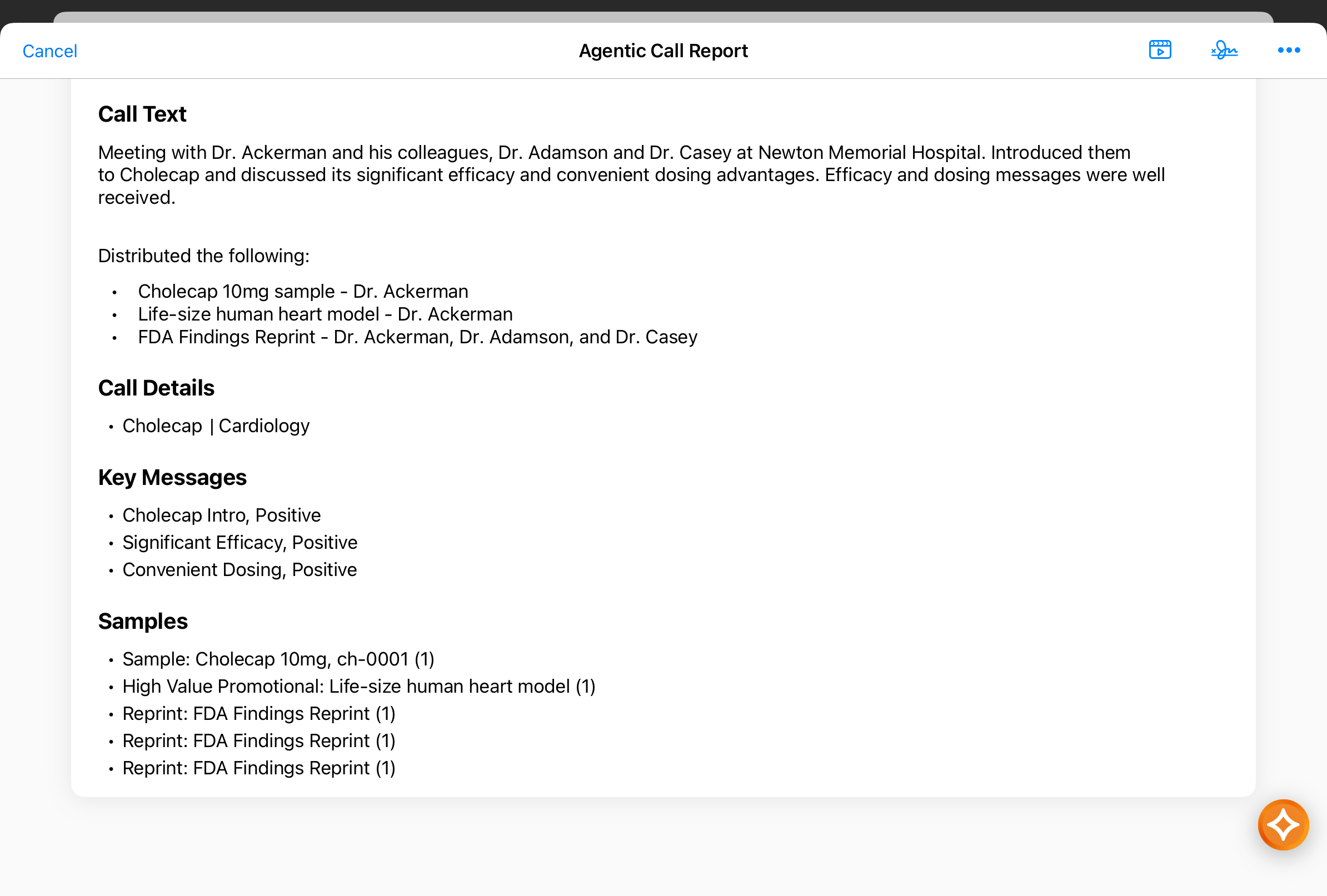
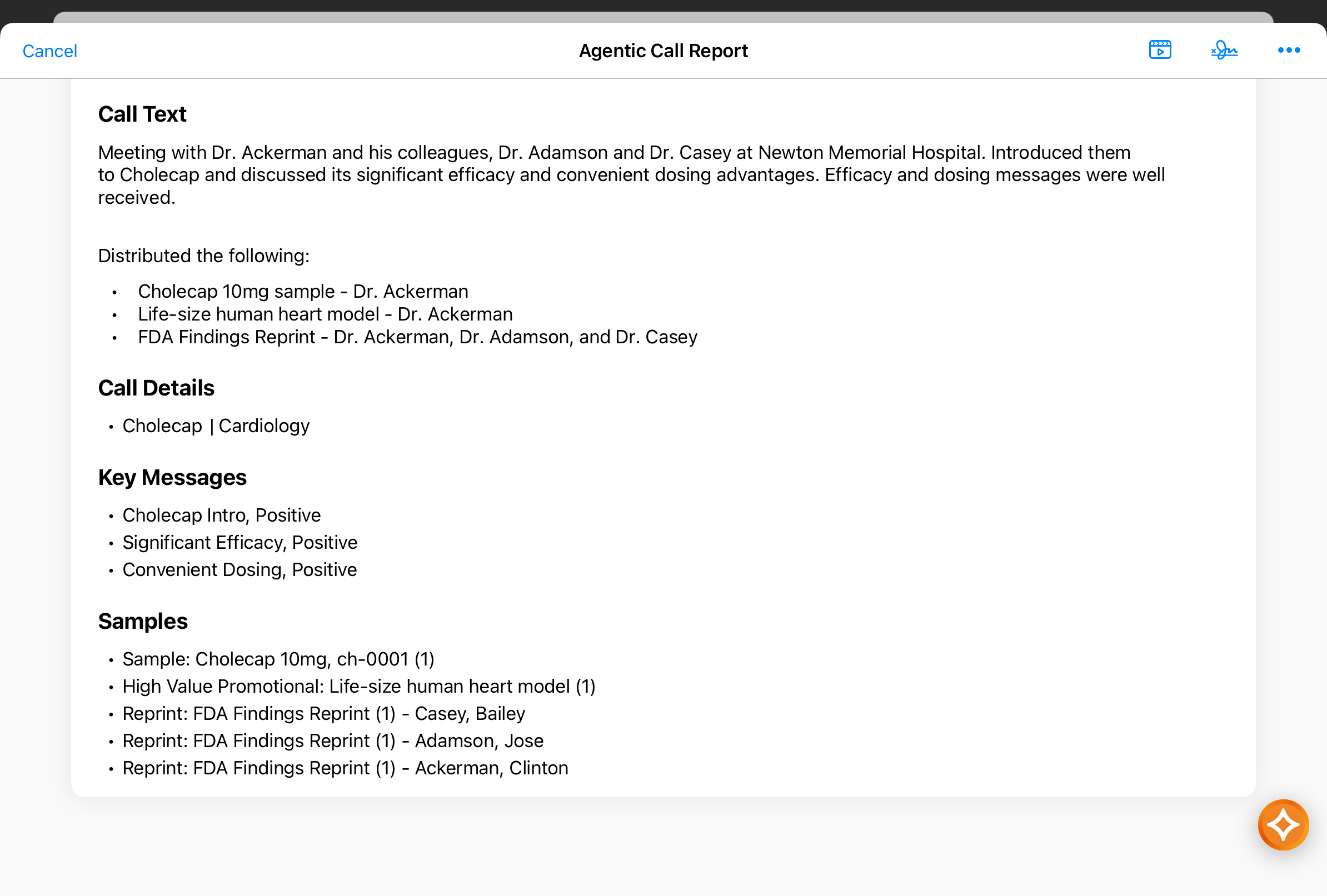
In Agentic View, the Sample Recipient displays for promotional items, reprints, and custom types. |
|
|
|
Browser |
Agentic View now displays in Create mode and Edit mode for the call report, in addition to View mode. An indicator for the Agentic Text Monitoring status displays in Create mode and Edit mode. |
|
|
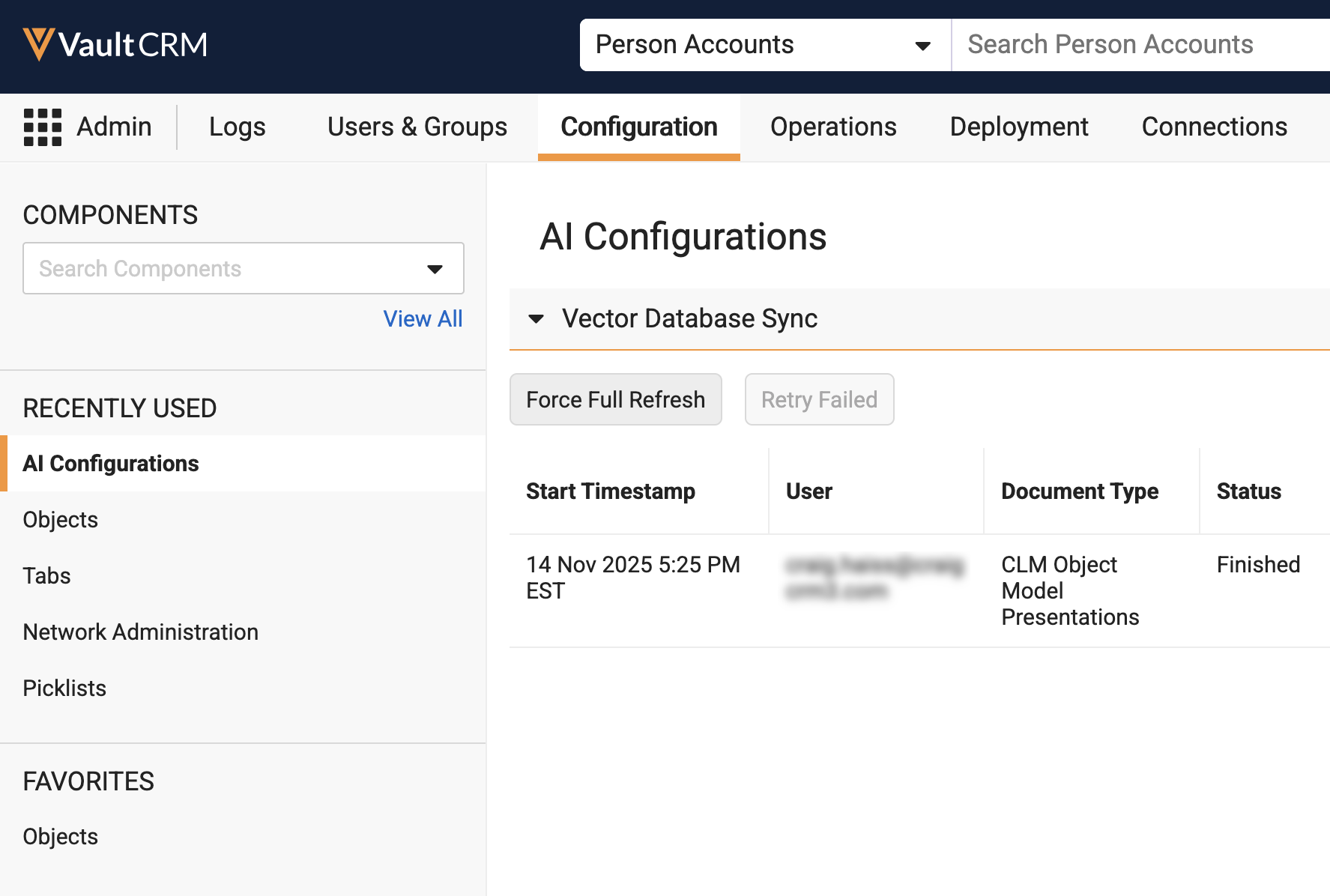
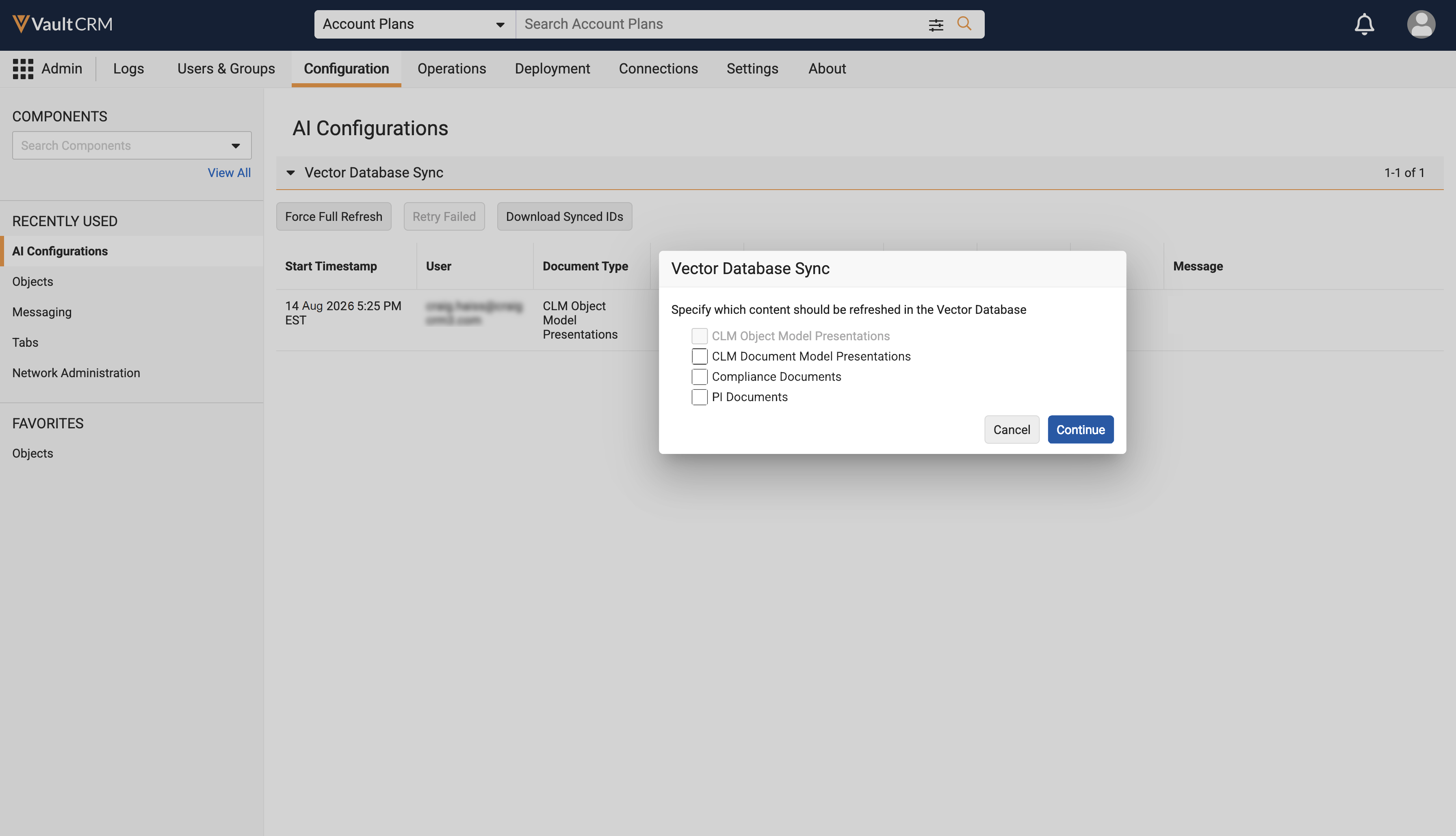
| Browser | A Download Synced IDs button displays on the AI Configurations screen. Admins can select this button to export a list of all Document or Record IDs currently synced to the Vector Database. |
|
|
|
Browser |
If a vectorization job is actively running for a specific document type, the Force Full Refresh button remains selectable, but the checkbox for that actively processing document type is disabled. |
n/a |
|
Align
|
Platform |
Description |
Before |
After |
|---|---|---|---|
|
Browser, iPad |
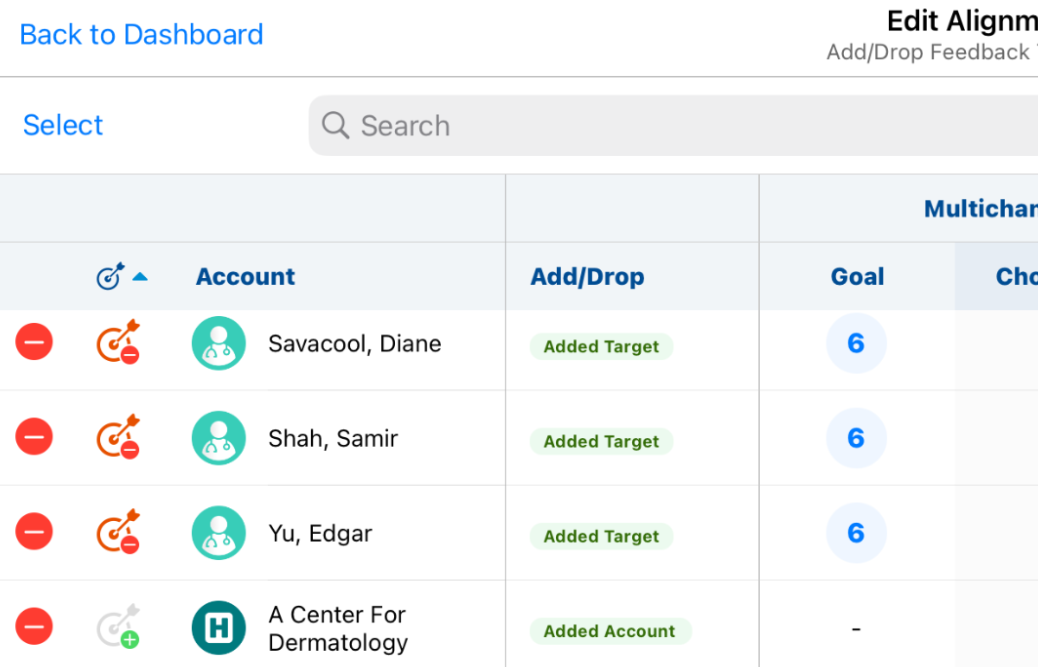
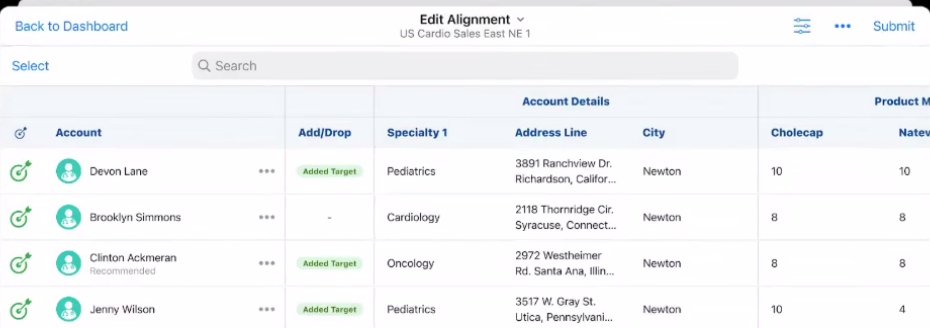
End users can now create Add Target challenges in Territory Feedback without also needing to define goals for the newly added target. This is only applicable if the corresponding MC Cycle is created without channels. |
|
|
Campaign Manager
|
Platform |
Description |
Before |
After |
|---|---|---|---|
| Browser |
Marketing users can now quickly reuse recently used filters in the Target List Builder using the Recent Filters section. This section displays in the following places:
|
|
|
Events Management
|
Platform |
Description |
Before |
After |
|---|---|---|---|
| Browser, iPad | Product, Topic, and Event Material rules now support custom object types to automatically create Event Materials. |
n/a |
n/a |
|
Browser |
The local_currency__sys field now defaults to the user's preferred currency when event or expense records are created across the Events Management and Expense objects. If a user does not have a preferred currency set, the corporate currency is used. |
n/a |
n/a |
|
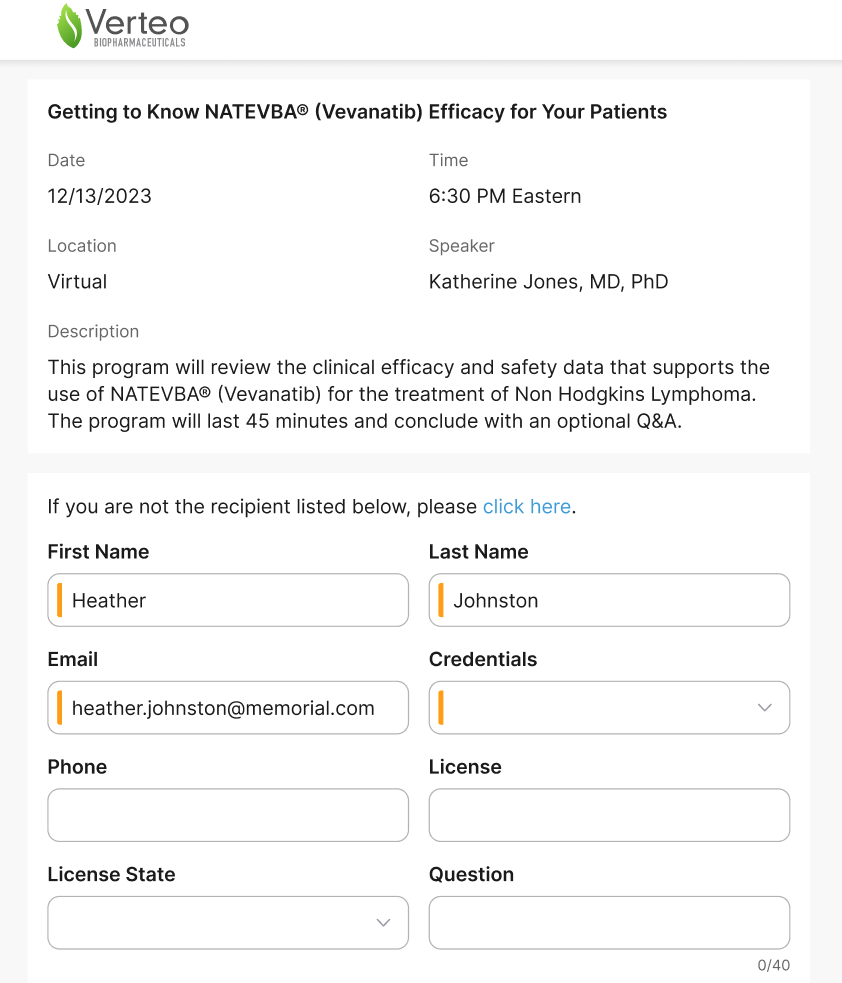
Browser, iPad |
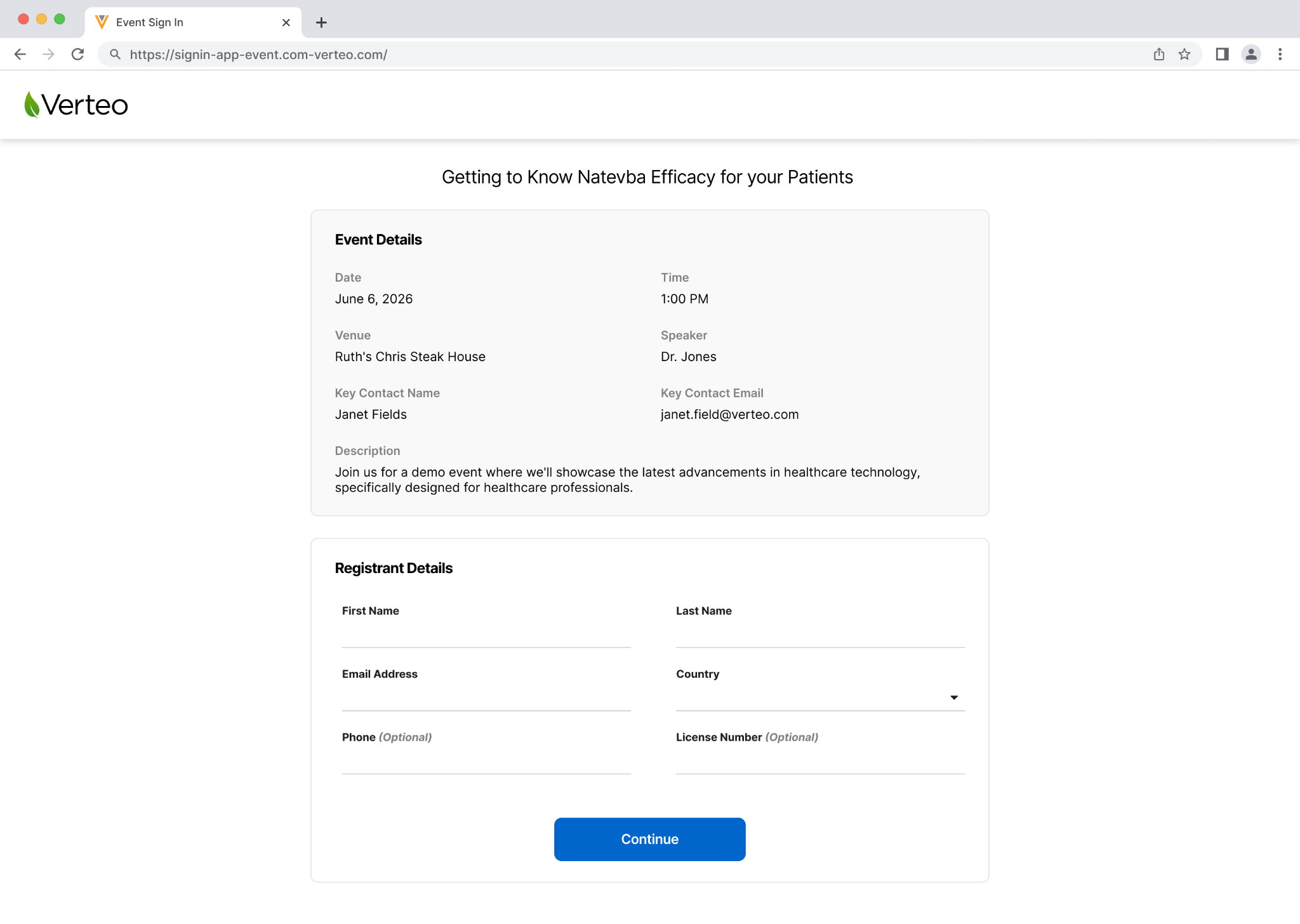
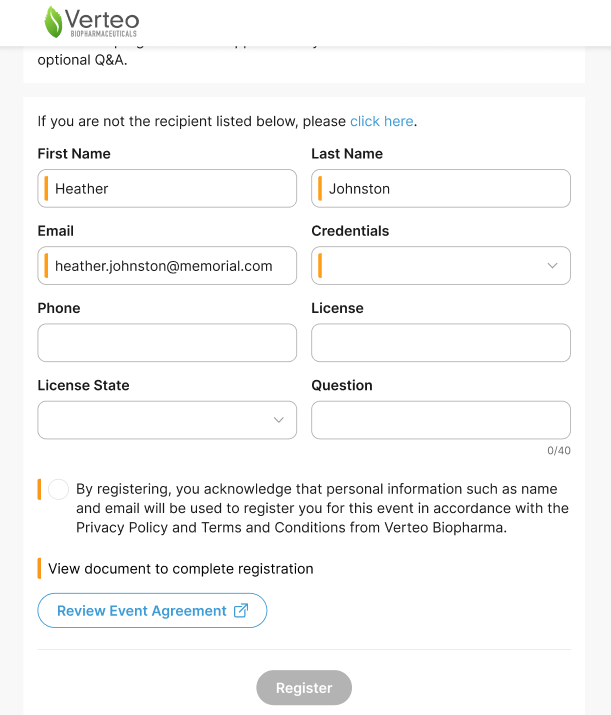
The styling is updated for the event online registration form, accessed using a URL link or QR code. |
|
|
|
Browser, iPad |
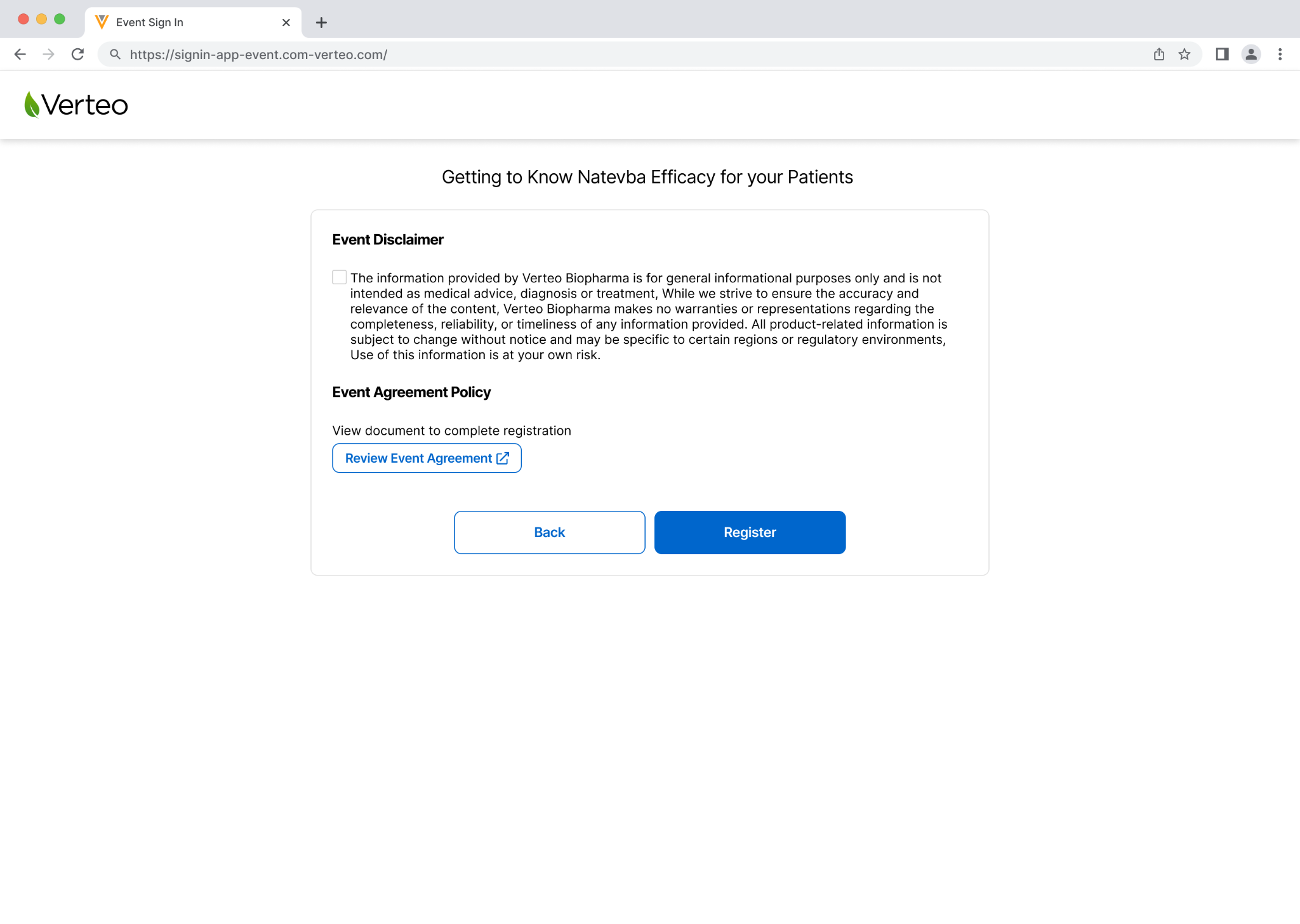
The styling is updated for the event online registration disclaimer page. |
|
|
|
Browser, iPad |
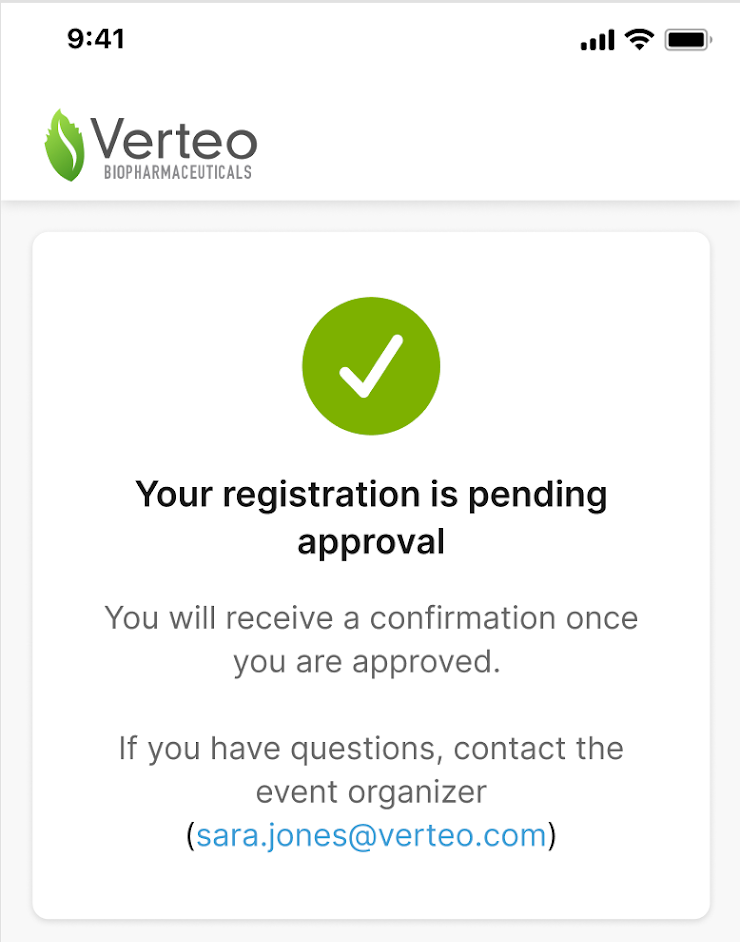
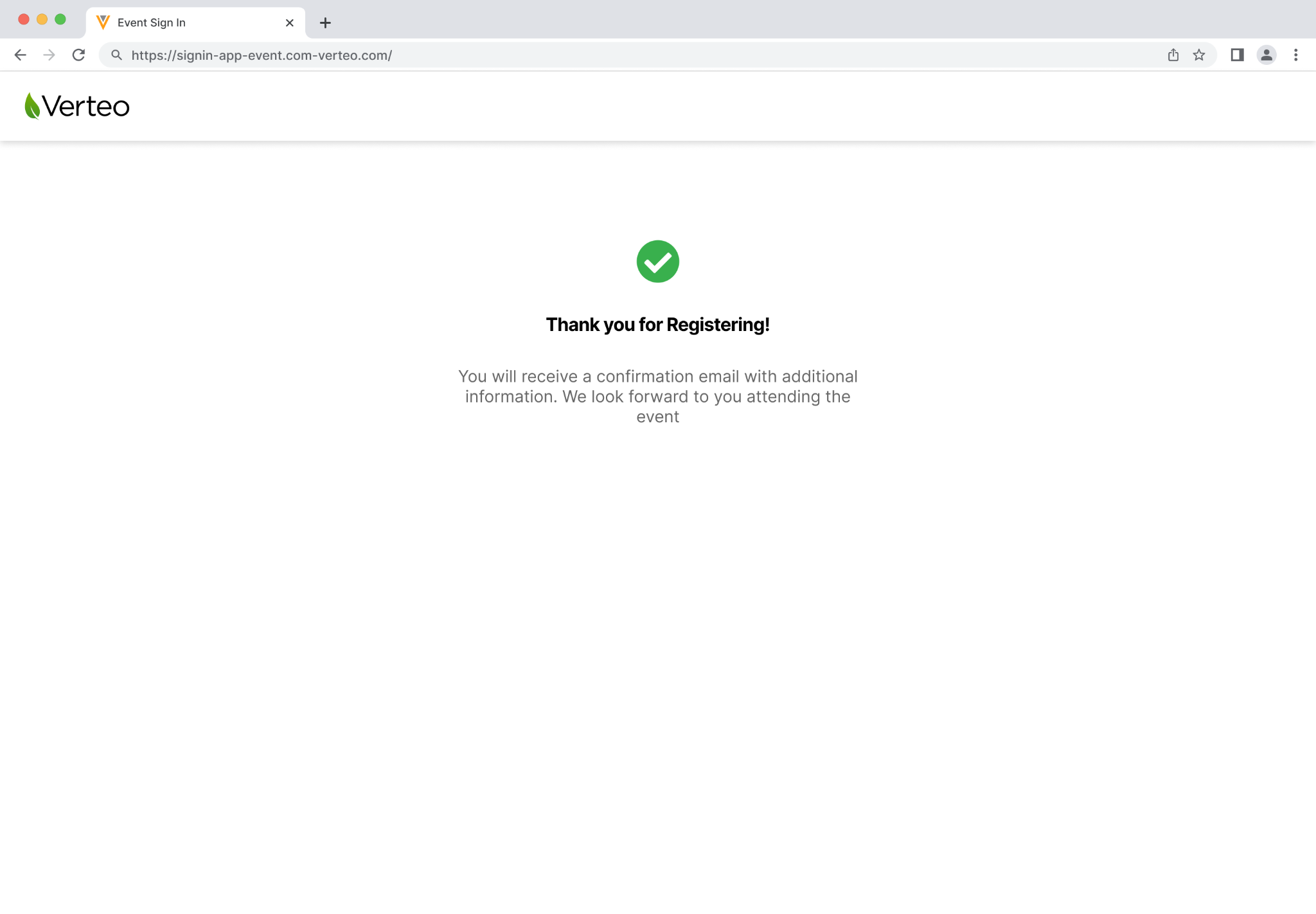
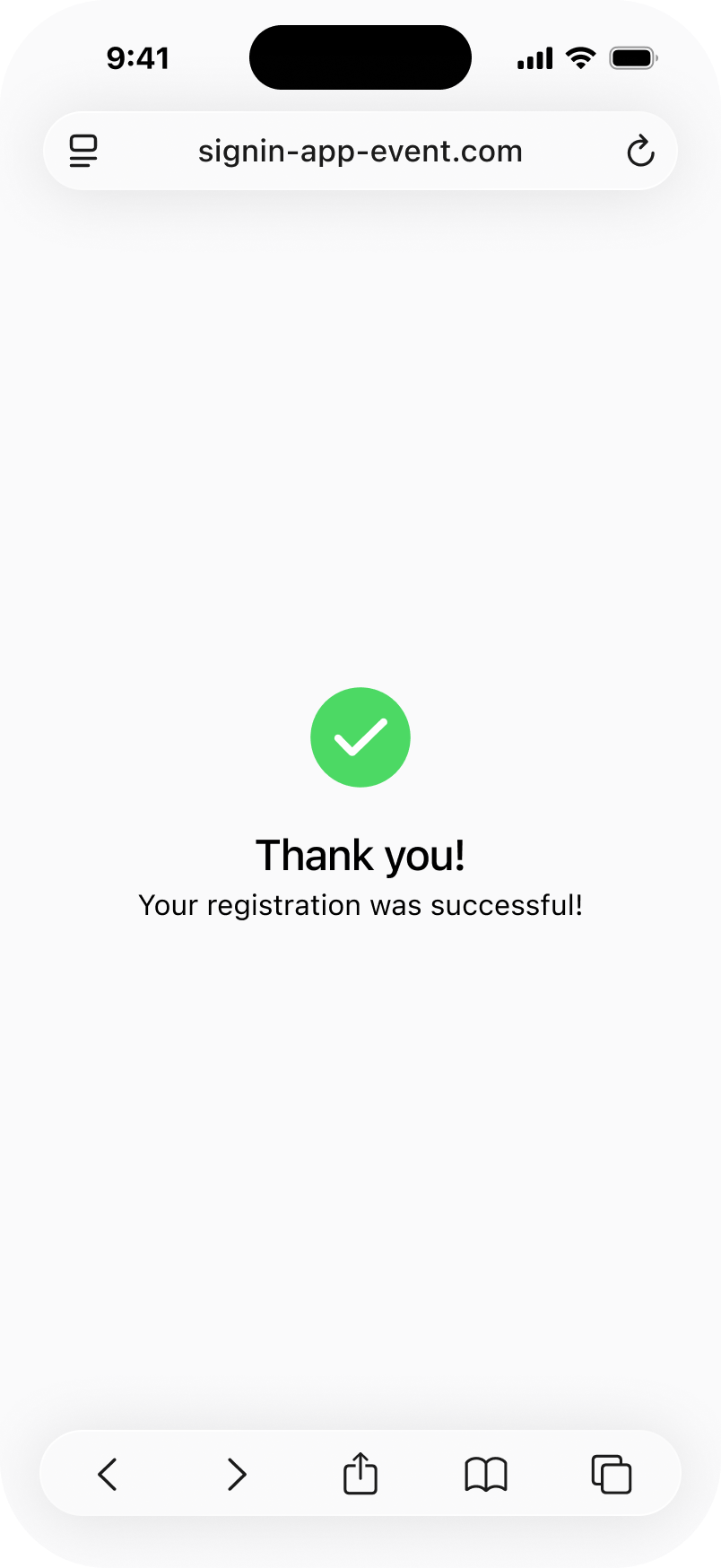
The styling is updated for the event online registration thank you page. |
|
|
|
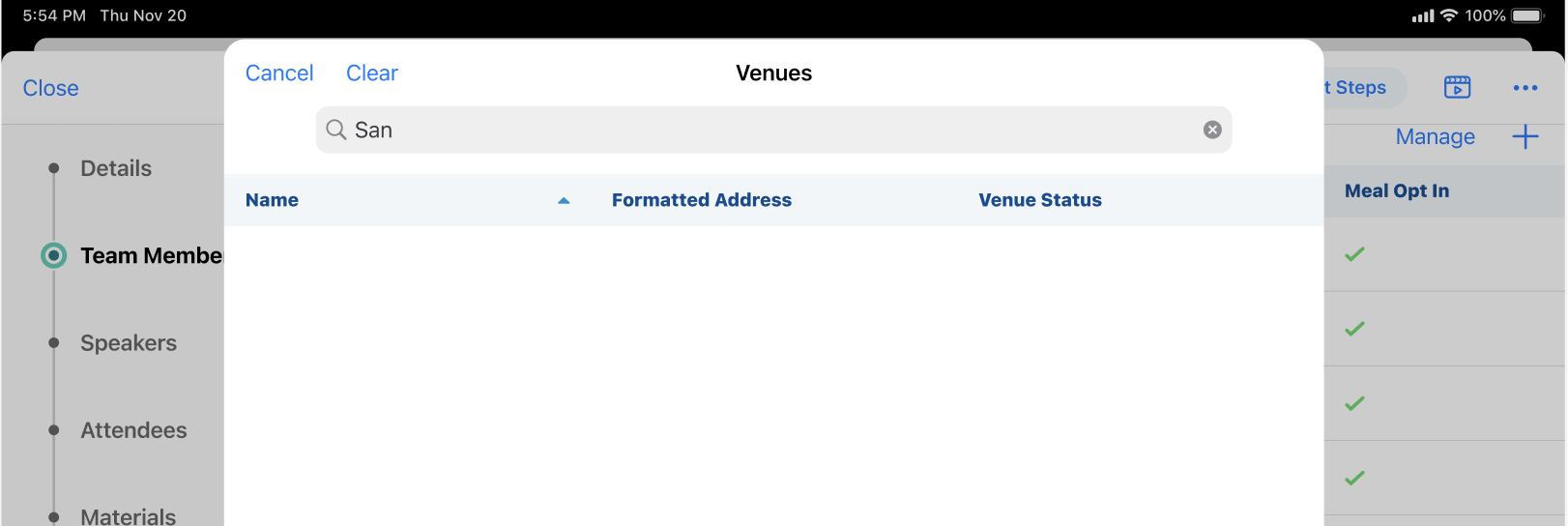
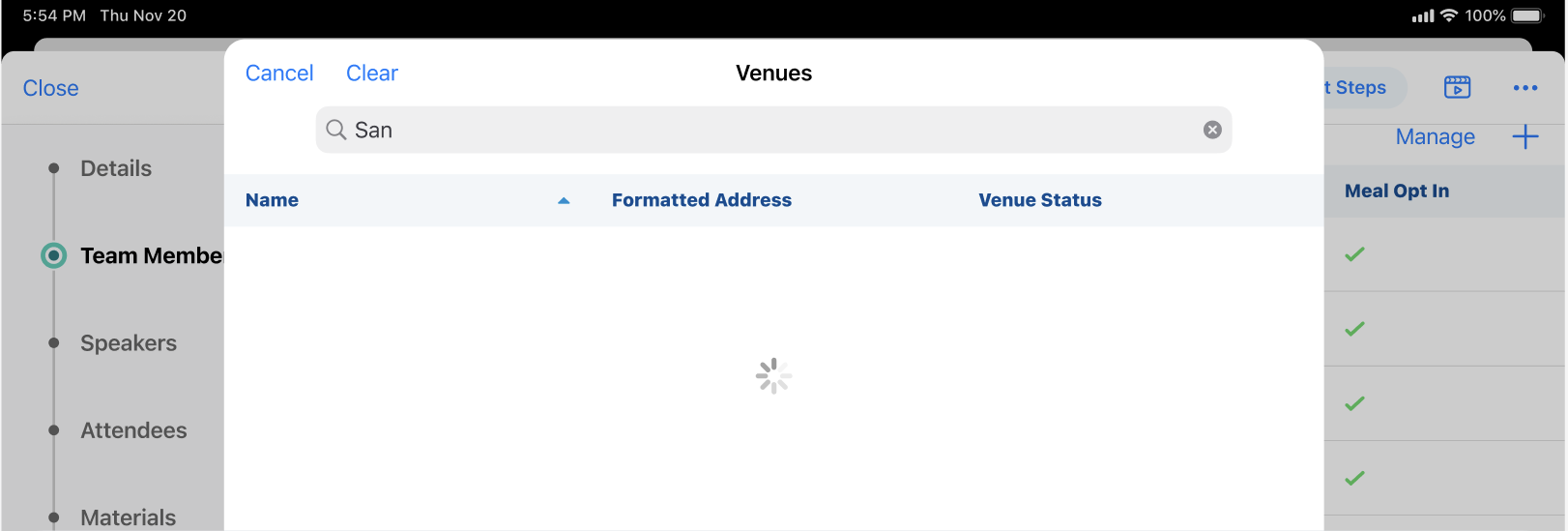
iPad |
When there are at least 8,000 venues available, a loading indicator displays when the list of venues loads, search criteria is applied, or columns are sorted. |
|
|
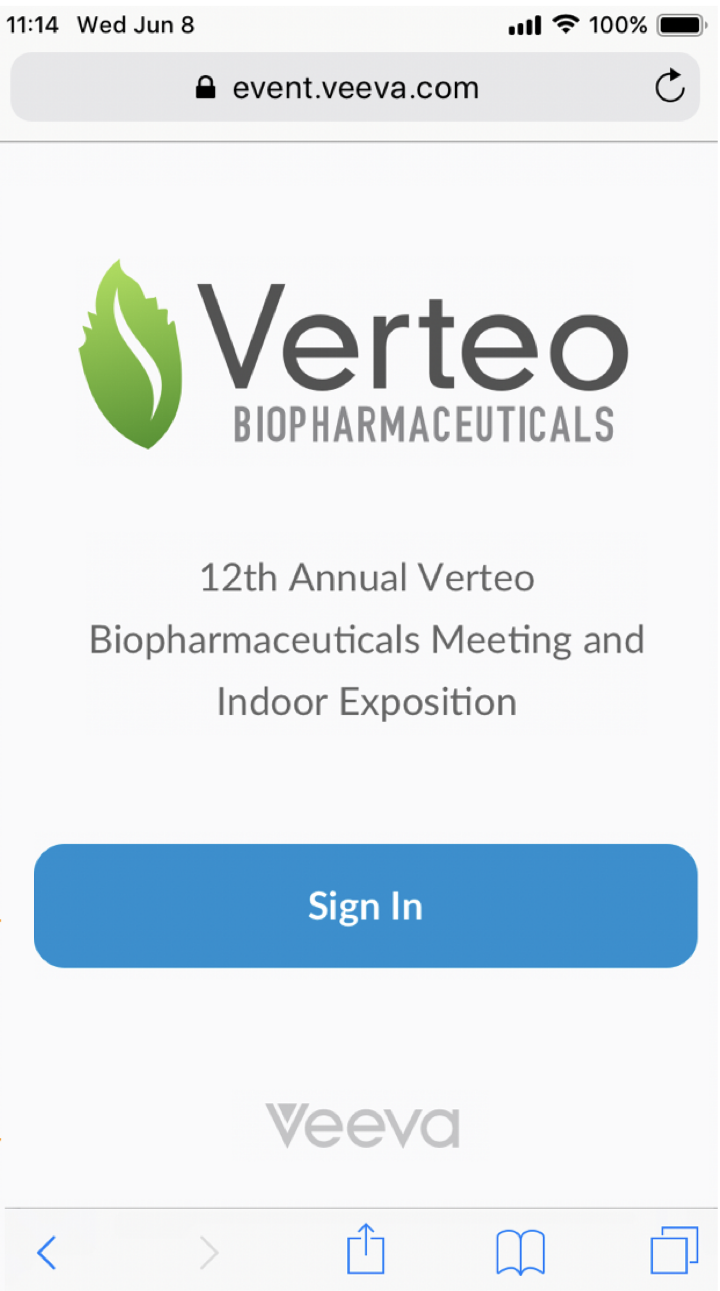
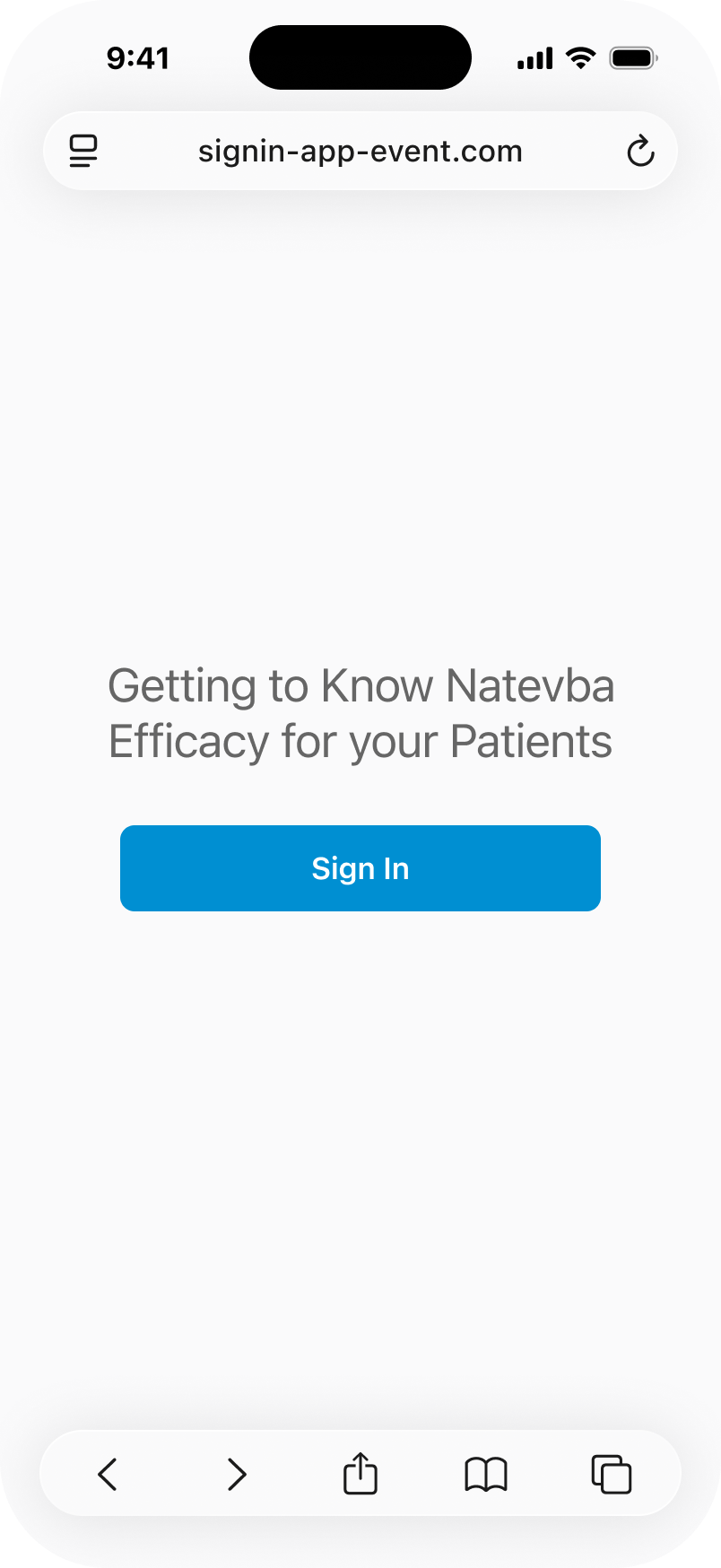
| Browser (Off-Platform) |
The QR sign-in Welcome screen is restyled. The welcome text and Veeva logo are removed. The screen displays only the event name and Sign In button. |
|
|
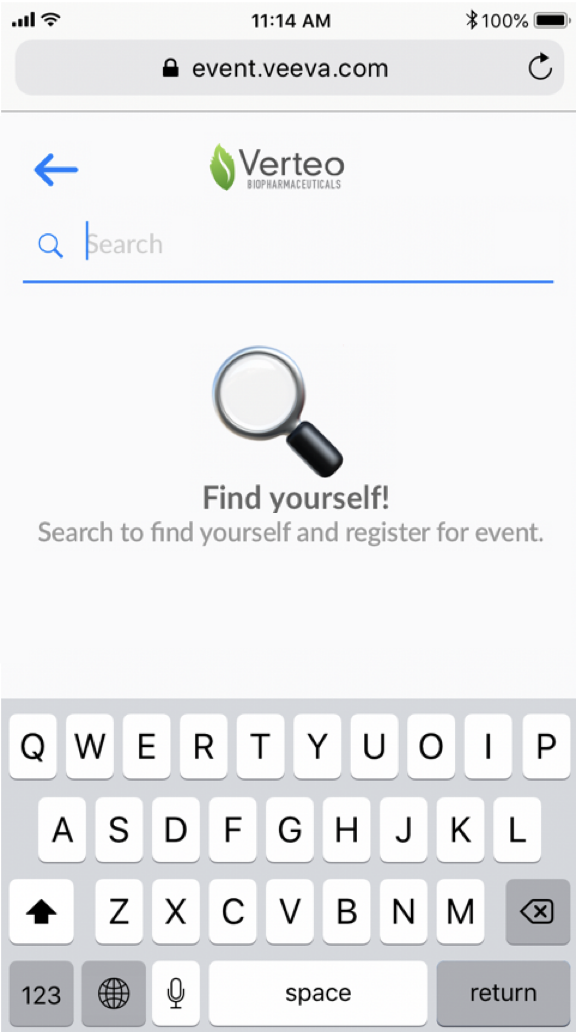
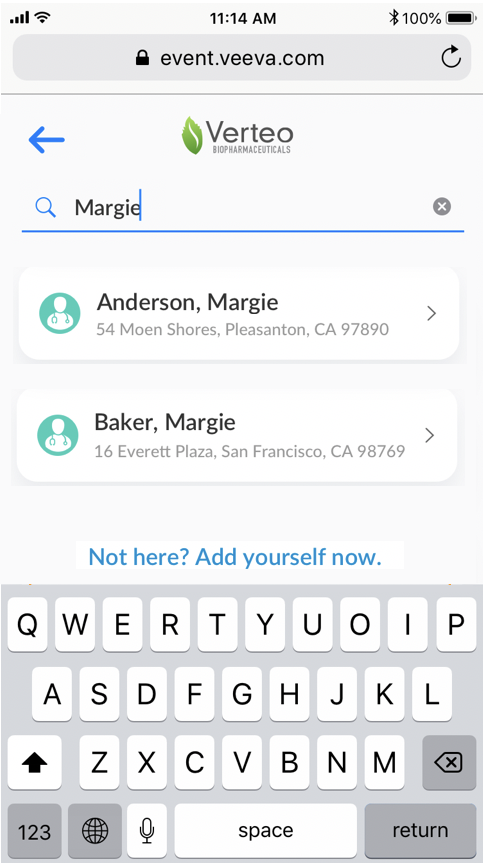
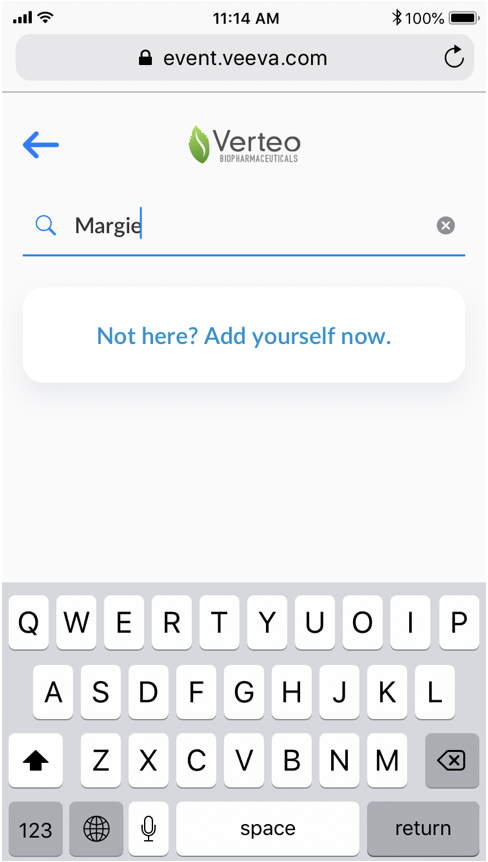
| Browser (Off-Platform) |
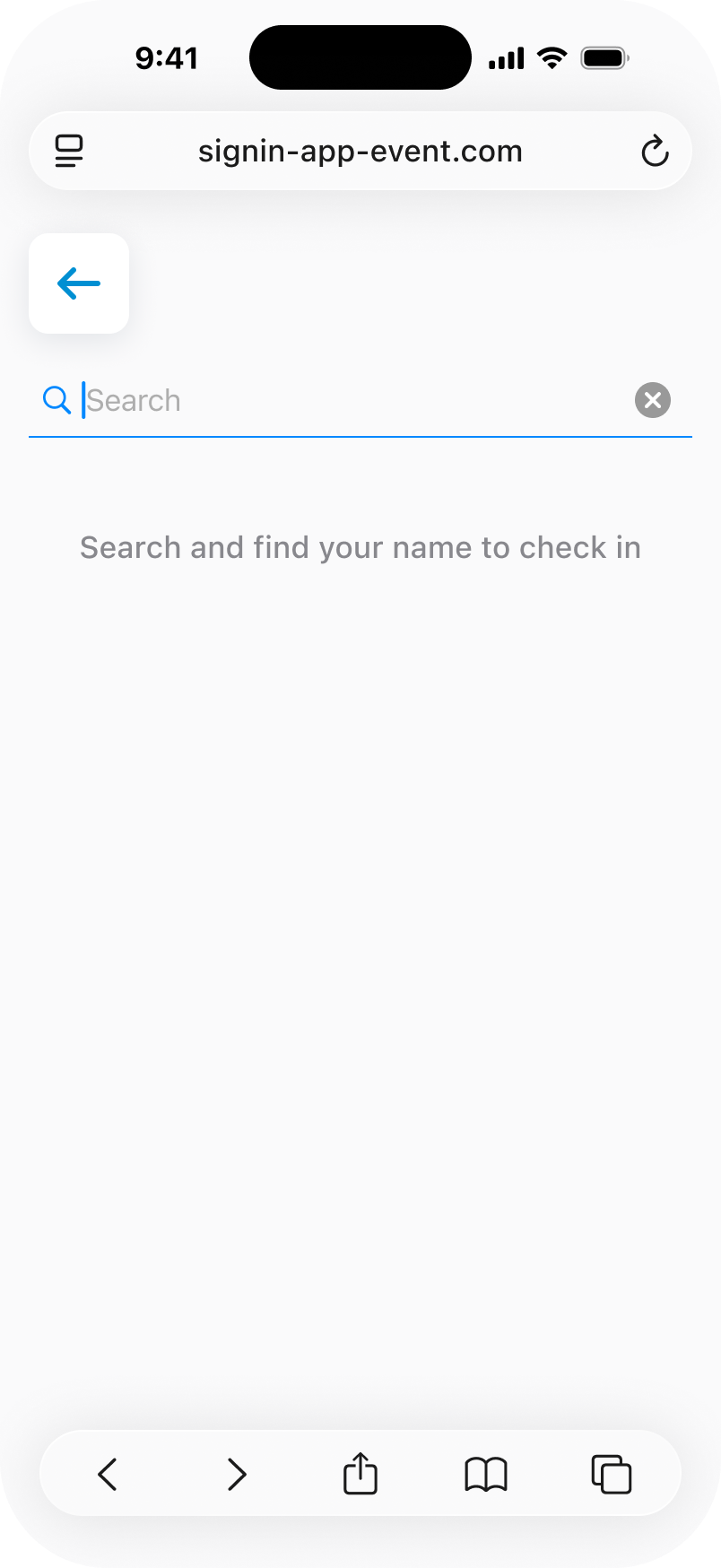
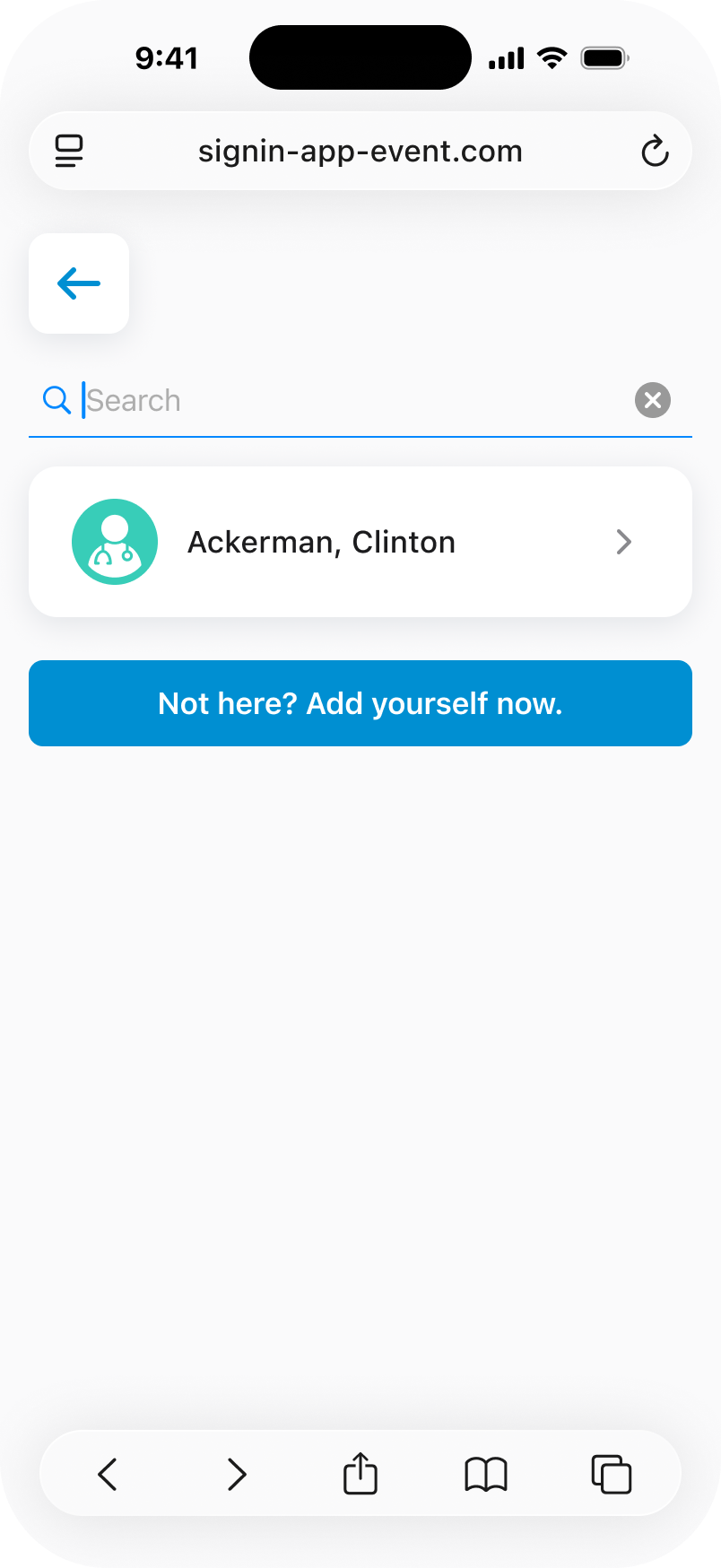
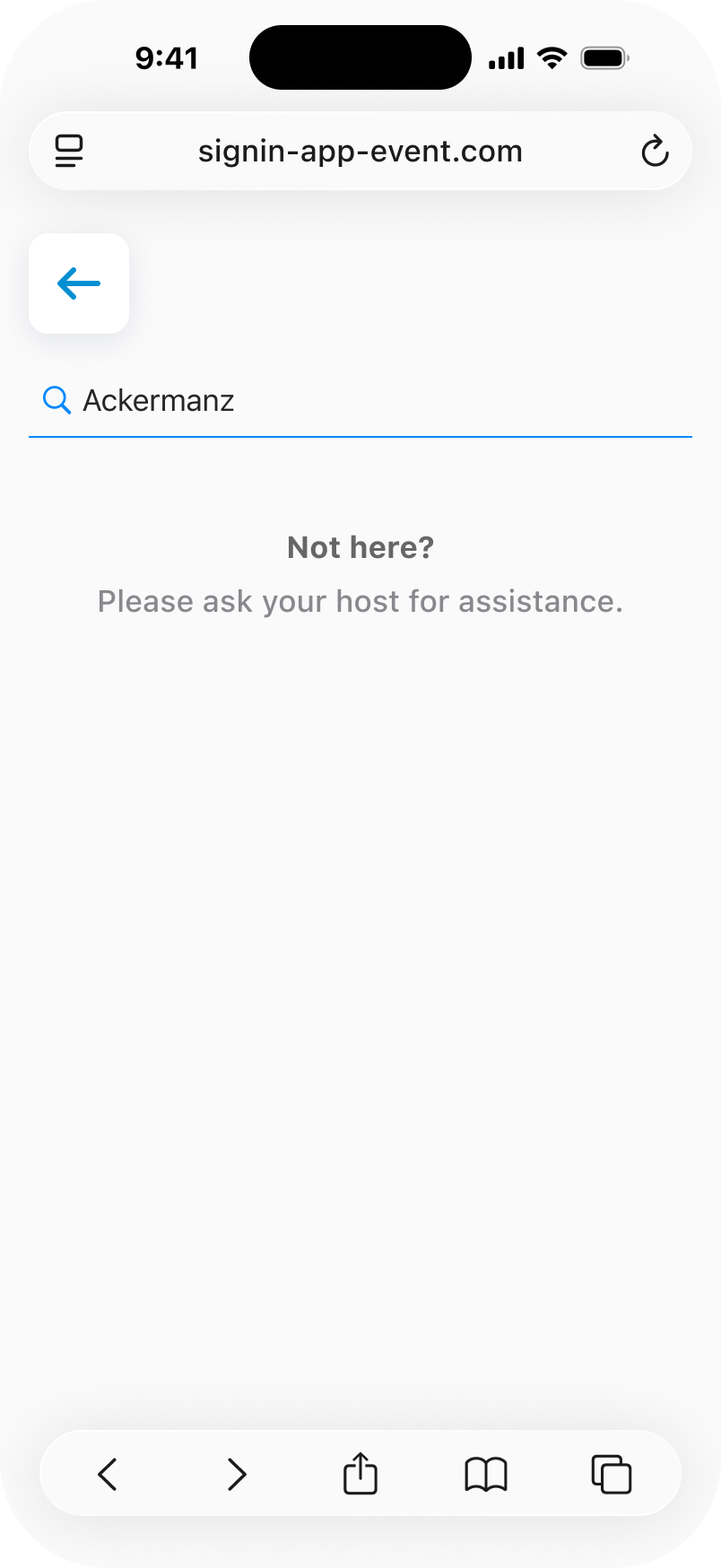
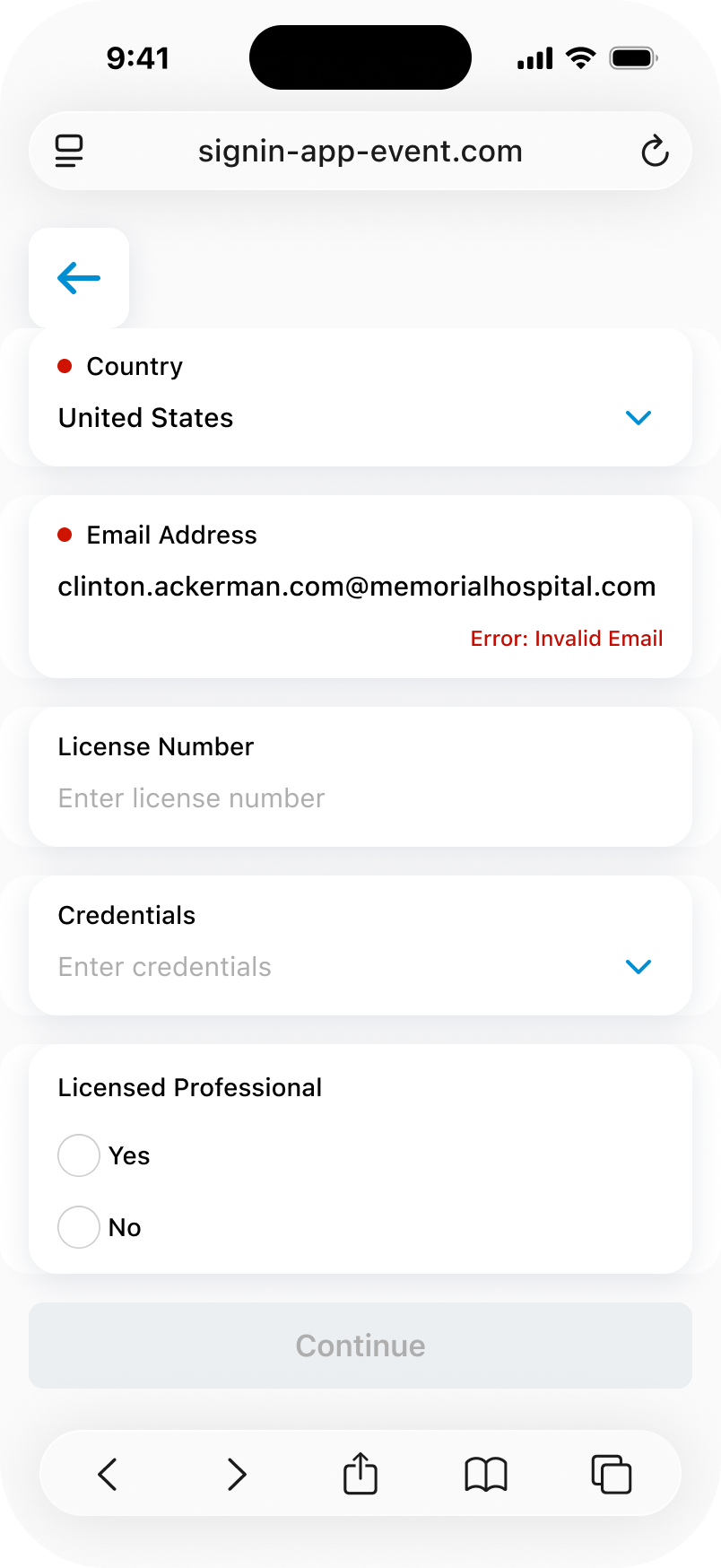
The QR sign-in Search screen is restyled to remove the magnifying glass image, the search watermark text, and the "find yourself" heading. Only search instructions remain. When no results display (walk-ins are disabled), the icon is removed. |
|
|
| Browser (Off-Platform) |
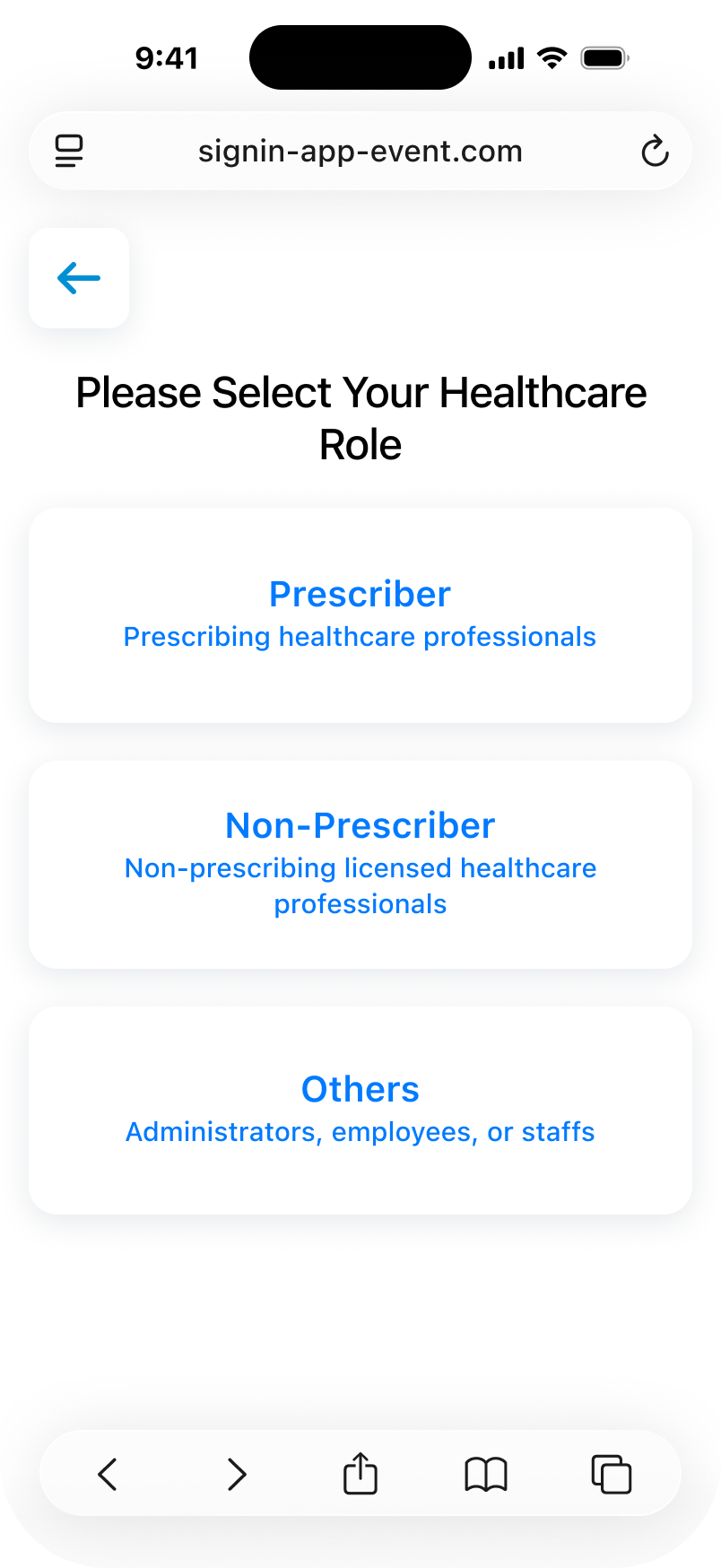
The QR Walk-in type selector screen is restyled. |
|
|
| Browser (Off-Platform) |
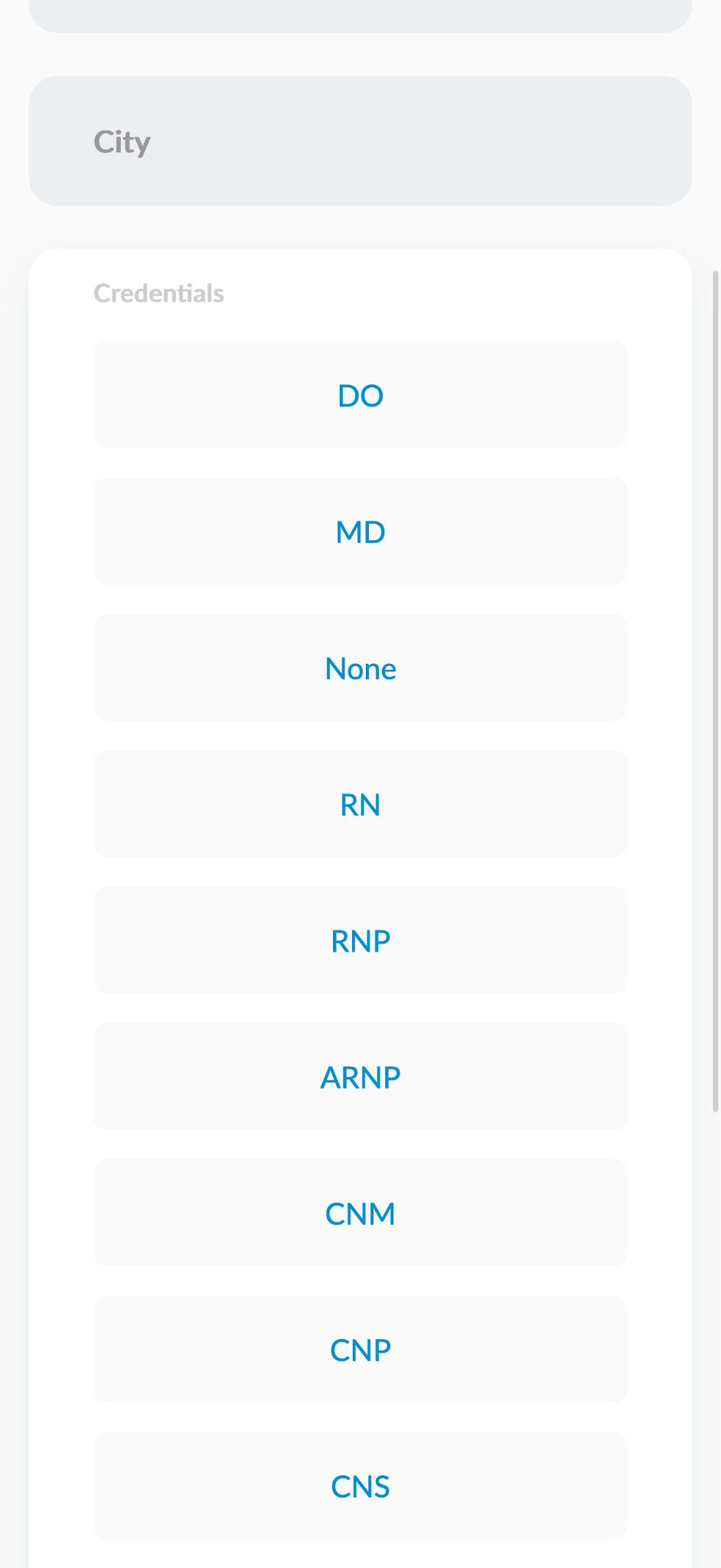
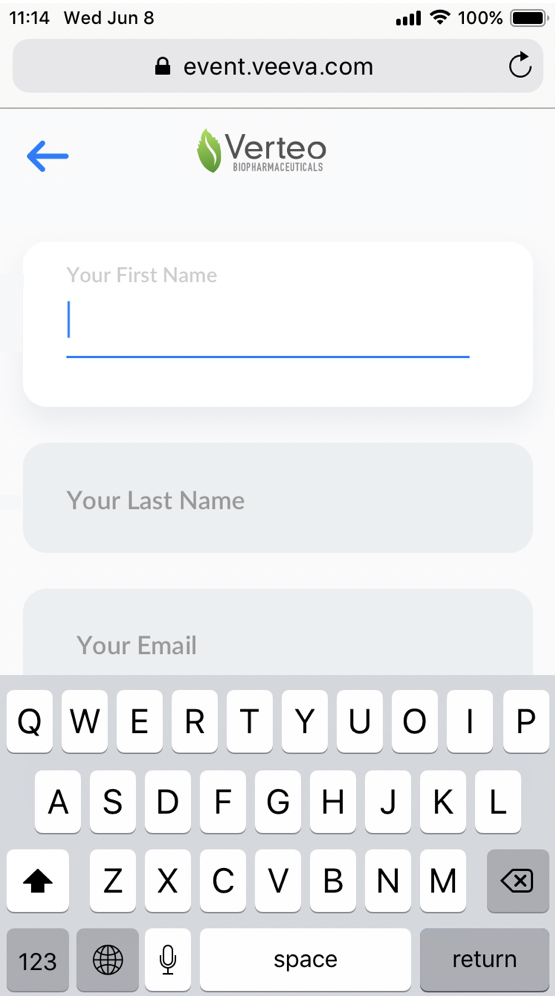
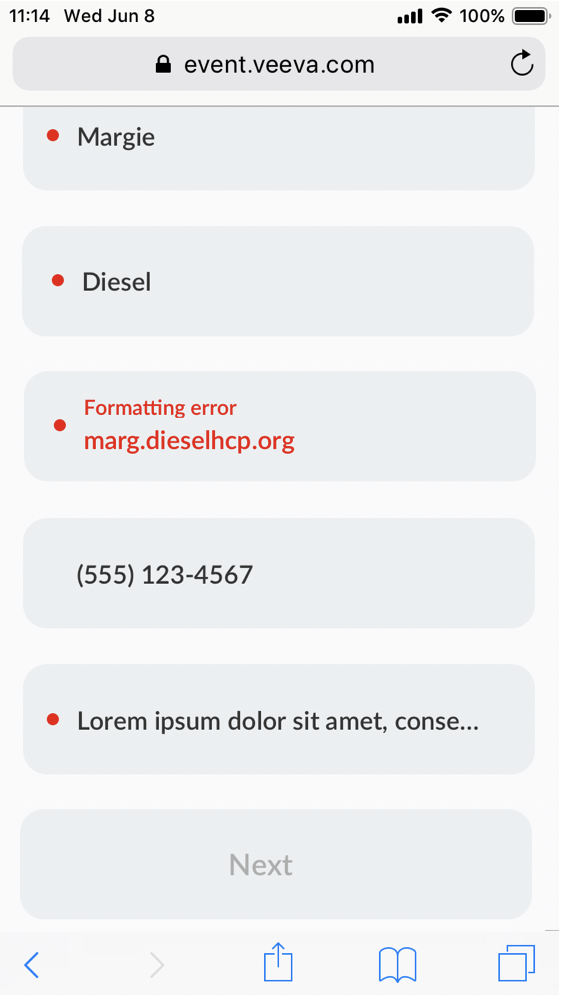
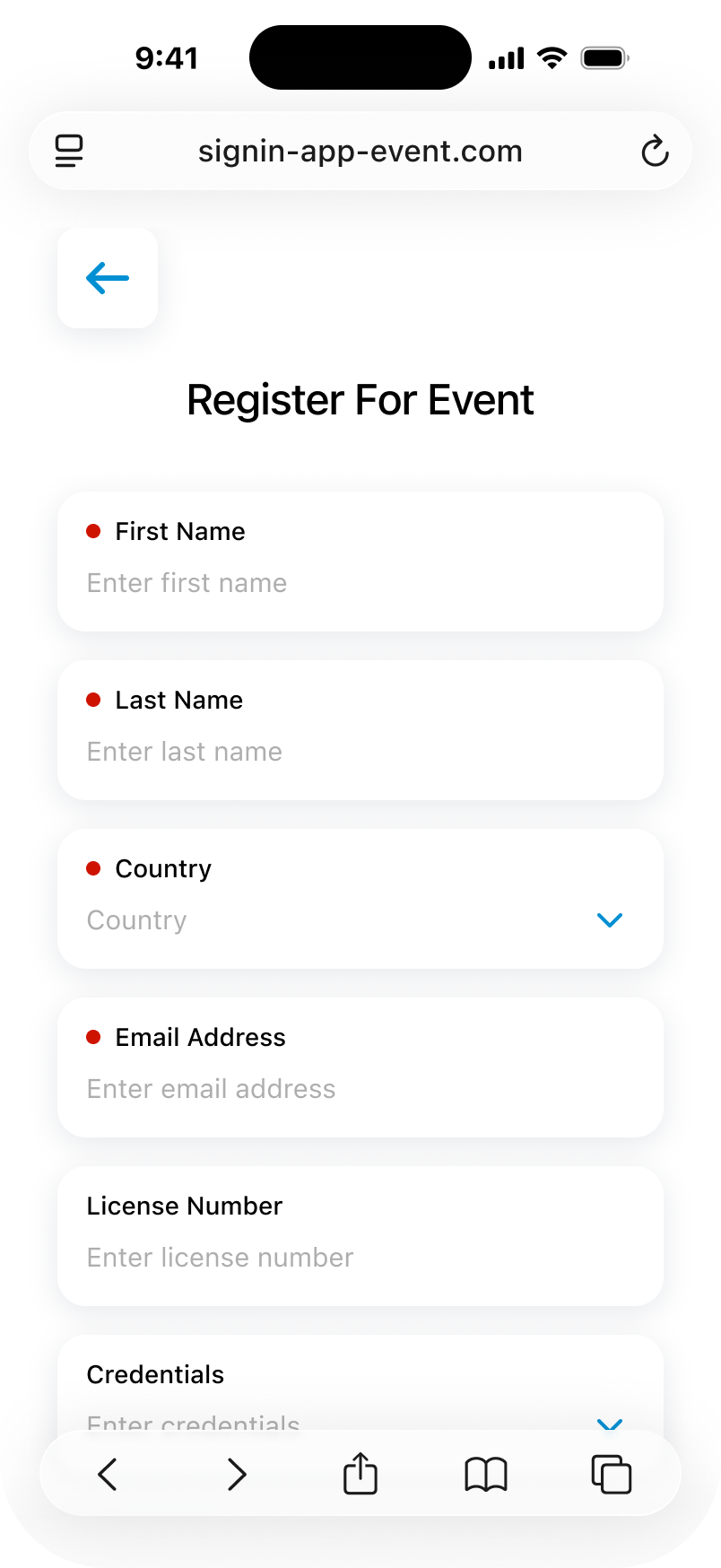
The QR Walk-in registration form is restyled:
Walk-in form validation:
|
|
|
| Browser (Off-Platform) |
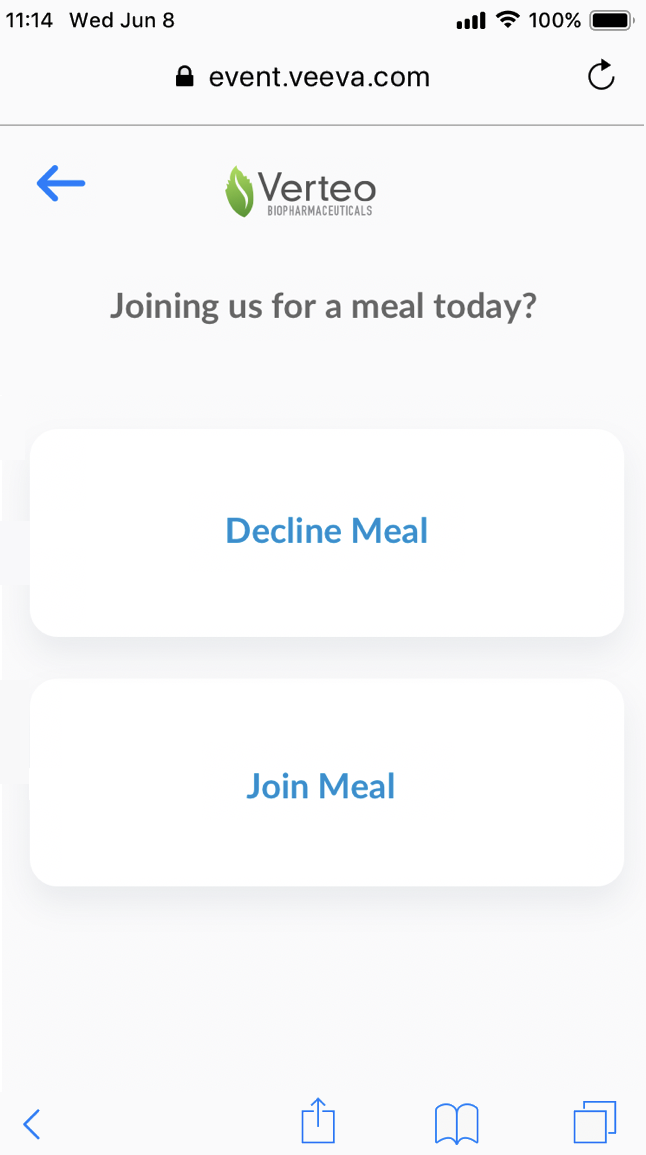
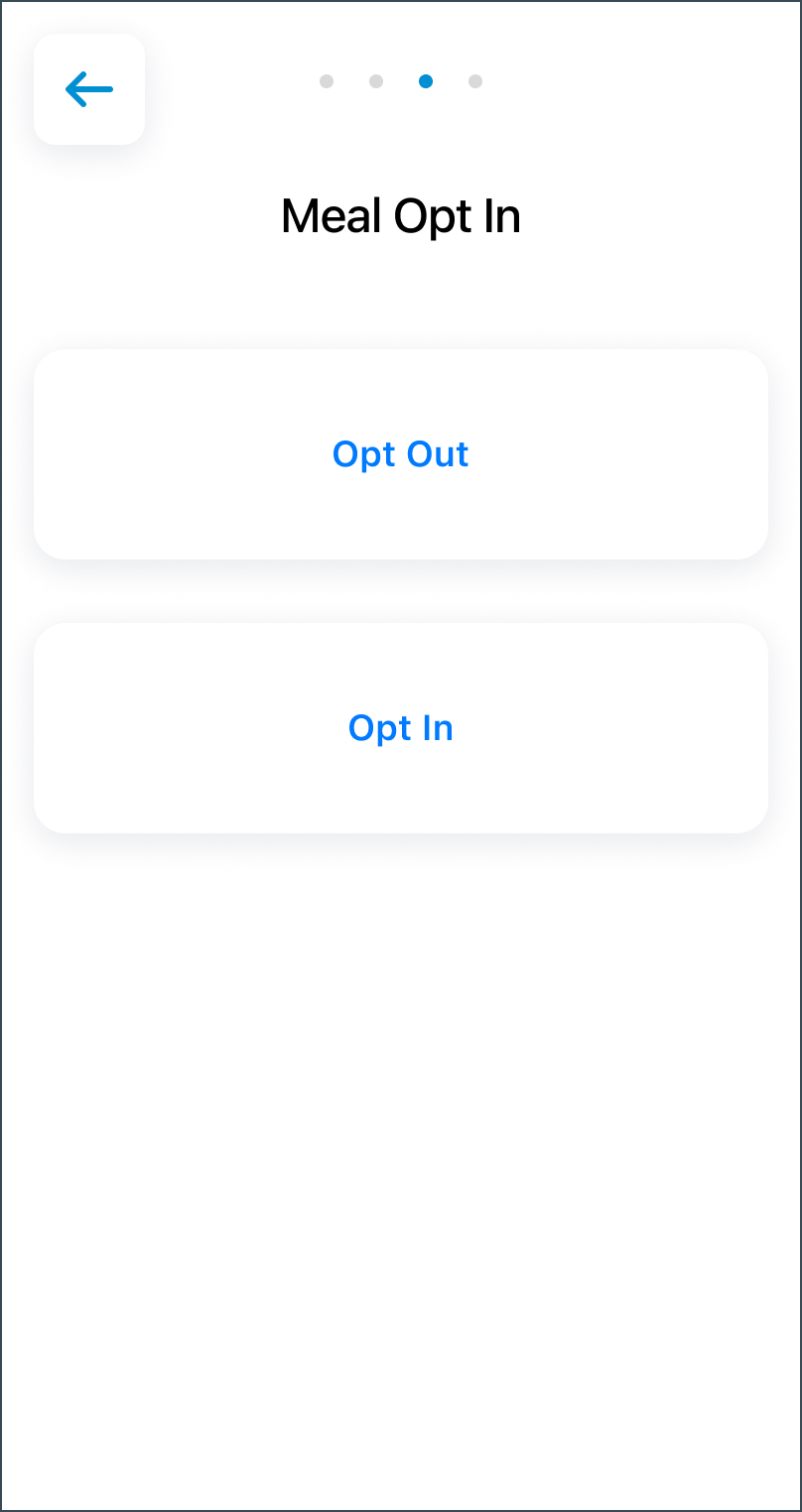
The QR Meal opt-in screen is restyled |
|
|
| Browser (Off-Platform) |
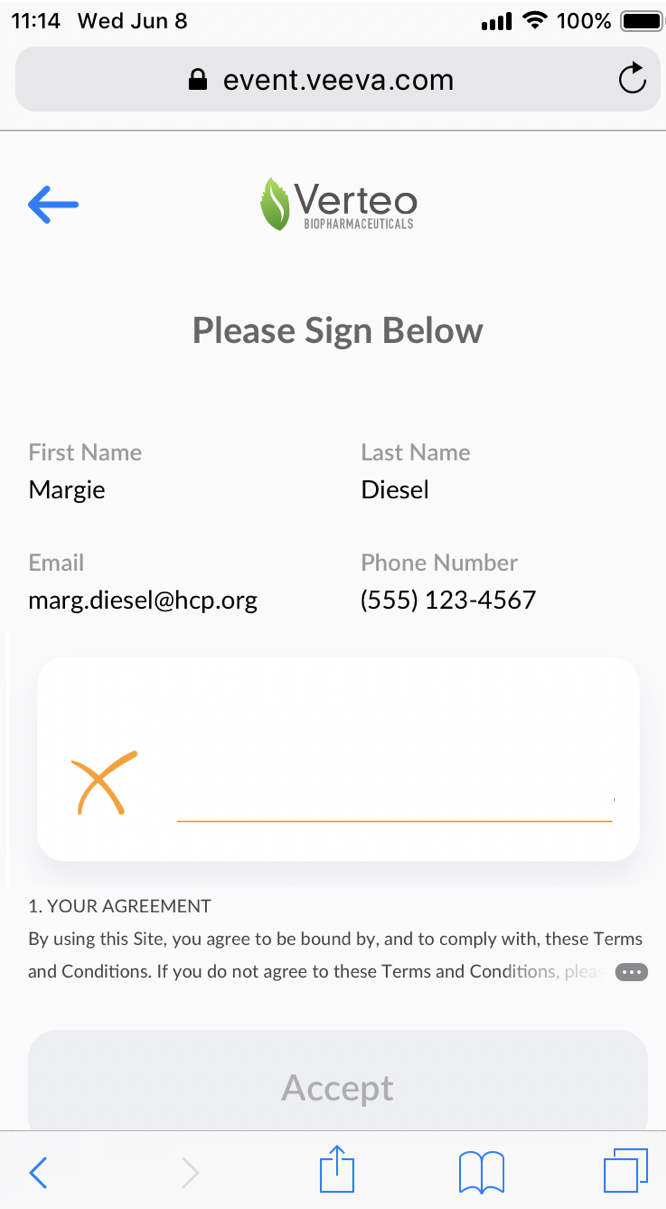
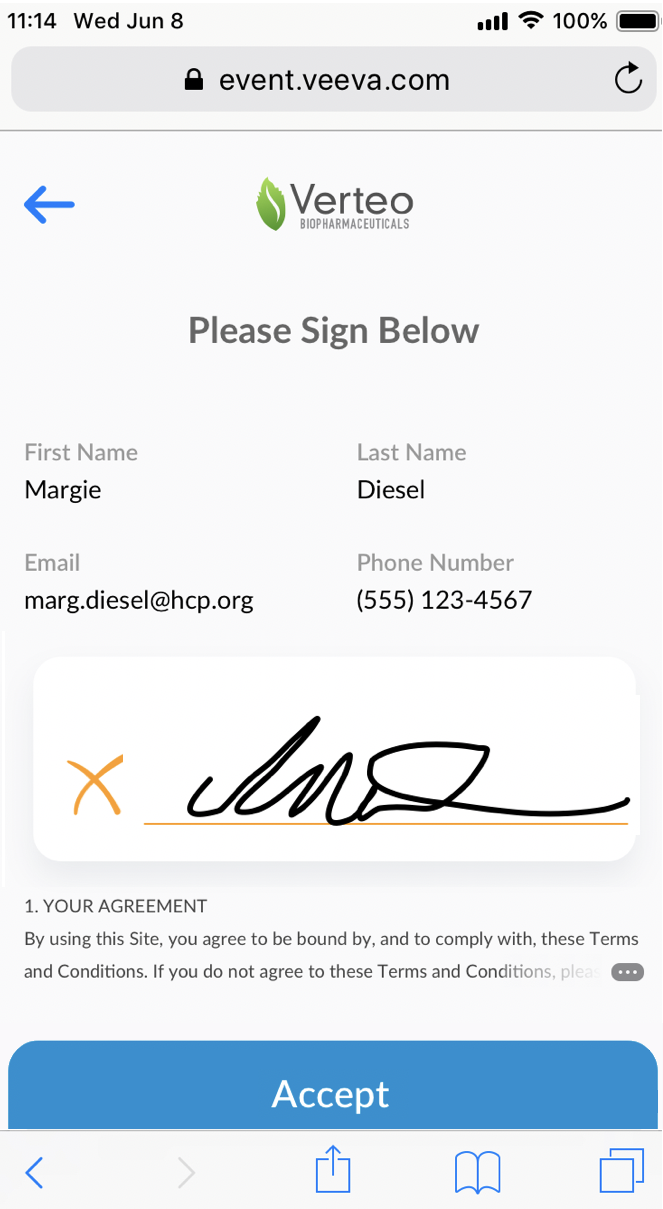
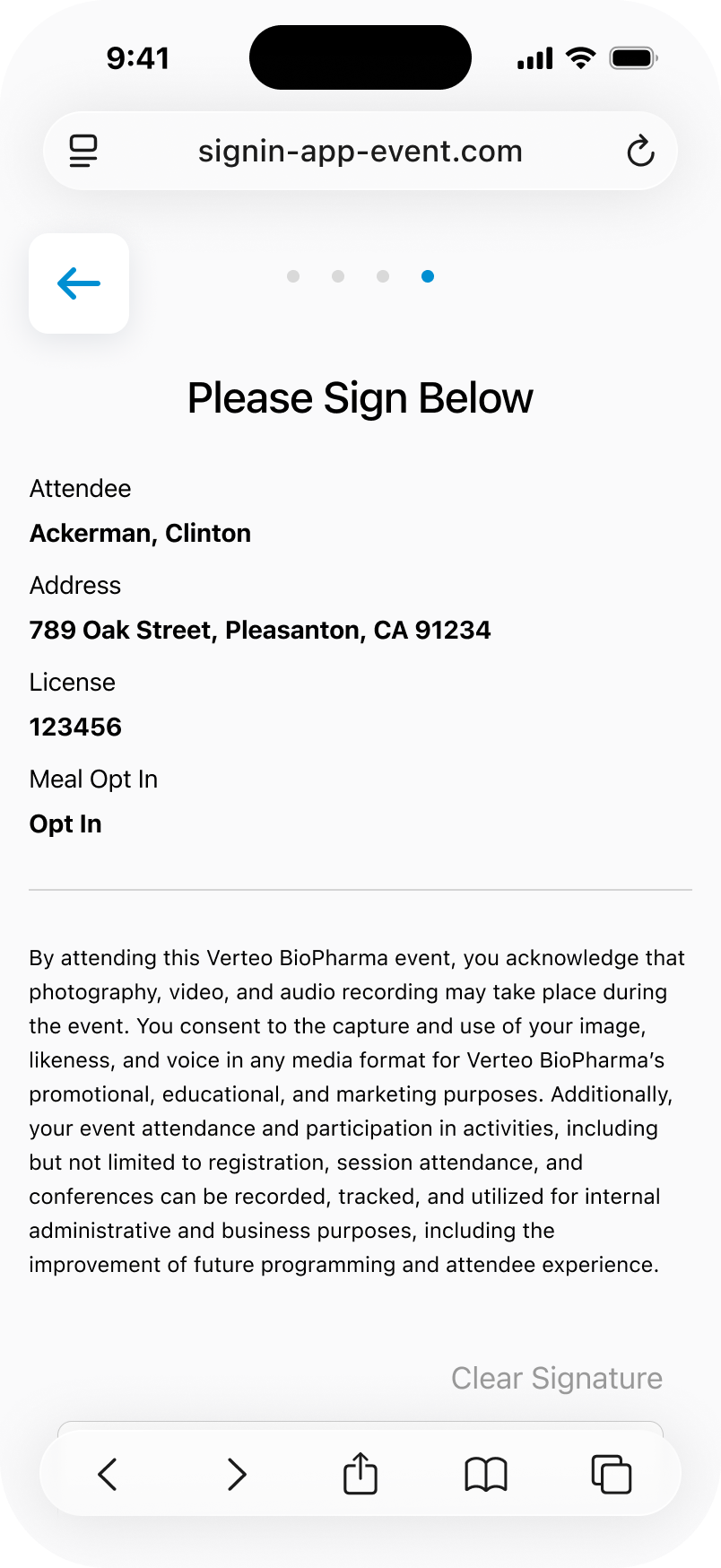
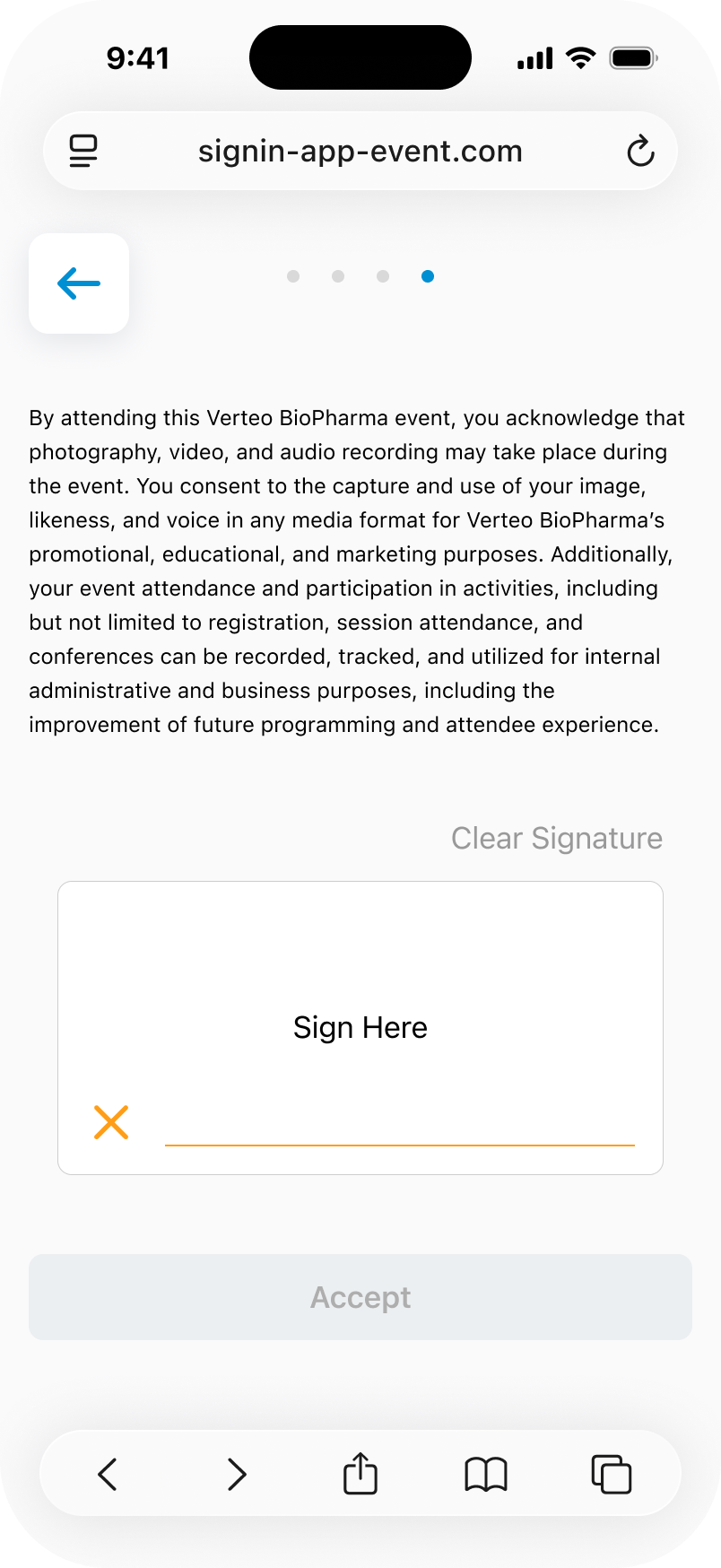
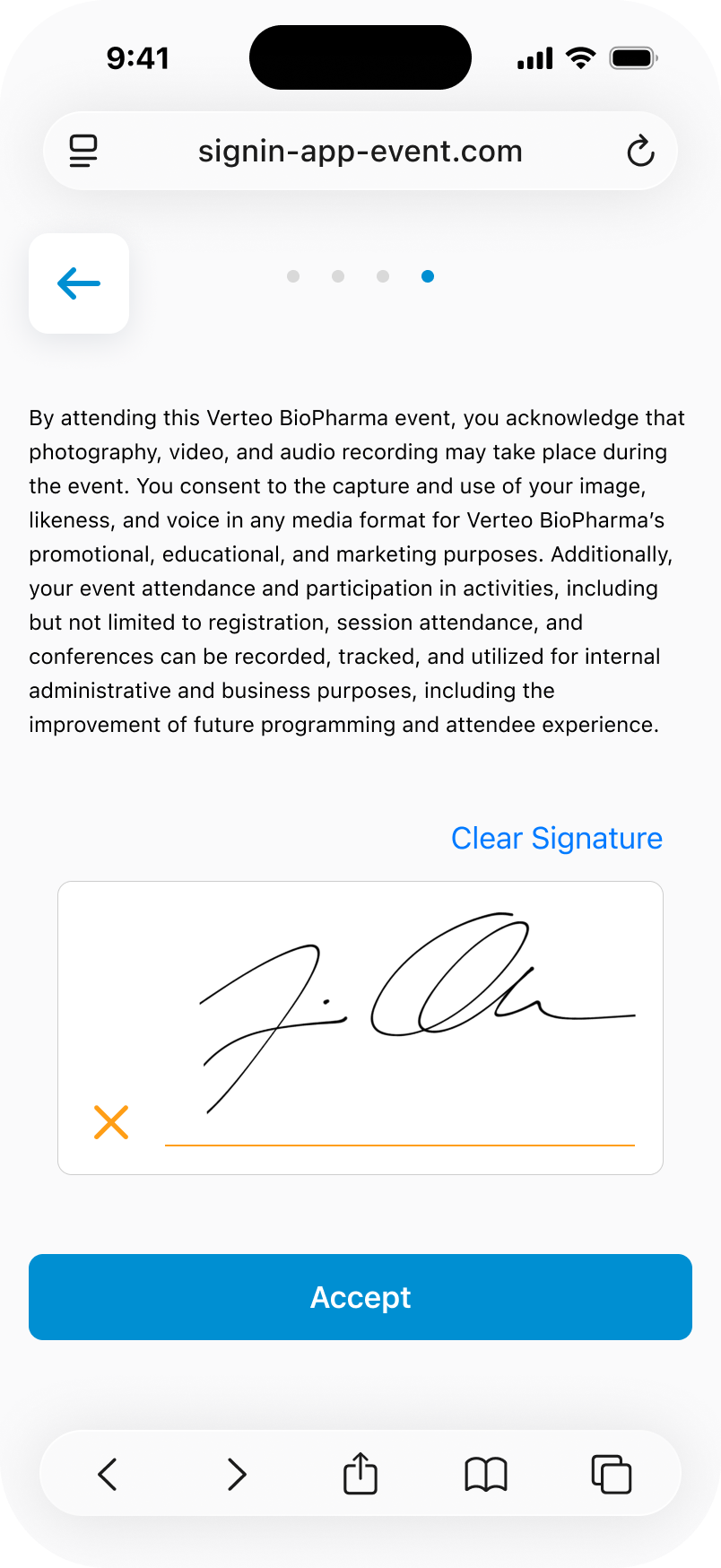
The QR Signature screen:
Signature alerts:
|
|
|
| Browser (Off-Platform) |
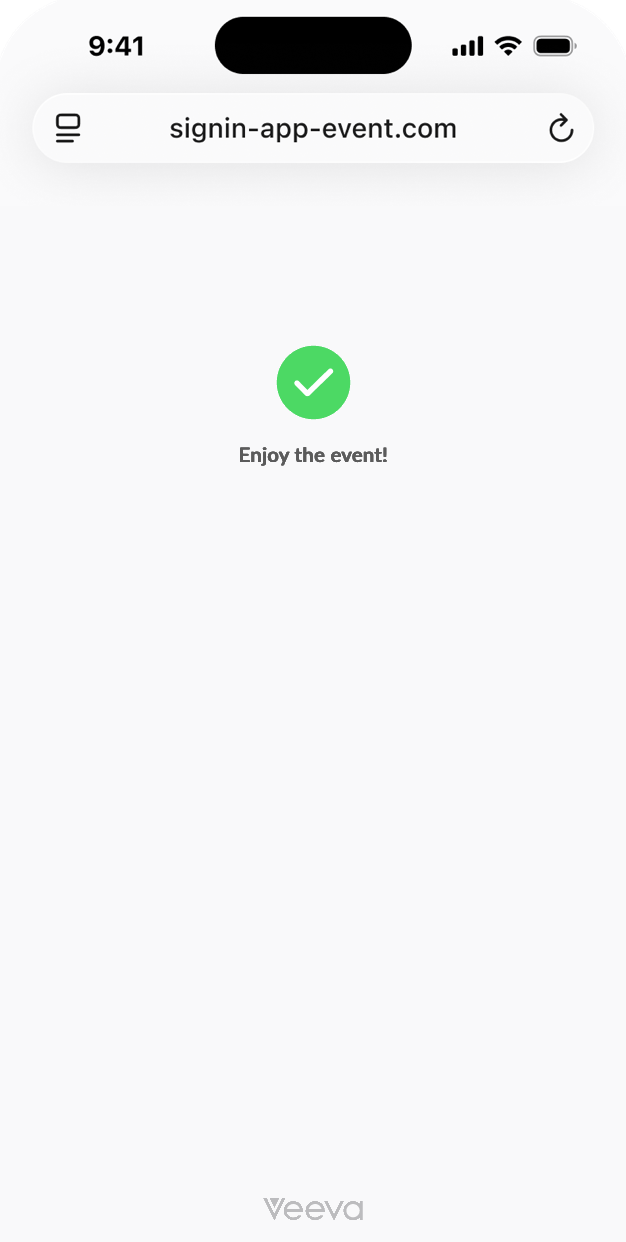
The QR Thank you screen is restyled. The Veeva logo is removed and the thank you text now includes a bolded heading. |
|
|
Additional Resources
The following resources are available for the 26R2.2 release:
- Flightpaths
- Videos
- Feature Enablement and Availability
- Data Model Changes:
- New Objects
- New Fields
- Removed Fields
Flightpath
Flightpath is an educational tool where you'll find overviews and examples to walk you through how to leverage Vault CRM features and functionality. Flightpaths for the following topics will be available with the 26R2.2 Production Release:
- Agentic Call Report™ (updates to existing Flightpath)
- Text Messaging in Vault CRM
Videos
The following videos will be updated with the 26R2.2 Production Release:
- Agentic Call Report™
- Agentic Media
- Account Planning
26R2.2 Feature Enablement and Availability
The following table provides an explanation of feature enablement and user impact.


*Parity items do not typically require configuration if you are using this functionality on another platform. In some cases, VMOCs must be enabled for the added platform.
New Objects
The table below contains all new objects added in Vault CRM 26R2.2.
| Object | Label | Description |
|---|---|---|
| chat_action__v* | Chat Action | Acts as an interface within app-family for tying business logic to chat actions from External Chat. |
*Support for future functionality
New Fields
The table below contains all fields added in Vault CRM 26R2.2. The fields are organized by object.
| Object | Field | Field Label | Description | Type |
|---|---|---|---|---|
| agent_rule__v | applicable_product__v | Applicable Product | Used to define a detail product or detail topic for the Agent Rule | Reference |
| align_settings__v | enable_share_target_requests__v | Enable Share Target Requests | Enables users to raise requests to share targets with one-another during feedback | Boolean |
| align_settings__v | share_target_reasons__v | Share Target Reasons | The reasons available for selection when the user makes a Share Target With request | Picklist |
| aln_align_settings_model__v | enable_share_target_requests__v | Enable Share Target Requests | Enables users to raise requests to share targets with one-another during feedback | Boolean |
| aln_align_settings_model__v | share_target_reasons__v | Share Target Reasons | The reasons available for selection when the user makes a Share Target With request | Picklist |
| aln_transfer_request__v | share_target__v | Share Target? | Indicates if the request is to share the target instead of to transfer the target | Boolean |
| approved_email_settings__v | enable_approved_email_documents__v | Enable Approved Email Document Model | Enables the Approved Email as Document Model. | Boolean |
| bookmark__v | favorite_document_ids__v | Favorite Documents | Stores the Vault CRM Document IDs of the user's favorited Email Template or Email Fragment Documents as a comma-separated string of numeric IDs | LongText |
| business_event_schedule__v | call_channel_stamping_field__v | Call Channel Stamping Field | API name of the call2__v field that will be used to stamp the channel onto tasks that are completed from the call report. If blank, the standard call_channel__v field will be used. | String |
| business_event_target__v | canceled_tasks__v | Canceled Tasks | The number of tasks that have been canceled for this target | Number |
| business_event_target__v | completed_tasks__v | Completed Tasks | The number of tasks that have been completed for this target | Number |
| business_event_target__v | pre_explanation_complete__v | Pre Explanation Complete? | This is true when the pre-explanation task is completed. | Boolean |
| business_event_target__v | previously_canceled_target__v | Previously Canceled Target | Refers to the original canceled target from which the new target was repurchased from | Reference |
| business_event_target__v | repurchase_date__v | Repurchase Date | When a target is repurchased, this is the new purchase date which will be cascaded down to the new target that is created | Date |
| business_event_target__v | skipped_tasks__v | Skipped Tasks | The number of tasks that have been skipped for this target | Number |
| business_event_task__v | skipped_reason__v | Skipped Reason | Defines the reason why the task was not completed | Picklist |
| campaign_activity__v | email_fragment_document__v | Email Fragment Document | The Document representing Email Fragments for the campaign activity. | Reference |
| campaign_activity__v | email_fragment_document_unbound__v | Email Fragment Document (unbound) | n/a | Number |
| campaign_activity__v | email_template_document__v | Email Template Document | The Document representing the Email Template used for the campaign activity. | Reference |
| campaign_activity__v | email_template_document_unbound__v | Email Template Document (unbound) | n/a | Number |
| campaign_group_action__v | email_template_document__v | Email Template Document | The Document representing the Email Template used for the campaign activity. | Reference |
| campaign_group_action__v | email_template_document_unbound__v | Email Template Document (unbound) | n/a | Number |
| channel_metrics__v | bounce_reason__v | Bounce Reason | The reason an email bounced from the recipient. | Picklist |
| chat_action__v* | action_context__v | Action Context | Contains a JSON object to be used by the domain-specific handler logic | LongText |
| chat_action__v* | action_handler__v | Action Handler | Stamps Action Handler from Message Template | String |
| chat_action__v* | action_key__v | Action Key | Stores the Action Key for the message | String |
| chat_action__v* | chat_transcript_id__v | Chat Transcript ID | Stores the Chat Transcript ID | String |
| chat_action__v* | object_type__v | Chat Action Type | The object type of the record. | Picklist |
| chat_action__v* | reply_to_channel_id__v | Reply-To Channel ID | Stores the Reply-To Channel ID | String |
| em_catalog__v | confirmation_message_template__v | Confirmation Message Template | Associated message template that will be sent to confirm a registrant. | Reference |
| em_event_material__v | email_template_document__v | Email Template Document | The Document representing the Email Template used for the campaign activity. | Reference |
| em_event_material__v | email_template_document_unbound__v | Email Template Document (unbound) | n/a | Number |
| em_event_material__v | generated_by_em_rule__v | Generated By EM Rule | Identifies the Event Rule, Topic Material Rule, or Product Material Rule that generated this Event Material record. Null when the record was manually created. | String |
| em_event_material__v | message_subtype__v | Message Subtype | Used to indicate the subtype of the message template for use within the Events Management module. | Picklist |
| email_activity__v | bounce_reason__v | Bounce Reason | The reason an email bounced from the recipient. | Picklist |
| email_activity__v | email_fragment_document__v | Email Fragment Document | The Document representing Email Fragments for the campaign activity. | Reference |
| email_activity__v | email_fragment_document_unbound__v | Email Fragment Document (unbound) | n/a | Number |
| email_activity__v | email_template_document__v | Email Template Document | Lookup to the Email Template Document from which the Email Activity record was initiated | Reference |
| email_activity__v | email_template_document_unbound__v | Email Template Document (unbound) | n/a | Number |
| email_builder_cell__v | email_fragment_document__v | Email Fragment Document | The associated Email Fragment Document | Reference |
| email_builder_cell__v | email_fragment_document_unbound__v | Email Fragment Document (unbound) | n/a | Number |
| html_report__v | sort_order__v | Sort Order | Order in which the X-Page will appear in the entry point | String |
| message_template__v* | events_management_subtype__v | Events Management Subtype | Used to indicate the subtype of the message template for use within the Events Management module. | Picklist |
| message_template__v | template_text_placeholder__v | Template Text Placeholder | Details of what the placeholder in the message template text should be replaced with. | String |
| message_template__v* | whatsapp_button_1_crm_action__v | WhatsApp Button 1 CRM Action | Used to map the button to the corresponding CRM Action. | String |
| message_template__v* | whatsapp_button_1_crm_action_handler__v | WhatsApp Button 1 CRM Action Handler | Allows to map the button action to a handler on the Chat Action object | Picklist |
| message_template__v* | whatsapp_button_2_crm_action__v | WhatsApp Button 2 CRM Action | Used to map the button to the corresponding CRM Action. | String |
| message_template__v* | whatsapp_button_2_crm_action_handler__v | WhatsApp Button 2 CRM Action Handler | Allows to map the button action to a handler on the Chat Action object | Picklist |
| message_template__v* | whatsapp_button_3_crm_action__v | WhatsApp Button 3 CRM Action | Used to map the button to the corresponding CRM Action. | String |
| message_template__v* | whatsapp_button_3_crm_action_handler__v | WhatsApp Button 3 CRM Action Handler | Allows to map the button action to a handler on the Chat Action object | Picklist |
| message_template_content__v | email_template_document__v | Email Template Document | The Document representing the Email Template used for the campaign activity. | Reference |
| message_template_content__v | email_template_document_unbound__v | Email Template Document (unbound) | n/a | Number |
| messaging_business_account__v | last_error_message__v | Last Error Message | Stores the error returned by the backend when the Messaging Business Account enters an error state. Cleared on successful transition out of the error state. | String |
| messaging_business_account__v | last_synced_datetime__v | Last Synced Datetime | Stores the datetime of the most recent successful sync for this Messaging Business Account with backend. | DateTime |
| messaging_phone_number__v | last_error_message__v | Last Error Message | Stores the error returned by the backend when the Messaging Phone Number enters an error state. Cleared on successful transition out of the error state. | String |
| messaging_phone_number__v | sms_business_account__v | SMS Business Account | Reference to the SMS Business Account this phone number is connected to. | Reference |
| messaging_phone_number__v | sms_connection_status__v | SMS Connection Status | Stores the phone number's current SMS connection status. | Picklist |
| messaging_phone_number__v | sms_phone_number_id__v | SMS Phone Number ID | The unique identifier assigned by the SMS Business Account to the SMS phone number. | String |
| multichannel_message__v* | rsvp_response__v | RSVP Response | Defines the automated response message sent to the HCP based on their RSVP selection. | Reference |
| multichannel_route__v | email_template_document__v | Email Template Document | Determines which Email Template Document to use. | Reference |
| multichannel_route__v | email_template_document_unbound__v | Email Template Document (unbound) | n/a | Number |
| preferences__v | scheduler_layout__v | Scheduler Layout | Determines the layout that the user is defaulted to when viewing My Schedule | Picklist |
| preferences__v | scheduler_show_weekends__v | Scheduler Show Weekends | Determines whether weekends display when viewing My Schedule | Boolean |
| sent_email__v | bounce_reason__v | Bounce Reason | The reason an email bounced from the recipient. | Picklist |
| sent_email__v | content_types_on_email_template__v | Content Types on Email Template | The names of the content types assigned to the Email Template document version sent. These values are stored as the names of the content types in a semicolon delimited list. | String |
| sent_email__v | email_template_document__v | Email Template Document | The Email Template Document which was sent as a part of the email payload. | Reference |
| sent_email__v | email_template_document_unbound__v | Email Template Document (unbound) | n/a | Number |
| sent_email__v | products_on_email_template__v | Products on Email Template | The products on the Email Template Document when it was sent. These values are stored as the names of the products in a semicolon delimited list. If detail groups are used, they are stored as a | delimited pair with the detail product. | String |
| sent_email__v | user_products_on_email_template__v | User Products on Email Template | The products on the Email Template Document that the user could detail when it was sent. These values are stored as the names of the products in a semicolon delimited list. If detail groups are used, they are stored as a | delimited pair with the detail product. | String |
| sent_email_builder_cell__v | email_fragment_document__v | Email Fragment Document | The Email Fragment Document that was sent as part of the email. | Reference |
| sent_email_builder_cell__v | email_fragment_document_unbound__v | Email Fragment Document (unbound) | n/a | Number |
| sent_fragment__v | sent_email_fragment_document__v | Sent Email Fragment Document | The Document representing Email Fragments for the campaign activity. | Reference |
| sent_fragment__v | sent_email_fragment_document_unbound__v | Sent Email Fragment Document (unbound) | n/a | Number |
| sent_fragment__v | sent_email_template_document__v | Sent Email Template Document | The Document representing the Email Template used for the campaign activity. | Reference |
| sent_fragment__v | sent_email_template_document_unbound__v | Sent Email Template Document (unbound) | n/a | Number |
| sent_message__v* | events_management_subtype__v | Events Management Subtype | Used to indicate the subtype of the message template for use within the Events Management module. | Formula |
| suggestion__v | email_template_document__v | Email Template Document | Drives what Email Template is used when Email Template = True. | Reference |
| suggestion__v | email_template_document_unbound__v | Email Template Document (unbound) | n/a | Number |
| suggestion_tag__v | email_fragment_document__v | Email Fragment Document | Used to capture fragment ids associated to template in suggestions. | Reference |
| suggestion_tag__v | email_fragment_document_unbound__v | Email Fragment Document (unbound) | n/a | Number |
| survey__v | allow_anonymous_responses__v | Allow anonymous response? | If Yes, allow Survey Target to be executed without association to an Account | Boolean |
| survey_target__v | anonymous_response__v | Anonymous Response? | If Yes, indicates that the Survey Target was executed without association to an Account | Boolean |
| user__sys | sms_phone_number__v | SMS Phone Number | The SMS phone number assigned to the user for sending and receiving SMS messages. | Reference |
| veeva_settings__v | disable_homepage_ai_widget__v | Disable Homepage AI Widget | Picklist of agent paths for which the Vault CRM AI widget should be hidden on the VMobile Home Page for the assigned profile(s). The widget hides a path when a matching value is present. Empty = widget shown for all paths (auto-on). | Picklist |
| veeva_settings__v | llm_call_custom_fields__v | LLM Call Custom Fields | Customer opt-in list of custom (__c) fields to include in the custom fields section of the markdown. | LongText |
*Support for future functionality
Removed Fields
No fields were removed in Vault CRM 26R2.2.

